Out of stock
  • $39.99
  • Free 30-day Returns
Sold by HeYuan Shop

Shipped by HeYuan Shop

Price alert
Shop it at NeweggBusiness.

Meet Your Seller

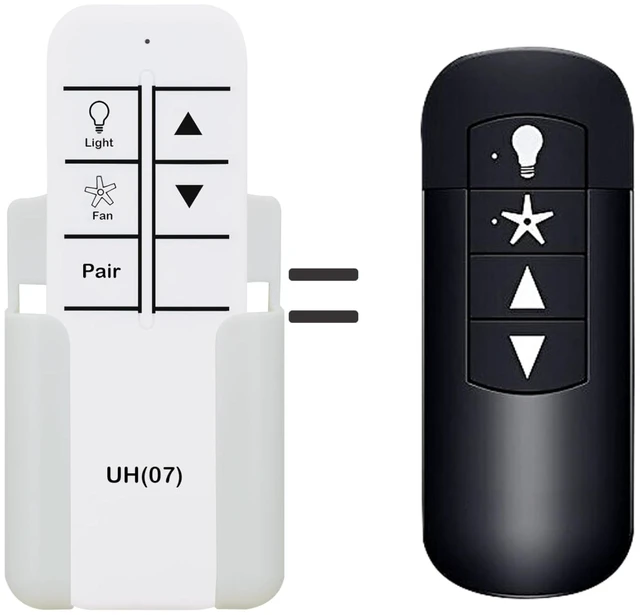
Replacement Remote Control for Hunter Ceiling Fan K6266-02,K6266-03,K6266-04,K6266-13,Compatible with Green Receiver Only (Not for Black/Blue/White Receiver)

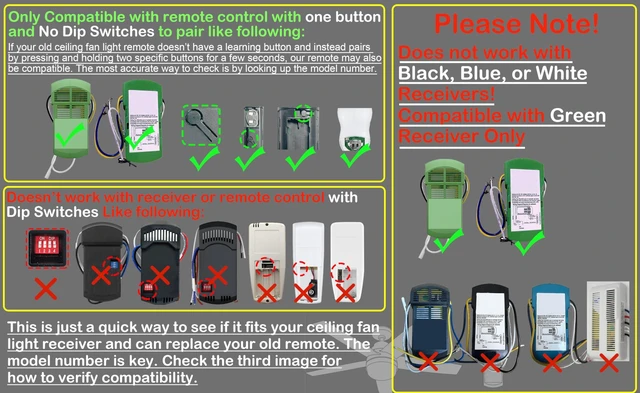
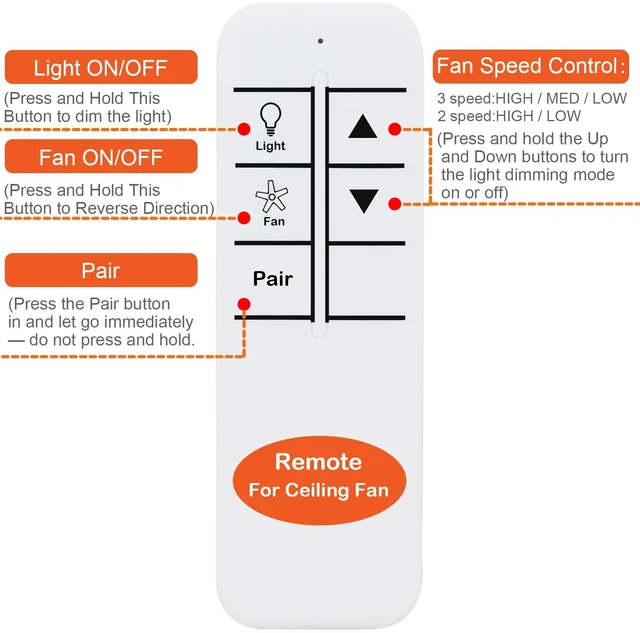
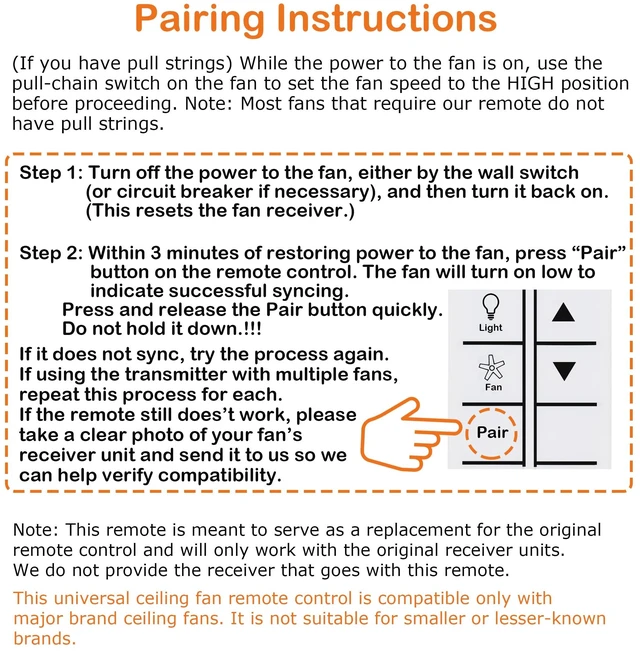
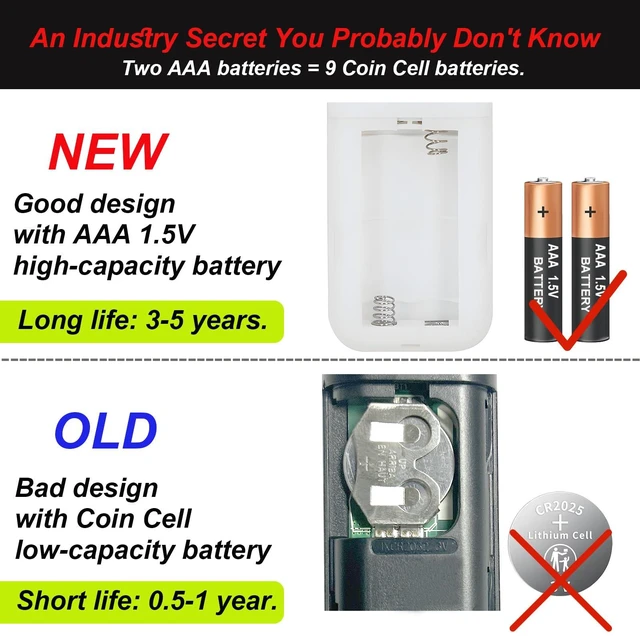
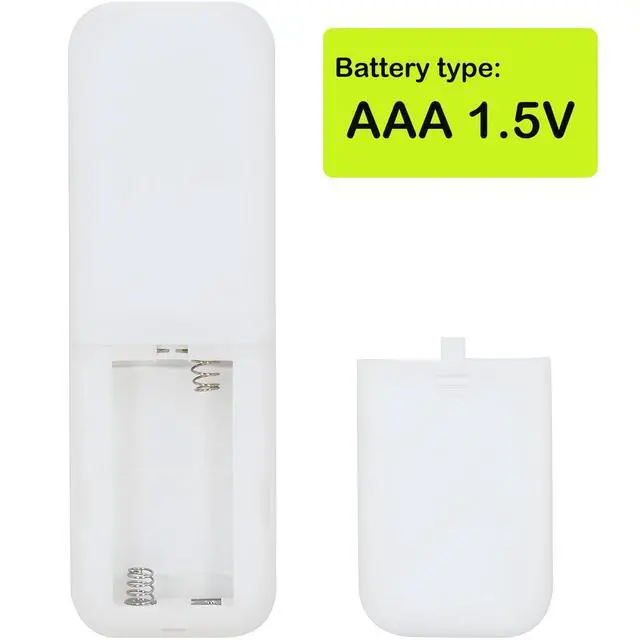
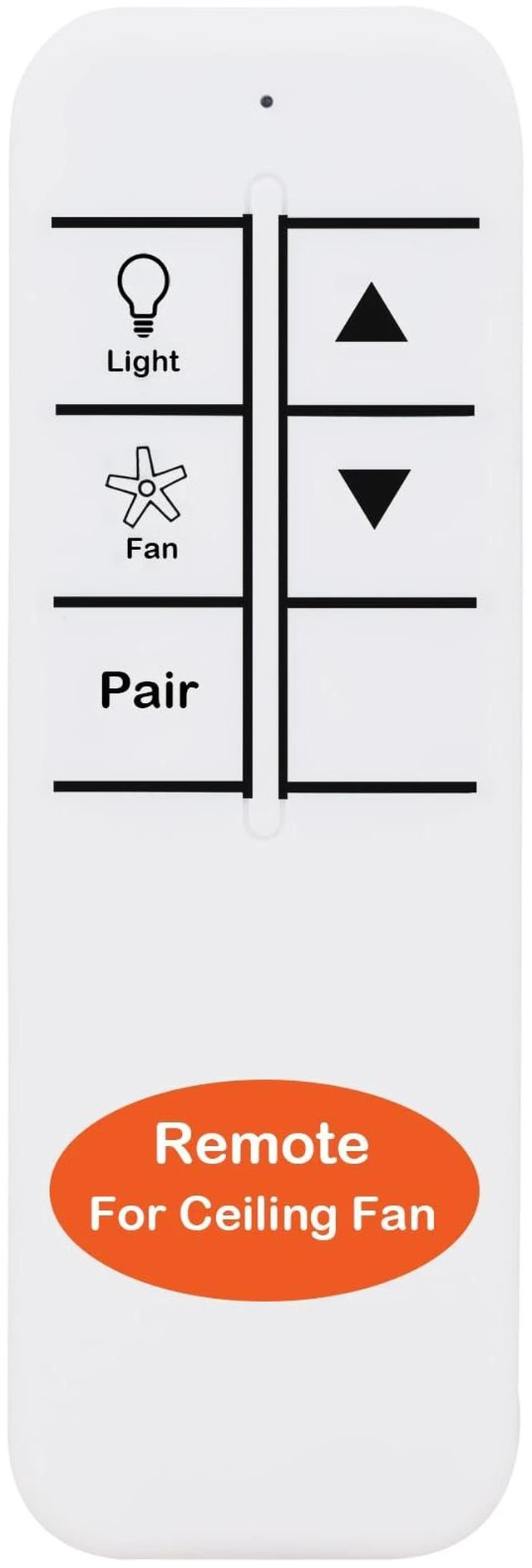
  • Replacement Remote Control for Hunter Ceiling Fan K6266-02, K6266-03, K6266-04, K6266-13, Compatible with Green Receiver Only (Not for Black/Blue/White Receiver). Does not work with black, blue, or white receiver units! Green Receiver Only This remote is designed exclusively for Hunter ceiling fans with the green receiver module. Check Before You Buy Please confirm your ceiling fan uses the green receiver before ordering to ensure compatibility. Pairing Instructions: (If you have pull strings) While the power to the fan is on, use the pull-chain switch on the fan to set the fan speed to the HIGH position before proceeding. Note: Most fans that require our remote do not have pull strings. Pairing Instructions: Step 1: Turn off the power to the fan, either by the wall switch (or circuit breaker if necessary), and then turn it back on. (This resets the fan receiver.) Step 2: Within 3 minutes of restoring power to the fan, press and release the "Pair" button on the remote control. Do not hold down the button. The fan will turn on low to indicate successful syncing. No battery included (AAA 1.5V *2PCS)

+
+
Overview
Specs
Reviews
avatar

Any questions? Our AI mode will help you find out quickly.

Replacement Remote Control for Hunter Ceiling Fan K6266-02, K6266-03, K6266-04, K6266-13, Compatible with Green Receiver Only (Not for Black/Blue/White Receiver). Does not work with black, blue, or white receiver units! Green Receiver Only This remote is designed exclusively for Hunter ceiling fans with the green receiver module. Check Before You Buy Please confirm your ceiling fan uses the green receiver before ordering to ensure compatibility.
Pairing Instructions: (If you have pull strings) While the power to the fan is on, use the pull-chain switch on the fan to set the fan speed to the HIGH position before proceeding.
Note: Most fans that require our remote do not have pull strings.
Pairing Instructions: Step
1: Turn off the power to the fan, either by the wall switch (or circuit breaker if necessary), and then turn it back on. (This resets the fan receiver. )
Step 2: Within 3 minutes of restoring power to the fan, press and release the "Pair" button on the remote control. Do not hold down the button. The fan will turn on low to indicate successful syncing. No battery included (AAA 1.5V *2PCS)

Warranty & Returns

Warranty, Returns, And Additional Information

Warranty

  • Please contact the Seller directly for warranty information. Warranty information may also be found on the Manufacturer's website.
  • CONTACT

Return Policies

Manufacturer Contact Info

LOADING...