

Your Browsing History

Meet Your Seller

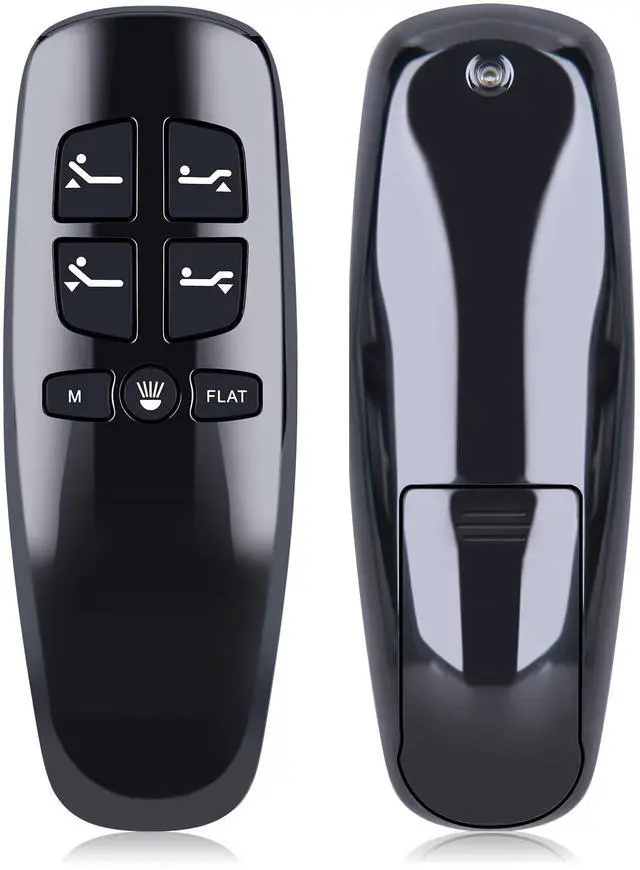
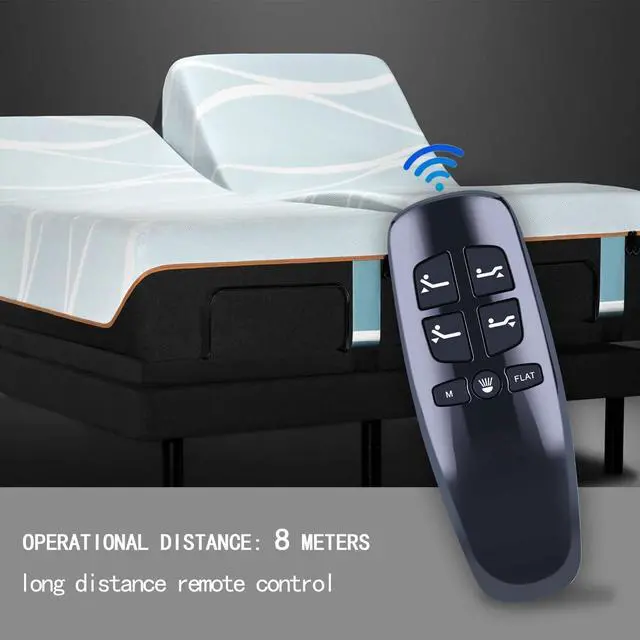
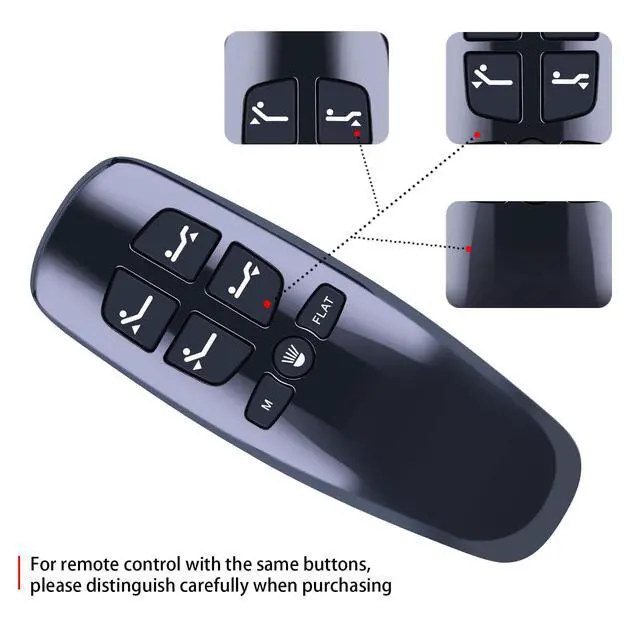


Replacement Remote Control for Lucid L300, for Bed Tech Bedtech BT2000, for Milemont Richmat HJH13D Adjustable Bed, for AMBEE21 CastleBeds (Not BT Version)
Limited time offer, ends 10/19 By Eristy shop
- This remote is only compatible with Milemont and Lucid 300 Adjustable Beds. It is also not compatible with other brands of adjustable beds, such as BeautyRest or Classic Brands Adjustable Beds. This remote does not have a massage function. So if your adjustable bed has a massage function, then this remote cannot be used. This remote model HJH13D has several versions, so please match it with your remote control buttons. If the buttons are different from ours, this product will not be able to replace your remote. How To Pair: 1. Make sure the batteries work fine. Replace them when needed. 2. Plug the power cord into the power source. Ensure there is power to the source/outlet. 3. Press and hold [Head Up] and [Foot Up] simultaneously, then press and hold the blue button on the control box cable for about 3 seconds
+
+
Overview
Specs
Reviews

Any questions? Our AI mode will help you find out quickly.
Try me now
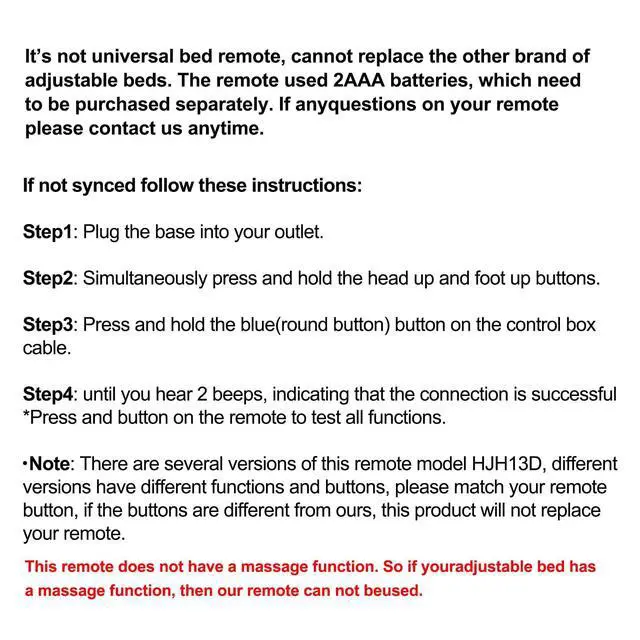
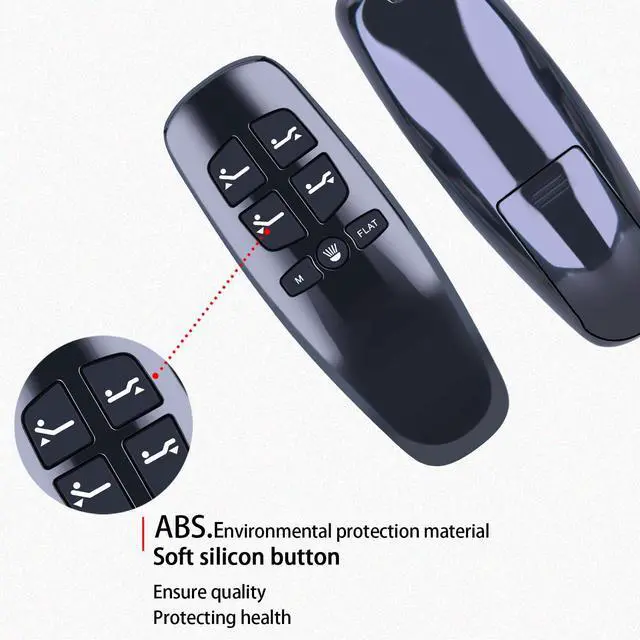
This remote is only compatible with Milemont and Lucid 300 Adjustable Beds. It is also not compatible with other brands of adjustable beds, such as BeautyRest or Classic Brands Adjustable Beds. This remote does not have a massage function. So if your adjustable bed has a massage function, then this remote cannot be used. This remote model HJH13D has several versions, so please match it with your remote control buttons. If the buttons are different from ours, this product will not be able to replace your remote.
How To Pair: 1. Make sure the batteries work fine. Replace them when needed. 2. Plug the power cord into the power source. Ensure there is power to the source/outlet. 3. Press and hold [Head Up] and [Foot Up] simultaneously, then press and hold the blue button on the control box cable for about 3 seconds
How To Pair: 1. Make sure the batteries work fine. Replace them when needed. 2. Plug the power cord into the power source. Ensure there is power to the source/outlet. 3. Press and hold [Head Up] and [Foot Up] simultaneously, then press and hold the blue button on the control box cable for about 3 seconds
Warranty & Returns
Warranty, Returns, And Additional Information
Warranty
- Please contact the Seller directly for warranty information. Warranty information may also be found on the Manufacturer's website.
- CONTACT
Return Policies
- Return for refund within: 30 days
- Return for replacement within: 30 days
- This item is covered by Eristy shop Return Policy
Manufacturer Contact Info
- For a directory of all our manufacturers, please click below.
- Manufacturers Directory
LOADING...