

Your Browsing History

Meet Your Seller


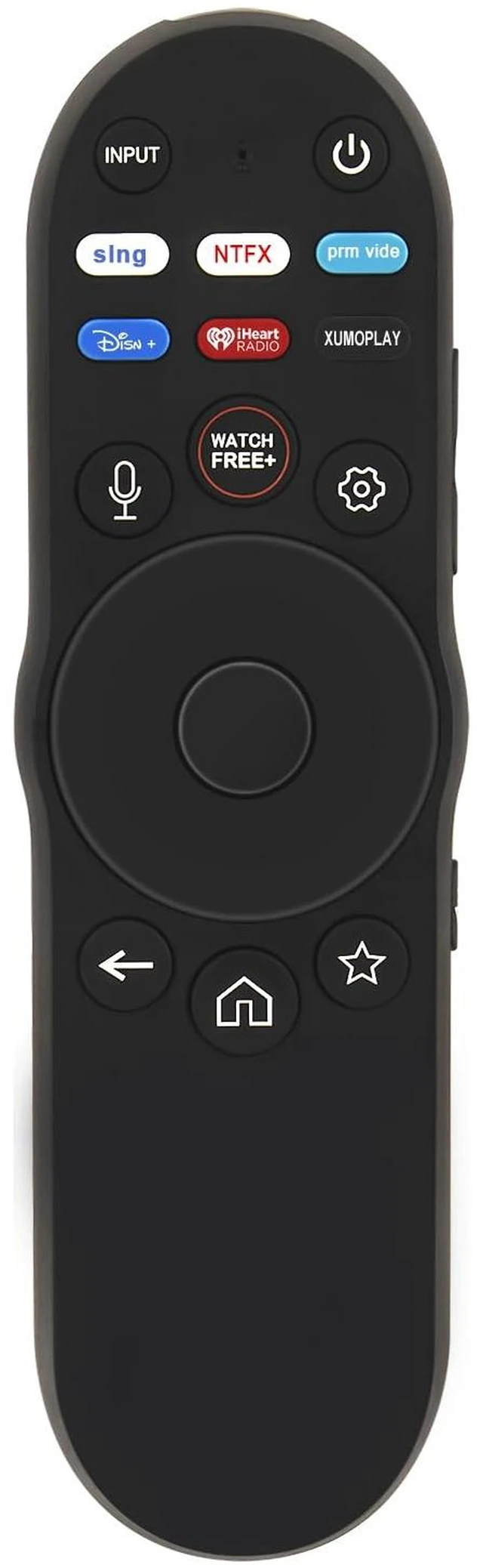
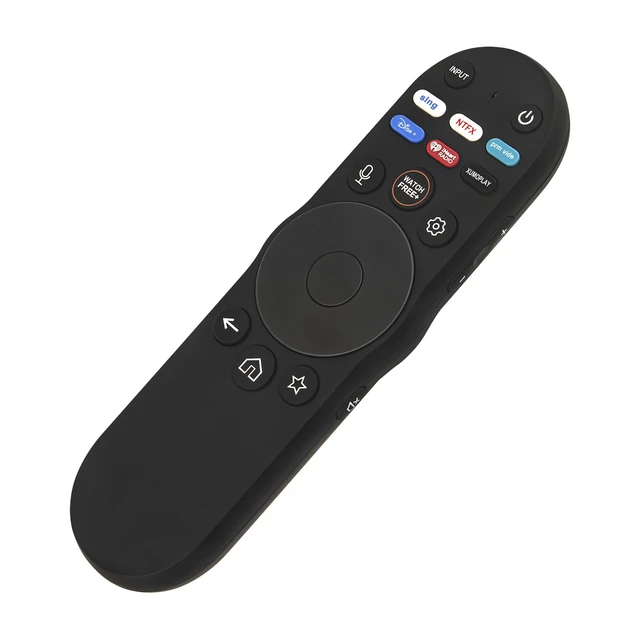
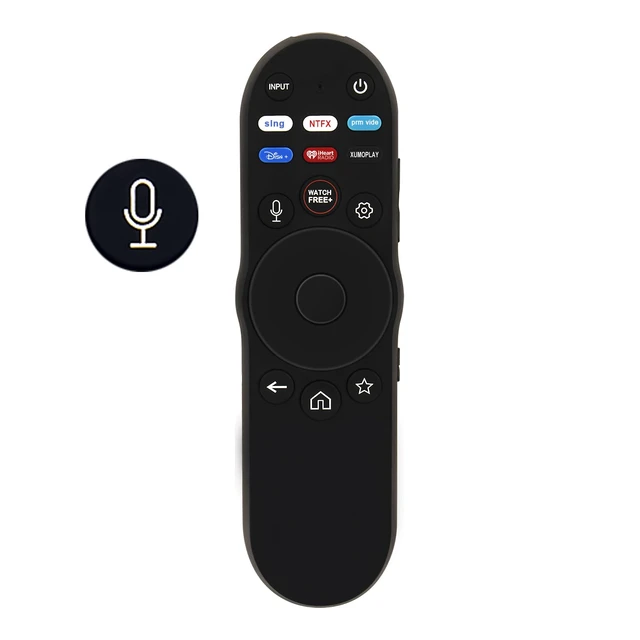
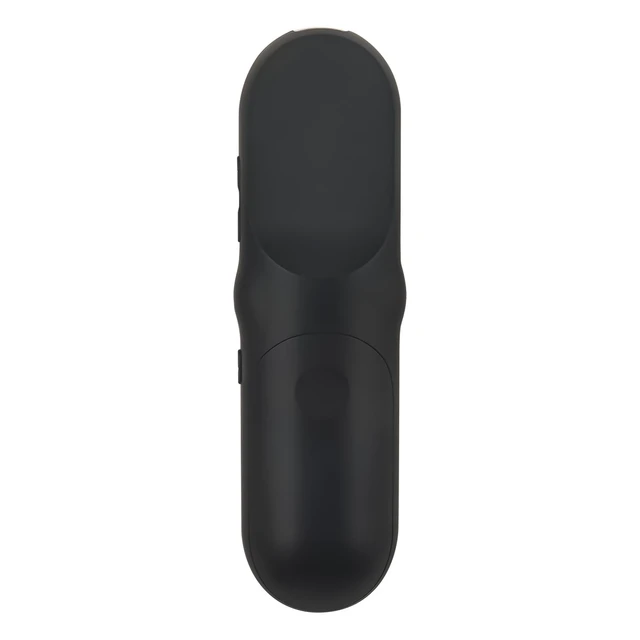
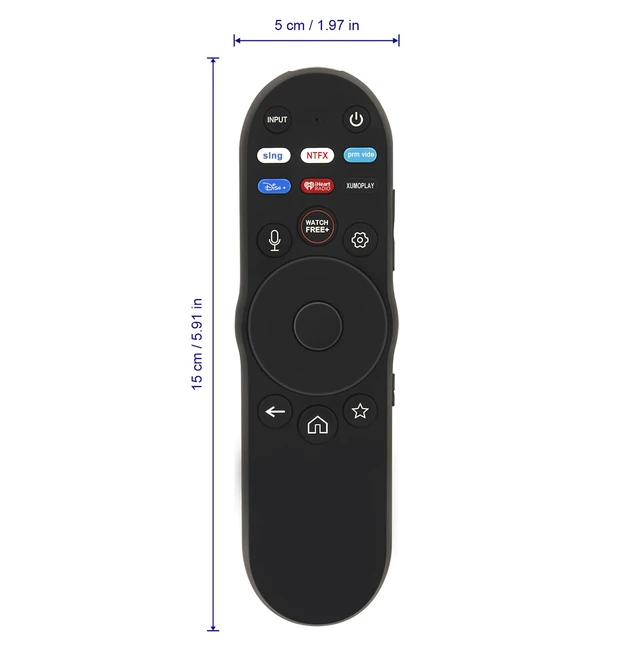


XRT270 XRT270R Voice Remote Replacement fit for VIZIO Smart TV 4K FHD Quantum, Quantum Pro, P-Series TV V4K43M-0801 V4K43C-0804 V4K43M-0804 V4K50M-0807 V4K50C-0809 V4K50M-0809 V4K50M-0810
Limited time offer, ends 10/19 By Eristy shop
- XRT270 XRT270R Voice Remote Replacement fits VIZIO Television 4K, FHD, Quantum, Quantum Pro, P-Series Smart TV. This replacement remote works for VIZIO TV Models: D24fM-K01 D32fM-K01 D40fM-K09 D43fM-K04 V435M-K04 V505M-K09 V555M-K01 V585M-K01 V655M-K03 V655M-K04 V705M-K03 V755M-K03 V435-J01 V435-J01 V436-J04 V506-J09 V556-J01 V586-J01 V656-J09 V706-J03 V756-J03 M55Q6-L4 M65Q6-L4 M75Q6-L4 M43Q6M-K04 M55Q6M-K01 M65Q6M-K04 M70Q6M-K03 M75Q6M-K03 M50QXM-K01 M65QXM-K03 M75QXM-K03 M43Q6-J04 M50Q6-J01 M55Q6-J01 M65Q6-J09 M50Q7-J01 M55Q7-J01 M58Q7-J0I M65Q7-J01 M70Q7-J03 M75Q7-J03 VQP65C-84 VQP75C-84 P65Q9-J01 P75Q9-J01. Pairing the new remote: 1. Press and hold the microphone key continuously for about 3-5 seconds, until the TV displays "Pair remote." 2. Select "Pair remote," press the OK key and enter the pairing step, then follow the TV's displayed pairing method: press and hold both the microphone and mute keys for about 5-8 seconds, until the remote light flashes, then release. The TV will display "Remote Paired successfully." If pairing is not successful, please follow the pairing method above again
+
+
Overview
Specs
Reviews

Any questions? Our AI mode will help you find out quickly.
Try me now
XRT270 XRT270R Voice Remote Replacement fits VIZIO Television 4K, FHD, Quantum, Quantum Pro, P-Series Smart TV. This replacement remote works for
VIZIO TV Models: D24fM-K01 D32fM-K01 D40fM-K09 D43fM-K04 V435M-K04 V505M-K09 V555M-K01 V585M-K01 V655M-K03 V655M-K04 V705M-K03 V755M-K03 V435-J01 V435-J01 V436-J04 V506-J09 V556-J01 V586-J01 V656-J09 V706-J03 V756-J03 M55Q6-L4 M65Q6-L4 M75Q6-L4 M43Q6M-K04 M55Q6M-K01 M65Q6M-K04 M70Q6M-K03 M75Q6M-K03 M50QXM-K01 M65QXM-K03 M75QXM-K03 M43Q6-J04 M50Q6-J01 M55Q6-J01 M65Q6-J09 M50Q7-J01 M55Q7-J01 M58Q7-J0I M65Q7-J01 M70Q7-J03 M75Q7-J03 VQP65C-84 VQP75C-84 P65Q9-J01 P75Q9-J01.
Pairing the new remote: 1. Press and hold the microphone key continuously for about 3-5 seconds, until the TV displays "Pair remote. " 2. Select "Pair remote, " press the OK key and enter the pairing step, then follow the
TV's displayed pairing method: press and hold both the microphone and mute keys for about 5-8 seconds, until the remote light flashes, then release. The TV will display "Remote Paired successfully. " If pairing is not successful, please follow the pairing method above again
VIZIO TV Models: D24fM-K01 D32fM-K01 D40fM-K09 D43fM-K04 V435M-K04 V505M-K09 V555M-K01 V585M-K01 V655M-K03 V655M-K04 V705M-K03 V755M-K03 V435-J01 V435-J01 V436-J04 V506-J09 V556-J01 V586-J01 V656-J09 V706-J03 V756-J03 M55Q6-L4 M65Q6-L4 M75Q6-L4 M43Q6M-K04 M55Q6M-K01 M65Q6M-K04 M70Q6M-K03 M75Q6M-K03 M50QXM-K01 M65QXM-K03 M75QXM-K03 M43Q6-J04 M50Q6-J01 M55Q6-J01 M65Q6-J09 M50Q7-J01 M55Q7-J01 M58Q7-J0I M65Q7-J01 M70Q7-J03 M75Q7-J03 VQP65C-84 VQP75C-84 P65Q9-J01 P75Q9-J01.
Pairing the new remote: 1. Press and hold the microphone key continuously for about 3-5 seconds, until the TV displays "Pair remote. " 2. Select "Pair remote, " press the OK key and enter the pairing step, then follow the
TV's displayed pairing method: press and hold both the microphone and mute keys for about 5-8 seconds, until the remote light flashes, then release. The TV will display "Remote Paired successfully. " If pairing is not successful, please follow the pairing method above again
Warranty & Returns
Warranty, Returns, And Additional Information
Warranty
- Please contact the Seller directly for warranty information. Warranty information may also be found on the Manufacturer's website.
- CONTACT
Return Policies
- Return for refund within: 30 days
- Return for replacement within: 30 days
- This item is covered by Eristy shop Return Policy
Manufacturer Contact Info
- For a directory of all our manufacturers, please click below.
- Manufacturers Directory
LOADING...