• $47.99
  • Free 30-day Returns
  • Price alert
    Shop it at NeweggBusiness.

    Meet Your Seller

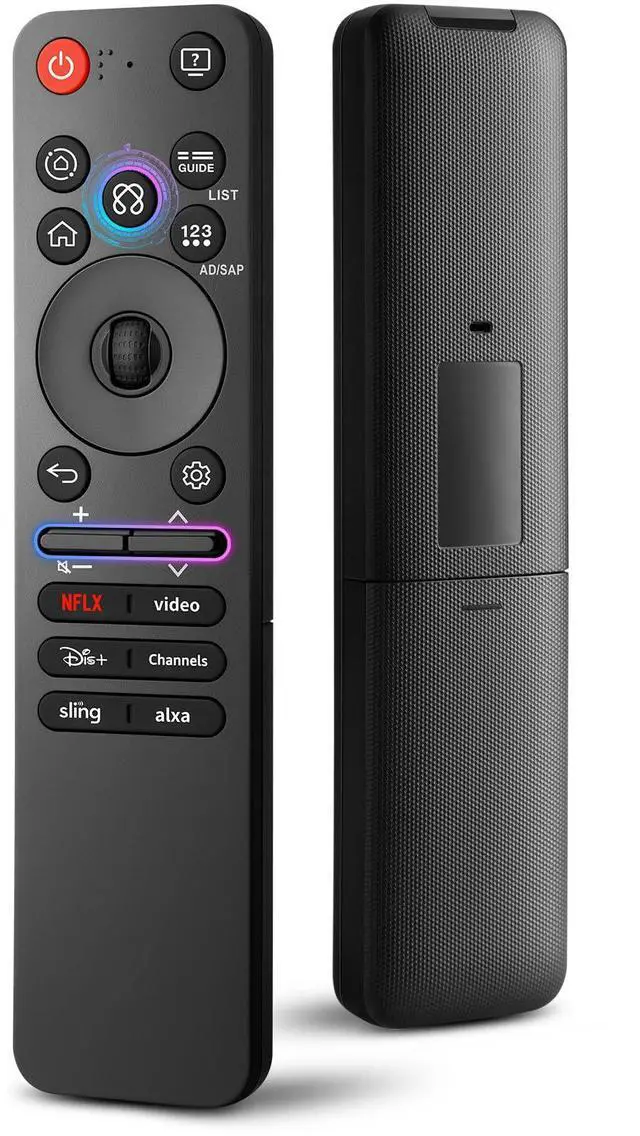
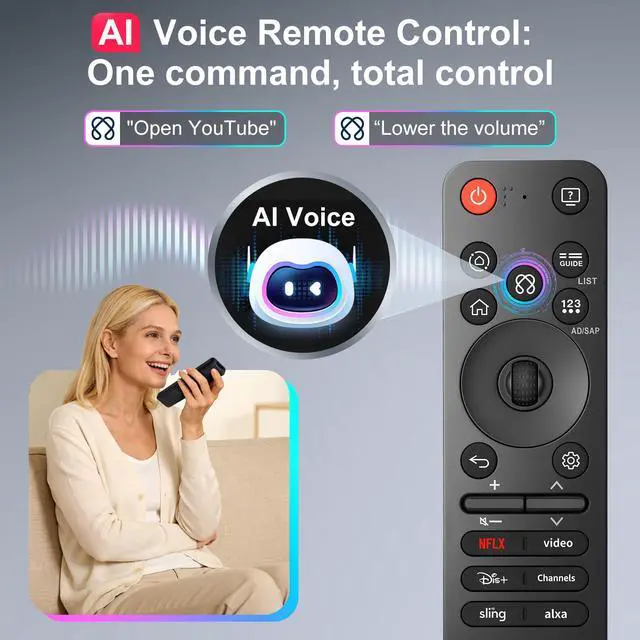
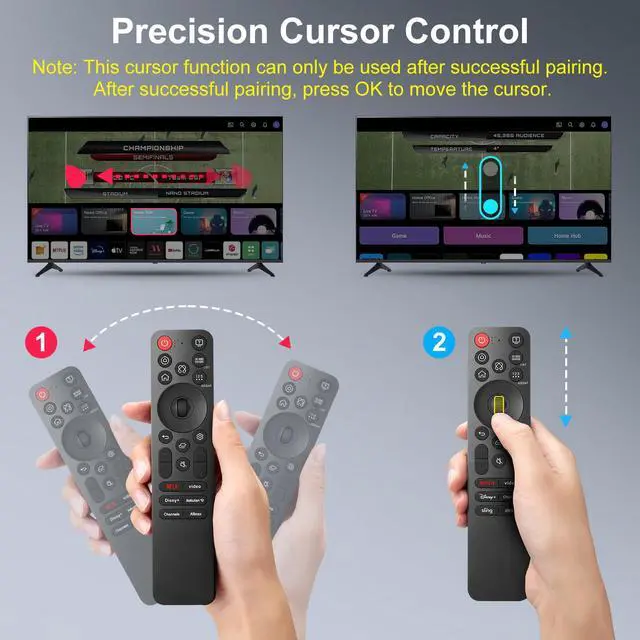
    Magic-Control for LG-Smart-TV-Remote-Replacement, for LG TV MR25GA MR24GA for MR23GA MR22GA MR21GA MR20GA MR19GA, Supports Voice & Pointer Control, ABS Material, 6 Shortcut Keys

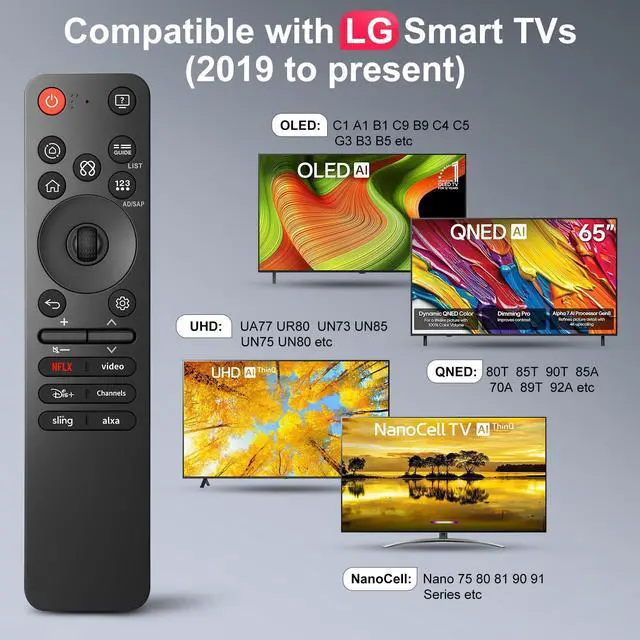
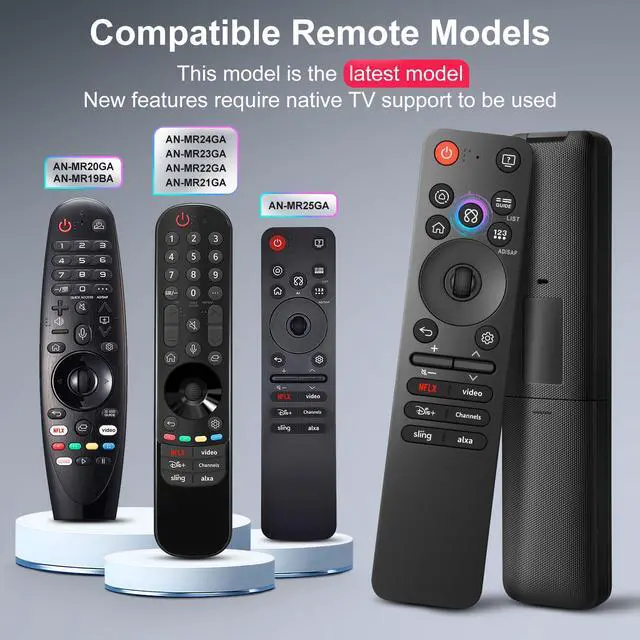
    • Universal Compatibility: Compatible with LG Smart TVs featuring voice control 2019 to present, including but not limited to: UHD (NanoCell 75 80 81 90 91, UN73 75 80 85 87 90 Series), OLED (C1/A1/CX/BX/B1/C9/E9/G5/GX/B9/W9/WX/C4/C5/G3/B3/B5/M3/A2/M5), QNED (QNED80T/85T/90T/85A/70A/89T/92A). If you are unsure of your TV model, please consult our team. Compatible Remote Models: Compatible with LG AN-MR25GA, AN-MR24GA, AN-MR23GA, AN-MR22GA, AN-MR21GA, AN-MR20GA, AN-MR19GA Remote. One-Click Access: 6 quick-access buttons provide instant access to popular streaming platformslaunch your dedicated entertainment space in under 3 seconds. Simple Pairing: Turn on the TV and insert 2*AAA batteries (NOT Included). Point the remote at the TV, then press and hold the Home button+Back button for 5s. Wait 5 seconds, then press the scroll (OK) button to complete pairing. If pairing fails, repeat the above steps. High Quality: Upgraded remote control crafted from quality ABS material, with buttons rigorously tested to last over 100,000 pressesthe perfect replacement for your old remote
    +
    +
    Overview
    Specs
    Reviews
    avatar

    Any questions? Our AI mode will help you find out quickly.

    Universal Compatibility: Compatible with LG Smart TVs featuring voice control 2019 to present, including
    but not limited to: UHD (NanoCell 75 80 81 90 91, UN73 75 80 85 87 90 Series), OLED (C1/A1/CX/BX/B1/C9/E9/G5/GX/B9/W9/WX/C4/C5/G3/B3/B5/M3/A2/M5), QNED (QNED80T/85T/90T/85A/70A/89T/92A). If you are unsure of your TV model, please consult our team.
    Compatible Remote Models: Compatible with LG AN-MR25GA, AN-MR24GA, AN-MR23GA, AN-MR22GA, AN-MR21GA, AN-MR20GA, AN-MR19GA Remote.
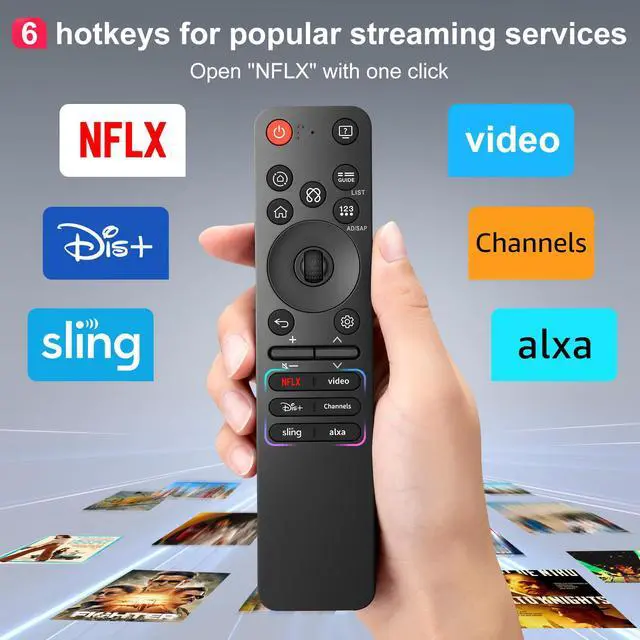
    One-Click Access: 6 quick-access buttons provide instant access to popular streaming platformslaunch your dedicated entertainment space in under 3 seconds.
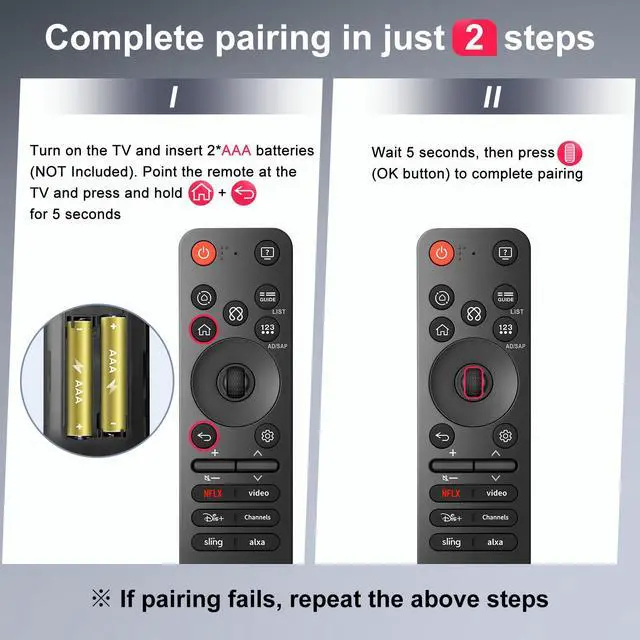
    Simple Pairing: Turn on the TV and insert 2*AAA batteries (NOT Included). Point the remote at the TV, then press and hold the Home button+Back button for 5s. Wait 5 seconds, then press the scroll (OK) button to complete pairing. If pairing fails, repeat the above steps.
    High Quality: Upgraded remote control crafted from quality ABS material, with buttons rigorously tested to last over 100, 000 pressesthe perfect replacement for your old remote

    Warranty & Returns

    Warranty, Returns, And Additional Information

    Warranty

    • Please contact the Seller directly for warranty information. Warranty information may also be found on the Manufacturer's website.
    • CONTACT

    Return Policies

    Manufacturer Contact Info

    LOADING...