Your Browsing History
- Free 30-day Returns
$49.99
Meet Your Seller
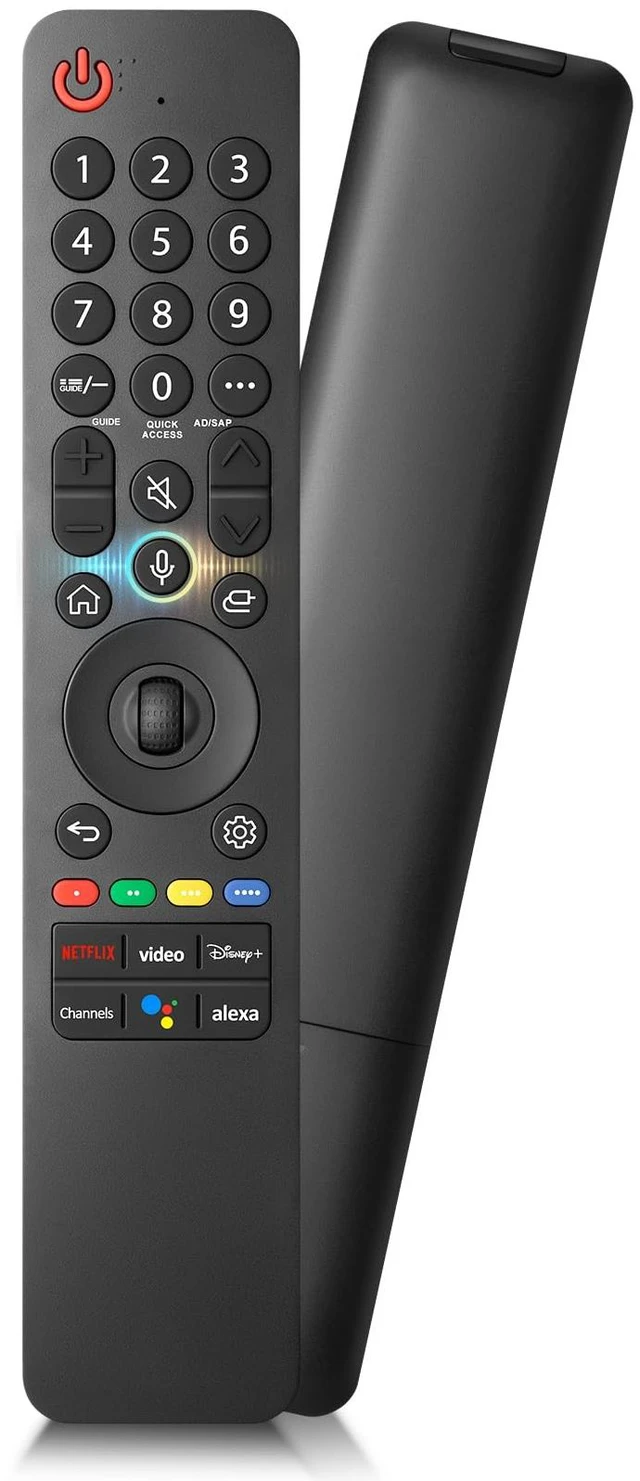
Voice-Magic-for-LG-TV-Remote-Control-Replacement Compatible with LG MR19GAMR20GAMR21GAMR22GNMR23GA(SlingMR24GNMR25GA
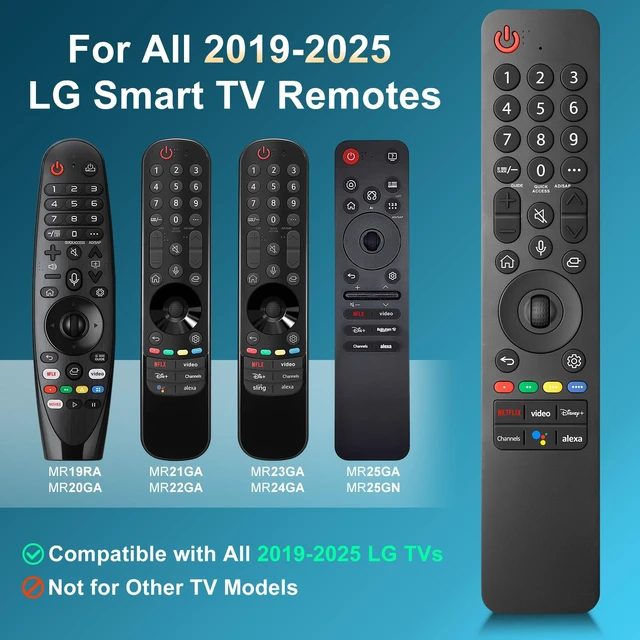
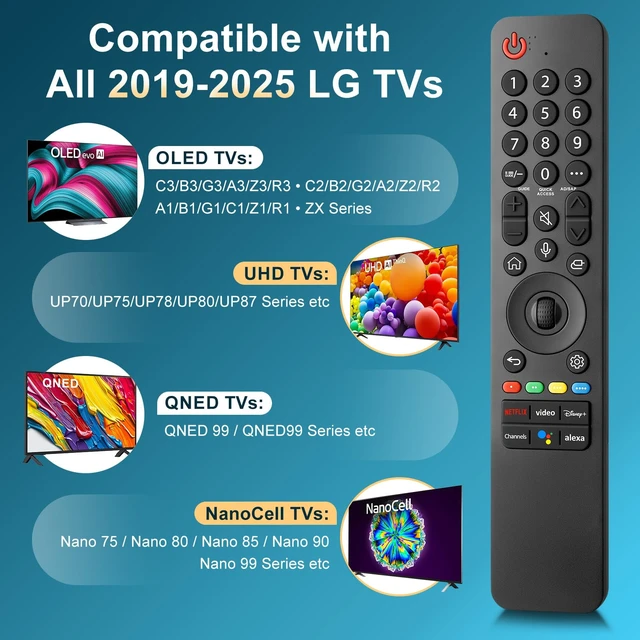
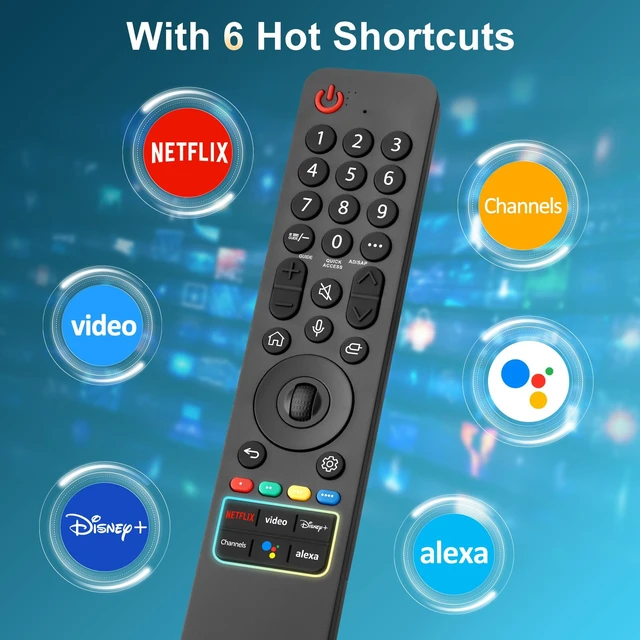
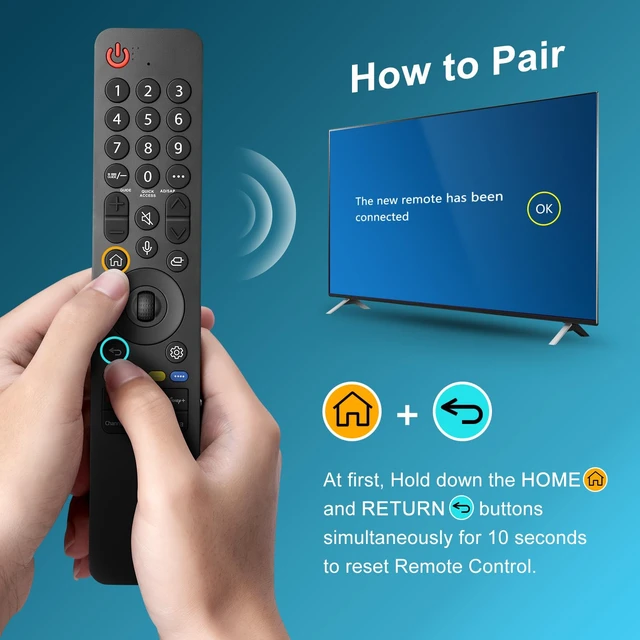
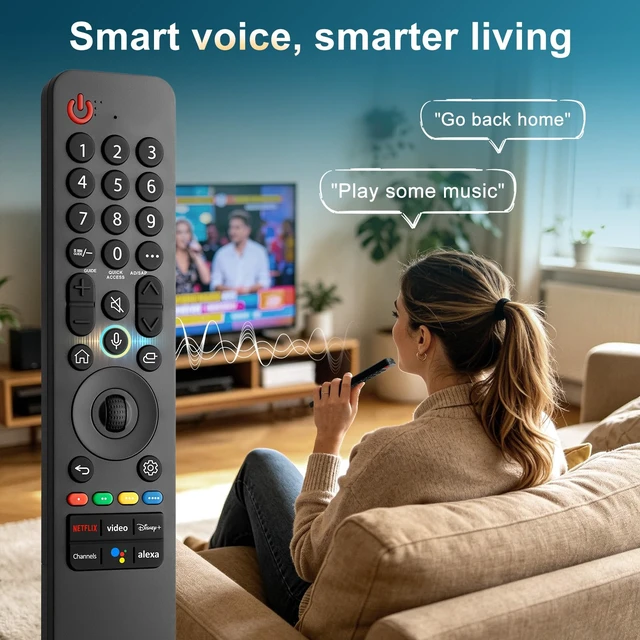
- This high-quality remote is compatible with all 2019-2025 LG Smart TVs that support voice control. It's a perfect replacement for LG Magic Remotes, including (but not limited to) MR19GA, MR20GA, MR21GA, MR22GN, MR23GA(Sling), MR24GN, MR25GA and many others. For TV models that do not support voice control or were released before 2018, the voice search functionality may not work. This remote only works with LG TVs; Not for LG soundbars or TV boxes. Step 1, install 2 AAA batteries and turn on the TV. Step 2, press and hold the "Home" button and "Back" button simultaneously for 5-7 seconds. Then aim the remote at the TV and press the middle Wheel (OK) button to complete the pairing. Step 3, If the pairing fails, please repeat Step 2. Pair your remote control with your LG TV to enjoy advanced voice functions, and it's also designed with 6 shortcut buttons for one-touch access to your favorite streaming channels!

+
+
Overview
Specs
Reviews
Any questions? Our AI mode will help you find out quickly.
Try me now
This high-quality remote is compatible with all 2019-2025 LG Smart TVs that support voice control. It's a perfect replacement for LG Magic Remotes, including (but not limited to) MR19GA, MR20GA, MR21GA, MR22GN, MR23GA (Sling), MR24GN, MR25GA and many others. For TV models that do not support voice control or were released before 2018, the voice search functionality may not work. This remote only works with LG TVs; Not for LG soundbars or TV boxes. Step 1, install 2 AAA batteries and turn on the TV.
Step 2, press and hold the "Home" button and "Back" button simultaneously for 5-7 seconds. Then aim the remote at the TV and press the middle Wheel (OK) button to complete the pairing. Step 3, If the pairing fails, please repeat Step 2. Pair your remote control with your LG TV to enjoy advanced voice functions, and it's also designed with 6 shortcut buttons for one-touch access to your favorite streaming channels!
Warranty & Returns
Warranty, Returns, And Additional Information
Warranty
- Please contact the Seller directly for warranty information. Warranty information may also be found on the Manufacturer's website.
- CONTACT
Return Policies
- Return for refund within: 30 days
- Return for replacement within: 30 days
- This item is covered by Yihe Global Store Return Policy
Manufacturer Contact Info
- For a directory of all our manufacturers, please click below.
- Manufacturers Directory
LOADING...