Out of stock
  • $37.99
  • Free 30-day Returns
Price alert
Shop it at NeweggBusiness.

Meet Your Seller

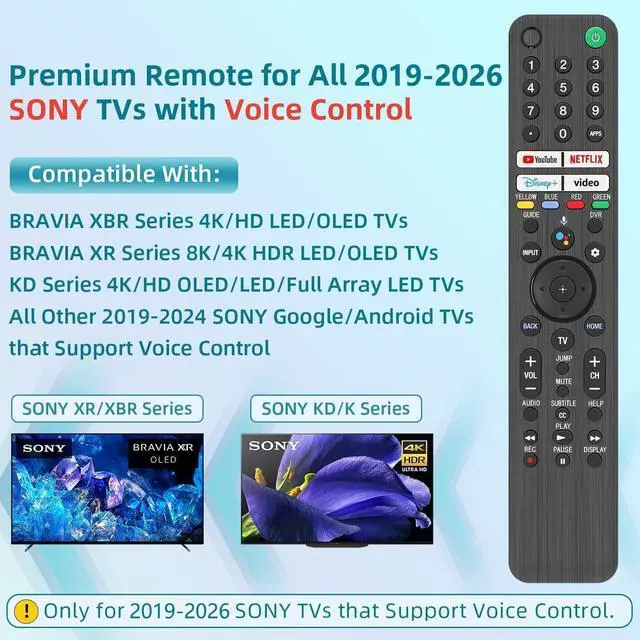
Replacement for Sony TV Remote, for All 2019-2026 Sony Remote Control for Bravia Smart TV with Voice Control. for Bravia XR/XBR/KD/K Series Google/Android TVs

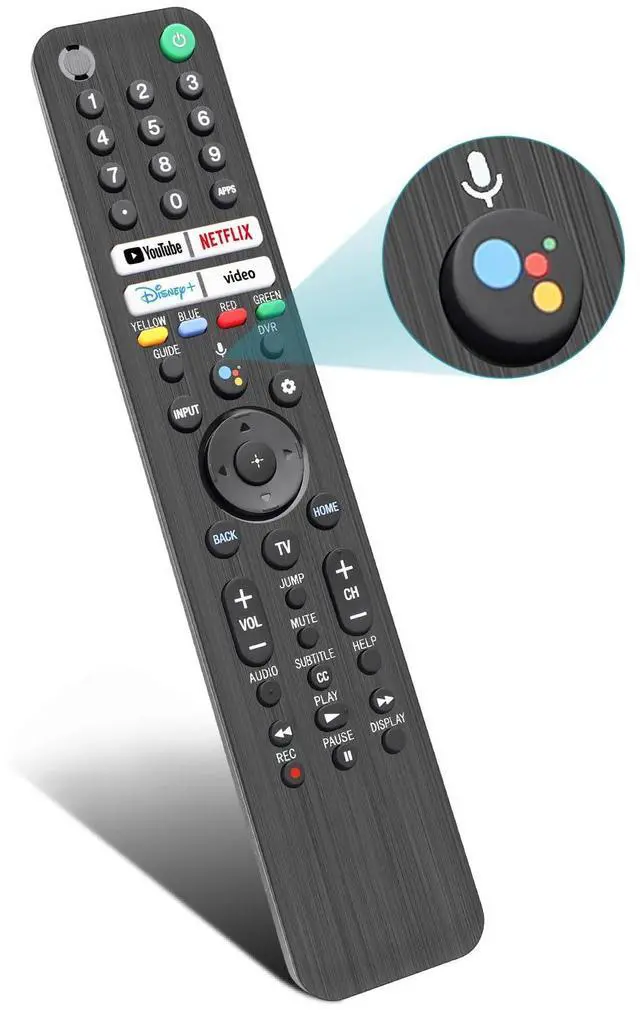
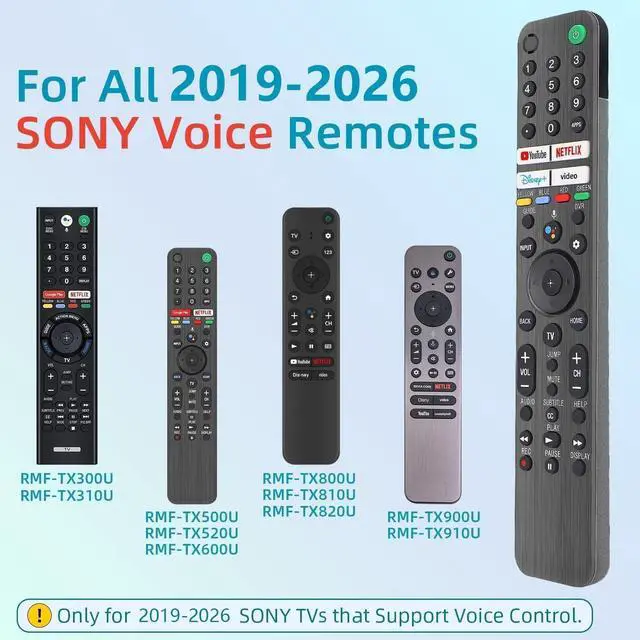
  • This high-end remote is designed for all 2019-2026 SONY TVs. It serves as an excellent replacement for various SONY voice remote controls such as RMF-TX520U/500U, RMF-TX800U/810U/811U/820U, RMF-TX900U/910U/920U, RMF-TX300/310U, RMF-TX600U/611U/621U and others. For TVs that do not support voice control or were released before 2018, the voice search functionality may not work. This remote requires two AAA batteries, and is NOT backlit. With its advanced chip, this remote offers precise Bluetooth voice control from a long distance. Please make sure to follow the user manual to pair this remote before using the Bluetooth voice function. The number pad helps you quickly access the TV channels you want to watch, while dedicated shortcut buttons give you one-click access to Netflix, YouTube, Prime Video, and Disney+. Unlike other replacement Sony remotes that skip these features, you get complete control in one device. Navigate to Settings -> Remotes & Accessories -> Remote Control -> Connect A New Remote. To initiate the pairing process, press and hold the "VOL -" button while simultaneously pressing the "Mic" button for 3-5 seconds. If the pairing fails, make sure you have signed in to the Google TV account on your SONY TV, then repeat the previous pairing steps. Make sure new batteries are inserted

+
+
Overview
Specs
Reviews
avatar

Any questions? Our AI mode will help you find out quickly.

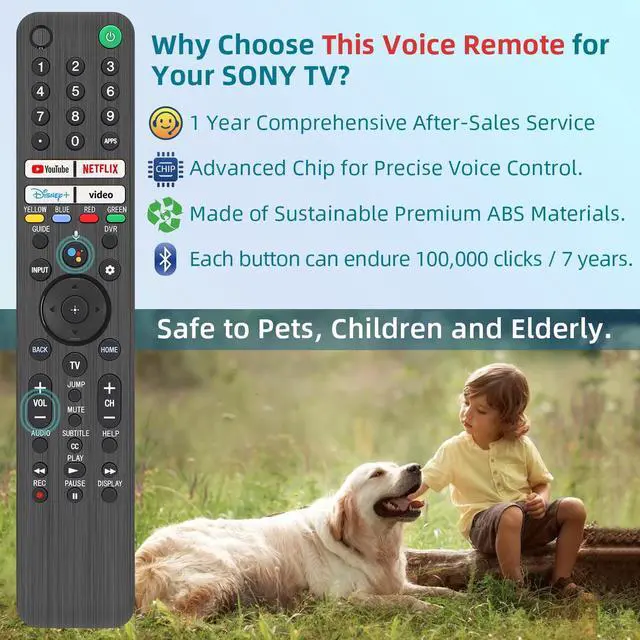
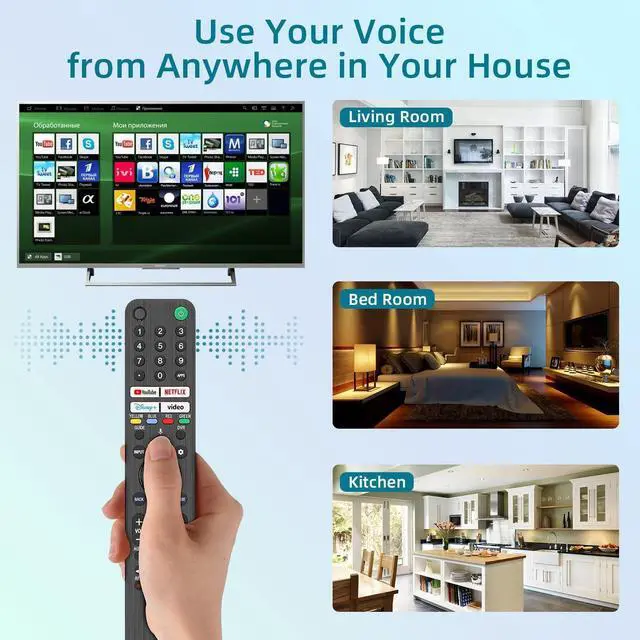
This high-end remote is designed for all 2019-2026 SONY TVs. It serves as an excellent replacement for various SONY voice remote controls such as RMF-TX520U/500U, RMF-TX800U/810U/811U/820U, RMF-TX900U/910U/920U, RMF-TX300/310U, RMF-TX600U/611U/621U and others. For TVs that do not support voice control or were released before 2018, the voice search functionality may not work. This remote requires two AAA batteries, and is NOT backlit. With its advanced chip, this remote offers precise Bluetooth voice control from a long distance. Please make sure to follow the user manual to pair this remote before using the Bluetooth voice function.

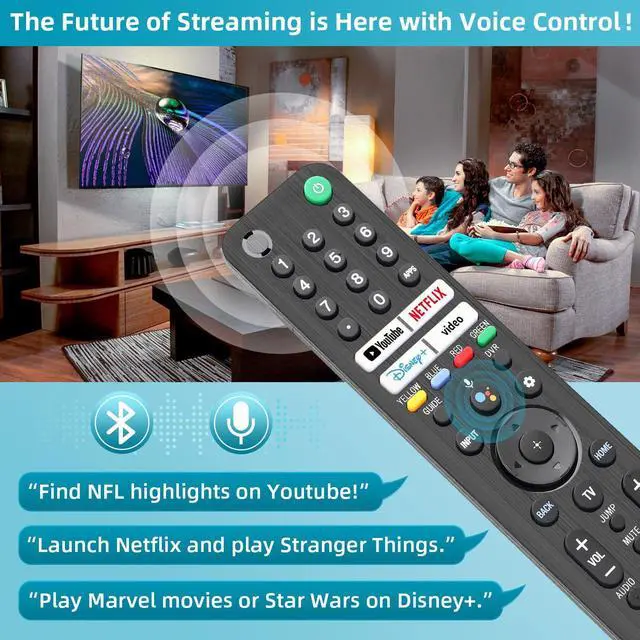
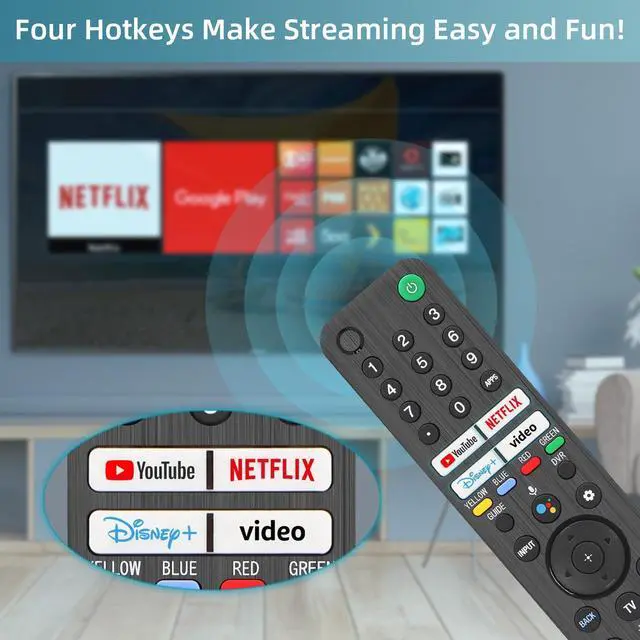
The number pad helps you quickly access the TV channels you want to watch, while dedicated shortcut buttons give you one-click access to Netflix, YouTube, Prime Video, and Disney+. Unlike other replacement Sony remotes that skip these features, you get complete control in one device. Navigate to Settings -> Remotes & Accessories -> Remote Control -> Connect A New Remote. To initiate the pairing process, press and hold the "VOL -" button while simultaneously pressing the "Mic" button for 3-5 seconds. If the pairing fails, make sure you have signed in to the Google TV account on your SONY TV, then repeat the previous pairing steps.

Make sure new batteries are inserted

Warranty & Returns

Warranty, Returns, And Additional Information

Warranty

  • Please contact the Seller directly for warranty information. Warranty information may also be found on the Manufacturer's website.
  • CONTACT

Return Policies

Manufacturer Contact Info

LOADING...