Out of stock
  • $59.99
  • Free 30-day Returns
Sold by HeYuan Shop

Shipped by HeYuan Shop

Price alert
Shop it at NeweggBusiness.

Meet Your Seller

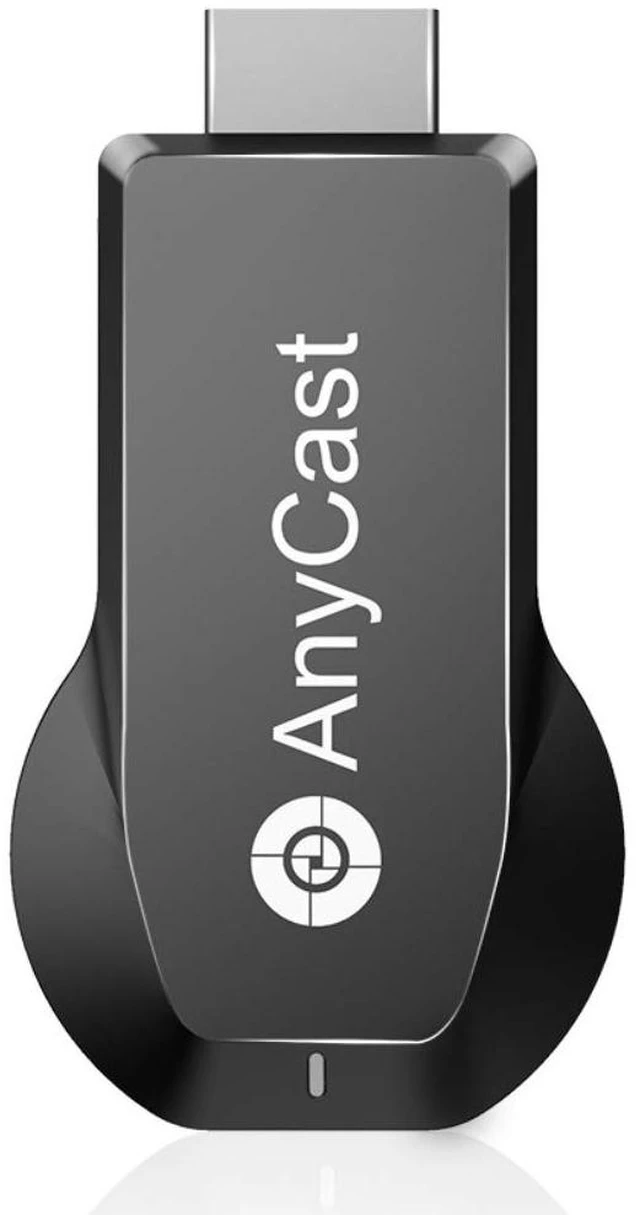
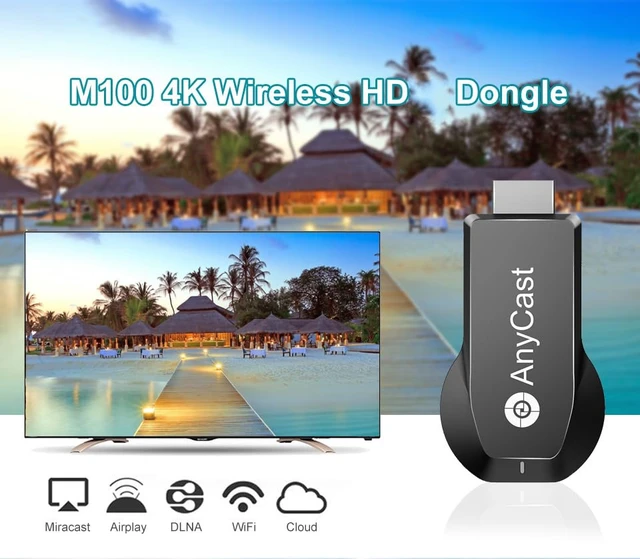
4K/1080P Anycast M100 Wireless Display Adapter, WiFi Display Dongle HD Screen Mirroring Dual Core H.265/HEVC Decoder HD TV Stick Without Switching Miracast Airplay DLNA Support 4K 1080P

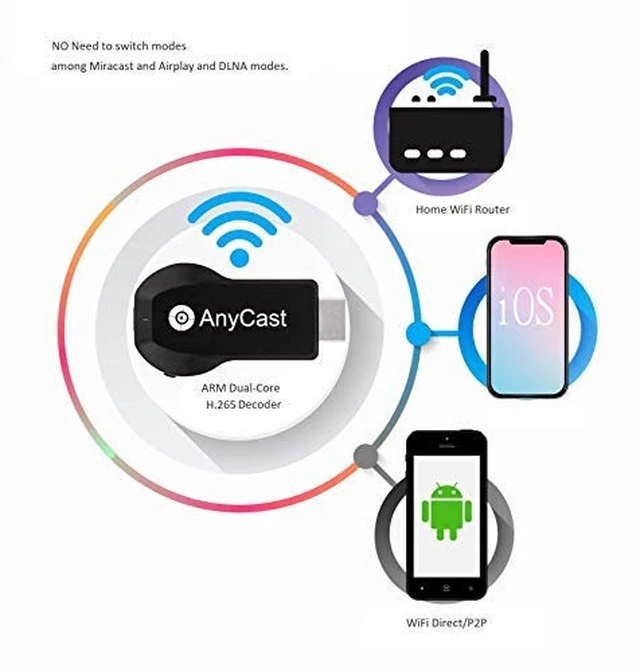
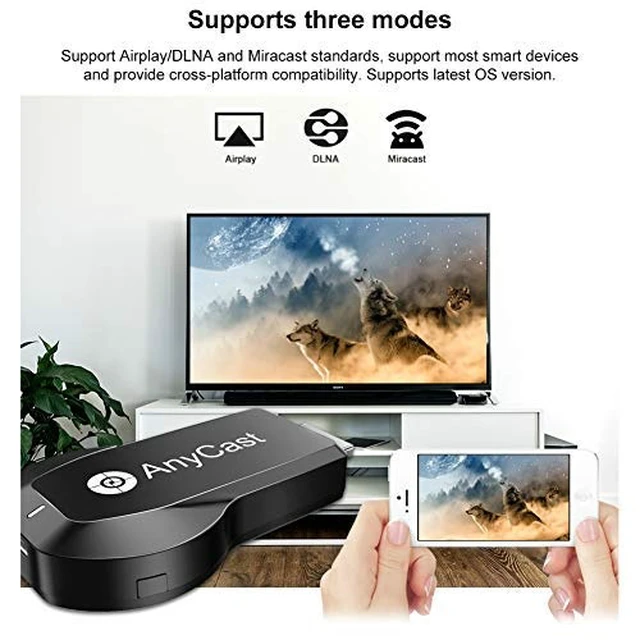
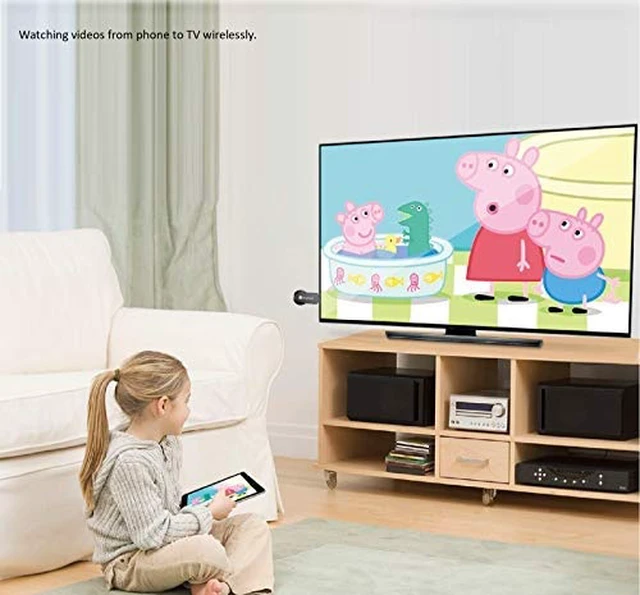
  • [Upgrade Version] RAM dual-core chipset, H.265/HEVC decoder, supports 4K (3840 x 2160) and 1080P resolution, with no need for switching between Miracast, AirPlay, and DLNA modes. Anycast M100 mirrors the entire screen of your mobile device (iOS and Android device) on an HDTV, projector, or monitor wirelessly. [Setup for iOS Users] a. Connect Anycast in the WiFi list on your iOS device. b. Access IP address 192.168.203.1 via a browser to connect to WiFi internet. c. Confirm your phone is connected to the same WiFi. d. Open AirPlay Mirroring to cast your iOS screen to your TV wirelessly. Now you see what shows on your iOS device on TV. [Setup for Android Users] Open the Miracast function on your Android device and select Anycast to cast your device to TV. If you don't know about Miracast, you can download the "EZMira" app by scanning the QR code on screen; then open the "EZMira" app to connect to Anycast, and it will guide you. Now your small screen will be mirrored to the big screen. [Wide Compatibility] Supports Miracast, AirPlay, and DLNA. Compatible with Android 4.4+ and iOS 9.0+, MacOS 10+, Windows 8.1+ (must be Miracast enabled, please check that first). While friends gather or family reunites, you can share photos, videos, or movies from a phone or tablet to your big screen wirelessly. Share presentations or files on the big screen in a conference or classroom. Not compatible with apps that have protocol protection, such as Netflix, Video, HBO Go, Hulu Plus, Sky Go, DI
+
+
Overview
Specs
Reviews
avatar

Any questions? Our AI mode will help you find out quickly.

[Upgrade Version] RAM dual-core chipset, H. 265/HEVC decoder, supports 4K (3840 x 2160) and 1080P resolution, with no need for switching between Miracast, AirPlay, and DLNA modes. Anycast M100 mirrors the entire screen of your mobile device (iOS and Android device) on an HDTV, projector, or monitor wirelessly. [Setup for iOS Users] a. Connect Anycast in the WiFi list on your iOS device. b. Access IP address 192.168. 203.1 via a browser to connect to WiFi internet. c. Confirm your phone is connected to the same WiFi.

d. Open AirPlay Mirroring to cast your iOS screen to your TV wirelessly. Now you see what shows on your iOS device on TV. [Setup for Android Users] Open the Miracast function on your Android device and select Anycast to cast your device to TV. If you don't know about Miracast, you can download the "EZMira" app by scanning the QR code on screen; then open the "EZMira" app to connect to Anycast, and it will guide you. Now your small screen will be mirrored to the big screen. [Wide Compatibility] Supports Miracast, AirPlay, and DLNA.

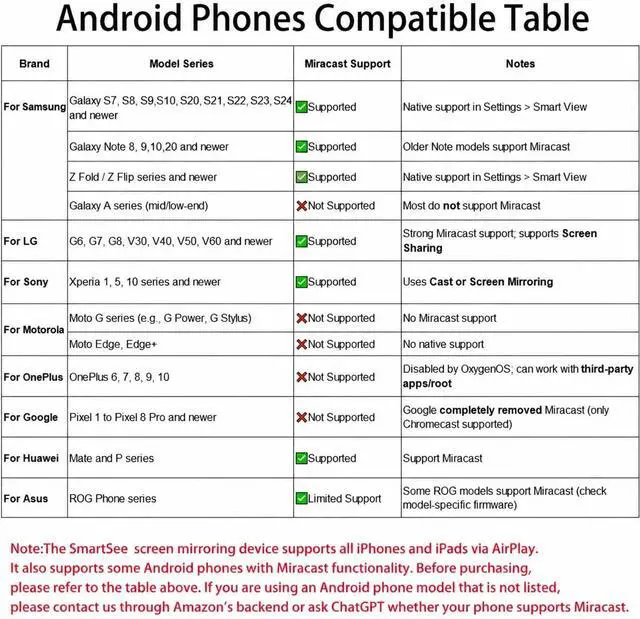
Compatible with Android 4.4 + and iOS 9.0 +, MacOS 10+, Windows 8.1 + (must be Miracast enabled, please check that first). While friends gather or family reunites, you can share photos, videos, or movies from a phone or tablet to your big screen wirelessly. Share presentations or files on the big screen in a conference or classroom. Not compatible with apps that have protocol protection, such as Netflix, Video, HBO Go, Hulu Plus, Sky Go, DIRECTV, etc. [Regular OTA Update] The firmware is regularly updated from the cloud server to add features and improve compatibility.

Connect this dongle to your WiFi and it will be upgraded automatically, so this dongle can be compatible with the newest version of your iOS, Android, or Windows device at any time. When Apple or Android updates the system, the dongle version will be updated within one week

Warranty & Returns

Warranty, Returns, And Additional Information

Warranty

  • Please contact the Seller directly for warranty information. Warranty information may also be found on the Manufacturer's website.
  • CONTACT

Return Policies

Manufacturer Contact Info

LOADING...