• $35.99
  • Free 30-day Returns
  • Sold by Myriad Mart

    Shipped by Myriad Mart

    Price alert
    Shop it at NeweggBusiness.

    Meet Your Seller

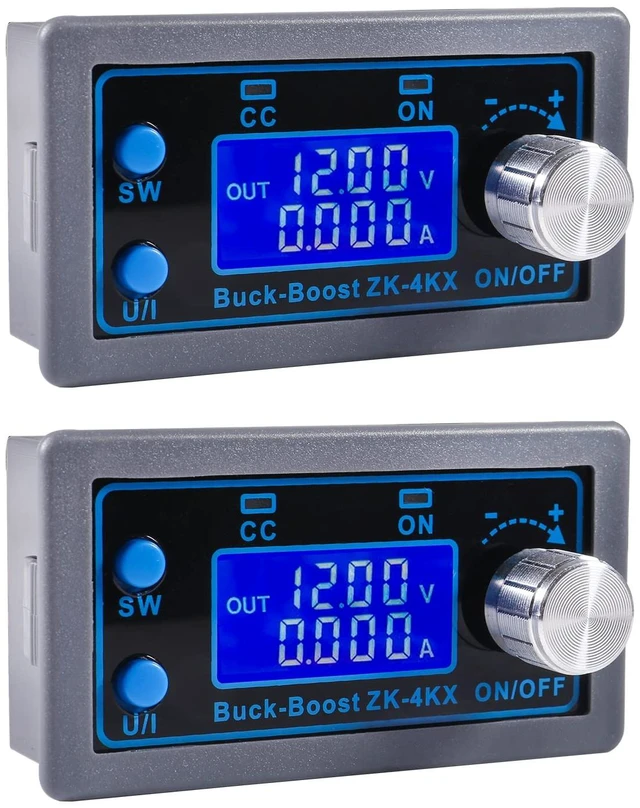
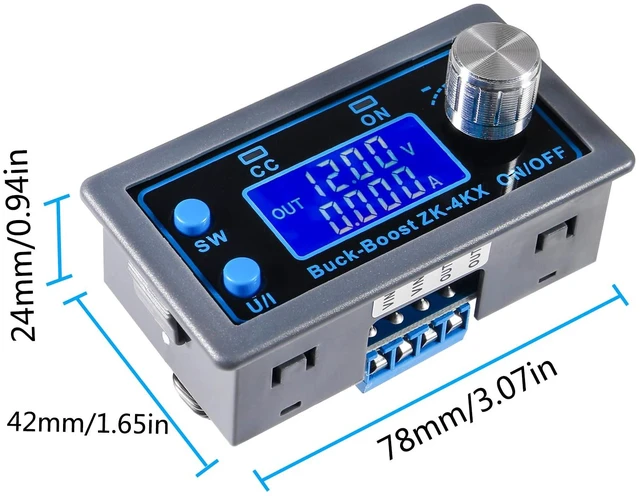
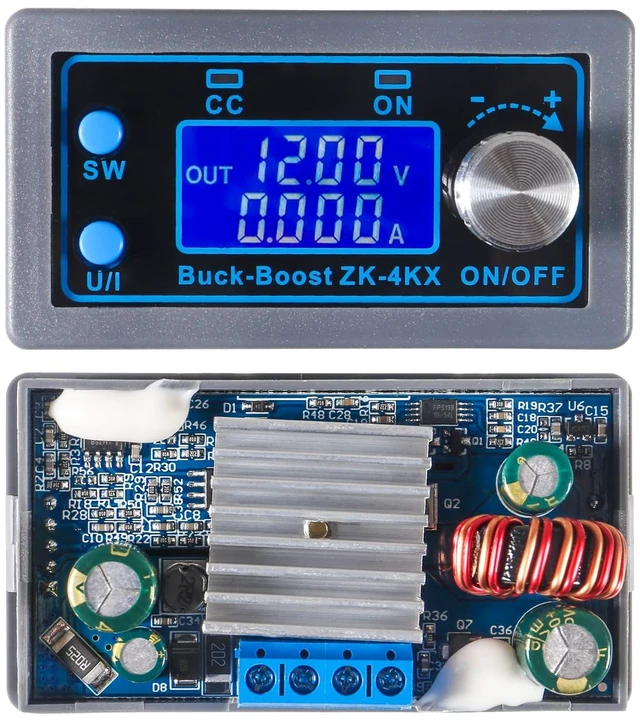
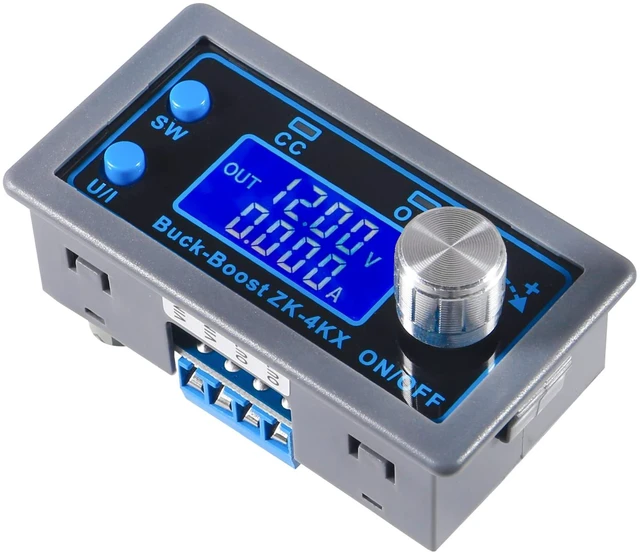
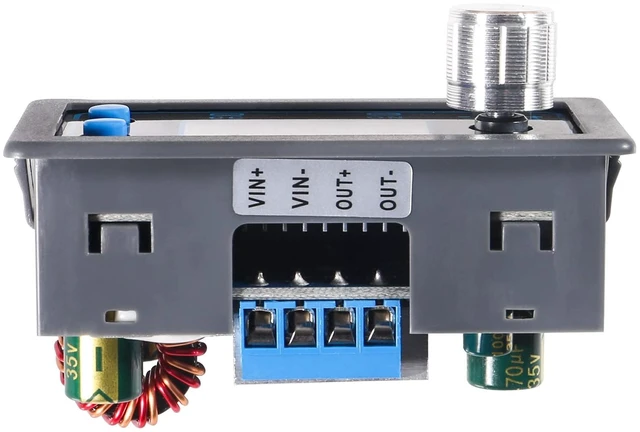
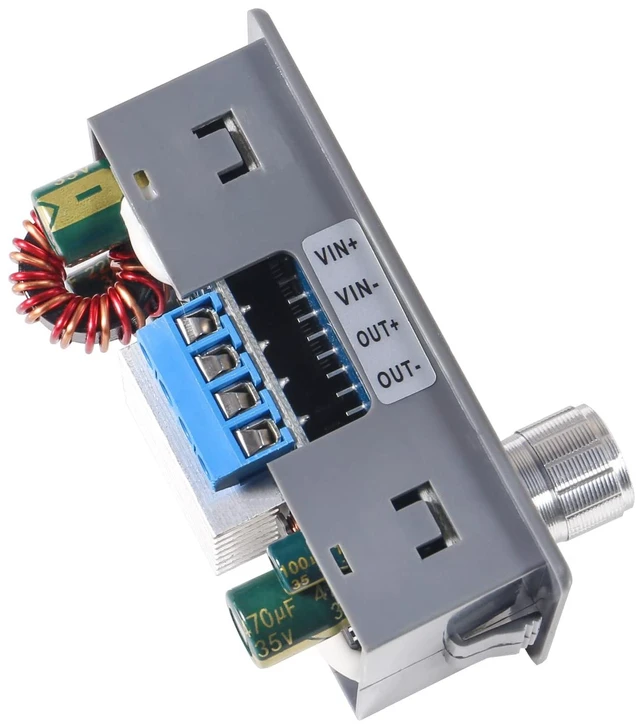
    2pcs ZK-4KX DC DC Buck Boost Converter Variable Voltage Regulator CC CV 0.5-30V 4A 5V 6V 12V 24V Power Module Adjustable Voltage Regulated Laboratory Power Supply

    Limited time offer, ends 10/21 By Myriad Mart

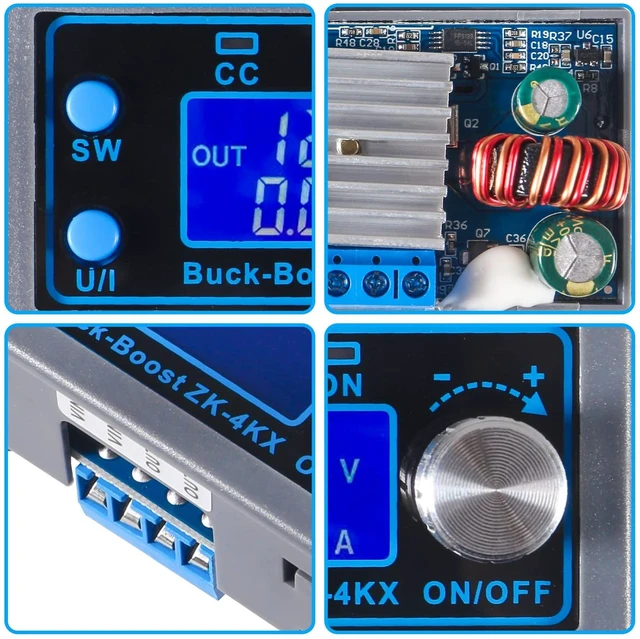
    • [Switch Display Parameters]: In the normal interface, press SW to switch the display below the display screen, and switch the display content between current A, power W, capacity Ah, and time h. Long press the SW button to switch the uplink display on the display screen and switch the display content between input voltage IN and output voltage OUT. [Set Output Voltage]: Press the U/I button in the normal interface to enter the interface for setting voltage and constant current. A certain digit of the output voltage value will be flashing. Rotate the encoder left and right to adjust the major and minor values. Short press the rotary encoder to choose which bit of the output voltage to set. After setting, press the U/I button 2 times to return to the normal interface. Or it will automatically return to the normal interface after stopping operation for 10s. [Set the Default On/Off State of Module Power]: Long press U/I in the normal interface to enter the parameter setting interface. You can see that it shows "OPEN OFF" or "OPEN ON". "OPEN OFF" means the output is turned OFF by default when power is ON, and "OPEN ON" means the output is turned ON by default when power is ON. Long press the rotary encoder to switch between the two states. After setting, long press U/I to return to the normal interface. [Safe Protection]: The module features anti-reverse connection protection at the input end, so that it will not burn out when there is reverse connection. Anti-backflow protectio
    +
    +
    Overview
    Specs
    Reviews

    Any questions? Ask CelesteSM will help you find out quickly.

    [Switch
    Display Parameters]: In the normal interface, press SW to switch the display below the display screen, and switch the display content between current A, power W, capacity Ah, and time h. Long press the SW button to switch the uplink display on the display screen and switch the display content between input voltage IN and output voltage OUT.
    [Set Output Voltage]: Press the U/I button in the normal interface to enter the interface for setting voltage and constant current. A certain digit of the output voltage value will be flashing. Rotate the encoder left and right to adjust the major and minor values. Short press the rotary encoder to choose which bit of the output voltage to set. After setting, press the U/I button 2 times to return to the normal interface. Or it will automatically return to the normal interface after stopping operation for 10s. [Set the Default On/Off State of
    Module Power]: Long press U/I in the normal interface to enter the parameter setting interface. You can see that it shows "OPEN OFF" or "OPEN ON". "OPEN OFF" means the output is turned OFF by default when power is ON, and "OPEN ON" means the output is turned ON by default when power is ON. Long press the rotary encoder to switch between the two states. After setting, long press U/I to return to the normal interface.
    [Safe Protection]: The module features anti-reverse connection protection at the input end, so that it will not burn out when there is reverse connection. Anti-backflow protection at the output end. No need to add an anti-backflow diode when charging. Multiple software protection mechanisms are available, and the protection threshold is adjustable. When the working parameters of the module exceed the protection threshold, the output will be automatically turned off.
    [Note]: In order to ensure the accuracy of calibration, calibration voltage above 12V can only be started; calibration current start calibration only when the current is above 1A

    Warranty & Returns

    Warranty, Returns, And Additional Information

    Warranty

    • Please contact the Seller directly for warranty information. Warranty information may also be found on the Manufacturer's website.
    • CONTACT

    Return Policies

    Manufacturer Contact Info

    LOADING...