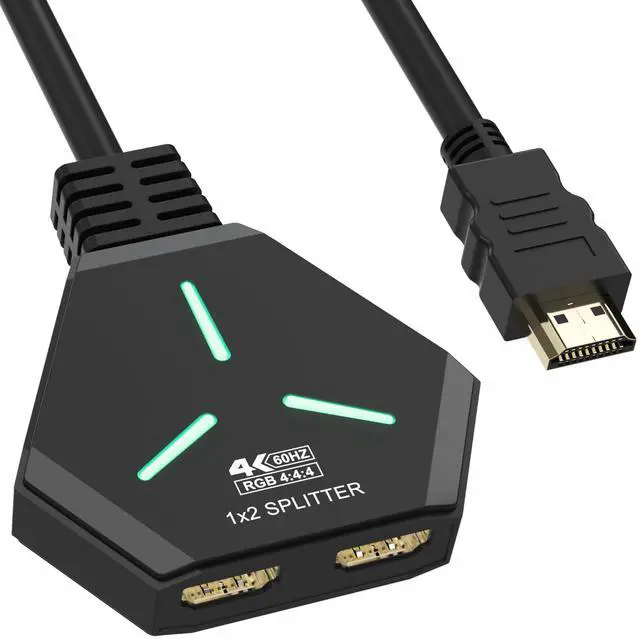
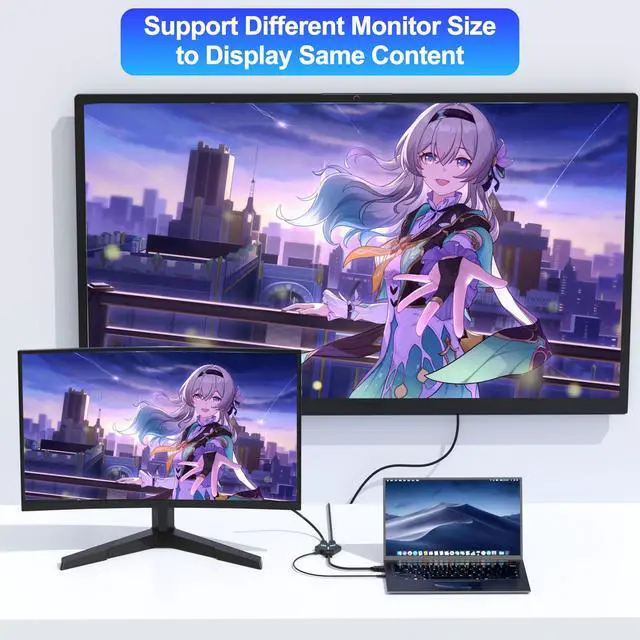
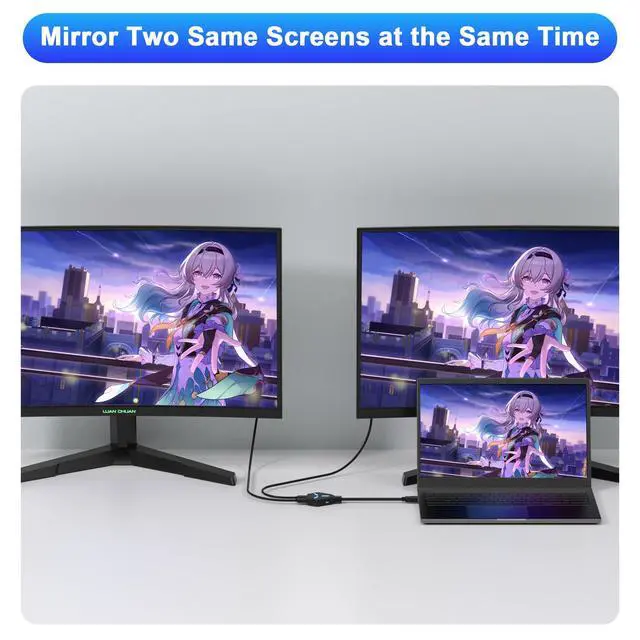
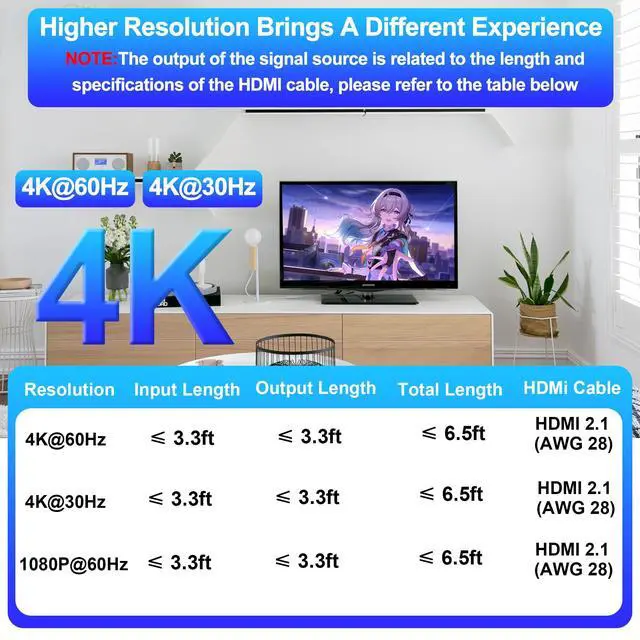
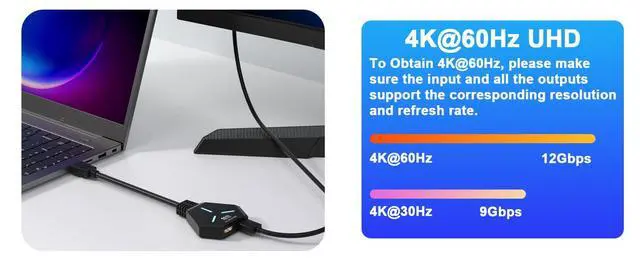
[HDMI Splitter 1 In 2 Out] The HDMI splitter 1 in 2 out distributes one HDMI signal to two HDMI displays, which means that the same picture can be viewed on different screens. No lags, flickering or loss of resolution, so you can enjoy impressive high-definition presentations. This dual HDMI adapter for 2 monitors cannot be used for PC to extended monitors, only for mirroring mode. (Only supports displaying the same pictures on 2 monitors at the same time; supports output devices of different sizes. ) [Support 4K Resolution] HDMI splitter for dual monitors up to 4K@60Hz.
This HDMI splitter is also backward compatible with 4K@30Hz, 2K, 1080p@60Hz, 3840x2160p, 720p, etc. Supports HDCP 1.4, HDCP 2.2, Deep Color 36bit. Supports HDCP 1.4, Deep Color 36bit. To ensure a good visual experience, it is recommended to set both outputs to the same resolution and refresh rate. [HDMI Splitter for Dual Monitors] Compatible with most HDMI sources, the dual HDMI adapter distributes one HDMI signal to two HDMI devices so you can enjoy the same picture with family and friends in two different rooms at the same time without having to change rooms.
Standard HDMI cables up to 10 meters are recommended.
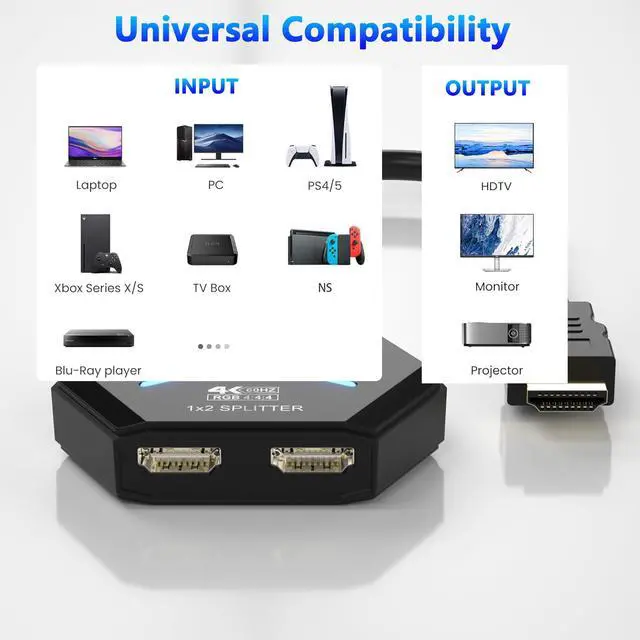
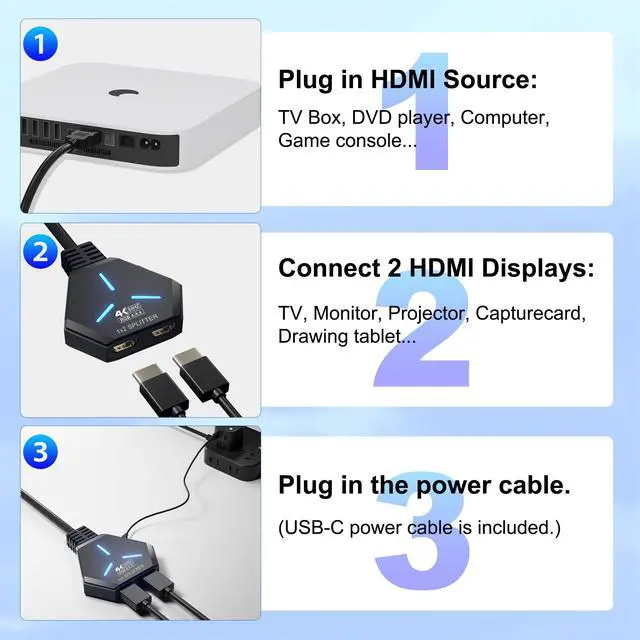
(Note: If the distance between the splitter and the screen is too long, please use the extra power supply included in the product. ) [Wide Compatibility] The 4K dual monitor HDMI splitter is suitable for most devices with an HDMI port, such as Computer, XBox, PS5, Route Roku, Fire Stick, Blu-ray DVD Player, PC, projector, TV, Monitor. The HDMI dual monitor adapter also supports HDMI 1.4 and is backward compatible with HDMI 1.3 / 1.2 / 1.1 / 1.0, and supports HDCP 1.4. It can be widely used in entertainment and office applications to share pictures or videos on different screens at the same time. [Easy to Use] The HDMI splitter is easy to use; you only need Plug and Play. No external driver required. No additional startup program is required. Connect the input device to "IN" and the two monitors to "OUTPUT1" and "OUTPUT2" respectively.
(Note: The output port does not support connecting audio. )





 here!
here!