• $23.99
  • Free 30-day Returns
  • Sold by Myriad Mart

    Shipped by Myriad Mart

    Price alert
    Shop it at NeweggBusiness.

    Meet Your Seller

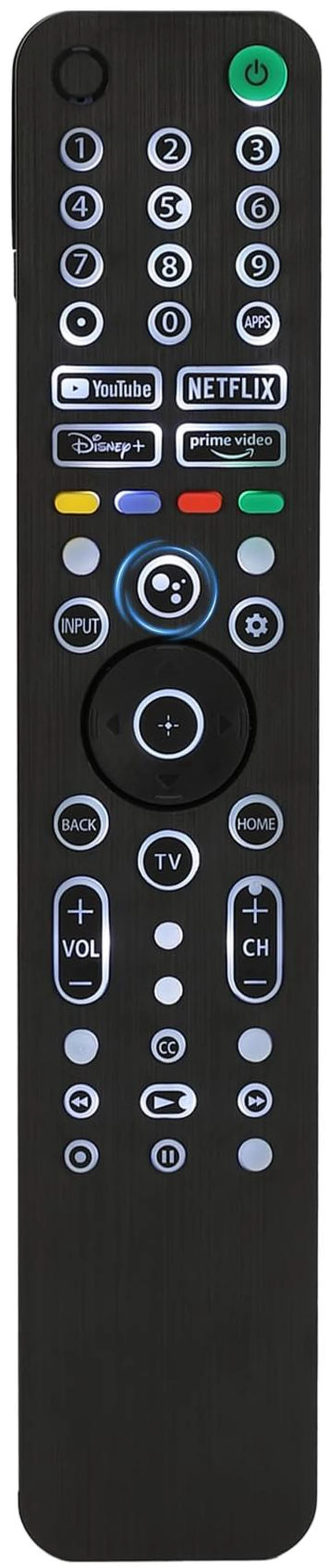
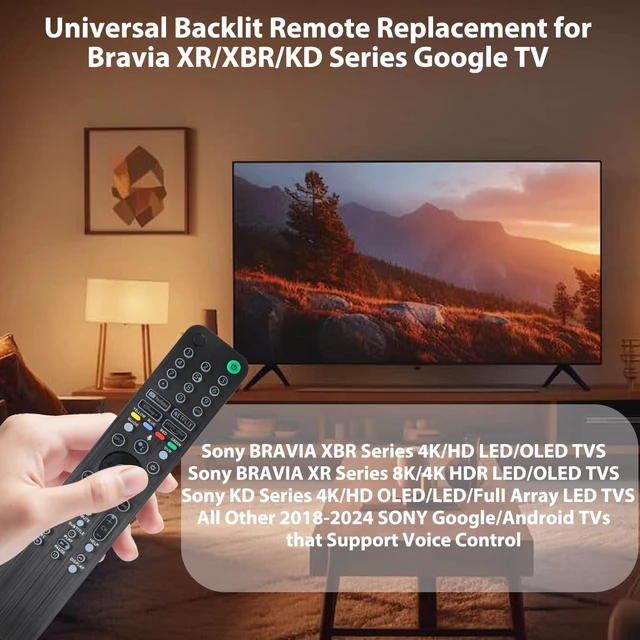
    Backlit Voice Remote Control for Sony TV. Universal Remote Control Compatible with 99% 2019-2025 of Sony Bravia Smart TV and for Bravia XR/XBR/KD/K Series Google Android TVs

    Limited time offer, ends 10/21 By Myriad Mart

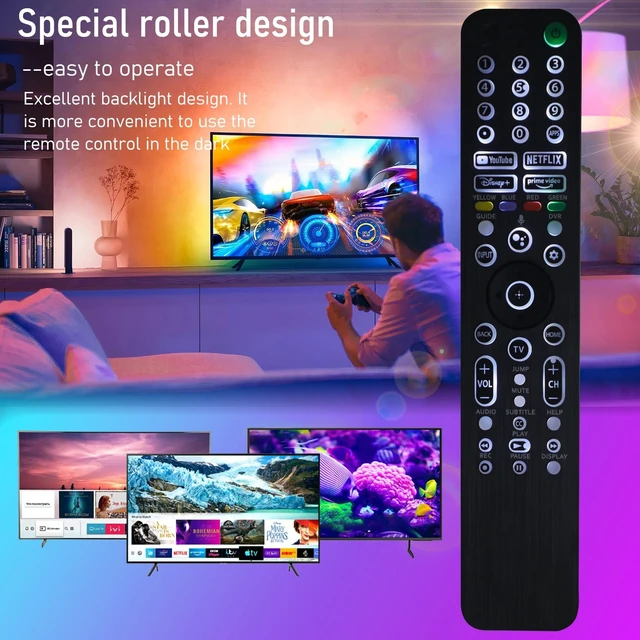
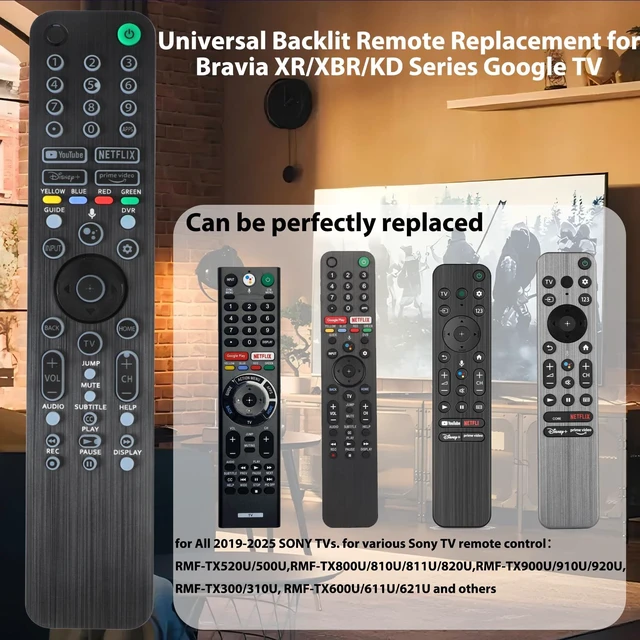
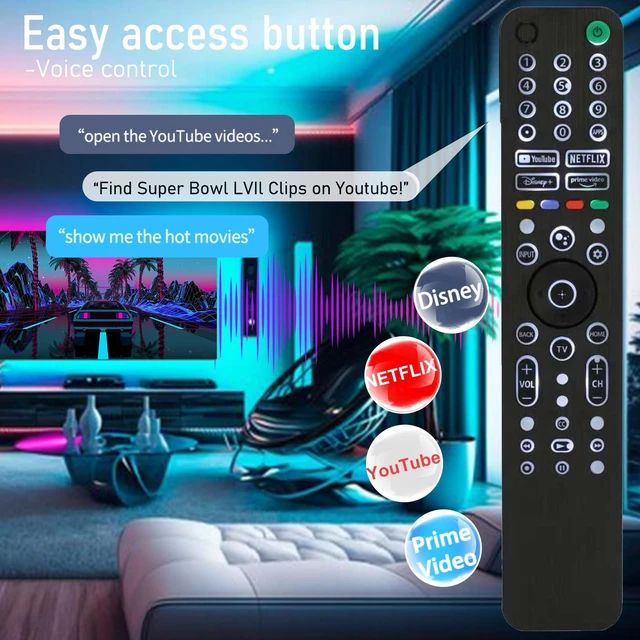
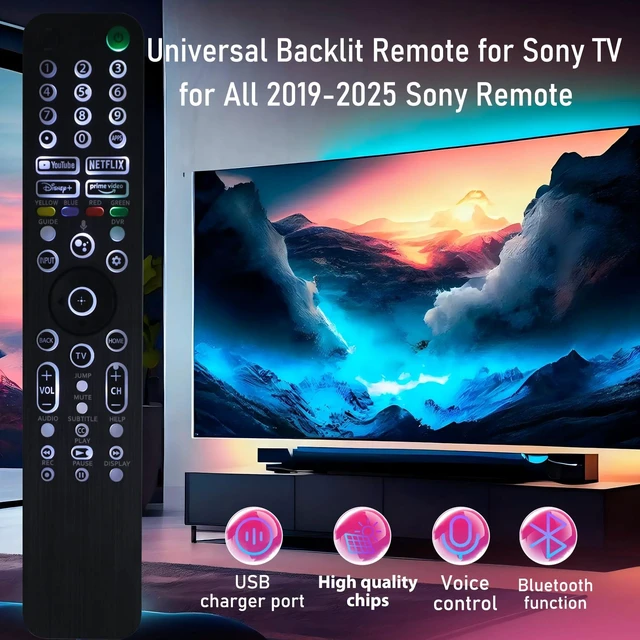
    • Compatible with all SONY TVs from 2019 to 2025. Backlit voice remote control compatible with SONY Bravia Smart TV and for Bravia XR/XBR/KD/K Series Google, Android TVs. The remote controls RMF-TX520U/500U, RMF-TX800U/810U/811U/820U, RMF-TX900U/910U/920U, RMF-TX300/310U, and RMF-TX600U/611U/621U can be replaced. Please Note: Backlit remote control is compatible with SONY's smart Android TVs from 2019 to 2025. It does not support TVs released before 2018 and may not be able to use the voice search function. Two AAA batteries are needed, equipped with backlight and voice function. Button design: Features num buttons + 1-click access to 4 popular streaming svcs: Netflix, YouTube, Video, Disney+. Note: Some streaming hotkeys may not work if original remote lacked them. Pairing Instr: Go to Settings Remotes & Accessories (or Bluetooth) Remote Control Connect via Bluetooth Connect new remote. Press & hold "VOL -" + "Mic" buttons for 3-5 sec. Troubleshooting: If pairing fails: Ensure signed into Google TV acct on SONY TV. Repeat pairing steps above

    +
    +
    Overview
    Specs
    Reviews

    Any questions? Ask CelesteSM will help you find out quickly.

    Compatible with all SONY TVs from 2019 to
    2025. Backlit voice remote control compatible with SONY Bravia Smart TV and for Bravia XR/XBR/KD/K Series Google, Android TVs. The remote controls RMF-TX520U/500U, RMF-TX800U/810U/811U/820U, RMF-TX900U/910U/920U, RMF-TX300/310U, and RMF-TX600U/611U/621U can be replaced.
    Please Note: Backlit remote control is compatible with SONY's smart Android TVs from 2019 to
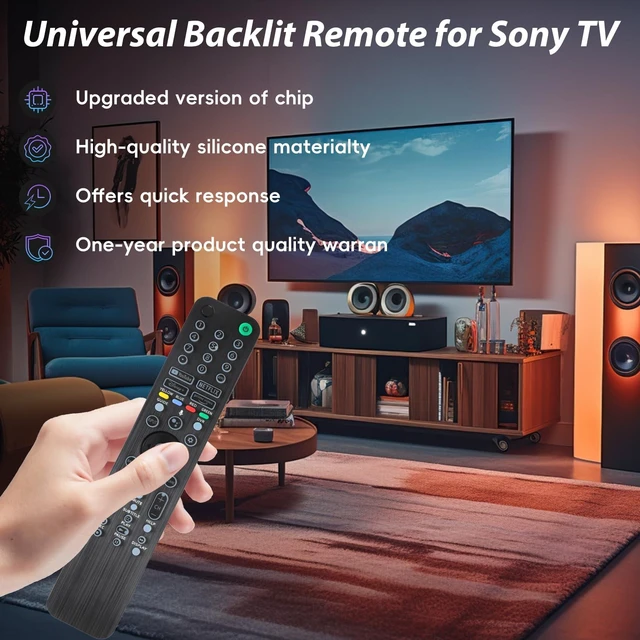
    2025. It does not support TVs released before 2018 and may not be able to use the voice search function. Two AAA batteries are needed, equipped with backlight and voice function.
    Button design: Features num buttons + 1-click access to 4 popular streaming svcs: Netflix, YouTube, Video, Disney+.
    Note: Some streaming hotkeys may not work if original remote lacked them.
    Pairing Instr: Go to Settings Remotes & Accessories (or Bluetooth) Remote Control Connect via Bluetooth Connect new remote. Press & hold "VOL -" + "Mic" buttons for 3-5 sec.
    Troubleshooting: If
    pairing fails: Ensure signed into Google TV acct on SONY TV. Repeat pairing steps above

    Warranty & Returns

    Warranty, Returns, And Additional Information

    Warranty

    • Please contact the Seller directly for warranty information. Warranty information may also be found on the Manufacturer's website.
    • CONTACT

    Return Policies

    Manufacturer Contact Info

    LOADING...