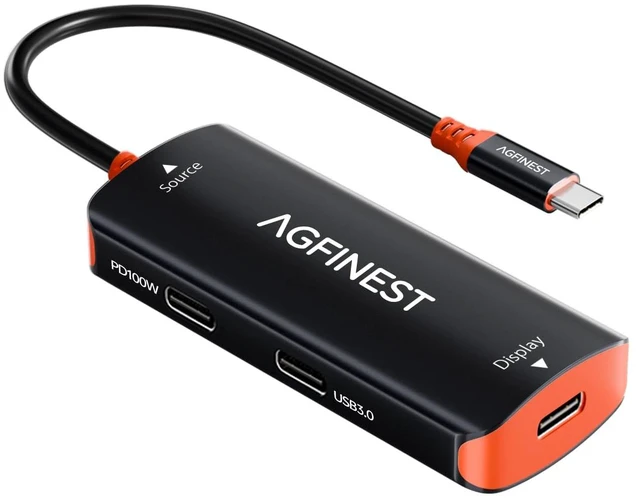
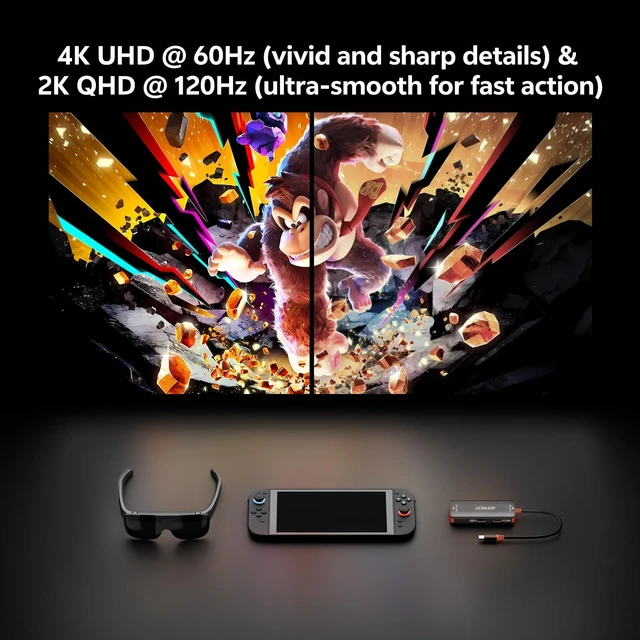
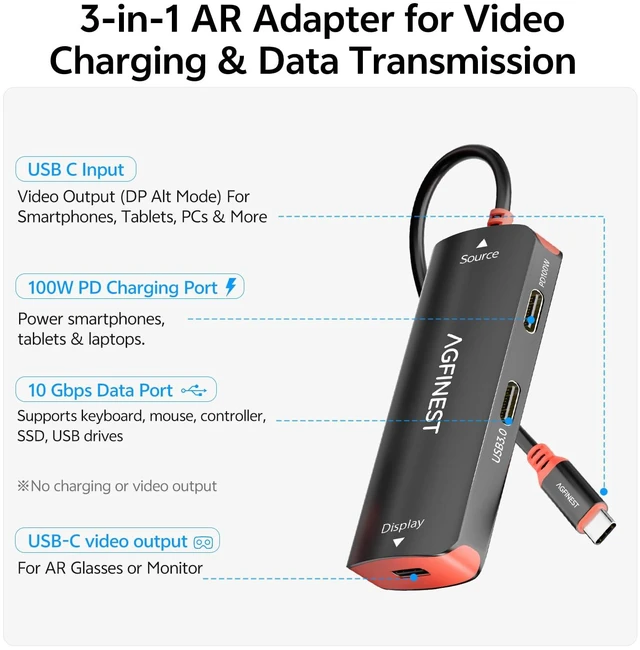
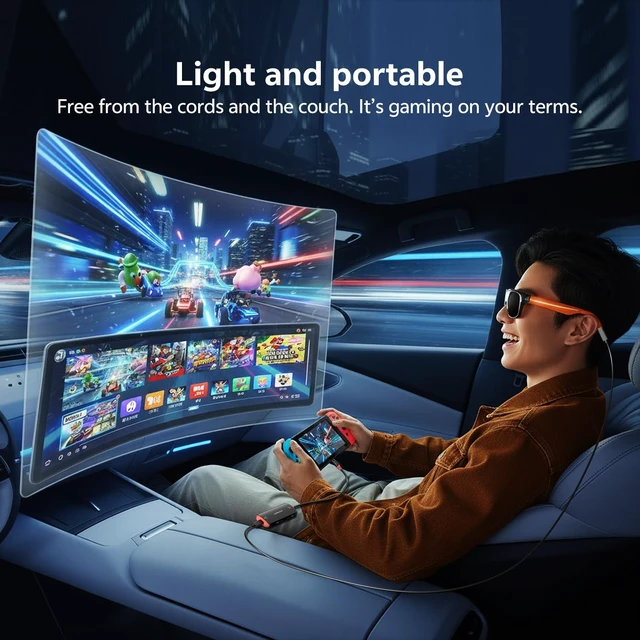
[Compact Alternative to Bulky Docks Your Personal AR Theater Anywhere] No more carrying a heavy docking station. This palm-sized adapter is built for travel, allowing you to connect your AR glasses and enjoy a private big-screen experience anywhere. Whether on a plane, train, or at a café, immerse yourself in gaming and entertainment on a virtual display over 100 inches without disturbing others. [2K@120Hz & 4K@60Hz Optimized for Latest AR Glasses] Designed for AR glasses with USB-C video input, supporting 4K@60Hz / 2K@120Hz adaptive resolution, delivering smooth and responsive high-refresh gameplay.
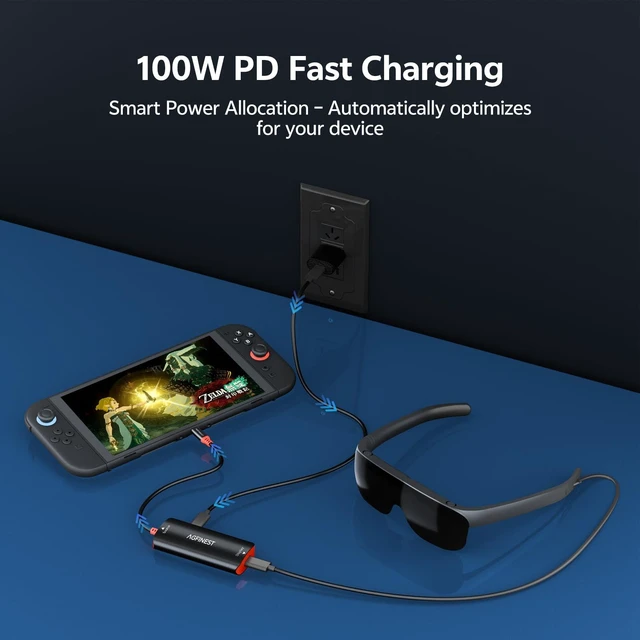
Fully compatible with XREAL One, Rokid Max, and more. The soft and flexible cable ensures a comfortable viewing experience, perfect for relaxing or lying down while using AR devices. [100W PD Fast Charging + 10Gbps Data Port Non-Stop Play] Charge your Switch 2 while powering your AR glasses simultaneously no battery anxiety. The 10Gbps USB-C data port lets you launch games directly from an external SSD, use USB-C earphones for high-quality audio, or connect a mouse/keyboard with low latency. ( 3.5 mm earphones require a separate adapter. ) [Aluminum + Silicone Heat Dissipation Protects Your Console] When running 100W charging and 120Hz video at the same time, the adapter may feel warm that's normal heat dissipation.
The built-in thermal silicone pad and aircraft-grade aluminum alloy housing efficiently pull heat away from your expensive gaming console, preventing thermal throttling and performance drops. [Wide Compatibility & Pre-Purchase Notes] Works with
AR glasses: XREAL One/Air 2 Pro, RayNeo, Rokid Max/Air.
Works with consoles: Switch 2/Switch, Steam Deck OLED, ROG Ally X. Also compatible with iPhone 15/16/17, Galaxy (DeX mode), MacBook, iPad Pro, and video-output Android phones. Not compatible with touchback on portable monitors use a controller. For AR glasses (XREAL/Nreal) and handheld devices, ensure
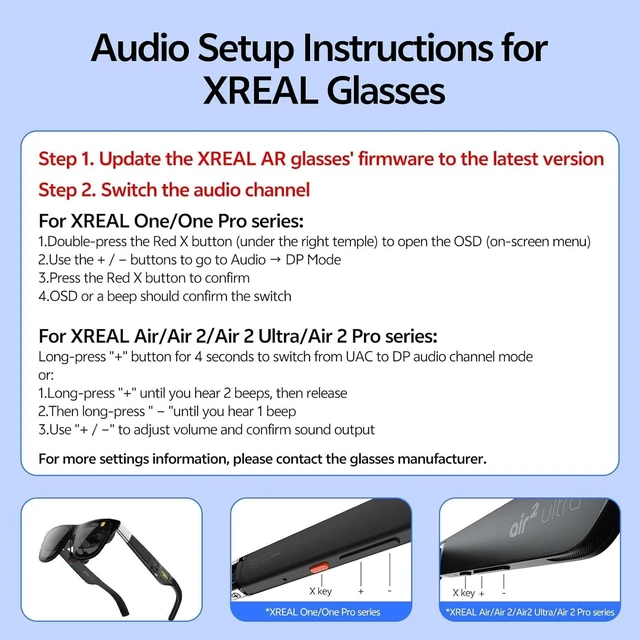
correct connection order: connect power first, then source device, and attach glasses last; manual audio output selection to external display may be required, as audio is transmitted from the source device and depends on system settings.
Steam Deck Setup Required: Before use, enable External Display Safe Mode under Settings Display on your Steam Deck. This setting is required for proper external display output





 here!
here!