Your Browsing History
- Free 30-day Returns
$119.99
Sold by DrakeMount FortunaTech Parts
Shipped by DrakeMount FortunaTech Parts
Meet Your Seller
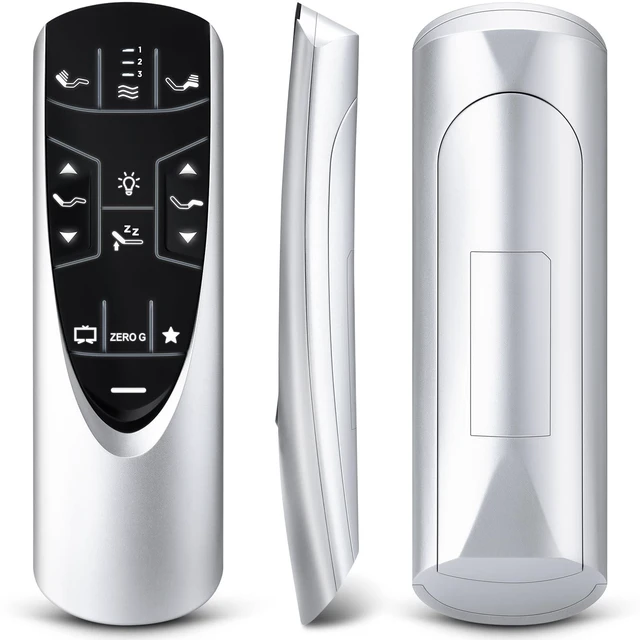
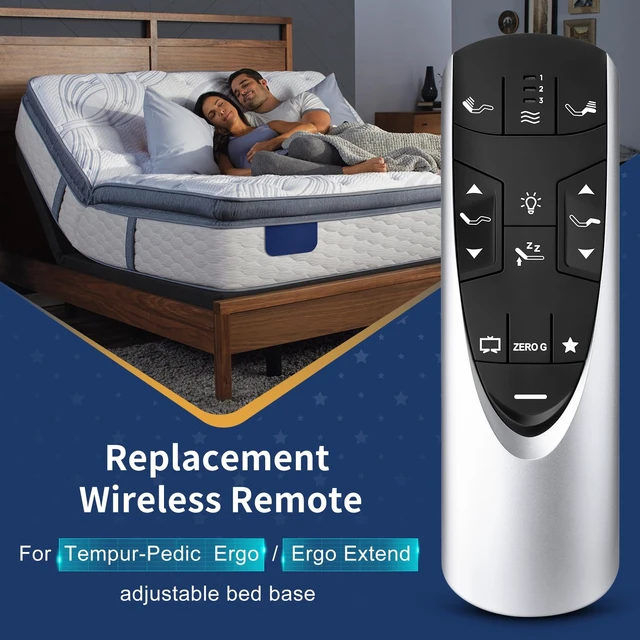
Replacement Remote for Tempurpedic Ergo/Ergo Extend Adjustable Bed Base, RF358A RF502A Wireless Remote Control
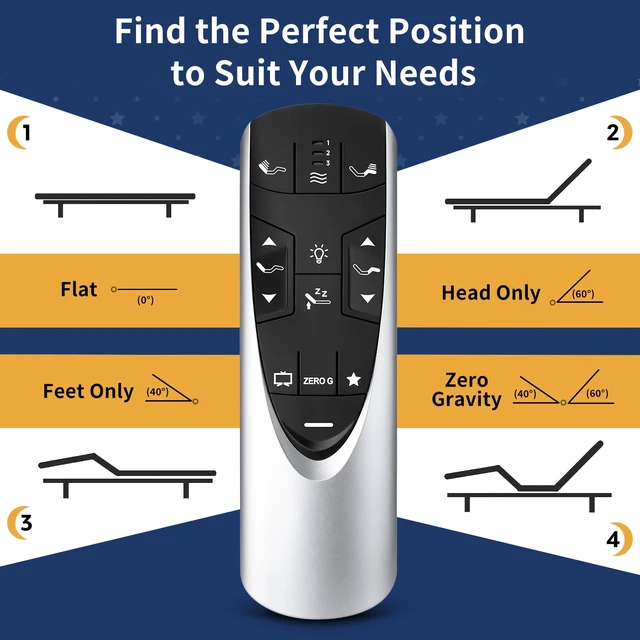
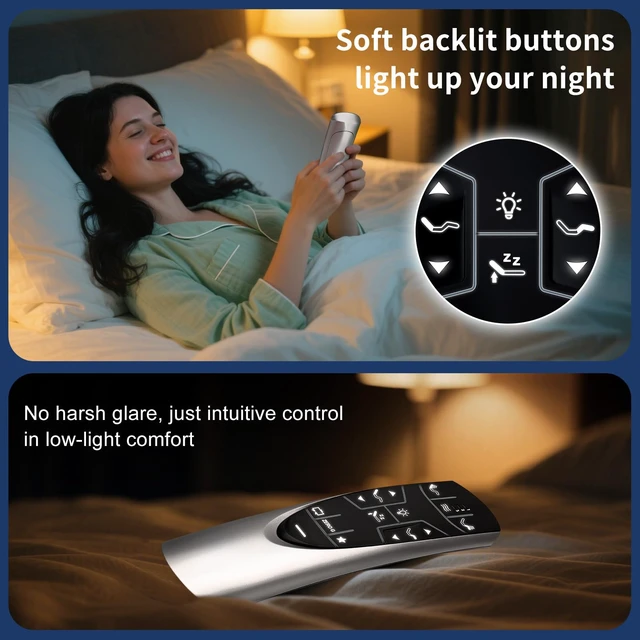
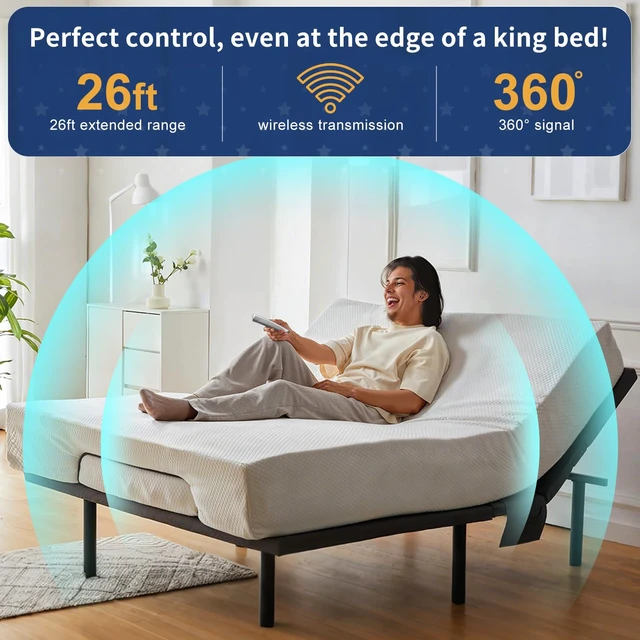
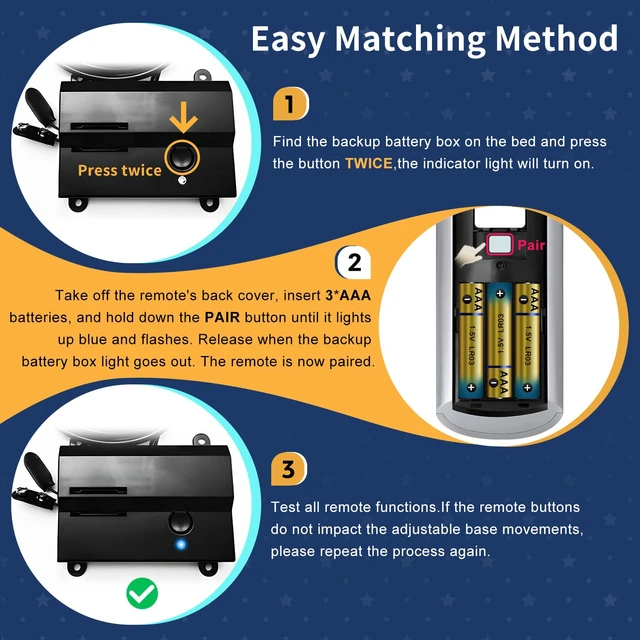
- Replacement remote designed exclusively for the Tempur-Pedic Ergo / Tempur-Pedic Ergo Extend smart adjustable bed base, compatible with tempurpedic remote control RF358A RF502A. User-friendly wireless remote control features soft-glowing backlit buttons that let you control your adjustable bed frame in the dark, with no blinding lights and no disrupted relaxation. With 26ft (8m) extended signal range and enhanced anti-interference technology, this remote works flawlessly from every corner of your bed, with no need to sit up or lean over. 1. Locate the battery backup box of the bed base and press the button TWICE. A light on the battery backup box will illuminate. 2. Remove the back cover of the remote and insert 3*AAA batteries, then press and hold down the PAIR button until its light starts flashing. Release the PAIR button when the battery backup box light turns off. The remote is now paired to the adjustable base. 3. Test all remote functions. Note: Batteries are not included
+
+
Overview
Specs
Reviews
Any questions? Ask CelesteSM will help you find out quickly.
Try me now
Replacement remote designed exclusively for the Tempur-Pedic Ergo / Tempur-Pedic Ergo Extend smart adjustable bed base, compatible with tempurpedic remote control RF358A RF502A. User-friendly wireless remote control features soft-glowing backlit buttons that let you control your adjustable bed frame in the dark, with no blinding lights and no disrupted relaxation. With 26ft (8m) extended signal range and enhanced anti-interference technology, this remote works flawlessly from every corner of your bed, with no need to sit up or lean over. 1. Locate the battery backup box of the bed base and press the button TWICE.
A light on the battery backup box will illuminate. 2. Remove the back cover of the remote and insert 3*AAA batteries, then press and hold down the PAIR button until its light starts flashing. Release the PAIR button when the battery backup box light turns off. The remote is now paired to the adjustable base. 3. Test all remote functions.
Note: Batteries are not included

A light on the battery backup box will illuminate. 2. Remove the back cover of the remote and insert 3*AAA batteries, then press and hold down the PAIR button until its light starts flashing. Release the PAIR button when the battery backup box light turns off. The remote is now paired to the adjustable base. 3. Test all remote functions.
Note: Batteries are not included
Warranty & Returns
Warranty, Returns, And Additional Information
Warranty
- Please contact the Seller directly for warranty information. Warranty information may also be found on the Manufacturer's website.
- CONTACT
Return Policies
- Return for refund within: 30 days
- Return for replacement within: 30 days
- This item is covered by DrakeMount FortunaTech Parts Return Policy
Manufacturer Contact Info
- For a directory of all our manufacturers, please click below.
- Manufacturers Directory
LOADING...