Your Browsing History
Meet Your Seller
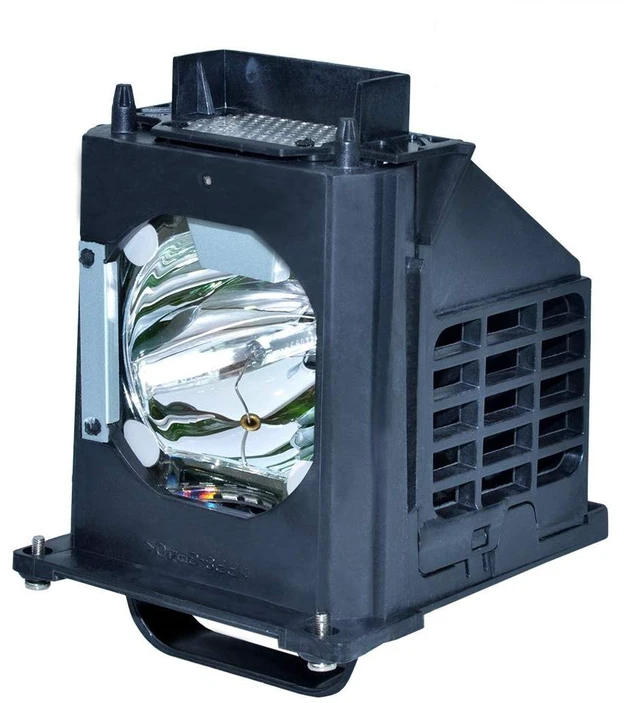
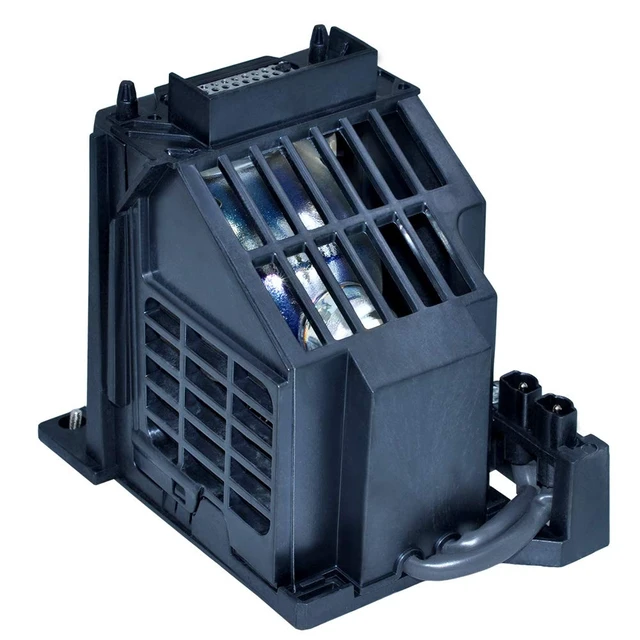
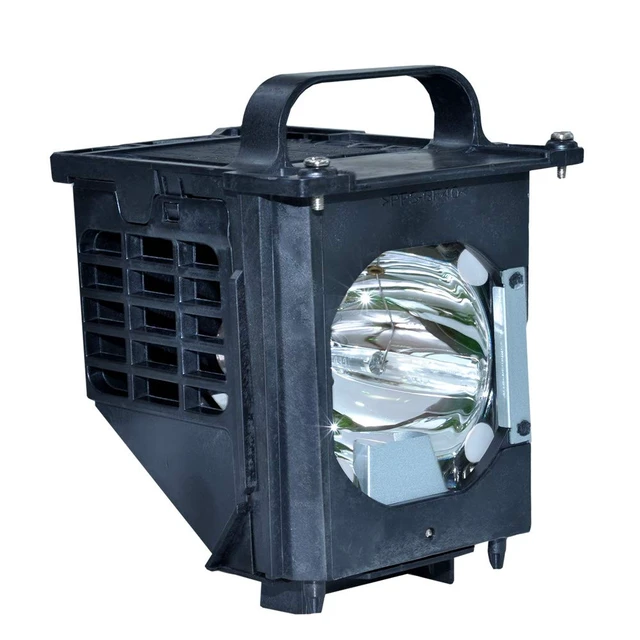
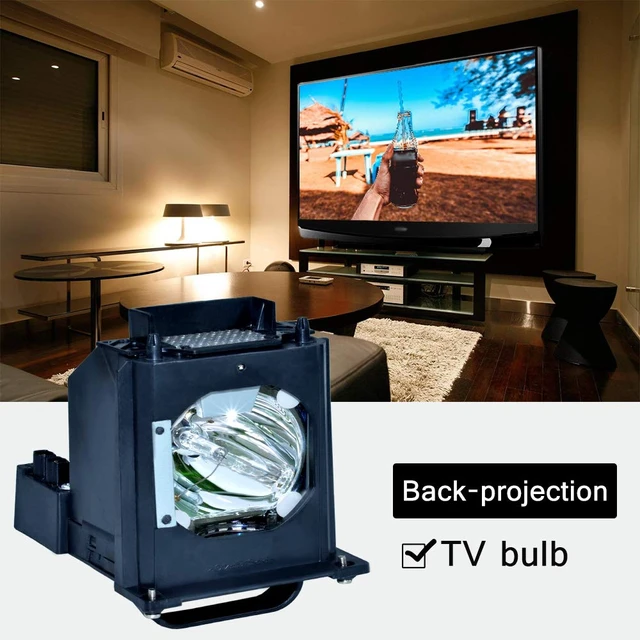
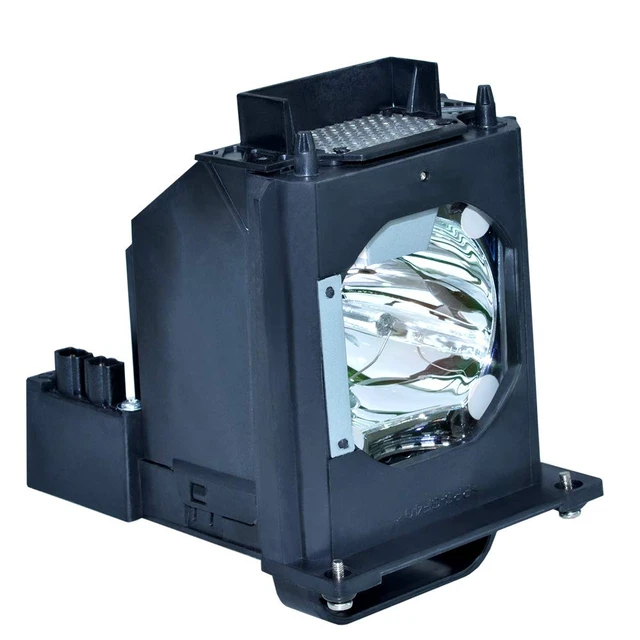
for 915b403001 Mitsubishi Replacement lamp WD-60735 WD-60737 WD-73737 WD-73C9 WD-65C9 WD-65735 WD-73735 DLP TV Replacemet Lamp
Limited time offer, ends 10/27 By Muxiju Store
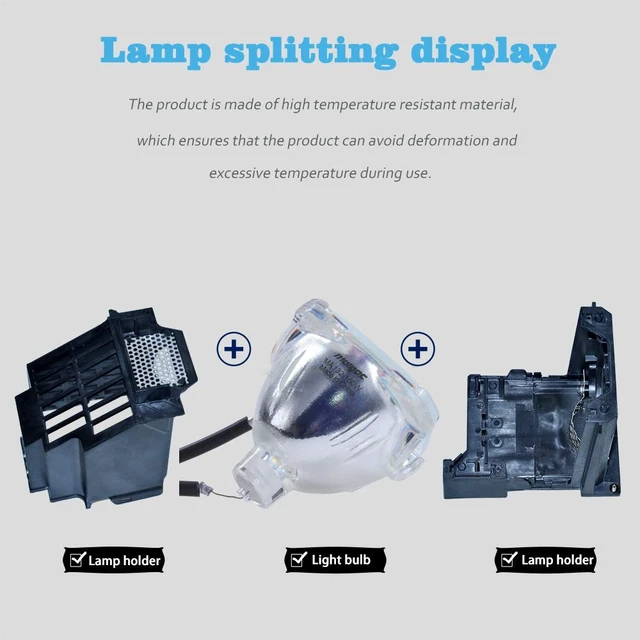
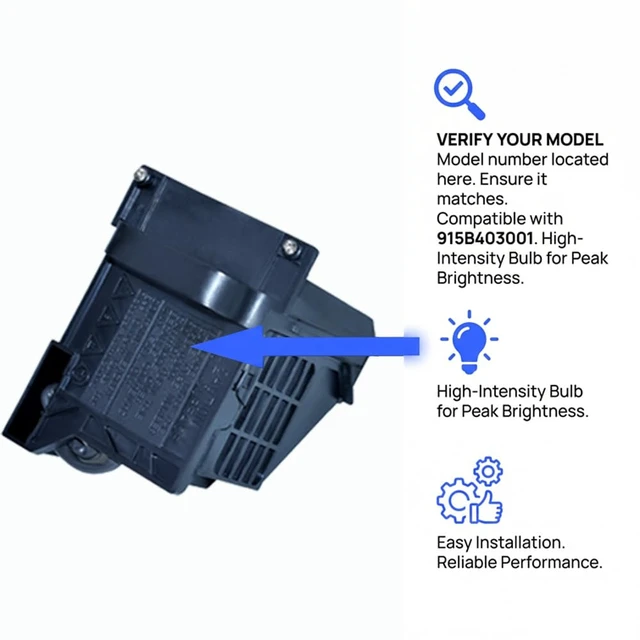
- Please read your TV manual carefully before purchasing. The material number of this product is 915B403001. If your rear projection TV uses a different light bulb material number, please do not purchase. Compatible with the following Television Models: WD-60735 WD-60737 WD-73737 WD-73C9 WD-65C9 WD-65735 WD-73735 WD-60C9 WD-82837 WD-65736 WD-73736 WD-65837 WD-82737 WD-73835 WD-65C8 WD-73837 WD-73C8 WD-56737 DLP TV LAMP. With a more compatible housing, installation time is minimized to make sure your device is back in action quickly. Installation and Security: You will find it quite easy to install into your TV, following the same steps you used to take out your old lamp. Be aware of the connector and make sure it is connected well. It is not electric; shut down your TV when you install it. Before installing a new lamp, please carefully check the lamp interface on the rear-projection TV. If the lamp interface of the rear-projection TV is dark or dusty, please use tools or cleaners. Clean the connector before installing a new lamp. Make sure that the new lamp is installed in the correct position and cover the lamp before plugging in the TV

+
+
Overview
Specs
Reviews
Any questions? Ask CelesteSM will help you find out quickly.
Try me now
Please read your TV manual carefully before purchasing. The material number of this product is 915B403001. If your rear projection TV uses a different light bulb material number, please do not purchase. Compatible with the following
Television Models: WD-60735 WD-60737 WD-73737 WD-73C9 WD-65C9 WD-65735 WD-73735 WD-60C9 WD-82837 WD-65736 WD-73736 WD-65837 WD-82737 WD-73835 WD-65C8 WD-73837 WD-73C8 WD-56737 DLP TV LAMP. With a more compatible housing, installation time is minimized to make sure your device is back in action quickly.
Installation and Security: You will find it quite easy to install into your TV, following the same steps you used to take out your old lamp. Be aware of the connector and make sure it is connected well. It is not electric; shut down your TV when you install it. Before installing a new lamp, please carefully check the lamp interface on the rear-projection TV. If the lamp interface of the rear-projection TV is dark or dusty, please use tools or cleaners. Clean the connector before installing a new lamp. Make sure that the new lamp is installed in the correct position and cover the lamp before plugging in the TV
Television Models: WD-60735 WD-60737 WD-73737 WD-73C9 WD-65C9 WD-65735 WD-73735 WD-60C9 WD-82837 WD-65736 WD-73736 WD-65837 WD-82737 WD-73835 WD-65C8 WD-73837 WD-73C8 WD-56737 DLP TV LAMP. With a more compatible housing, installation time is minimized to make sure your device is back in action quickly.
Installation and Security: You will find it quite easy to install into your TV, following the same steps you used to take out your old lamp. Be aware of the connector and make sure it is connected well. It is not electric; shut down your TV when you install it. Before installing a new lamp, please carefully check the lamp interface on the rear-projection TV. If the lamp interface of the rear-projection TV is dark or dusty, please use tools or cleaners. Clean the connector before installing a new lamp. Make sure that the new lamp is installed in the correct position and cover the lamp before plugging in the TV
Warranty & Returns
Warranty, Returns, And Additional Information
Warranty
- Please contact the Seller directly for warranty information. Warranty information may also be found on the Manufacturer's website.
- CONTACT
Return Policies
- Return for refund within: 30 days
- Return for replacement within: 30 days
- This item is covered by Muxiju Store Return Policy
Manufacturer Contact Info
- For a directory of all our manufacturers, please click below.
- Manufacturers Directory
LOADING...