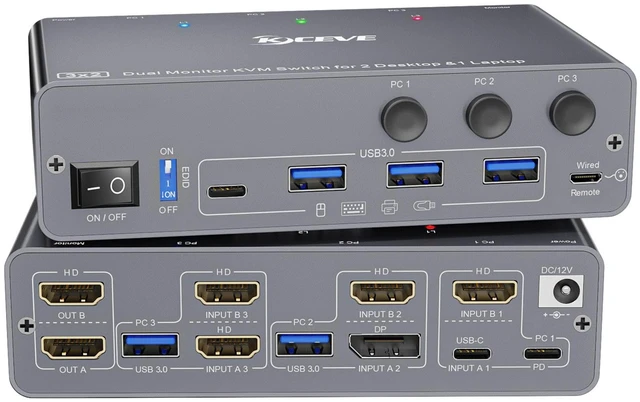
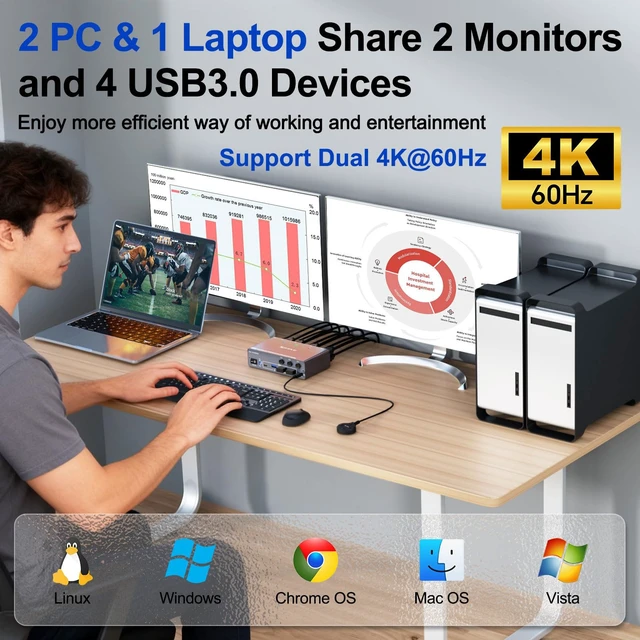
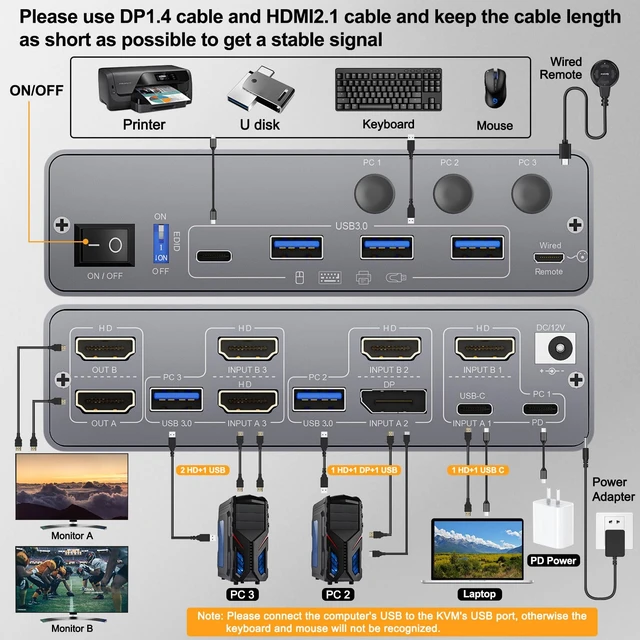
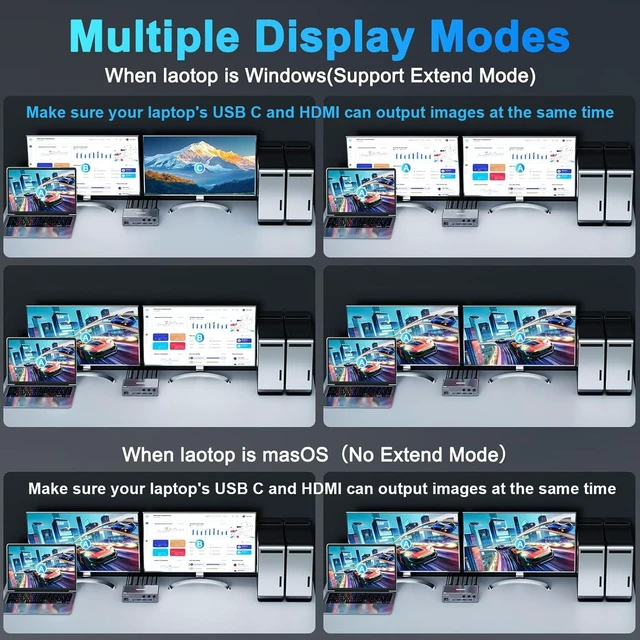
The Dual Monitor KVM Switch lets you control 1 Laptop and 2 Desktops with one set of mouse and keyboard and 2 HDMI monitors. The Laptop needs 1 HDMI + 1 USB C cable to plug into the HDMI KVM Switch 2 Monitors. The Desktop needs 2 HDMI + 1 USB cable (or 1 HDMI + 1 DP + 1 USB) to plug into the KVM Switch 2 monitor 1 laptop 2 desktop. Please make sure your laptop's USB C port and HDMI can output video at the same time. The KVM 3 computers 2 monitors has the function of charging a laptop.
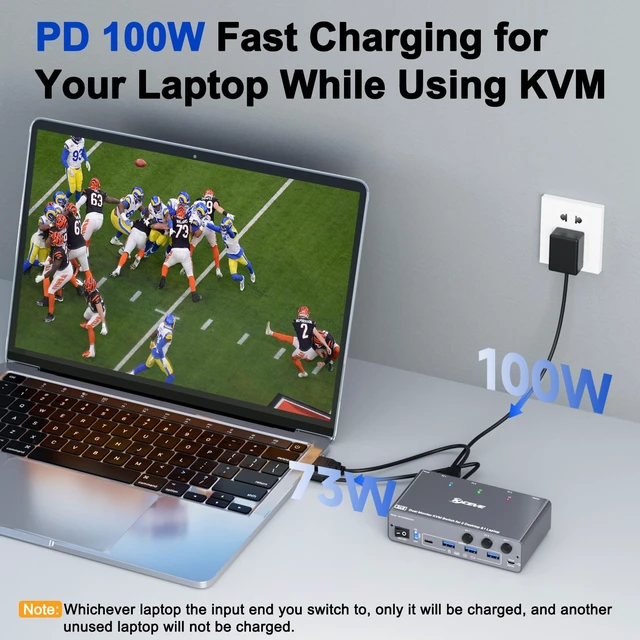
The Dual Monitor KVM Switch USB C provides 73W charging efficiency to your laptop. Please use a PD 100W charger. The 3 Computers KVM Switch USB C comes with an "on and off" switch; you can turn off the USB C KVM Switch 2 monitors freely to achieve the effect of turning off the monitor. The KVM Switch Dual Monitor for 1 Laptop and 2 Desktop shares 2 monitors and 4 USB 3.0 devices without unplugging, and securely identifies keyboard, mouse, printers, scanners and other USB devices. The KVM Switch 2 monitors 3 computers USB C supports ultra-fast data transfer up to 5Gbps, backward compatible with USB 2.0 / 1.1 devices.
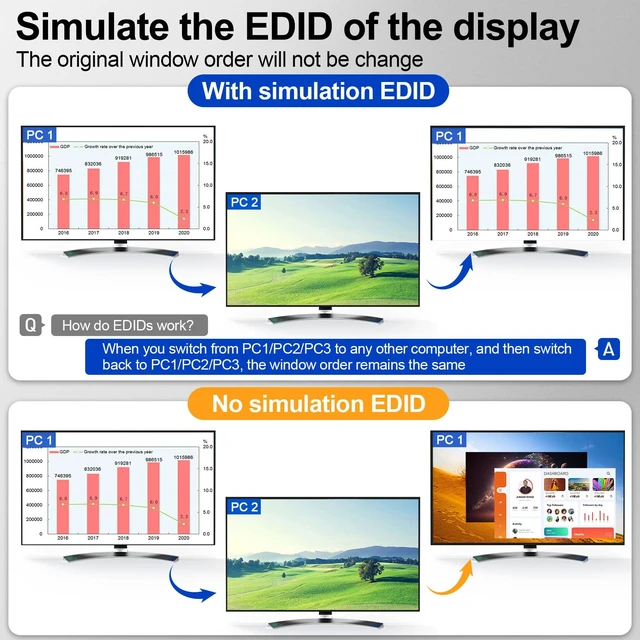
Compliant with HDMI 2.0 and DisplayPort 1.4. The KVM Switch 3 computers supports 4K@60Hz, 4K@30Hz, 2K@144Hz, 1080P@144Hz backward compatibility. You can press "Windows+P" to select mirror mode or extended screen mode. Apple M1/M2 only supports single-screen output. MacBook Pro (M3) cannot output images through both the USB C and HDMI port at the same time, and can only output one image. The 3 Computers KVM Switch supports EDID lock. The EDID function is very useful because it automatically adjusts monitor settings for optimal resolution and refresh rate. This ensures you always get the best image quality.
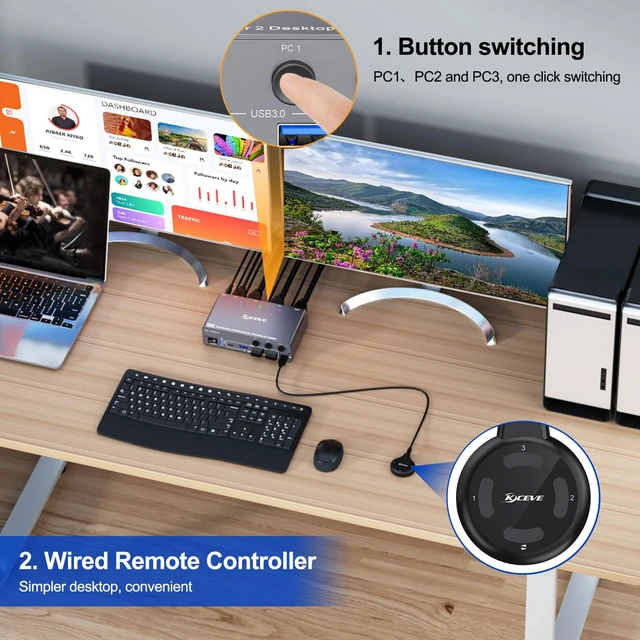
When switching screens, the original window will not be messed up. Provides an option to enable or disable the EDID function. Plug and Play. No software required. Switch freely between 3 computers via the panel button or the 1.5 m wired remote (included). LED lights indicate which computer is active. Please connect a DC 12V power supply for the KVM Switch 3 PC 2 monitors. Each line of input signal corresponds to each line of display output. For PC1, you need to connect USB C and HDMI cables to the KVM to display 2 screens.
The USB 3.0 KVM Switch 3 Computers supports HDMI, DisplayPort and USB C input devices, such as Desktop, laptop, HDTV, Monitor and Projectors. The KVM Switch 2 monitors HDMI is compatible with Windows 7/8/10/11/XP/Vista, Mac OS and Chrome systems. Widely used in offices, business seminars, multimedia teaching, home theater, game rooms, scientific research tests, etc.
Included: 1 KVM Switch USB C HDMI DP, 1 USB C cable, 2 USB cables, 1 remote control, 1 manual, 1 DC 12V power supply





 here!
here!