Your Browsing History
- Free 30-day Returns
$31.99
Meet Your Seller
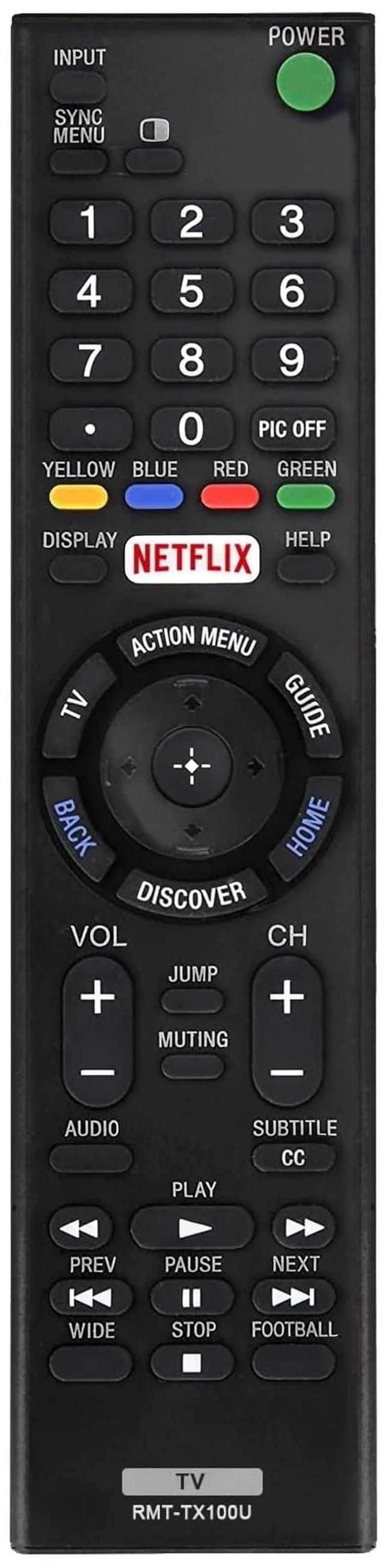
Replacement Remote Control for Sony BRAVIA TVs, Infrared Remote for LCD, LED, HDTV and 4K UHD Smart TVs, Netflix Shortcut, No Setup Required
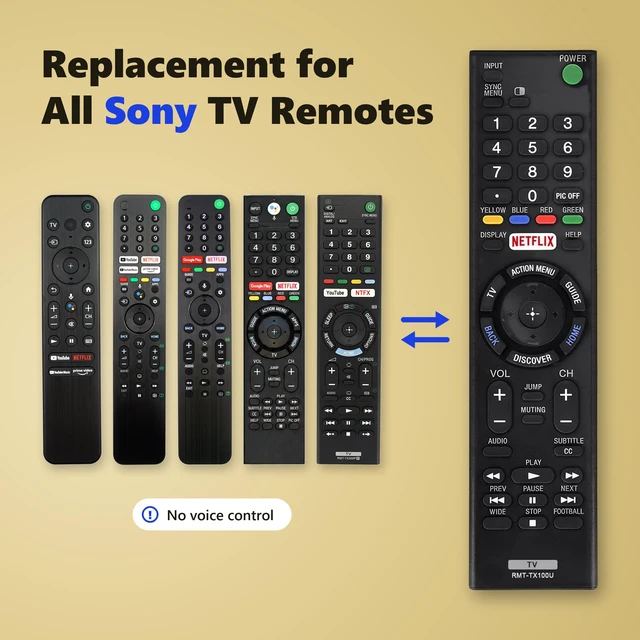
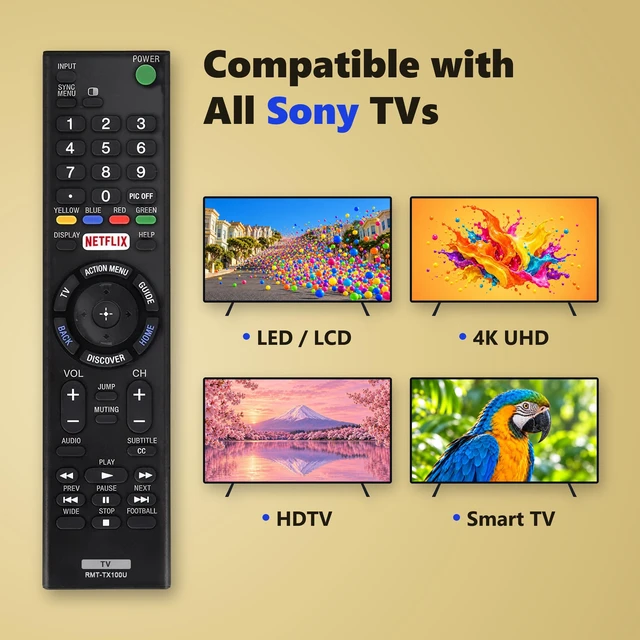
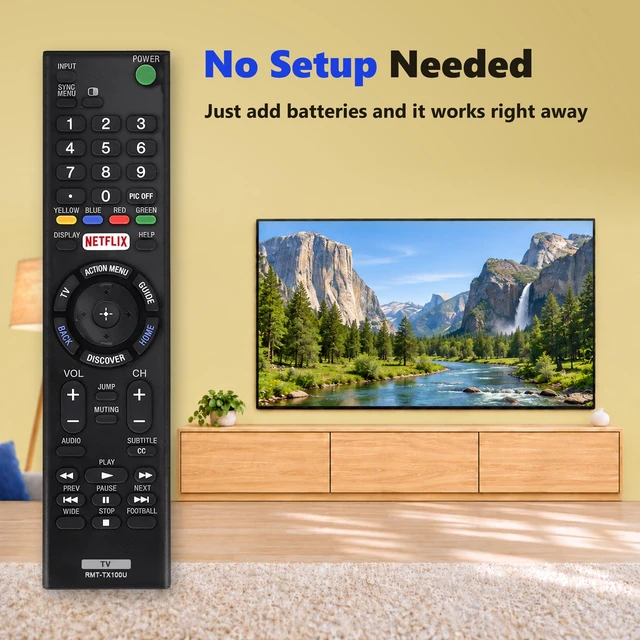
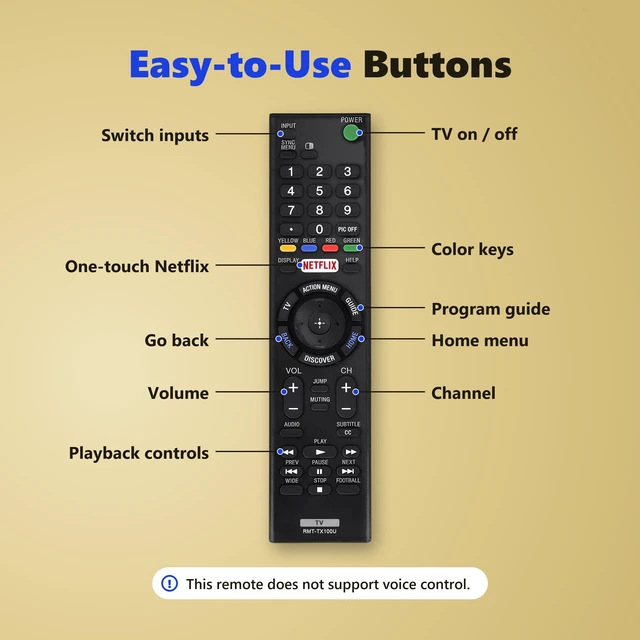
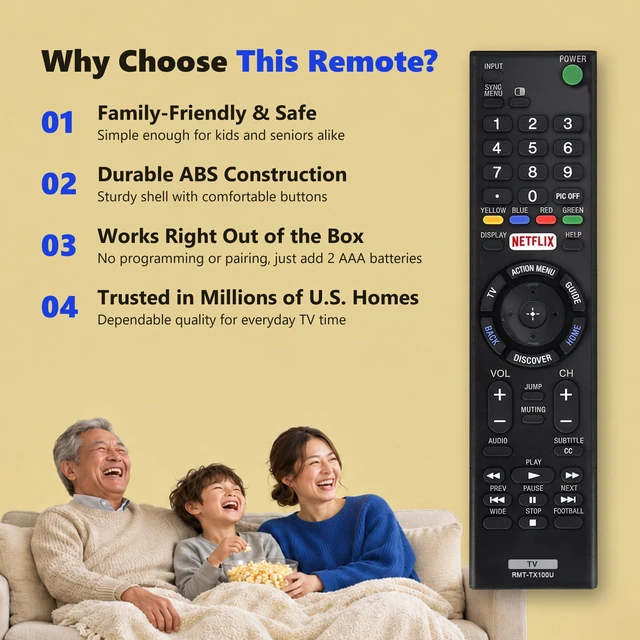
- Compatibility Across Sony TV Models Designed for compatible Sony LCD, LED, HDTV, and 4K UHD models, including BRAVIA Smart TVs. It can replace the RMT-TX100U or handle everyday TV functions in place of the RMF-TX800U, RMF-TX520U, RMF-TX500U, RMF-TX310U, or RMT-TX300P. Point-and-Press Infrared Control Aim the remote at your TV to turn it on, adjust the volume, change channels, or switch inputs. This is an infrared remote for standard TV functions. Voice control is unavailable. Number Pad and Netflix Shortcut Enter channel numbers directly with the 09 keypad, or launch Netflix with one press on compatible TVs. Dedicated Home, Guide, Back, and playback buttons put frequently used controls within easy reach. Familiar Layout for Everyday Use A sturdy ABS housing and clearly labeled buttons make this remote easy to pick up and use. Keep it as a spare or use it to replace a lost or worn-out remote. Ready to Use in Seconds Insert two AAA batteries, point the remote at your TV, and press Power. No pairing, programming, or setup codes are required. Batteries are sold separately
+
+
Overview
Specs
Reviews
Any questions? Ask CelesteSM will help you find out quickly.
Try me now
Compatibility Across Sony TV Models Designed for compatible Sony LCD, LED, HDTV, and 4K UHD models, including BRAVIA Smart TVs. It can replace the RMT-TX100U or handle everyday TV functions in place of the RMF-TX800U, RMF-TX520U, RMF-TX500U, RMF-TX310U, or RMT-TX300P. Point-and-Press Infrared Control Aim the remote at your TV to turn it on, adjust the volume, change channels, or switch inputs. This is an infrared remote for standard TV functions. Voice control is unavailable. Number Pad and Netflix Shortcut Enter channel numbers directly with the 09 keypad, or launch Netflix with one press on compatible TVs.
Dedicated Home, Guide, Back, and playback buttons put frequently used controls within easy reach. Familiar Layout for Everyday Use A sturdy ABS housing and clearly labeled buttons make this remote easy to pick up and use. Keep it as a spare or use it to replace a lost or worn-out remote. Ready to Use in Seconds Insert two AAA batteries, point the remote at your TV, and press Power. No pairing, programming, or setup codes are required. Batteries are sold separately
Warranty & Returns
Warranty, Returns, And Additional Information
Warranty
- Please contact the Seller directly for warranty information. Warranty information may also be found on the Manufacturer's website.
- CONTACT
Return Policies
- Return for refund within: 30 days
- Return for replacement within: 30 days
- This item is covered by EpicTransTrade Return Policy
Manufacturer Contact Info
- For a directory of all our manufacturers, please click below.
- Manufacturers Directory
LOADING...