Your Browsing History
- Free 30-day Returns
$20.24
Meet Your Seller
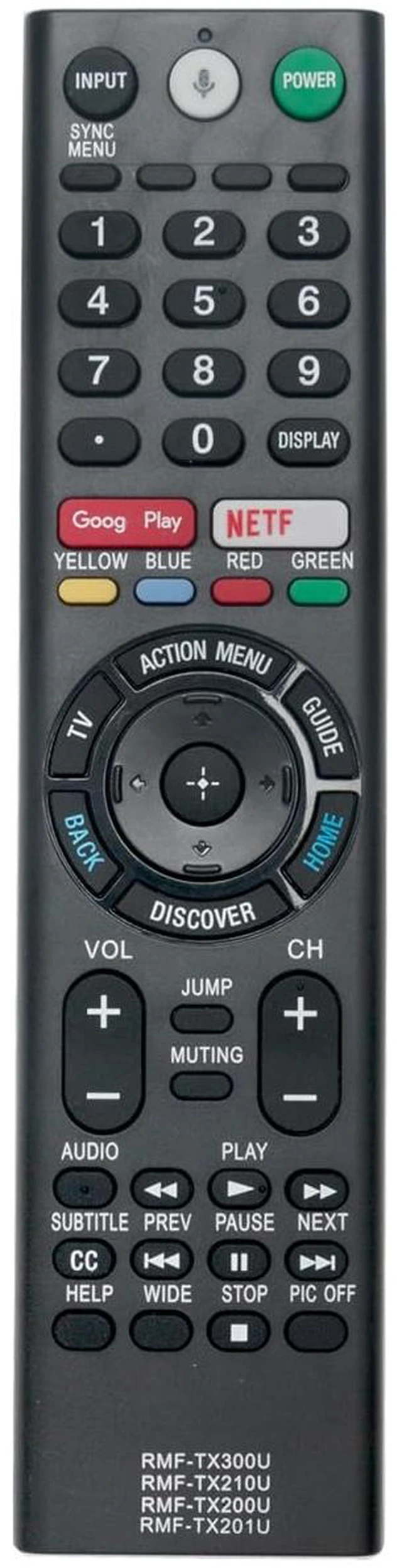
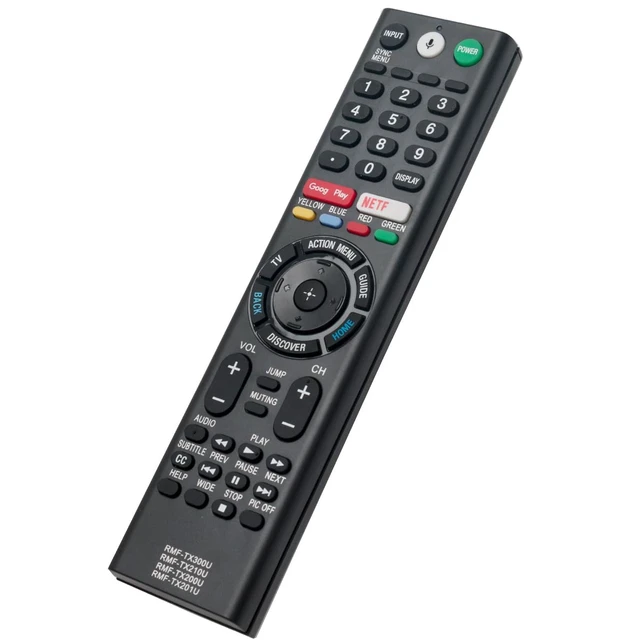
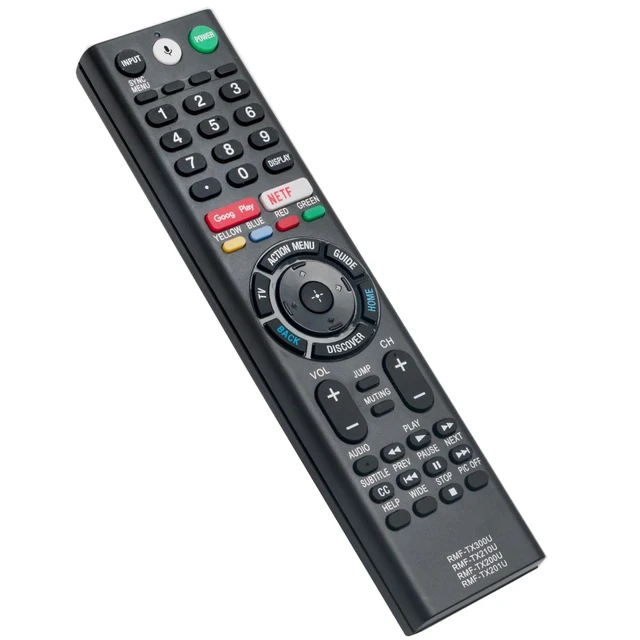
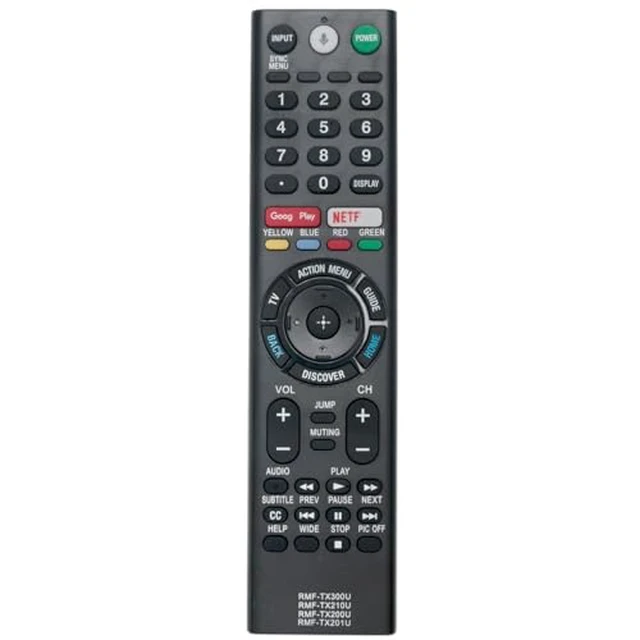
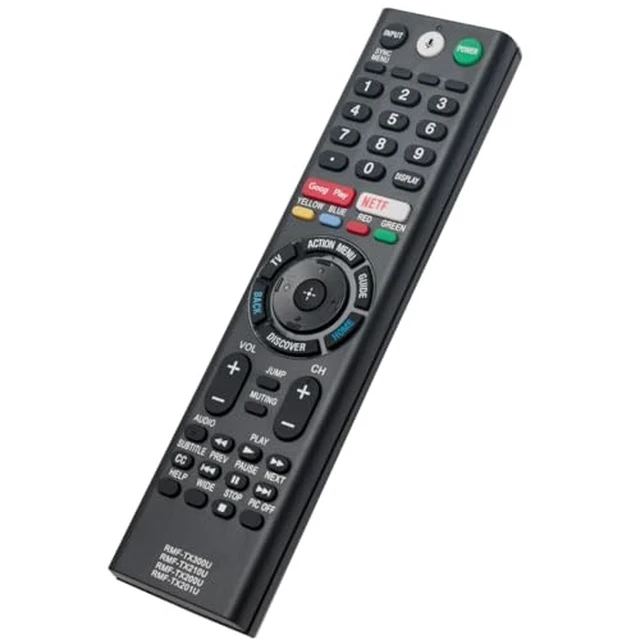
RMF-TX300U RMF-TX201U RMF-TX200U Replace Voice Remote Applicable for Sony TV XBR-55A1E XBR-65A1E XBR-75Z9D XBR-100Z9D XBR-77A1E XBR-65Z9D XBR-49X700D XBR-55X700D XBR-65X750D XBR-65X850E XBR-75X850E
Limited time offer, ends 11/30 By Myriad Mart
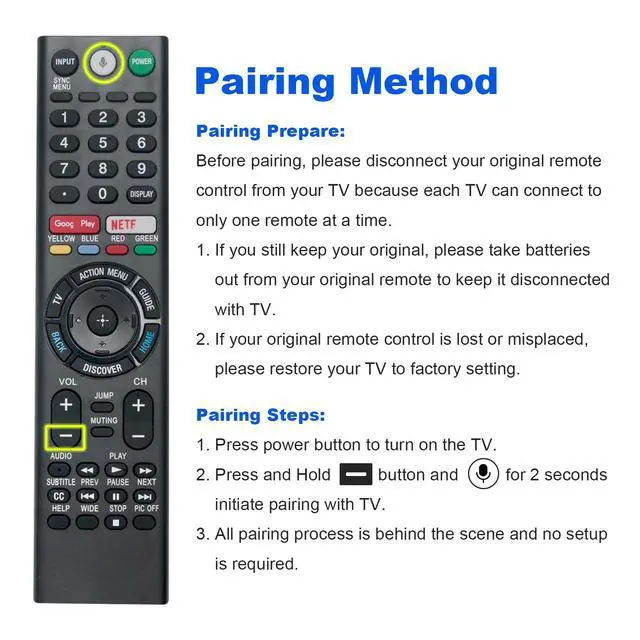
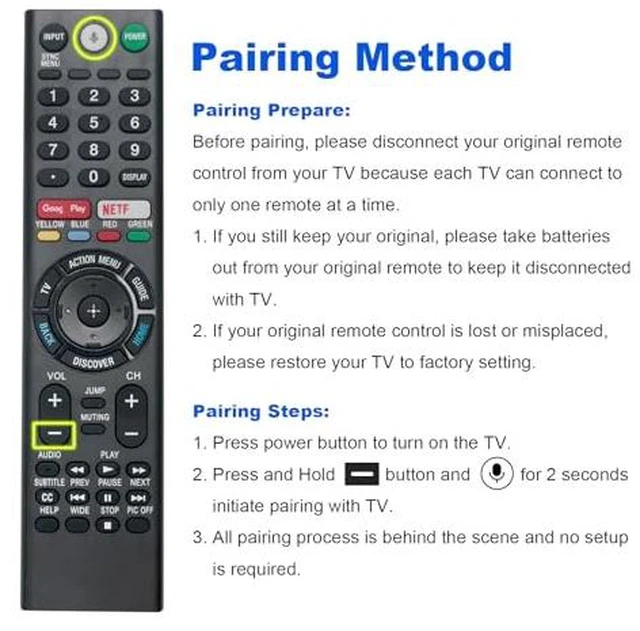
- RMF-TX300U, RMF-TX201U, and RMF-TX200U replacement voice remote control suitable for Sony Smart TV models XBR-43X800E, XBR-49X800E, XBR-55X800E, XBR-65X850E, XBR-75X850E, XBR-55X806E, XBR-55A1E, XBR-65A1E, XBR-75Z9D, XBR-100Z9D, XBR-77A1E, XBR-65Z9D, XBR-49X700D, XBR-55X700D, XBR-65X750D, XBR-55X930E, XBR43X800E, XBR49X800E, XBR55X800E, XBR65X850E, XBR75X850E, XBR55X806E, XBR55A1E, XBR65A1E, XBR75Z9D, XBR100Z9D, XBR77A1E, XBR65Z9D, XBR49X700D, XBR55X700D, and XBR65X750D. Pair the remote control with the TV before use. Pairing Steps: 1. Press the power button to switch on the TV. 2. Press and hold the Vol(-) button and Mic button for 2 seconds to start pairing with the TV. 3. Pairing completes automatically; no setup is needed. Power Supply: 2X 1.5V AAA alkaline batteries. Batteries are not included
+
+
Overview
Specs
Reviews
Any questions? Ask CelesteSM will help you find out quickly.
Try me now
RMF-TX300U, RMF-TX201U, and RMF-TX200U replacement voice remote control suitable for Sony Smart TV models XBR-43X800E, XBR-49X800E, XBR-55X800E, XBR-65X850E, XBR-75X850E, XBR-55X806E, XBR-55A1E, XBR-65A1E, XBR-75Z9D, XBR-100Z9D, XBR-77A1E, XBR-65Z9D, XBR-49X700D, XBR-55X700D, XBR-65X750D, XBR-55X930E, XBR43X800E, XBR49X800E, XBR55X800E, XBR65X850E, XBR75X850E, XBR55X806E, XBR55A1E, XBR65A1E, XBR75Z9D, XBR100Z9D, XBR77A1E, XBR65Z9D, XBR49X700D, XBR55X700D, and XBR65X750D. Pair the remote control with the TV before use.
Pairing Steps: 1. Press the power button to switch on the TV. 2. Press and hold the Vol(-) button and Mic button for 2 seconds to start pairing with the TV. 3. Pairing completes automatically; no setup is needed.
Power Supply: 2X 1.5V AAA alkaline batteries. Batteries are not included
Pairing Steps: 1. Press the power button to switch on the TV. 2. Press and hold the Vol(-) button and Mic button for 2 seconds to start pairing with the TV. 3. Pairing completes automatically; no setup is needed.
Power Supply: 2X 1.5V AAA alkaline batteries. Batteries are not included
Warranty & Returns
Warranty, Returns, And Additional Information
Warranty
- Please contact the Seller directly for warranty information. Warranty information may also be found on the Manufacturer's website.
- CONTACT
Return Policies
- Return for refund within: 30 days
- Return for replacement within: 30 days
- This item is covered by Myriad Mart Return Policy
Manufacturer Contact Info
- For a directory of all our manufacturers, please click below.
- Manufacturers Directory
LOADING...