Your Browsing History
Meet Your Seller
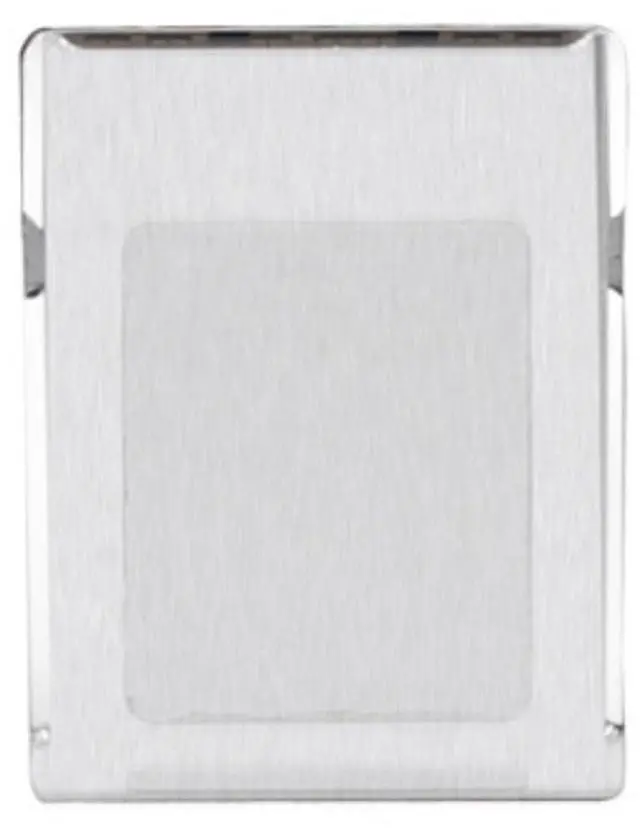
M.2 SSD 2230 to CFExpress Type-B Adapter M.2 NVME SSD to CFExpress Type-B Adapter M.2 NVME 2230 Adapter Card
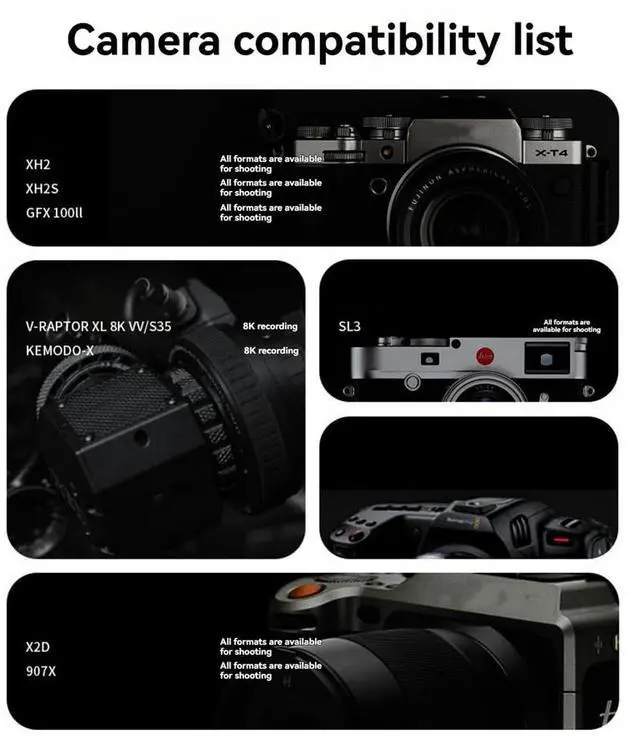
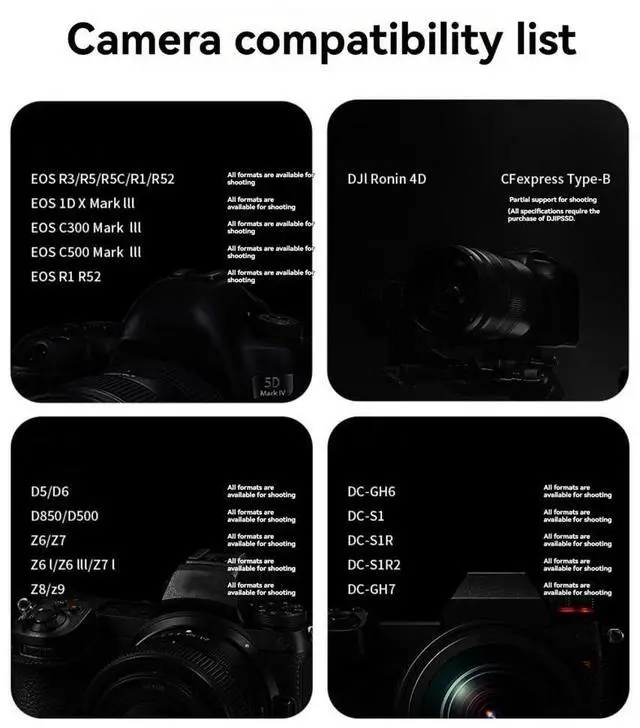
- DIY assembly kit, suitable for 2230 SSD, supports CFExpress card, which is convenient and quick. High-speed transmission, expandable storage capacity.; Convert M.2 NVME 2230 SSD to CFExpress Type-B to provide high transmission speed and capacity.; Users who need high-speed data transmission, such as photographers and professional cameramen.; Features: Crafted with high quality Aluminum alloy materials and meticulous craftsmanship, our adapter ensures optimal functionality and long lasting durability.; Suitable for cameras, video cameras and other equipment, providing faster data transmission speed and meeting the storage requirements of large-capacity files.
+
+
Overview
Specs
Reviews
Any questions? Our AI beta will help you find out quickly.
Try me now
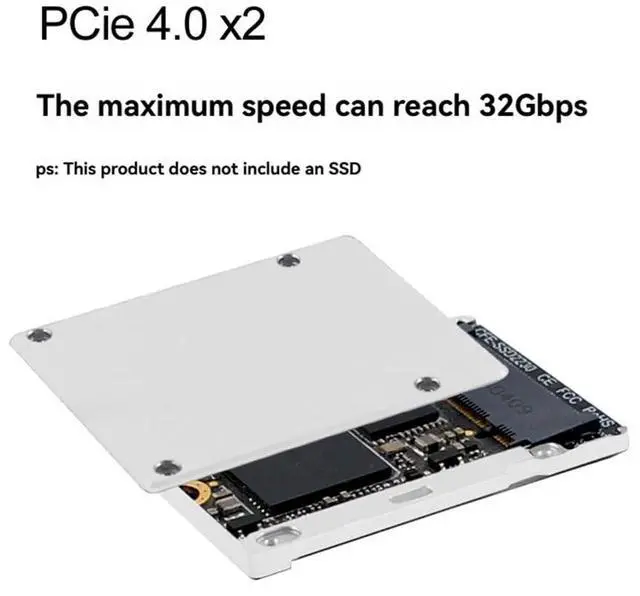
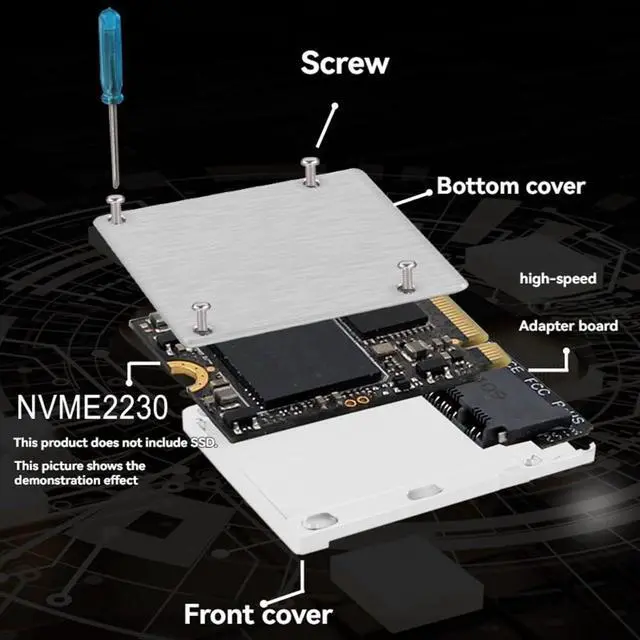
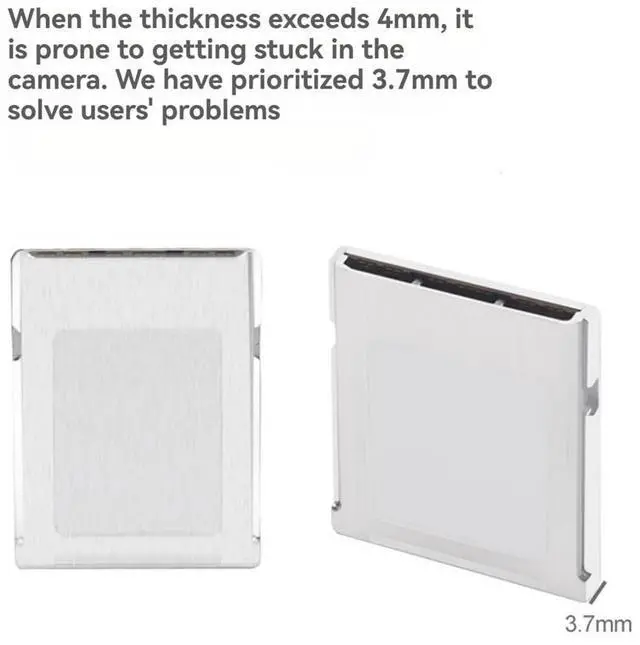
Yaregelun Product use: This product is a card holder for DIY production of CFexpress Type-B memory card. The principle is to place the M. 2 NVMe 2230 size SSD in the card holder and convert it to the CFexpress Type-B interface to achieve a form that can be used by the corresponding device. Notes This product is only a card kit, not including a hard disk for DIY use, users please prepare it by themselves.
Installation:
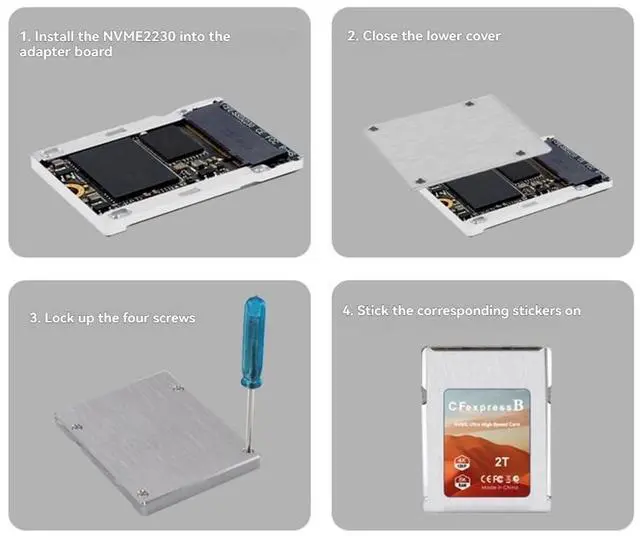
1. Open the upper and lower aluminum alloy covers, tilt the SSD 20° and insert it into the M. 2 Nvme card slot;
2. Use thermal grease after the test function is normal;
3. Select the corresponding storage capacity label and in the label groove of the shell;
Note: Once the use of thermal grease affects the appearance of the shell, it cannot be returned.
Color: Silver
Grey Material: Aluminum Alloy The actual product may have color difference due to different light or display
Package Contents: 1 x Memory Card Adapter 1 set of accessories (accessories are all random colors, Not accepting designation) Only the above package content, other products are not included.
Note: Light reflection and different displays may cause the color of the item in the picture a little different from the real thing. The measurement allowed error is +/- 1-3cm.

Installation:
1. Open the upper and lower aluminum alloy covers, tilt the SSD 20° and insert it into the M. 2 Nvme card slot;
2. Use thermal grease after the test function is normal;
3. Select the corresponding storage capacity label and in the label groove of the shell;
Note: Once the use of thermal grease affects the appearance of the shell, it cannot be returned.
Color: Silver
Grey Material: Aluminum Alloy The actual product may have color difference due to different light or display
Package Contents: 1 x Memory Card Adapter 1 set of accessories (accessories are all random colors, Not accepting designation) Only the above package content, other products are not included.
Note: Light reflection and different displays may cause the color of the item in the picture a little different from the real thing. The measurement allowed error is +/- 1-3cm.
Warranty & Returns
Warranty, Returns, And Additional Information
Warranty
- Please contact the Seller directly for warranty information. Warranty information may also be found on the Manufacturer's website.
- CONTACT
Return Policies
- Return for refund within: 30 days
- Return for replacement within: 30 days
- This item is covered by LUOYIMAN Return Policy
Manufacturer Contact Info
- For a directory of all our manufacturers, please click below.
- Manufacturers Directory
LOADING...