





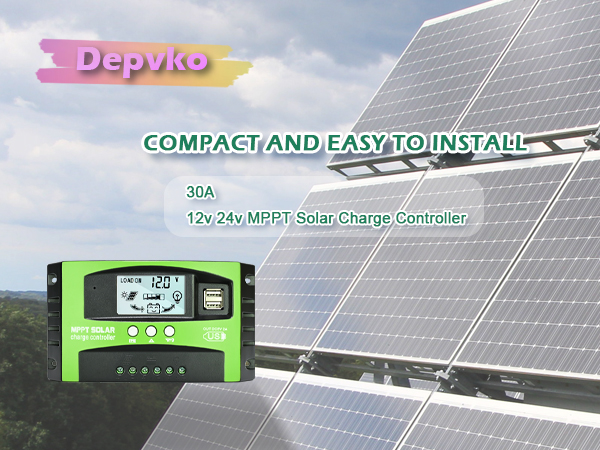
MPPT Solar Charge Controller Details
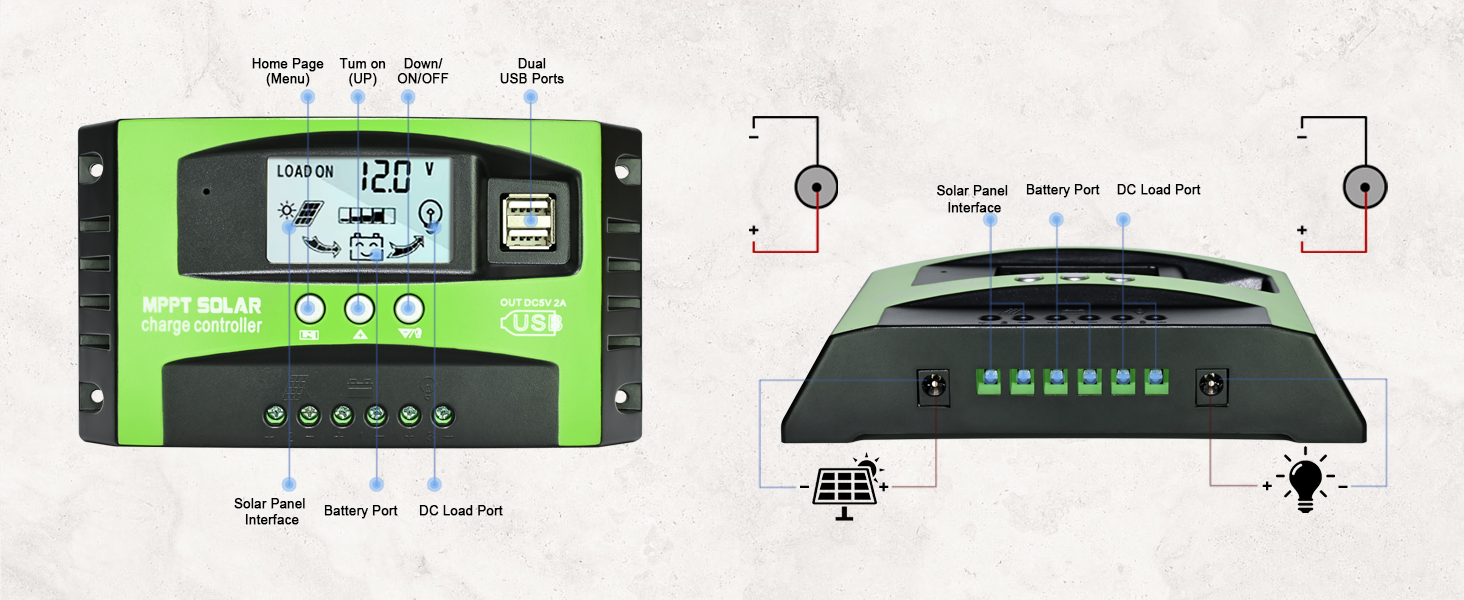
Main Features
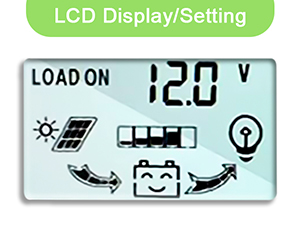
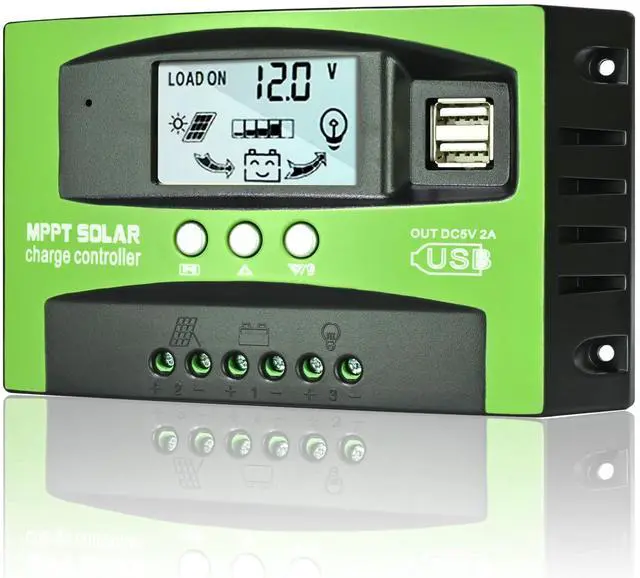
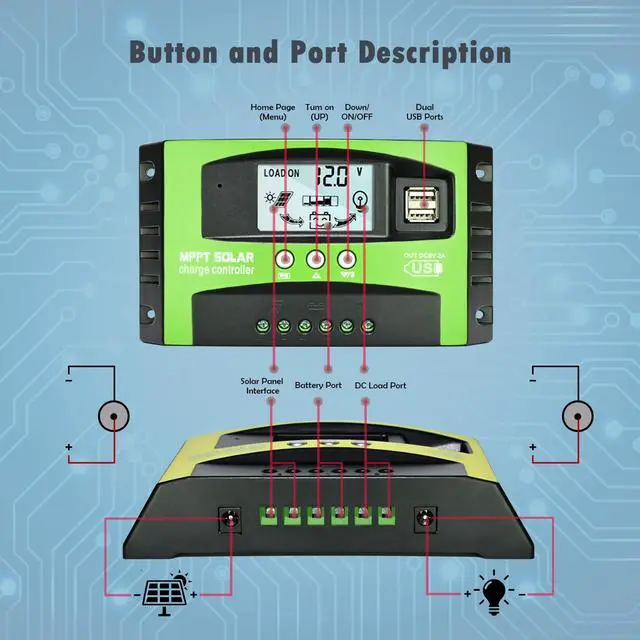
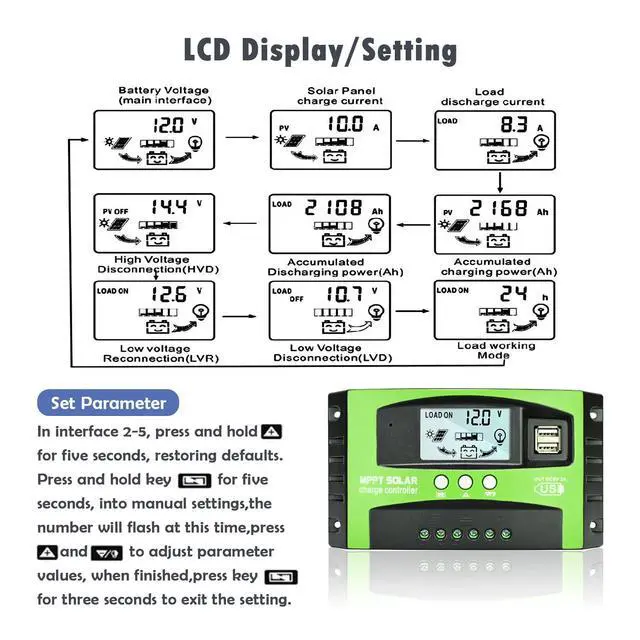
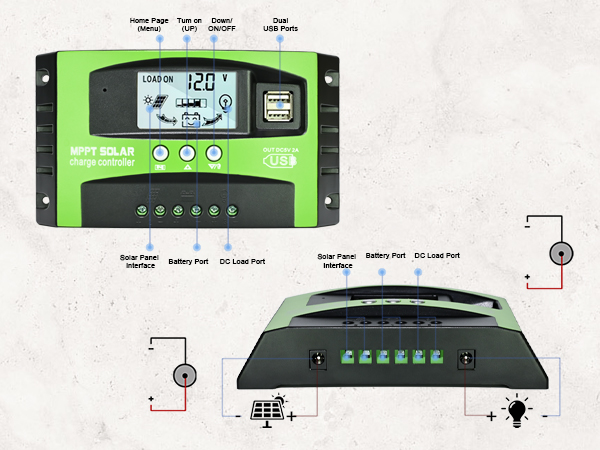
LCD Display
Easy to read the status and data, the LCD display is also able to switch modes and parameter configuration
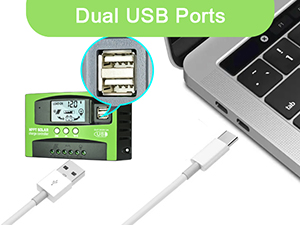
Dual USB
Long USB charging life, supports most USB port devices on the market. Charging mobile phone, tablet, PCs through Dual USB output 5V/2.5A (max)
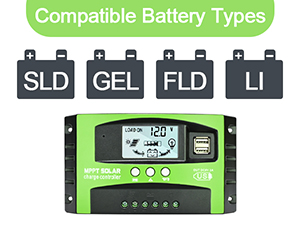
Compatible Battery
1. Sealed
2. Gel
3. Flooded
4. Lithium (Please set the charging parameters prior to the use)
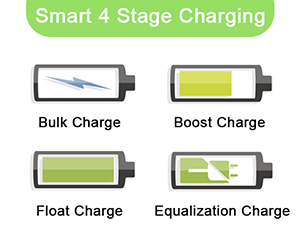
Charging Stage
Four charging stages increase battery life
How to Use It?
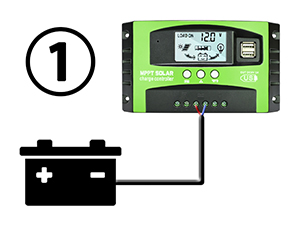
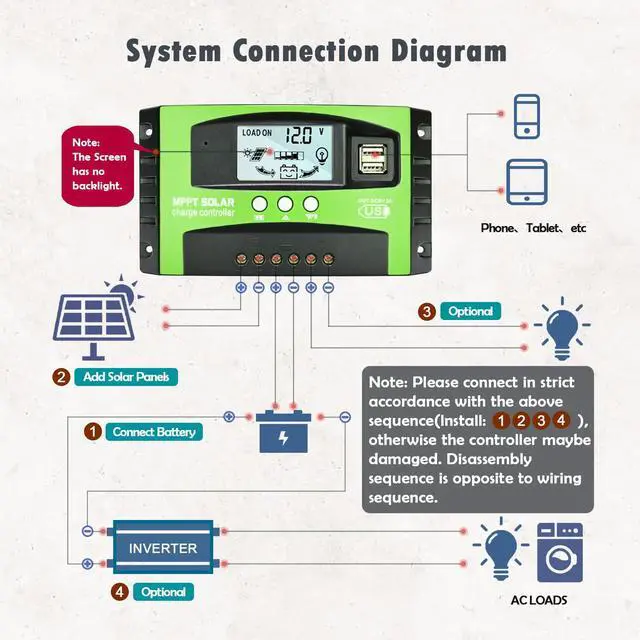
1.Connect to battery
Suitable for lead-acid and lithium batteries, but if you charge lithium batteries, you must set the charging parameters after connecting to the power
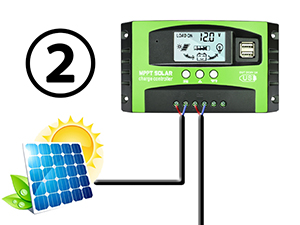
2.Connect to solar panels
Suitable for solar panels 30A within 360W, 40A within 480W, 50A within 600W, 60A within 720W
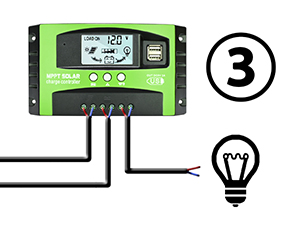
3.Connect to DC load port
12V and 24V system are both compatible
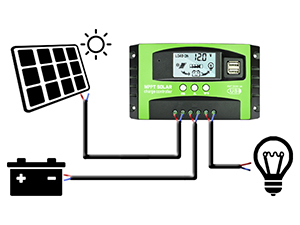
4.Completed system
Ensure the battery has enough power prior to the first use, so that this MPPT charge controller can recognize the correct battery type
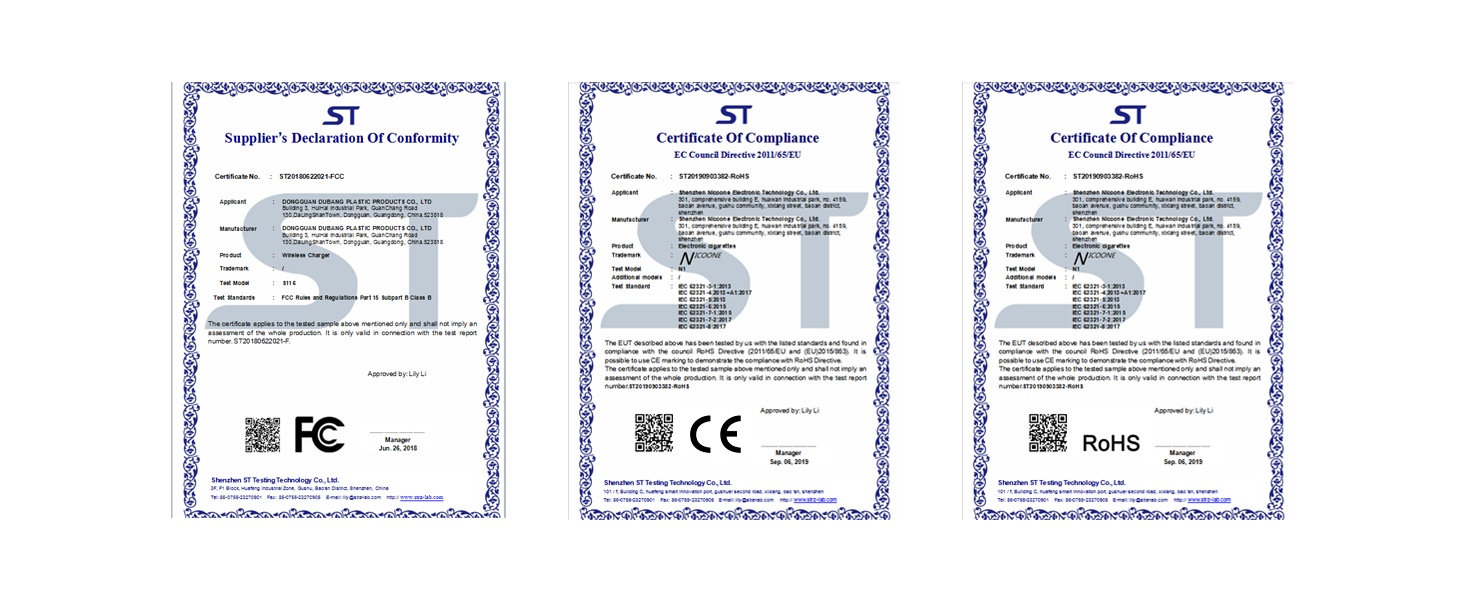
Certificate
Product Specification
My solar panel is 36V 200W, can I charge 12V battery?
To charge a 12V battery, the solar panel working voltage can be between 17V and 23V, and for 24V, the working voltage can be 36V to 46V. Please make sure the working voltage is within this range, or the controller will be damaged.
Does this controller support lithium batteries?
The new controller can be used for lead-acid and lithium batteries. If you charge lithium batteries, you must set the charging parameters after connecting to the power.
How many watts (W) of solar panels can be connected?
30A within 360W, 40A within 480W, 50A within 600W, 60A within 720W.
Can the inverter be connected to the load side of the controller?
Please connect the inverter directly to the battery and not to the load terminal of the controller
Does the controller have a requirement for battery capacity?
No, as long as the voltage corresponds to it (but the maximum current of the board and the battery capacity should correspond).
MPPT Solar Charge Controller Details
Main Features
LCD Display
Easy to read the status and data, the LCD display is also able to switch modes and parameter configuration
Dual USB
Long USB charging life, supports most USB port devices on the market. Charging mobile phone, tablet, PCs through Dual USB output 5V/2.5A (max)
Compatible Battery
1. Sealed
2. Gel
3. Flooded
4. Lithium (Please set the charging parameters prior to the use)
Charging Stage
Four charging stages increase battery life
How to Use It?
1.Connect to battery
Suitable for lead-acid and lithium batteries, but if you charge lithium batteries, you must set the charging parameters after connecting to the power
2.Connect to solar panels
Suitable for solar panels 30A within 360W, 40A within 480W, 50A within 600W, 60A within 720W
3.Connect to DC load port
12V and 24V system are both compatible
4.Completed system
Ensure the battery has enough power prior to the first use, so that this MPPT charge controller can recognize the correct battery type
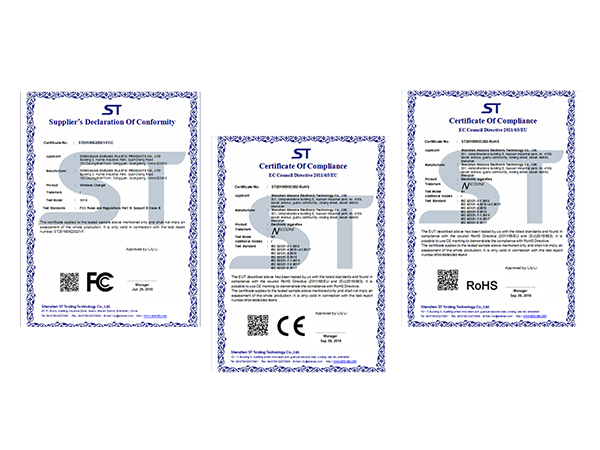
Certificate
Product Specification
| Voltage | DC 12V / 24V |
|---|---|
| Charge Current | 30A/60A/100A |
| Display method | LCD screen |
| Self-consumption | <10MA |
| Overcharge protection | 14.4V / 28.8V |
| Overcharge and float | 13.7V / 27.4V |
| Charging recovery voltage | 12.6V / 25.2V |
| Over discharge protection | 10.7V / 21.4V |
| Over discharge recovery | 12.6V / 25.2V |
| Dual USB output | 5V / 2A (Charge mobile phones, iPads, etc.) |
| Working temperature | -35?-60? |
My solar panel is 36V 200W, can I charge 12V battery?
To charge a 12V battery, the solar panel working voltage can be between 17V and 23V, and for 24V, the working voltage can be 36V to 46V. Please make sure the working voltage is within this range, or the controller will be damaged.
Does this controller support lithium batteries?
The new controller can be used for lead-acid and lithium batteries. If you charge lithium batteries, you must set the charging parameters after connecting to the power.
How many watts (W) of solar panels can be connected?
30A within 360W, 40A within 480W, 50A within 600W, 60A within 720W.
Can the inverter be connected to the load side of the controller?
Please connect the inverter directly to the battery and not to the load terminal of the controller
Does the controller have a requirement for battery capacity?
No, as long as the voltage corresponds to it (but the maximum current of the board and the battery capacity should correspond).