






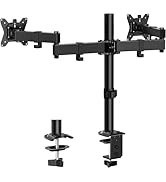
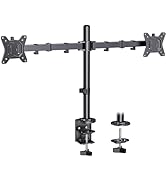

ErGear Freestanding Dual Monitor Stand | Move Freely, Stay Comfortable

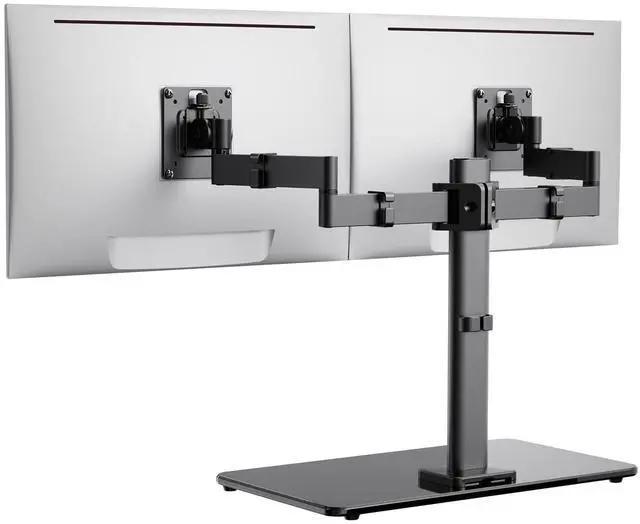
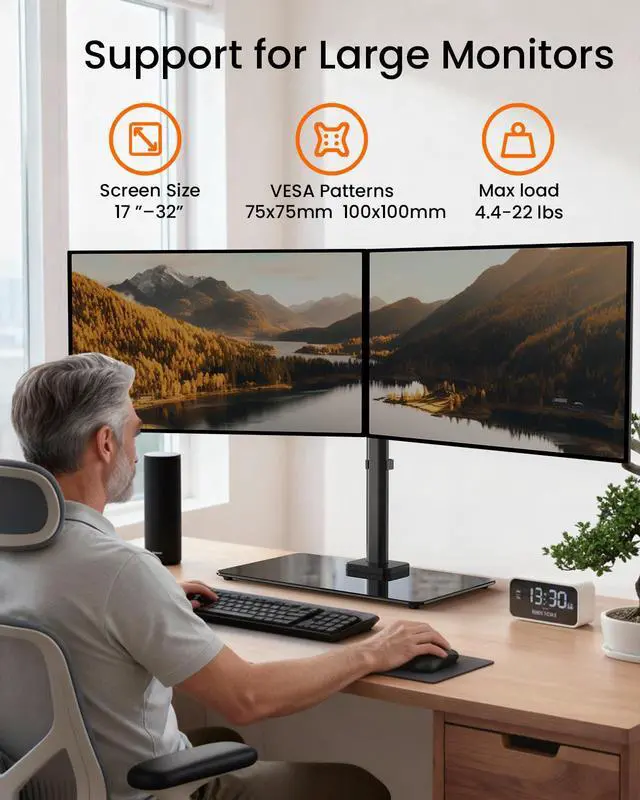
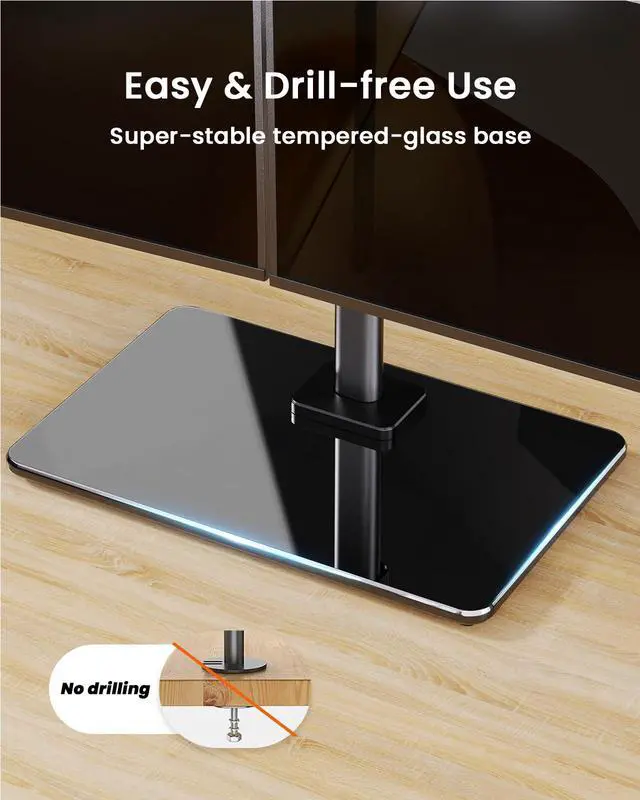
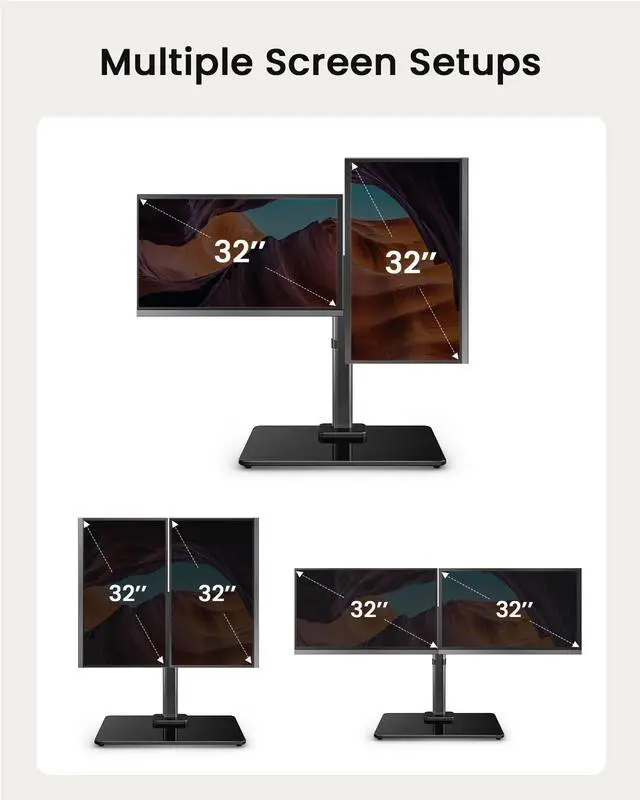
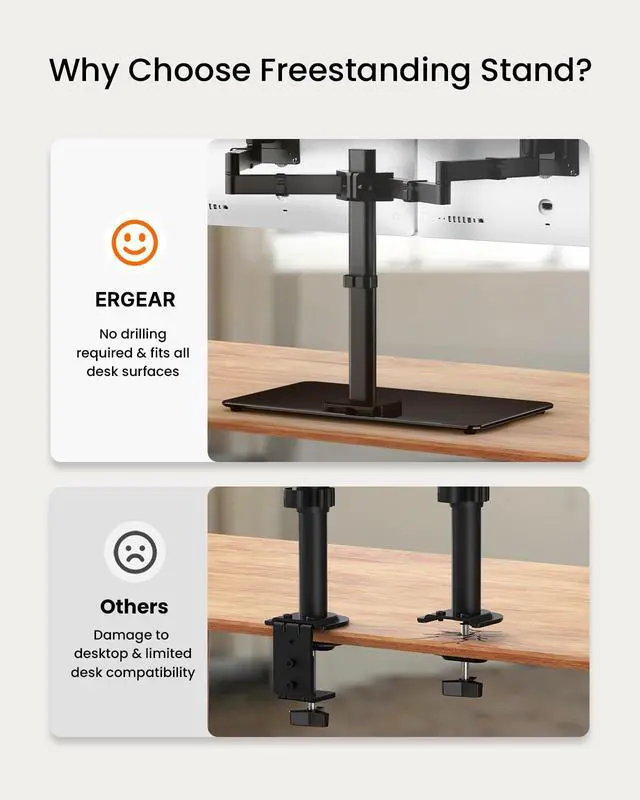
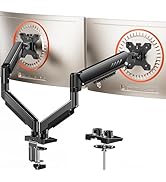
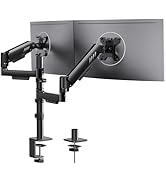
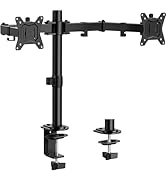
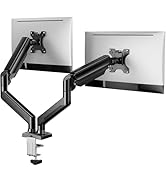
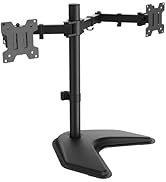
Enjoy the freedom to move your monitors with the ErGear freestanding dual monitor stand. Featuring a sturdy tempered glass base along with aerospace-grade aluminum columns and arms, the stand securely holds two 17-32 inch monitors, supporting up to 22 lbs per arm.


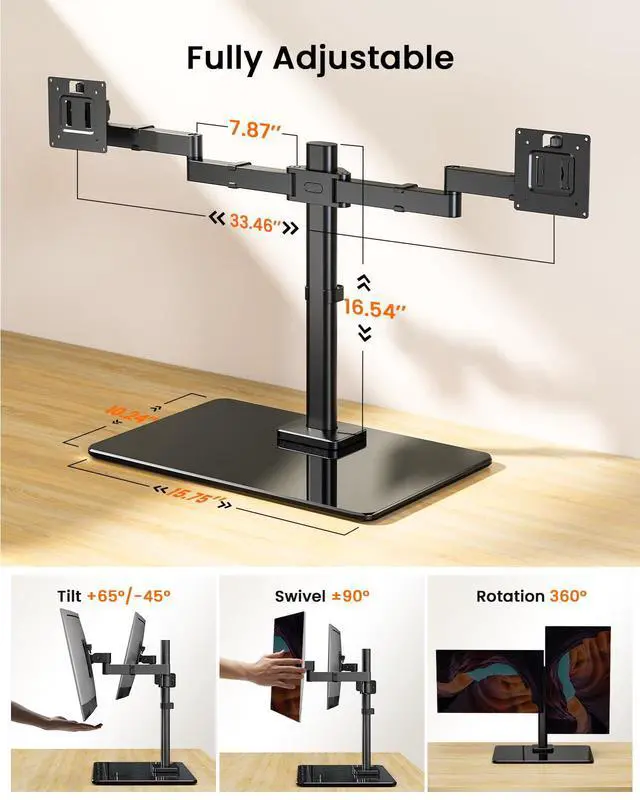
The 16.54? column lets you position your monitors at the ideal height for better posture and comfort. The fully adjustable arms allow easy tilt from -45° to +65° and a 180° swivel for optimal viewing. You can also rotate your monitors 360° between portrait and landscape modes to suit your workflow.


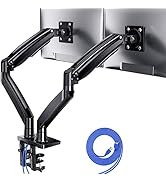
Integrated concealed cable management design: The included cable management components can be easily embedded into the bracket and stand to completely hide cables. This creates a neat and organized modern aesthetic for the desktop, allowing the workspace to return to focus and inspire creativity.

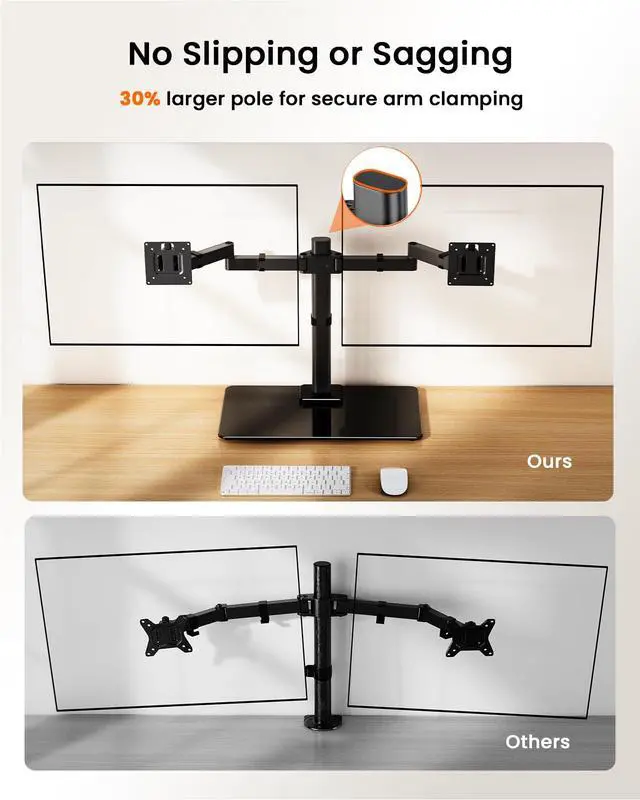
If the monitor still droops or feels unstable after installation?The following simple steps will quickly resolve the issue:
Simply locate the adjustment screw (as shown in the picture) and tighten the bracket according to the arrow's direction to increase the stability of the support angle.

ErGear Freestanding Dual Monitor Stand | Move Freely, Stay Comfortable

Enjoy the freedom to move your monitors with the ErGear freestanding dual monitor stand. Featuring a sturdy tempered glass base along with aerospace-grade aluminum columns and arms, the stand securely holds two 17-32 inch monitors, supporting up to 22 lbs per arm.


The 16.54? column lets you position your monitors at the ideal height for better posture and comfort. The fully adjustable arms allow easy tilt from -45° to +65° and a 180° swivel for optimal viewing. You can also rotate your monitors 360° between portrait and landscape modes to suit your workflow.


Integrated concealed cable management design: The included cable management components can be easily embedded into the bracket and stand to completely hide cables. This creates a neat and organized modern aesthetic for the desktop, allowing the workspace to return to focus and inspire creativity.

If the monitor still droops or feels unstable after installation?The following simple steps will quickly resolve the issue:
Simply locate the adjustment screw (as shown in the picture) and tighten the bracket according to the arrow's direction to increase the stability of the support angle.

New Release
Ergear Standing Desk
ErGear Dual Monitor Mount
Ergear Single Monitor Mount
Ergear Multi Monitor Mount
