



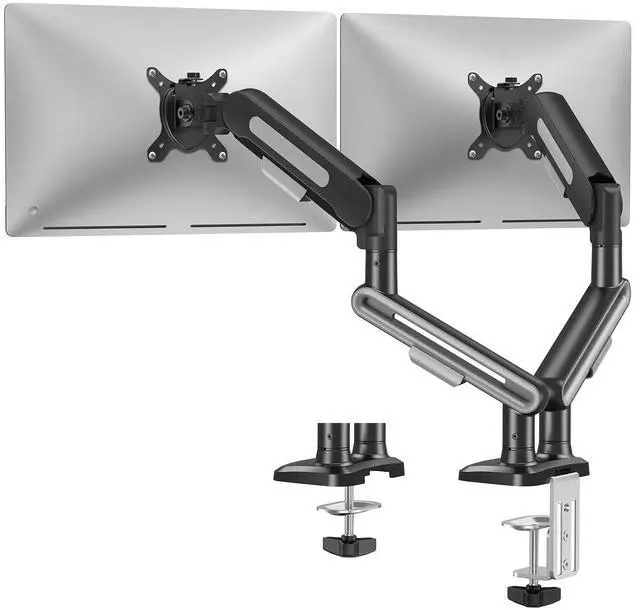


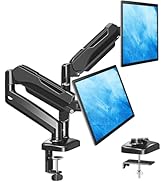
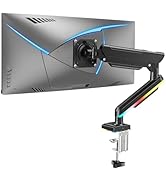
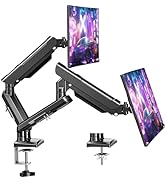
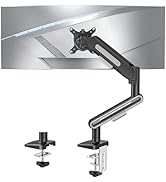
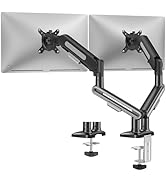
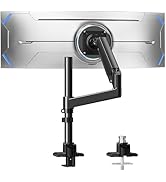
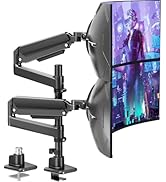
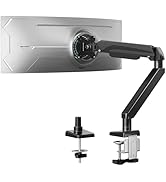
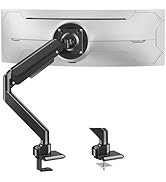
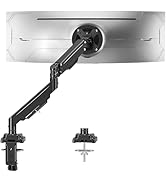
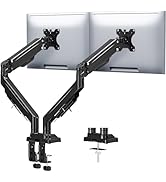
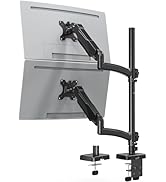
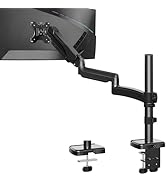
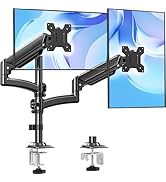
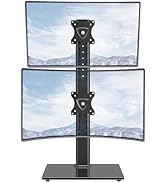
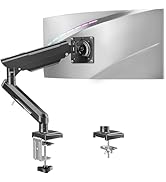
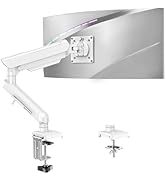
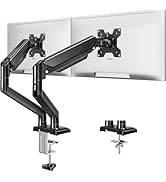
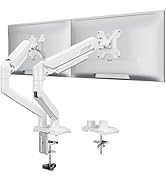
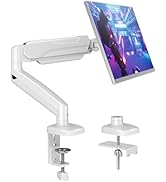
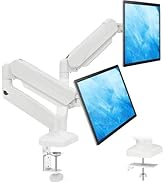
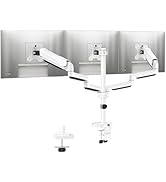
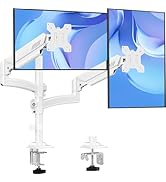
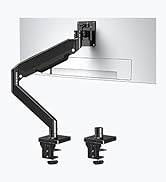
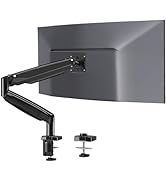
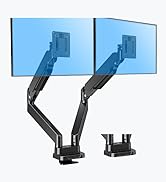
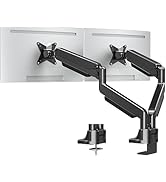
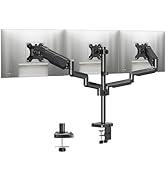
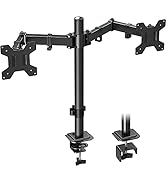
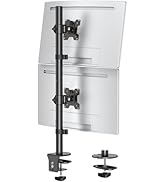
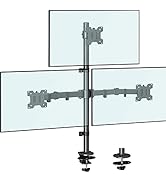
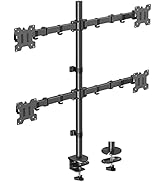
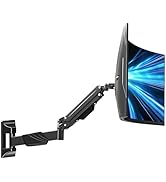
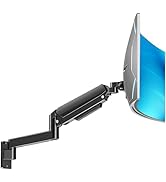
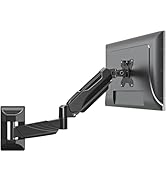
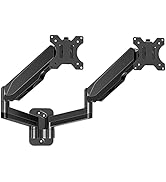
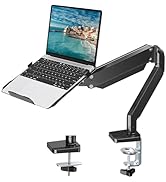
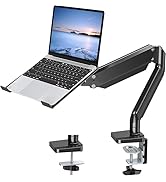
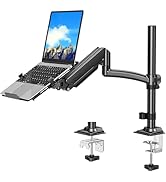
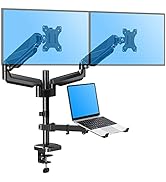
MOUNTUP Dual Monitor Mount – Elevate Your Workspace!

MOUNTUP focuses on delivering stylish mounts & stands, such as kinds of ergonomic monitor arms/mounts, laptop mounts, and monitor stands that eliminate the distractions and discomfort of outdated workspaces and increase efficiency and productivity.
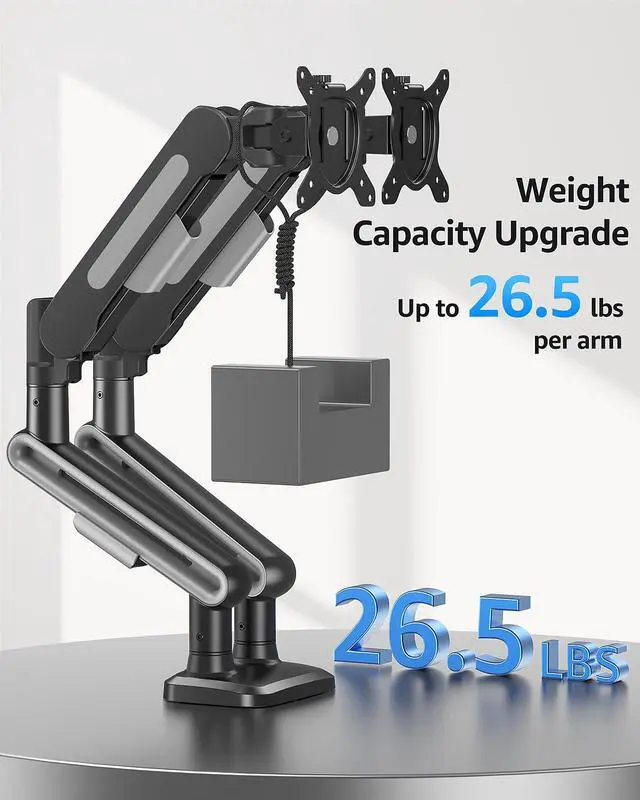
Enhanced Load-bearing Capacity

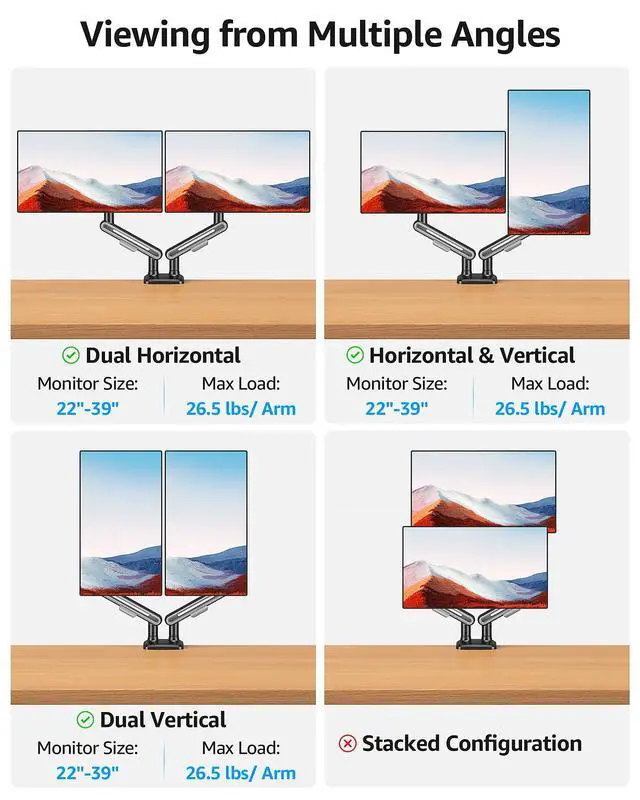
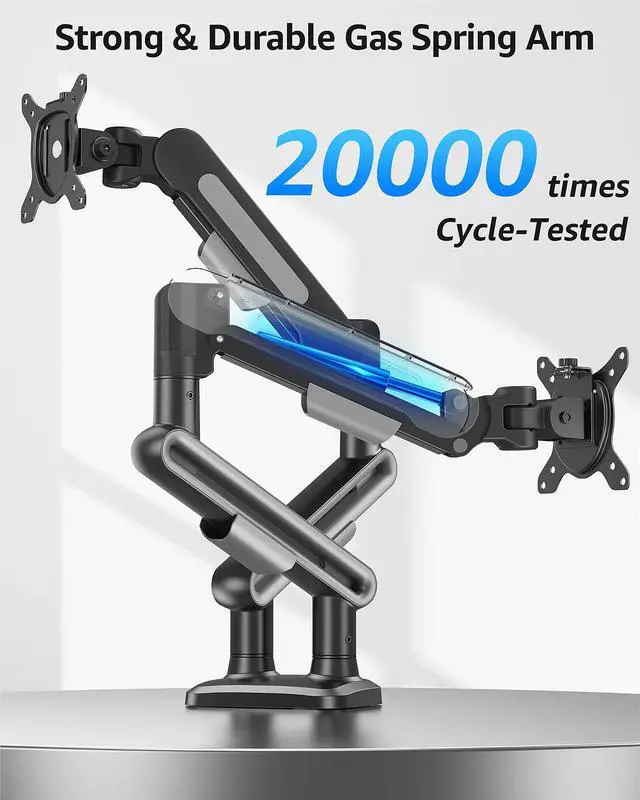
MOUNTUP dual monitor mounts have been upgraded to support monitors weighing up to 26.5 lbs per arm


MOUNTUP Dual Monitor Arm – Engineered for Ergonomic Excellence

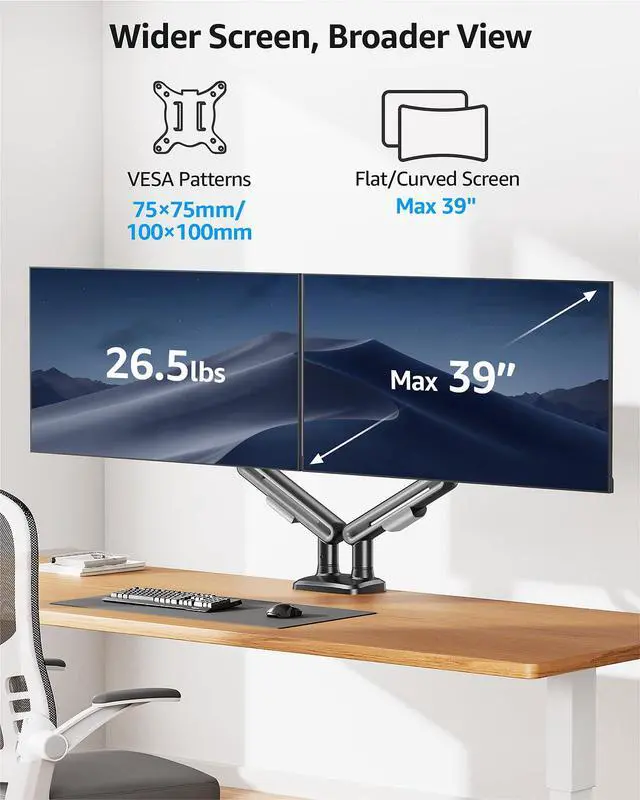
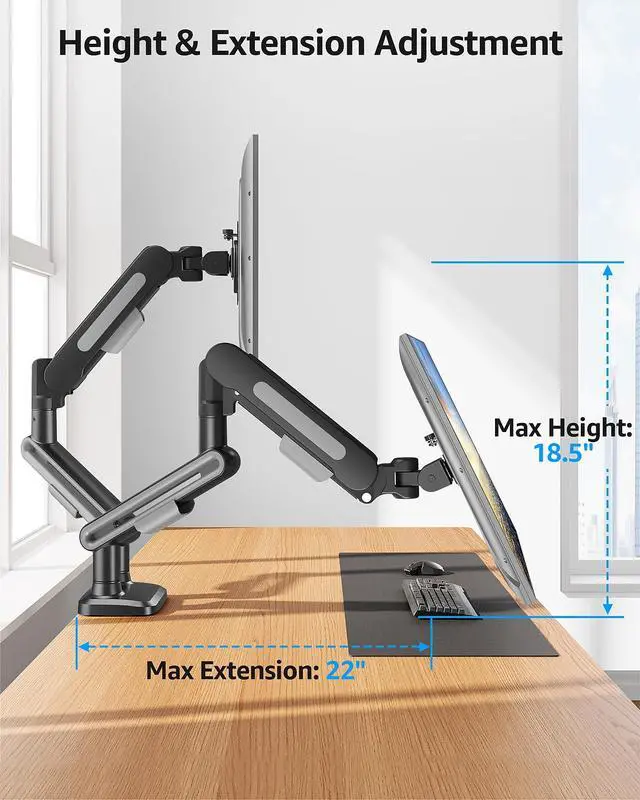
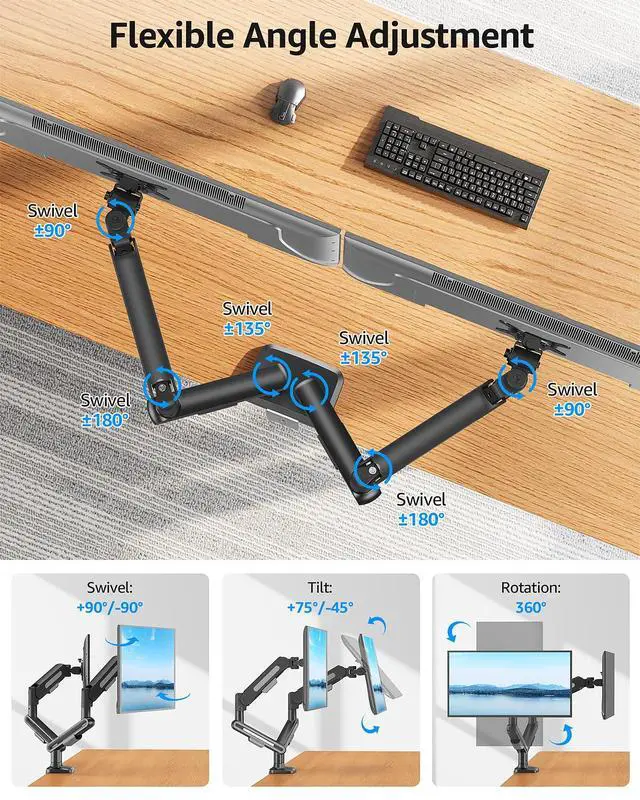
MOUNTUP dual monitor mount adopts an advanced ergonomic design concept, utilizing a multi-dimensional adjustable structure to comprehensively optimize the user's working posture


Please check your table information so that it does not fail to install.

If your desk comes with underframe, side panel or black panel, we prefer to recommend grommet mounting for the safety of your monitor.
How to Adjust Tension Arm and Tilt Angle?

Important Note: The monitor arm is pre-set to medium tension(Not applicable to all displays). You will need to refer to the figure above and adjust the tension according to the weight of your monitor once the monitor is hung on.
MOUNTUP Dual Monitor Mount – Elevate Your Workspace!

MOUNTUP focuses on delivering stylish mounts & stands, such as kinds of ergonomic monitor arms/mounts, laptop mounts, and monitor stands that eliminate the distractions and discomfort of outdated workspaces and increase efficiency and productivity.
Enhanced Load-bearing Capacity

MOUNTUP dual monitor mounts have been upgraded to support monitors weighing up to 26.5 lbs per arm


MOUNTUP Dual Monitor Arm – Engineered for Ergonomic Excellence

MOUNTUP dual monitor mount adopts an advanced ergonomic design concept, utilizing a multi-dimensional adjustable structure to comprehensively optimize the user's working posture


Please check your table information so that it does not fail to install.

If your desk comes with underframe, side panel or black panel, we prefer to recommend grommet mounting for the safety of your monitor.
How to Adjust Tension Arm and Tilt Angle?

Important Note: The monitor arm is pre-set to medium tension(Not applicable to all displays). You will need to refer to the figure above and adjust the tension according to the weight of your monitor once the monitor is hung on.
Ergonomic Monitor Mount
Adjustable Monitor Arm
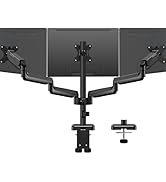
Heavy Duty Monitor Arm
Tall monior arm
Freelift Monitor Arm
White Monitor Mount
Heavy Duty Monitor Arm
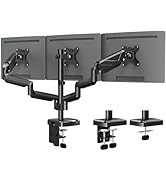
Triple Monitor Desk Mount
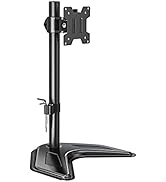
Basic & Freestanding Mount
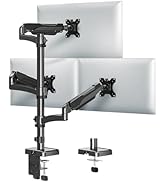
Tall Monitor Arm
Monitor Wall Mount
Monitor & Laptop Mount
Monitor Adapter