


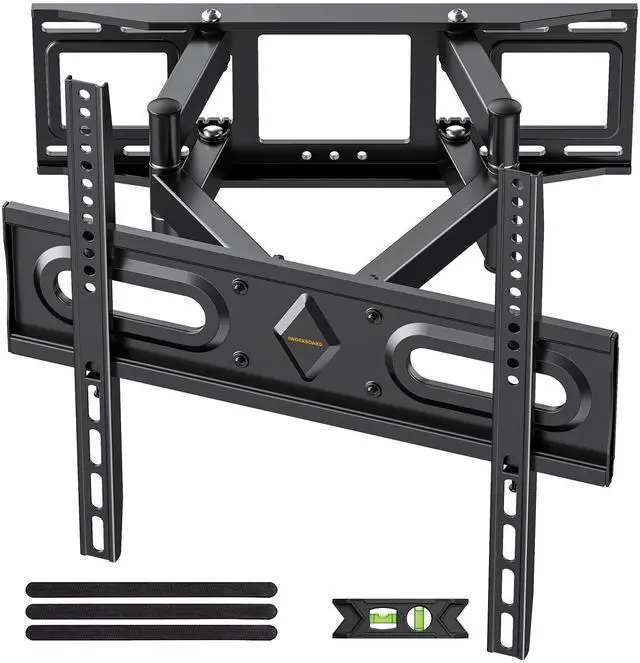


Full Motion TV Wall Mount
Merchant Video


Is this mount compatible with my TV?
Check these 2 points + wall type!
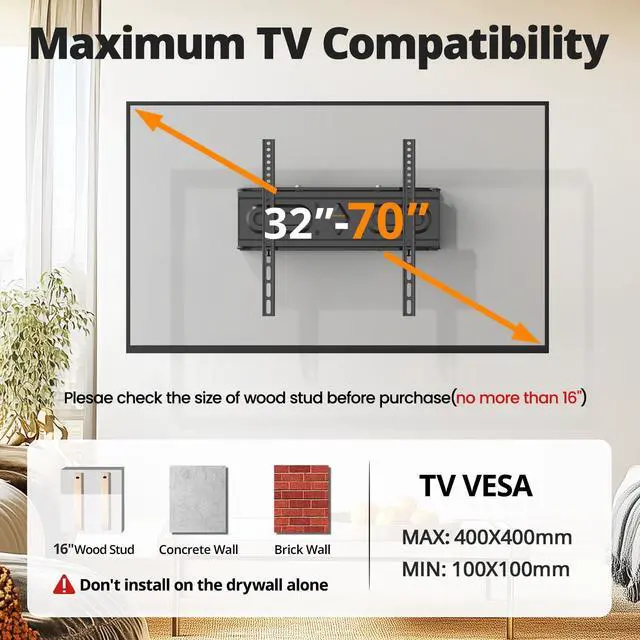
1. The screw holes must align (VESA standard).
2. The mount must support your TV's weight.
3. Installation surface: Brick Walls/Solid Concrete/Wood studs only!
How to verify VESA compatibility?
Measure the horizontal and vertical distances (inches) between the four screw holes on the back of your TV.This mount supports sizes from 3×3 inches to 16×16 inches.
How to Check Weight Capacity??
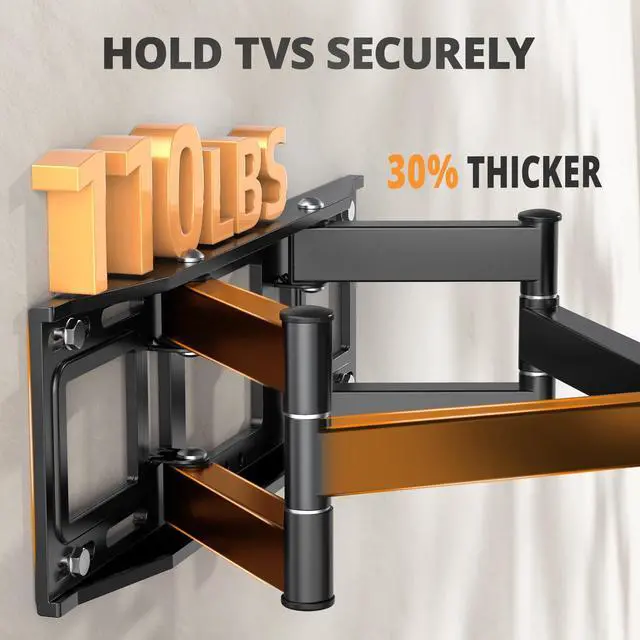
Verify the mount's maximum load capacity?? – It ??must exceed?? your TV's weight.
This mount's max weight:?? ??110 lbs (50 kg).
How to Determine Wall Type?(Concrete Anchors will be sent per requested)
1.Drywall: You must locate the wood stud behind the wall(Concrete anchors are not allowed)??. Warning: Installing only into drywall or using anchors could cause the TV falling.
2. Solid Wall (Brick/Concrete Wall): Must use concrete anchors.
Full Motion TV Wall Mount
Merchant Video


Is this mount compatible with my TV?
Check these 2 points + wall type!
1. The screw holes must align (VESA standard).
2. The mount must support your TV's weight.
3. Installation surface: Brick Walls/Solid Concrete/Wood studs only!
How to verify VESA compatibility?
Measure the horizontal and vertical distances (inches) between the four screw holes on the back of your TV.This mount supports sizes from 3×3 inches to 16×16 inches.
How to Check Weight Capacity??
Verify the mount's maximum load capacity?? – It ??must exceed?? your TV's weight.
This mount's max weight:?? ??110 lbs (50 kg).
How to Determine Wall Type?(Concrete Anchors will be sent per requested)
1.Drywall: You must locate the wood stud behind the wall(Concrete anchors are not allowed)??. Warning: Installing only into drywall or using anchors could cause the TV falling.
2. Solid Wall (Brick/Concrete Wall): Must use concrete anchors.