




 here!
I’m your shopping assistant for PC builds, upgrades, and everything tech.
Got questions? Ask away!
Start a conversation
here!
I’m your shopping assistant for PC builds, upgrades, and everything tech.
Got questions? Ask away!
Start a conversation




Any questions? Ask CelesteSM will help you find out quickly.
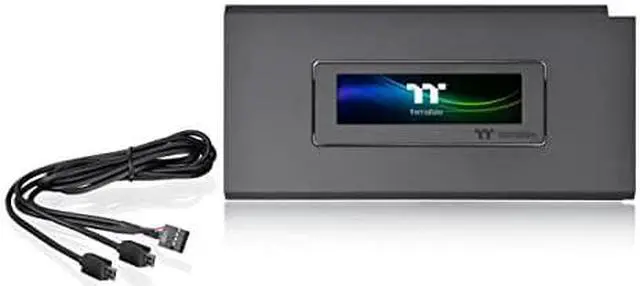
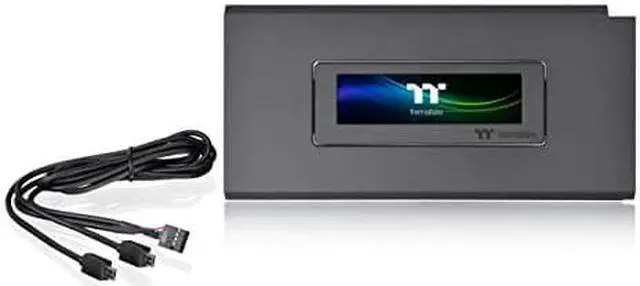
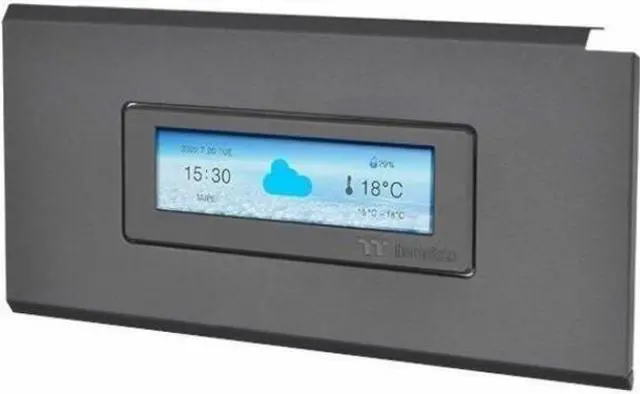
LCD Panel Kit is an exclusive expansion accessory for the Ceres Series chassis. With its 3.9 LCD display, users can use the TT RGB Plus 2.0 software to gain full control of performance monitoring and personalized effects. Additionally, the LCD Panel Kit can be paired with other Thermaltake Ultra series products, providing the best LCD visual experience.
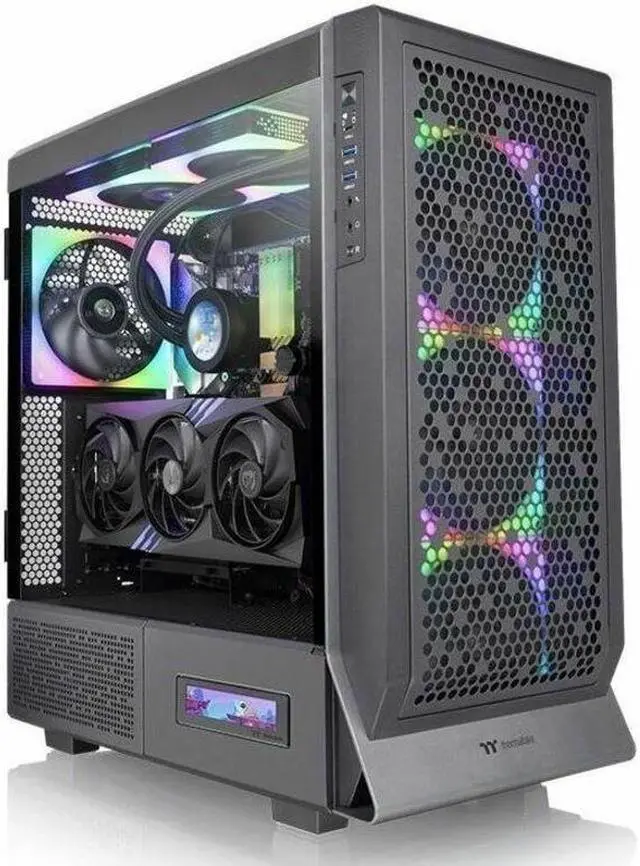
Perfectly Compatible with Ceres Series TG ARGB Mid Tower Chassis
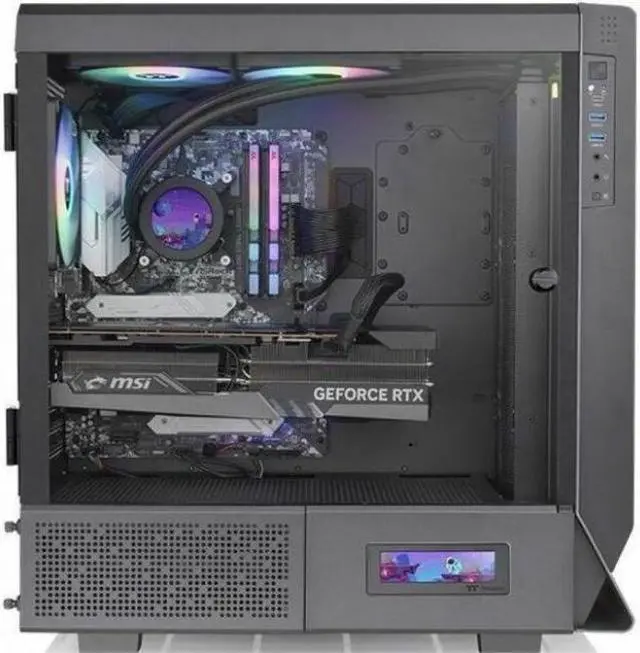
LCD Panel Kit is an exclusive accessory for Ceres Series TG ARGB Mid Tower Chassis. Fully fitted front panel design provides easy installation. Users can quickly install the device and control it through the TT RGB Plus 2.0 software by connecting the cable to the motherboard.
Personalize Your LCD Display
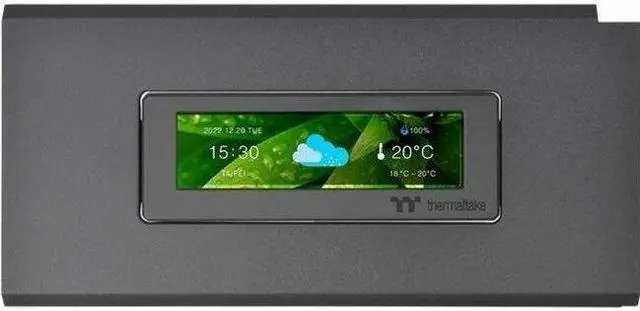
Through the TT RGB Plus 2.0, the 3.9 LCD display presents real-time information and plays JPG and GIF files with 128*480 resolution. Whats more is users can even show the time and weather information on the display, bringing great visual aesthetics and highly customizable functions to your Ceres Series TG ARGB chassis.
Fully Customizable with TT RGB Plus 2.0
Monitor frequency and real-time temperature directly from the 3.9" LCD display, and upload any images or GIFs to add extra flair with the TT RGB Plus 2.0 software
Unite Your LCD Display
LCD Panel Kit can be easily paired with other Thermaltake Ultra series components and create interaction among the LCD panels through the TT RGB Plus 2.0 software. Users can customize all the monitors in their Ceres Series TG ARGB Mid Tower Chassis according to their own preferences.
TT RGB PLUS 2.0 Software
The new version of Thermaltakes TT RGB PLUS patented software, providing more lighting effects and PC monitoring functions.
The Thermaltake Ceres 500 LCD Panel Kit is a black, case-specific 3.9-inch LCD upgrade for Ceres 500 TG ARGB PC builds, suited to users who want to view real-time system information or personalize their case with images and GIFs through TT RGB Plus 2.0.


