

Price alert
Shop it at NeweggBusiness.

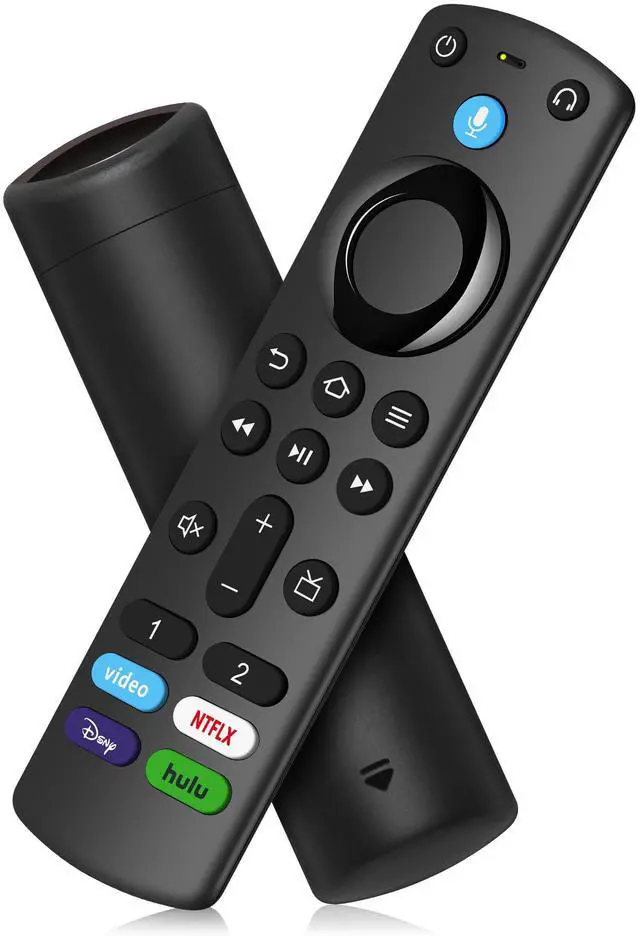
Replacement Voice Remote Control Fit for All Fire-Smart TV Cube, Firestick 4K/4K Max (1st/2nd Gen), Stick (2nd/3rd Gen)/Lite/HD, Smart TV 3rd Gen, for Hisense TCL Insignia TVs

Limited time offer, ends 05/21 By DongFangBiYueShangMao

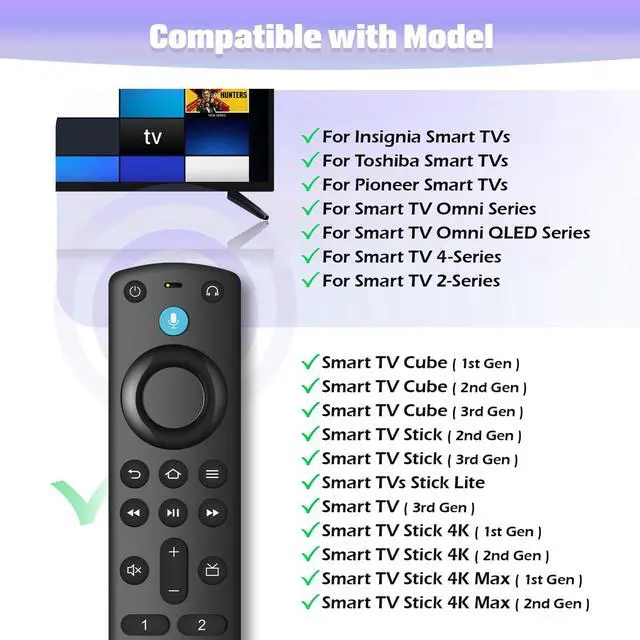
  • Applicable Media Device Models: Smart TVs Cube (1st / 2nd / 3rd Gen), Smart TVs Stick 4K Max (1st / 2nd Gen), Smart TVs Stick 4K (1st / 2nd Gen), Smart TVs Stick (2nd / 3rd Gen), Smart TVs Stick Lite, Smart TVs (3rd Gen)
  • TV Compatibility Models: For Insignia Smart TVs F30 / F20 / F50 / DF710 / DF711 / DF310 / DF510 / DF311 / DF620 series, and for Toshiba Smart TVs LF711 / LF621U / LF421U / LF221U / C350 / A810U / A710U / M550 / V35 series, plus for Pioneer TVs PN450 / PN651 / PN851 / PN951 series, Smart TV Omni Series, Omni QLED Series, Smart TV 4-Series, Smart TV 2-Series
  • Remote Compatibility Model: for voice remote control (2nd Gen/3rd Gen/Lite/Lite 2nd Gen), for Insignia TV remote control NS-RCFNA-21, CT-95018, NS-RCFNA-19, CT-RC1US-19, CT-RC1US-21etc
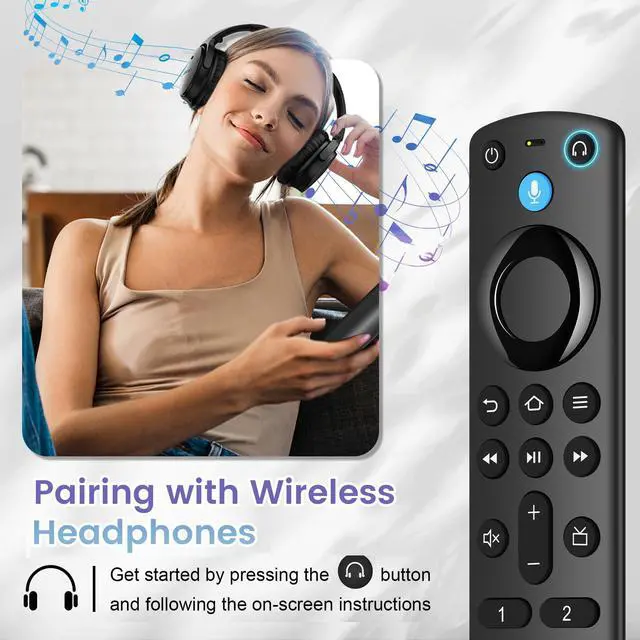
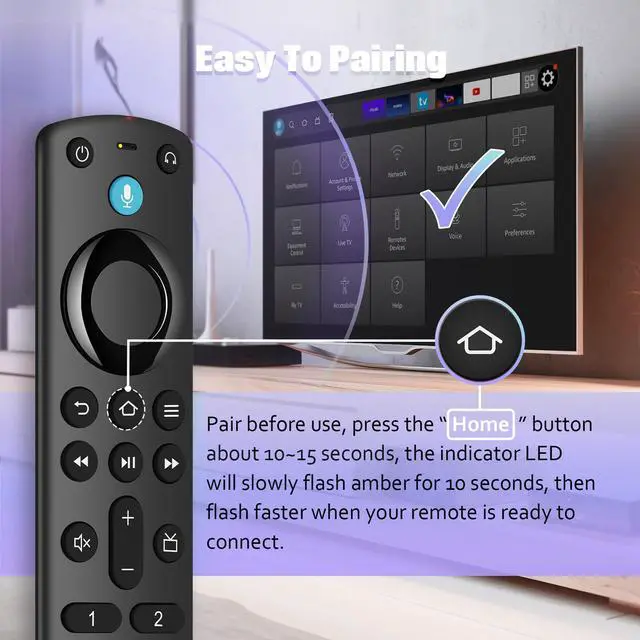
  • Easy to Pairing: Press the Home button about 10-15 seconds until the LED indicator starts to rapidly flash, then waiting about 30-60 seconds (Entering Pairing mode, LED Flash), then your remote will automatically pair with your device
  • What You Get: 1 * Voice Function Remote Control(2 AAA batteries not included),1 * User Manual. If you have any problems with the remote control, please contact us immediately, our customer service team will provide you with a satisfactory solution
+
+
Overview
Specs
Reviews
avatar

Any questions? Our AI beta will help you find out quickly.

1
2
3
4
5
6
7
1
2
3
4
5
6
7

Information:

Specification:
MaterialPlastic
Battery Type2 AAA batteries Not included

Compatible with :
Smart TVs Cube (3rd Generation)
Smart TVs Cube (2nd Generation)
Smart TVs Cube (1st Generation)
Smart TVs Stick 4K Max (1st Generation)
Smart TVs Stick 4K (2nd Generation)
Smart TVs Stick 4K (1st Generation)
Smart TVs Stick (3rd Generation)
Smart TVs Stick (2nd Generation)
Smart TVs Stick Lite
Smart TVs (3rd Generation)


Insignia Smart TVs F30 / F20 / F50 / DF710 / DF711 / DF310 / DF510 / DF311 / DF620 series
Smart TVs LF711 / LF621U / LF421U / LF221U / C350 / A810U / A710U / M550 / V35 series
Pioneer TVs PN450 / PN651 / PN851 / PN951 series

Smart TV Omni Series
Omni QLED Series
Smart TV 4-Series
Smart TV 2-Series

Package list:
1 * User Manual
1 * Replacement Remote Control

How to Pair?
Press the Home button about 10-15 seconds until the LED indicator starts to rapidly flash, then waiting about 30-60 seconds (Entering Pairing mode, LED Flash), then your remote will automatically pair with your device.


Product information

Brand Souppzoe
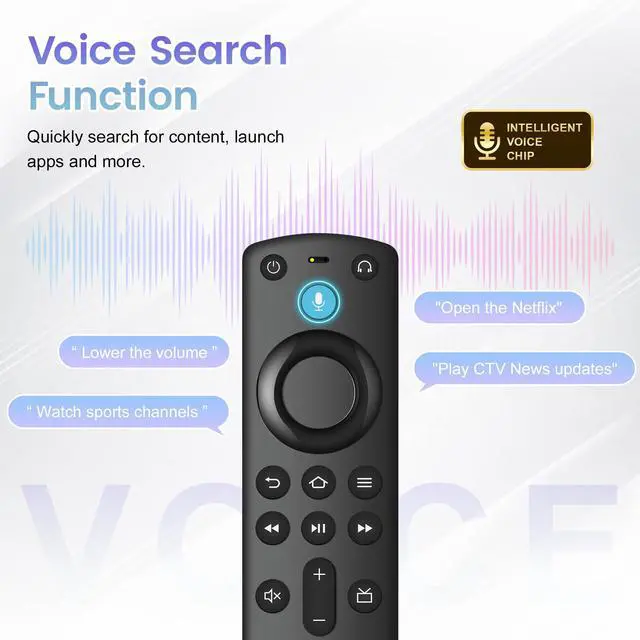
Special Feature Voice Search
Color Black
Max Number of Supported Devices 1
Compatible Devices Television
Package Dimensions 6.42 x 1.65 x 0.75 inches
Item Weight 2.08 ounces
Date First Available September 29, 2025
Manufacturer Souppzoe

Warranty & Returns

Warranty, Returns, And Additional Information

Warranty

  • Please contact the Seller directly for warranty information. Warranty information may also be found on the Manufacturer's website.
  • CONTACT

Return Policies

Manufacturer Contact Info

LOADING...