






Any questions? Our AI beta will help you find out quickly.
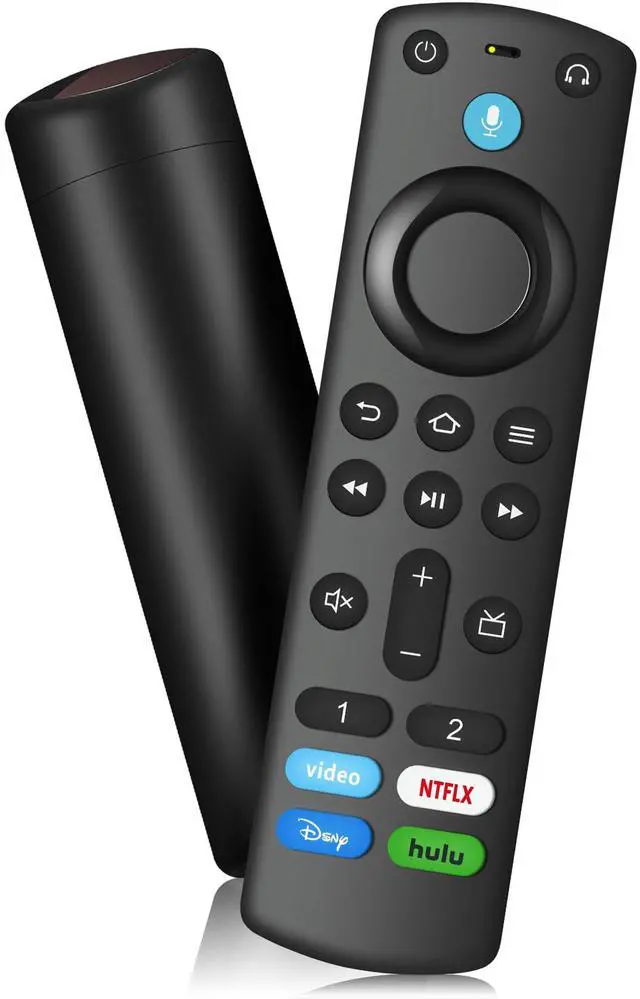
Replacement Voice Remote
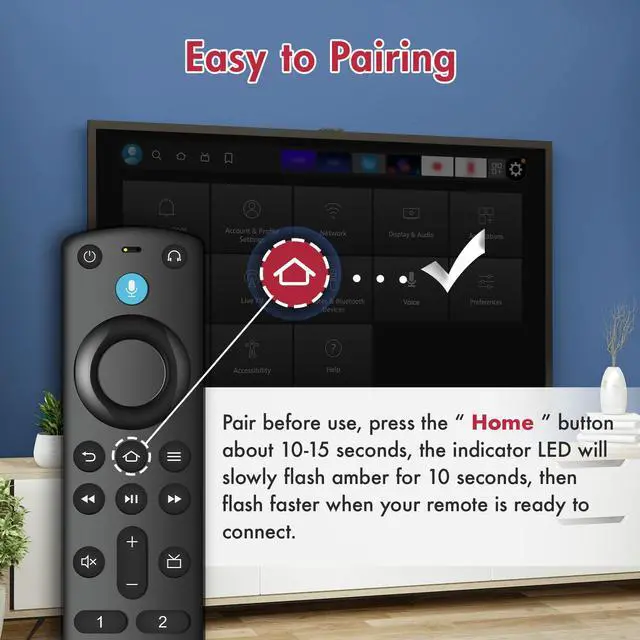
How to pair your TV stick?
If this is a replacement remote and you don't have the original remote that came with your TV device:
1. Restart the TV equipment. When the main screen of TV appears, the remote control can be used. If not, please move to step 2.
2. Press and hold the Home button on the new remote control for at least 10 seconds, until the LED starts to flash quickly,
and then send the loosening.
At this time, enter the pairing mode, indicating that your remote control has been successfully paired.
If you do have the remote that came with your TV device, you'll need both remotes for setup:
1. On your new remote, press and hold the Home button for 10 seconds. The indicator LED will slowly fash amber for 10 seconds,
then flash faster when your remote is ready to connect.
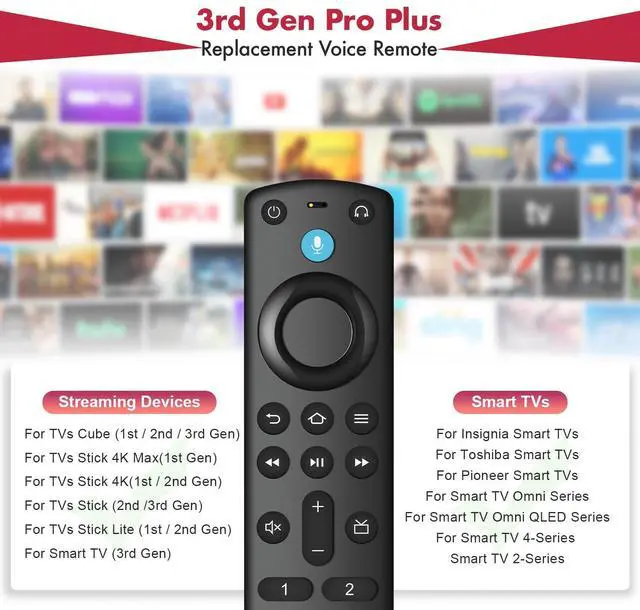
Compatible with TV Models :
for Smart TV Stick 4K
for Smart TV Stick Lite
for Smart TV Stick 4K Max
for Smart TV Stick (2nd Gen)
for Smart TV Stick (3rd Gen)
for Smart TV Cube (1st Gen)
for Smart TV Cube (2nd Gen)
for Smart TV (3rd Gen, Pendant Design)
for Smart TV Stick 4K Bundle
Compatible with Remote Models :
for Smart TV Stick Lite
for Smart TV (2nd Gen)
for Smart TV (1st Gen)
for TV Edition smart TVs
| Brand | SZILBZ |
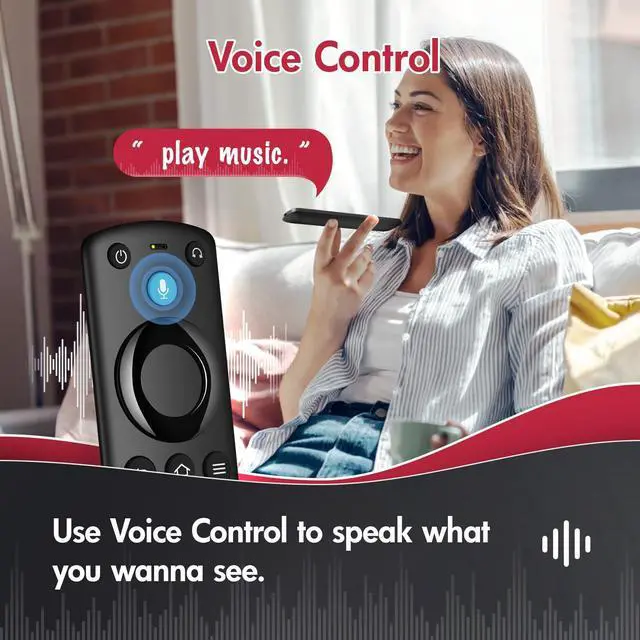
| Special Feature | Voice Search |
| Color | Black |
| Max Number of Supported Devices | 1 |
| Compatible Devices | Television |
| Package Dimensions | 6.02 x 1.73 x 0.79 inches |
| Item Weight | 1.76 ounces |
| Date First Available | March 31, 2025 |
| Manufacturer | SZILBZ |