





Any questions? Our AI beta will help you find out quickly.
Information:
Specification:
MaterialPlastic
Battery Type2 AAA batteries Not included
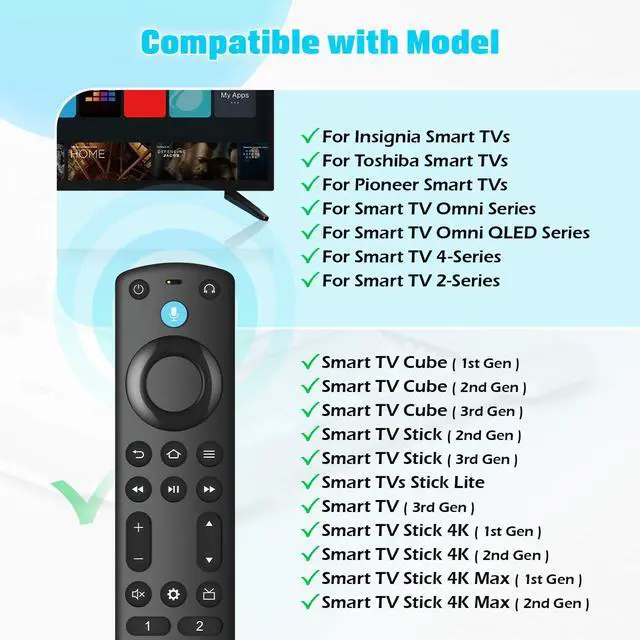
Compatible with :
Smart TVs Cube (3rd Generation)
Smart TVs Cube (2nd Generation)
Smart TVs Cube (1st Generation)
Smart TVs Stick 4K Max (1st Generation)
Smart TVs Stick 4K (2nd Generation)
Smart TVs Stick 4K (1st Generation)
Smart TVs Stick (3rd Generation)
Smart TVs Stick (2nd Generation)
Smart TVs Stick Lite
Smart TVs (3rd Generation)
Insignia Smart TVs F30 / F20 / F50 / DF710 / DF711 / DF310 / DF510 / DF311 / DF620 series
Smart TVs LF711 / LF621U / LF421U / LF221U / C350 / A810U / A710U / M550 / V35 series
Pioneer TVs PN450 / PN651 / PN851 / PN951 series
Smart TV Omni Series
Omni QLED Series
Smart TV 4-Series
Smart TV 2-Series
Package list:
1 * User Manual
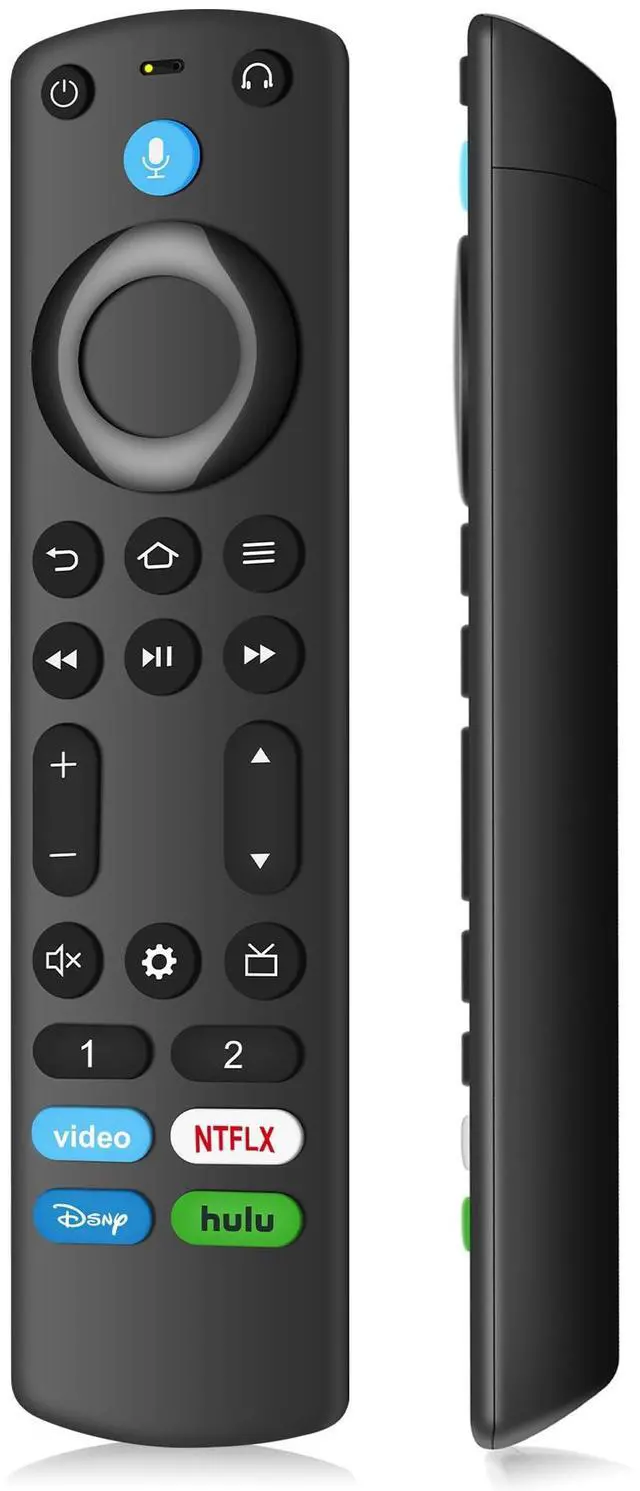
1 * Replacement Remote Control
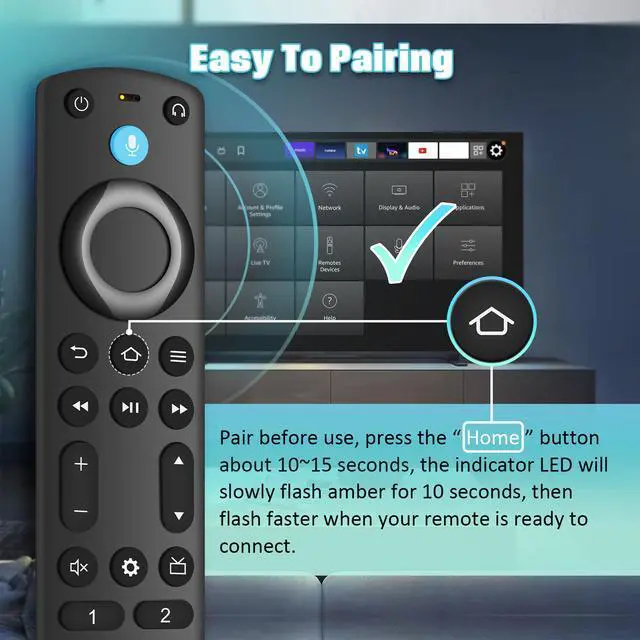
How to Pair?
Press the Home button about 10-15 seconds until the LED indicator starts to rapidly flash, then waiting about 30-60 seconds (Entering Pairing mode, LED Flash), then your remote will automatically pair with your device.
| Brand | Souppzoe |
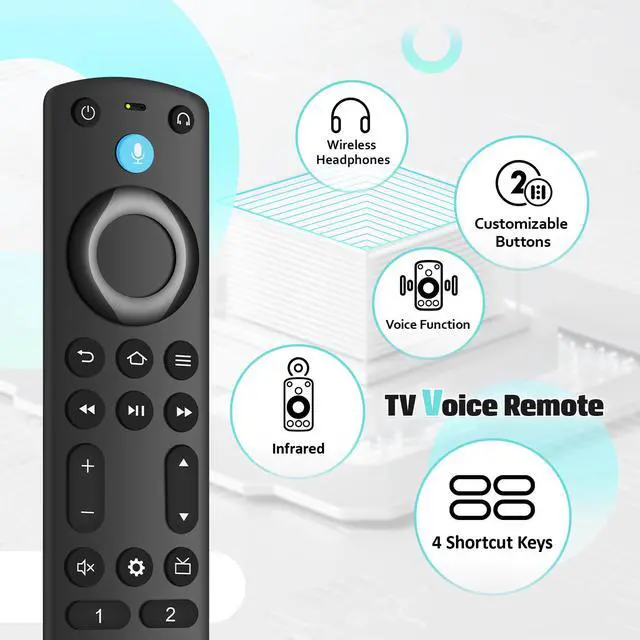
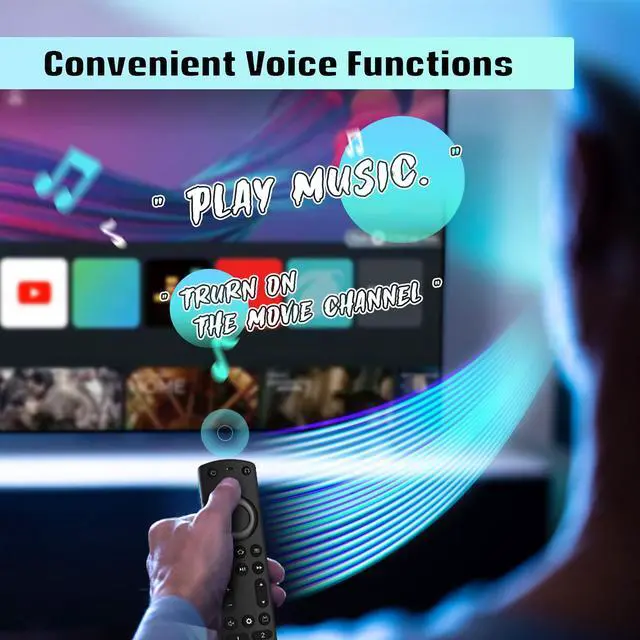
| Special Feature | Voice Search |
| Color | Black |
| Max Number of Supported Devices | 1 |
| Compatible Devices | Television |
| Package Dimensions | 6.38 x 1.73 x 0.75 inches |
| Item Weight | 2.08 ounces |
| Date First Available | January 4, 2026 |
| Manufacturer | Souppzoe |