


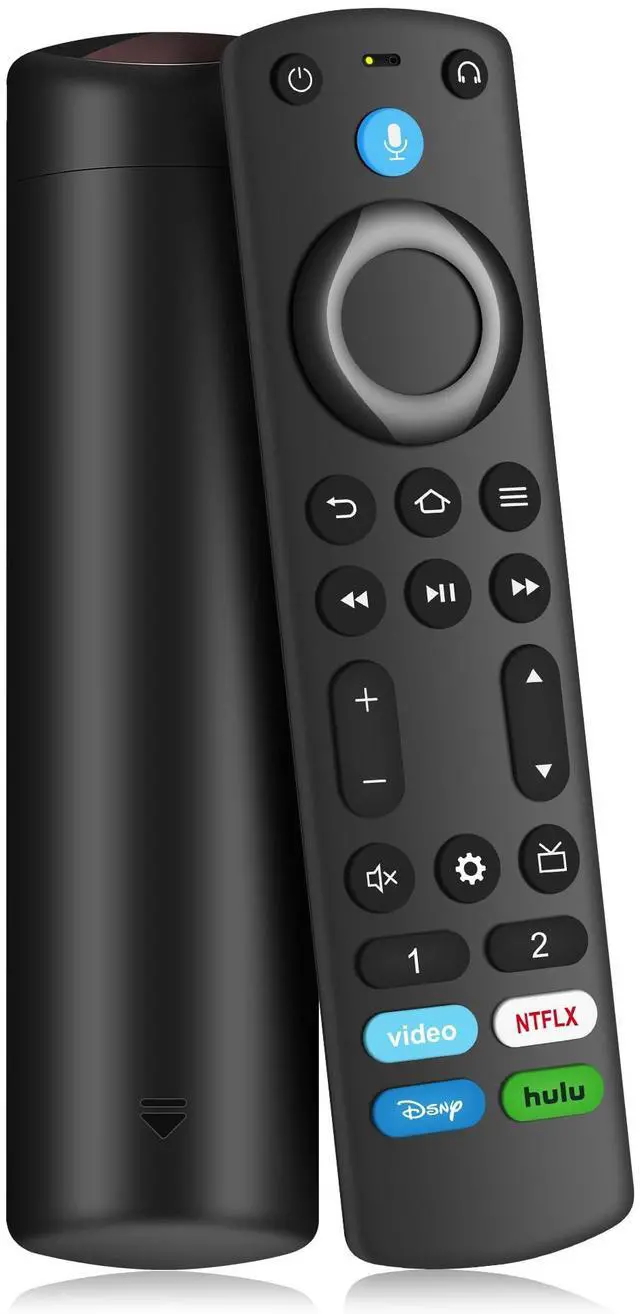
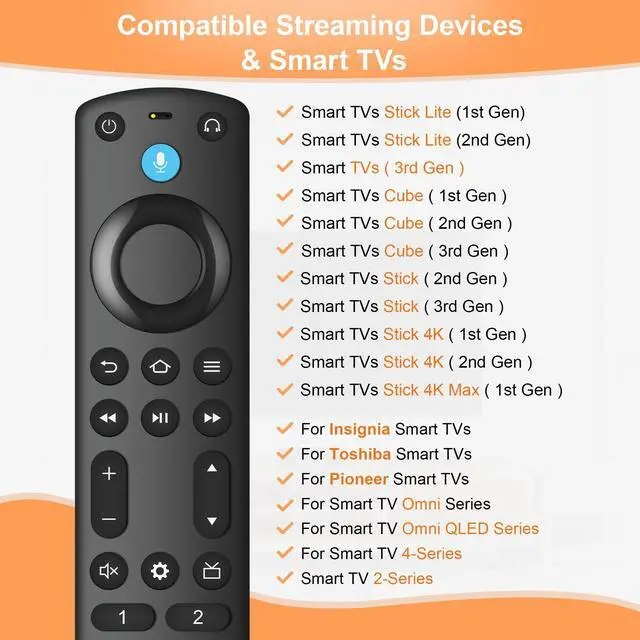
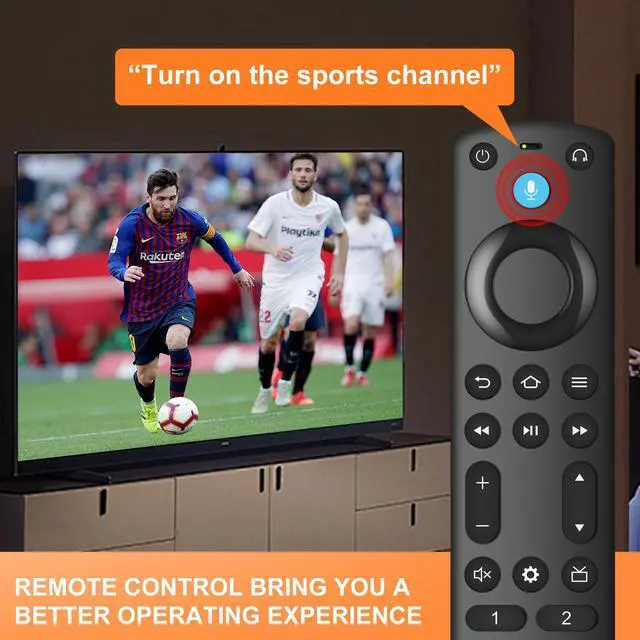
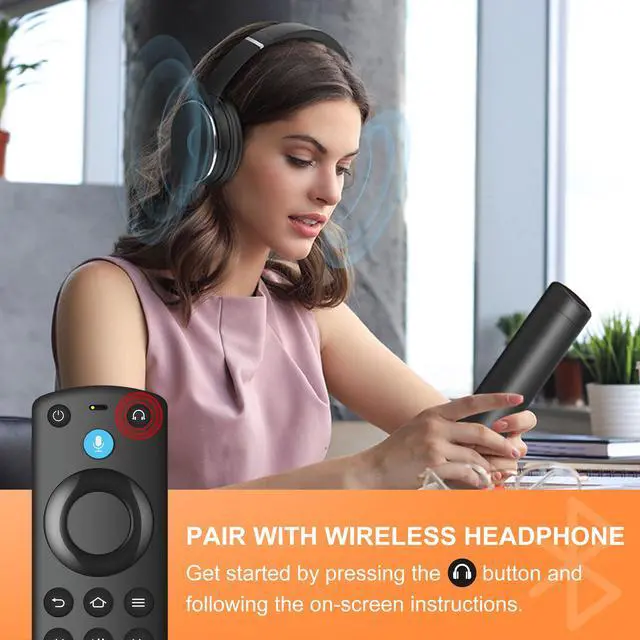


Why doesn't the remote control I just received work?
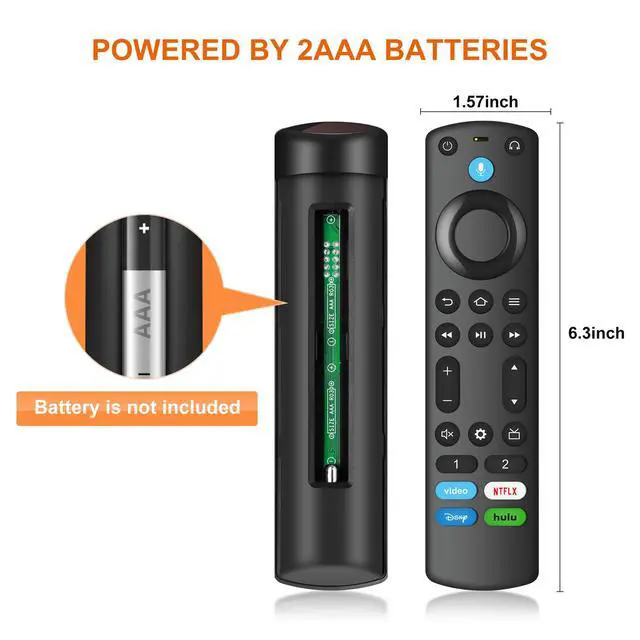
Before using the remote, refer to the user manual to pair it properly (2 AAA batteries not included).
How to re-pair it with my TV or streaming device?
First: reset the remote to factory settings.
Second: Press and hold the Left, Back, and Menu buttons simultaneously for 20 seconds.
Next: green light flashes, the factory reset was successful.
Finally: you can proceed with pairing to your new device.
How to solve the problem when I can't use the power button, volume button and mute button after pairing the new remote ?
pressing the HOME button, go to Settings > Equipment Control > Manage Equipment > TV > Change TV. Follow the on-screen instructions to allow the remote to learn your TV’s functions. Once the setup is complete function properly.
If the remotes linked to the TV are full and I can't add new remotes, how can I solve the problem?
Find the settings on TV > Controllers & Bluetooth Devices > Select the old remote control to be deleted > Press the "Menu" key > Click "SELECT" to delete it!


Why doesn't the remote control I just received work?
Before using the remote, refer to the user manual to pair it properly (2 AAA batteries not included).
How to re-pair it with my TV or streaming device?
First: reset the remote to factory settings.
Second: Press and hold the Left, Back, and Menu buttons simultaneously for 20 seconds.
Next: green light flashes, the factory reset was successful.
Finally: you can proceed with pairing to your new device.
How to solve the problem when I can't use the power button, volume button and mute button after pairing the new remote ?
pressing the HOME button, go to Settings > Equipment Control > Manage Equipment > TV > Change TV. Follow the on-screen instructions to allow the remote to learn your TV’s functions. Once the setup is complete function properly.
If the remotes linked to the TV are full and I can't add new remotes, how can I solve the problem?
Find the settings on TV > Controllers & Bluetooth Devices > Select the old remote control to be deleted > Press the "Menu" key > Click "SELECT" to delete it!