


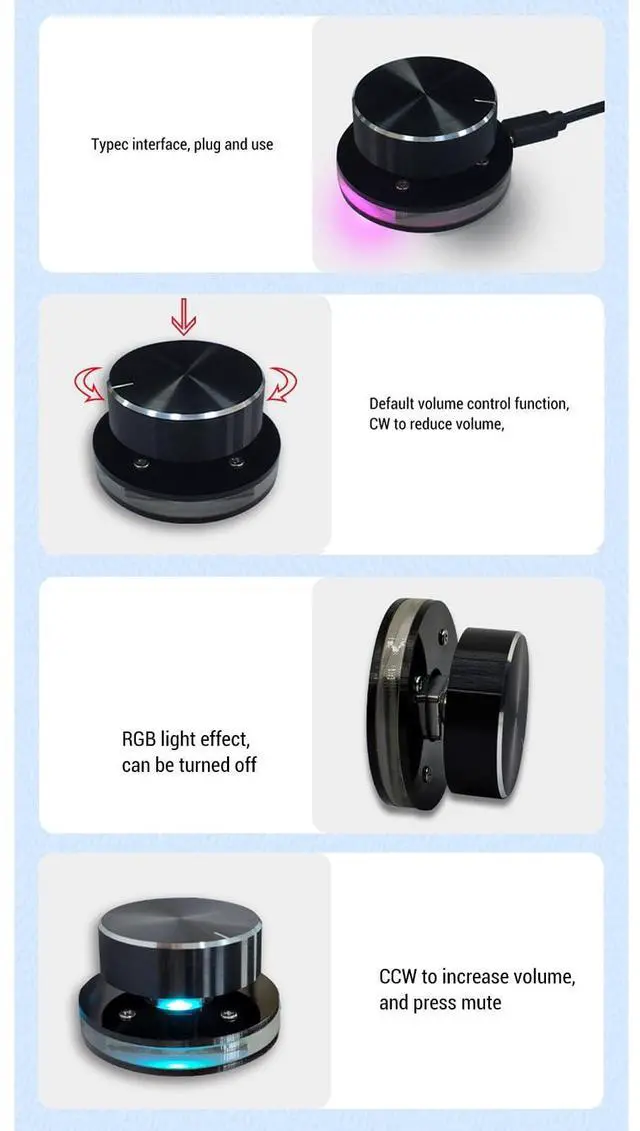
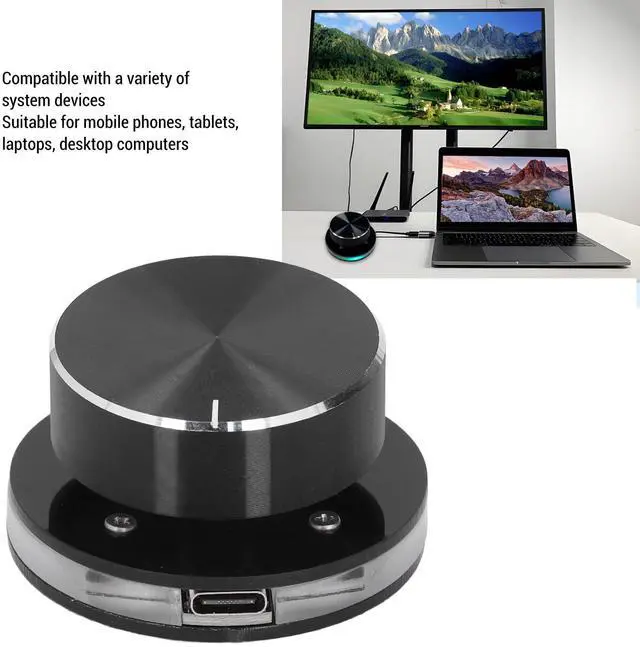


TypeC port, plug and play

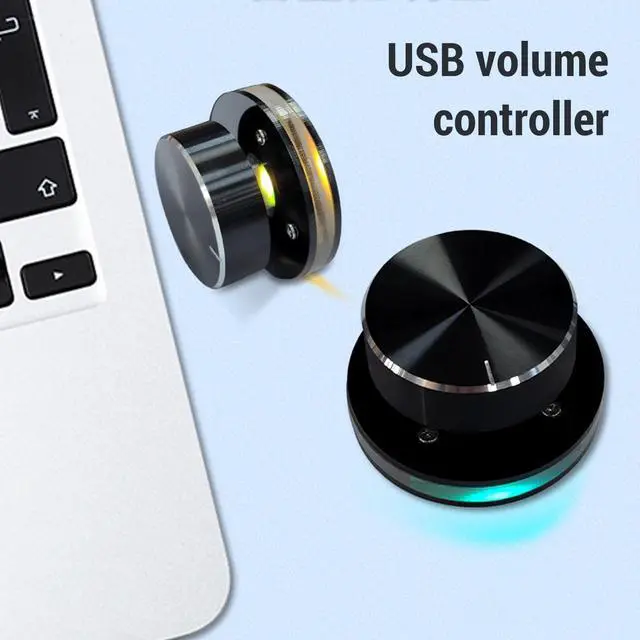
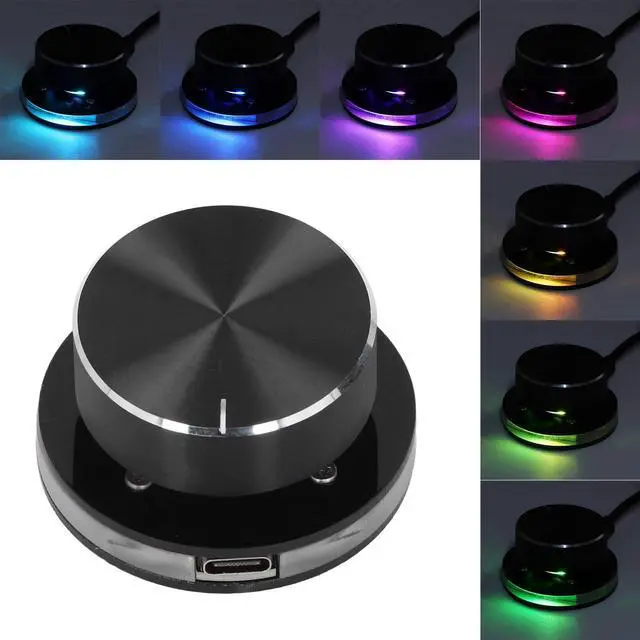
RGB light effect, can be turned off

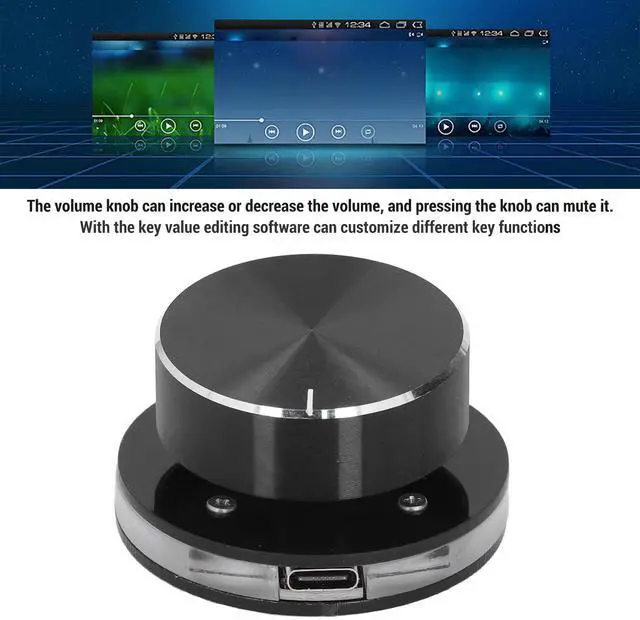
Default volume control function
Decrease volume clockwise
Counterclockwise to increase volume
Press to mute

Support customized key functions

Multimedia Type C External Media Adjustment Controller with RGB Light
How to Use
Insert the USB cable, RGB lights will turn on. Press the knob for 2 seconds to turn off the lights, press again for 2 seconds to turn on the lights. Default volume control function, rotate CW to decrease volume, CCW to increase volume, press for mute.
Item Type: USB Volume Control Knob
Material: Acrylic and PC
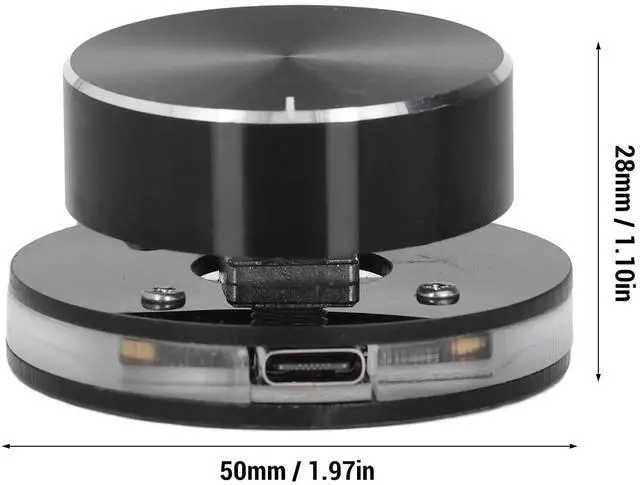
Size: Diameter: Approx. 50mm / 1.97in, Height: Approx. 28mm / 1.10in
Features: Customizable; Support shortcut keys
Support: For Android systems
Package List
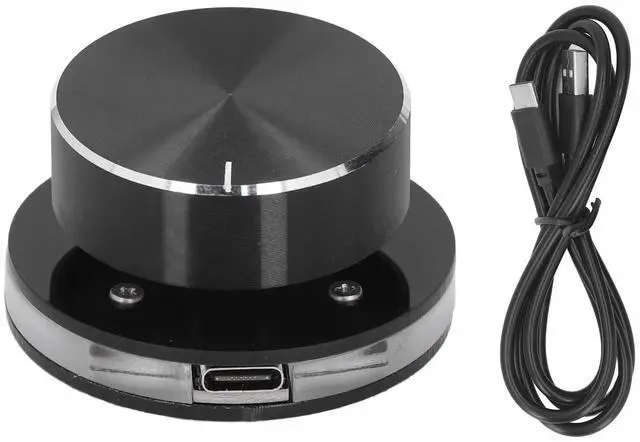
1 x USB Volume Controller
1 x USB C Data Cable

TypeC port, plug and play
RGB light effect, can be turned off
Default volume control function
Decrease volume clockwise
Counterclockwise to increase volume
Press to mute
Support customized key functions
Multimedia Type C External Media Adjustment Controller with RGB Light
How to Use
Insert the USB cable, RGB lights will turn on. Press the knob for 2 seconds to turn off the lights, press again for 2 seconds to turn on the lights. Default volume control function, rotate CW to decrease volume, CCW to increase volume, press for mute.
Item Type: USB Volume Control Knob
Material: Acrylic and PC
Size: Diameter: Approx. 50mm / 1.97in, Height: Approx. 28mm / 1.10in
Features: Customizable; Support shortcut keys
Support: For Android systems
Package List
1 x USB Volume Controller
1 x USB C Data Cable