


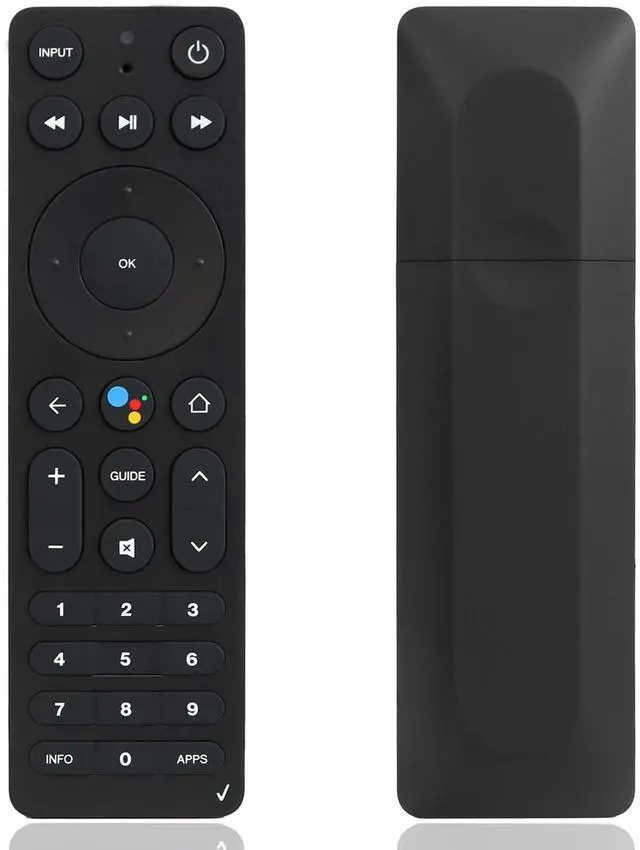
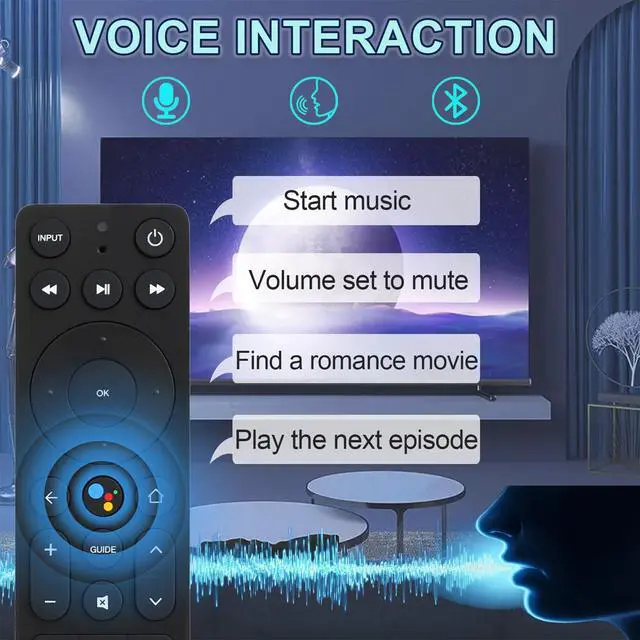
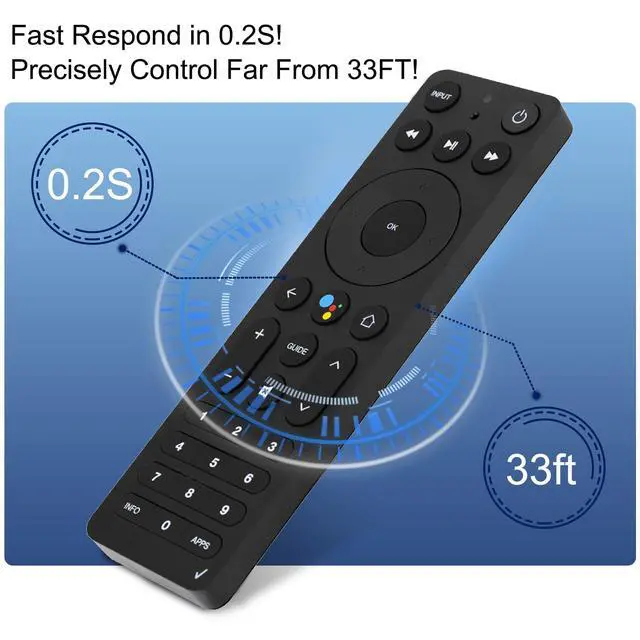
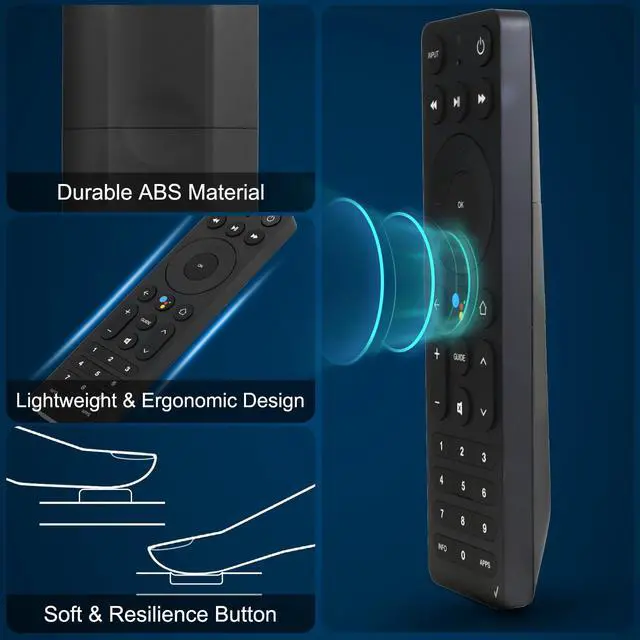


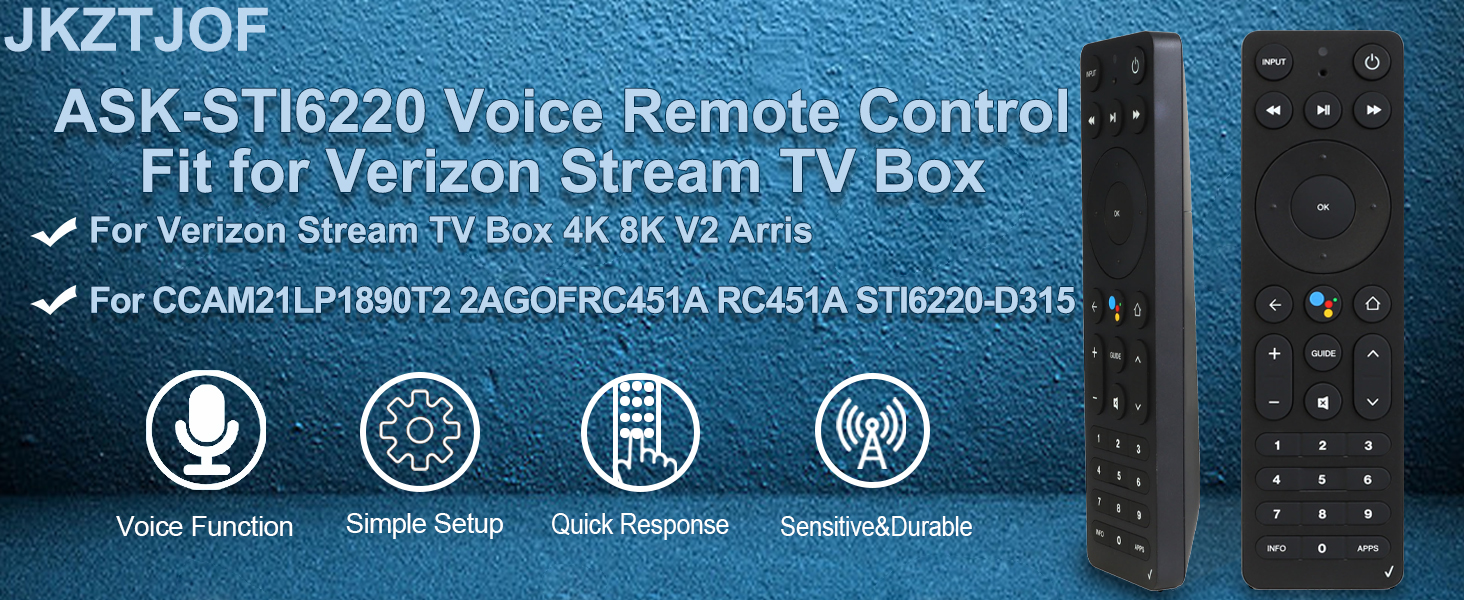
- The ask-sti6220 remote control is perfectly for stream tv, stream tv soundbar stream tv soundbar pro.
- for asksti6220 voice remote V2 ARRIS model CCAM21LP1890T2, 2AGOFRC451A, RC451A, STI6220-D315!
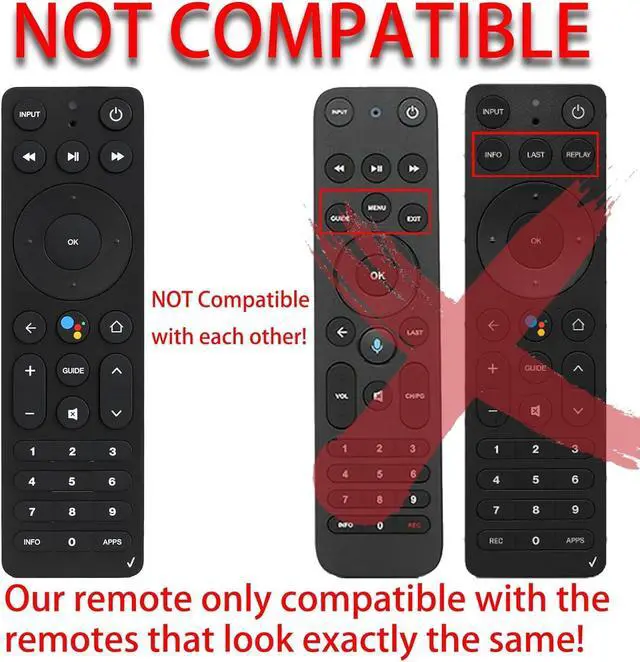
- Not for any other device!!! If you are not sure, please let us know before you order it.
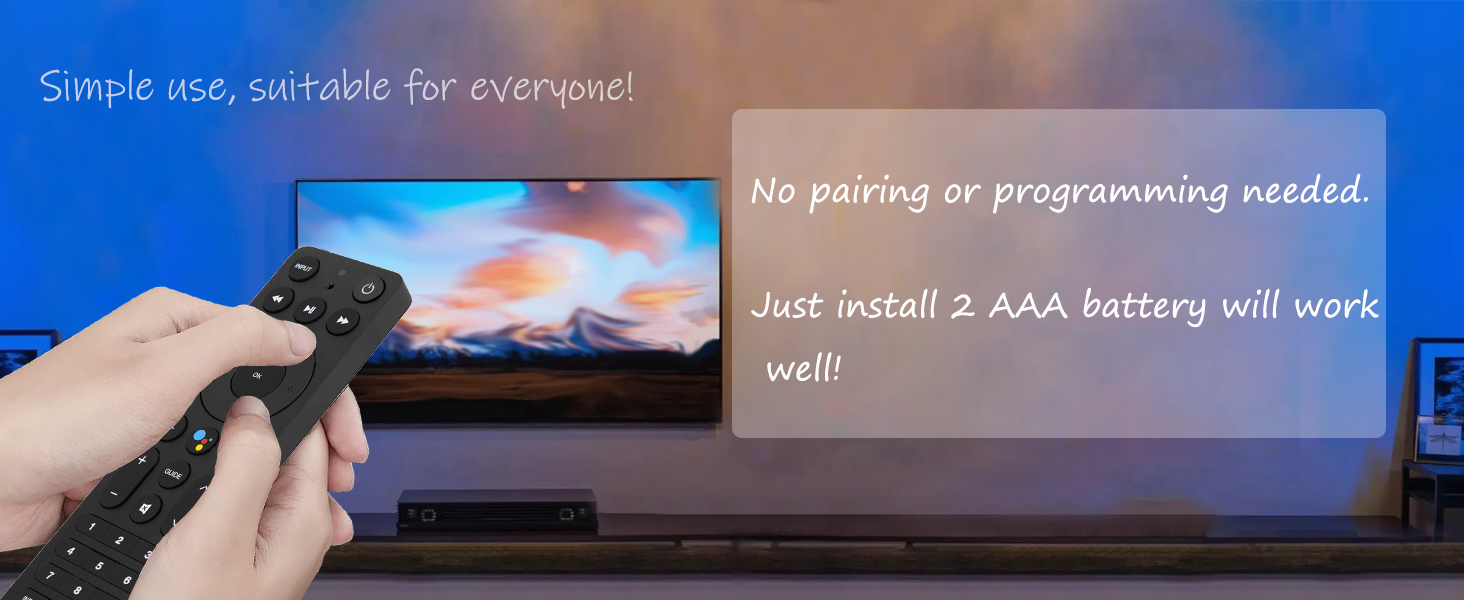
PAIRING METHOD
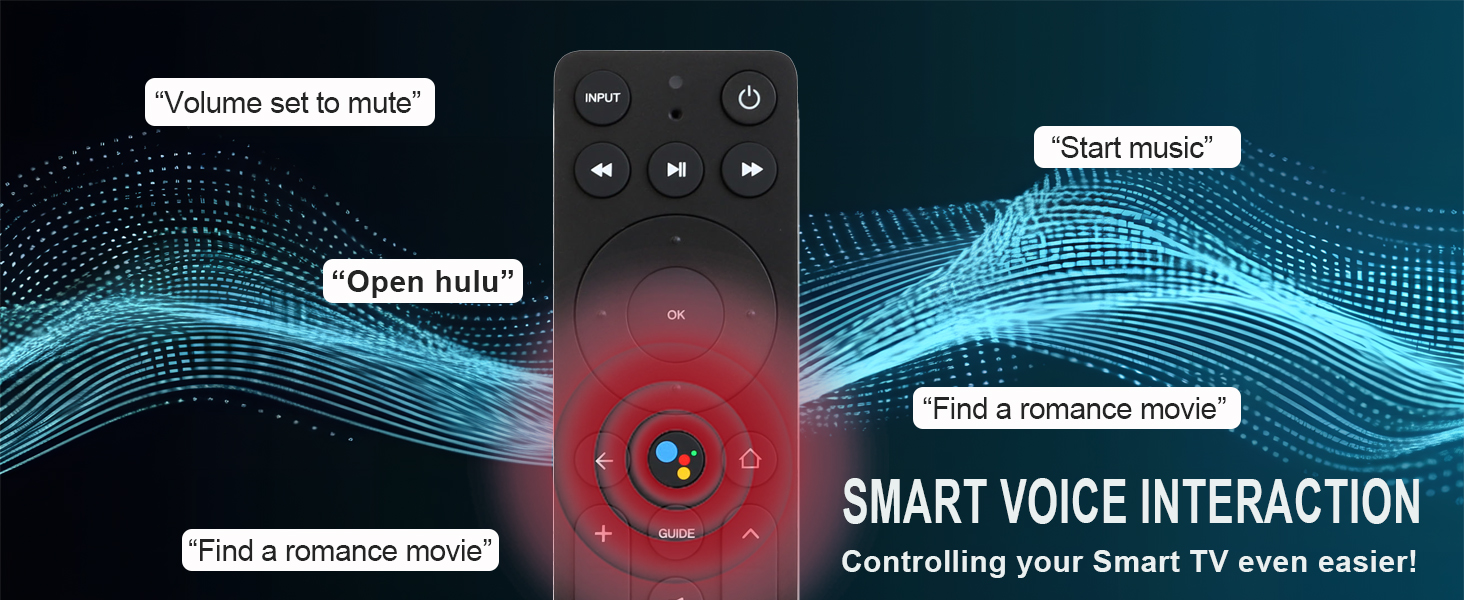
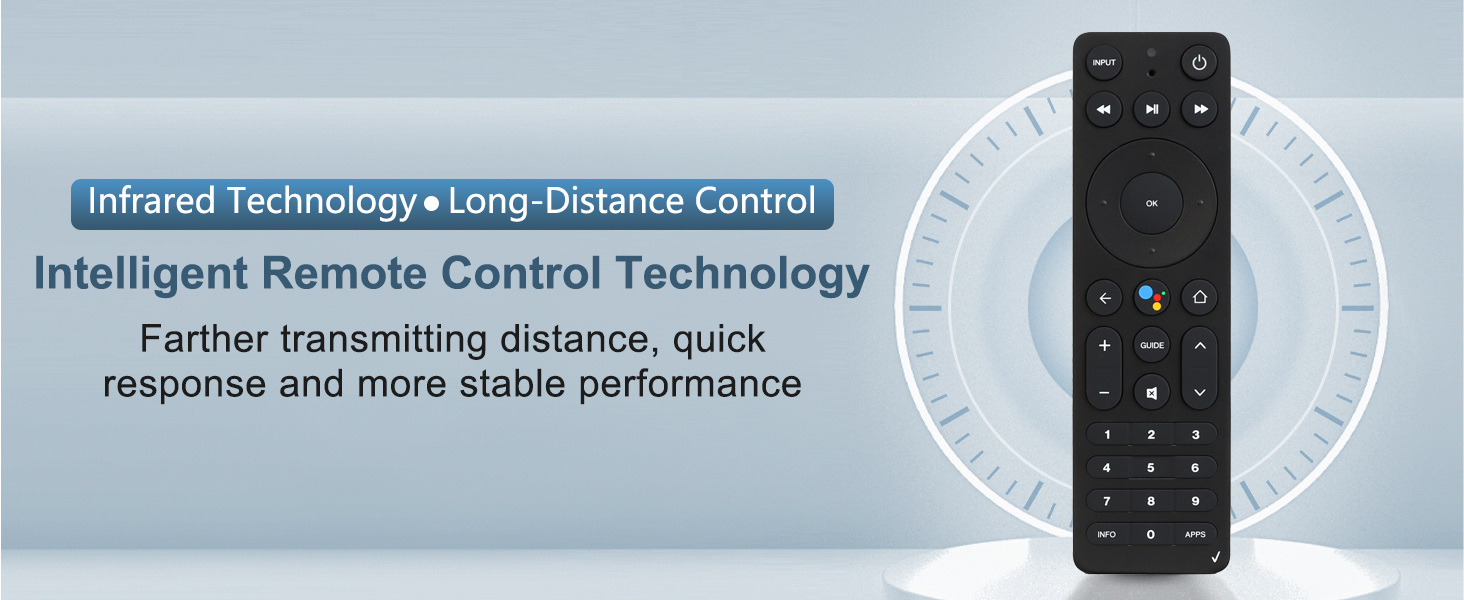
Is this a nuiversal remote control?
No!Please note that this remote only fit for stream tv, stream tv soundbar, stream tv soundbar pro. If you are not sure wether our remote suitable for your device or not, please let us know before you order it.
I can't pairing it, how can i do?
Don't worry. Just tell us, we will give you the correct pairing method.
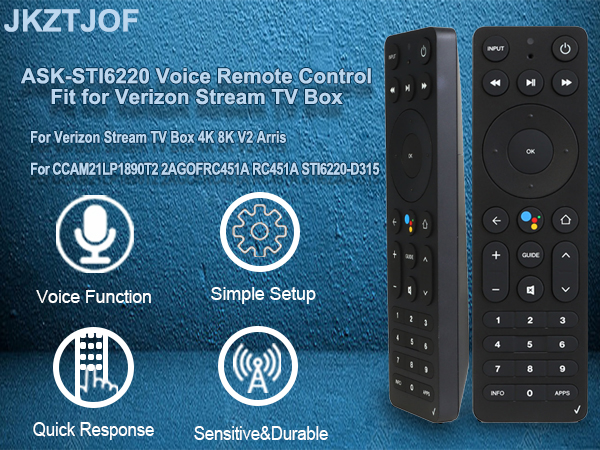
- The ask-sti6220 remote control is perfectly for stream tv, stream tv soundbar stream tv soundbar pro.
- for asksti6220 voice remote V2 ARRIS model CCAM21LP1890T2, 2AGOFRC451A, RC451A, STI6220-D315!
- Not for any other device!!! If you are not sure, please let us know before you order it.
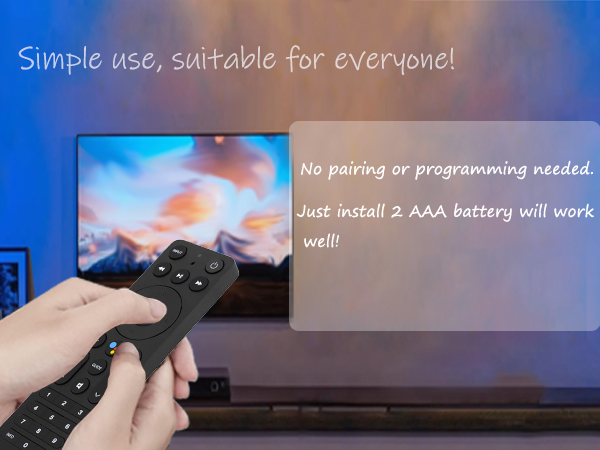
PAIRING METHOD
| Stream TV | Pairing from the button: 1) Press and hold the top button for 3s to put the Stream TV into pairing mode. 2) When prompted on the TV, press and hold the “Play\Pause” and “0” keys on the remote simultaneously for 6s. 3) Release the buttons to enter pairing mode. NOTE: A device only work with one remote at a time, so please disconnect your old remote contorl before pairing our remote! |
|---|---|
| Stream TV | Pairing from Stream TV Home screen: 1) From the Stream TV Home screen, select the Settings menu in the upper-right corner. 2) Scroll to the right to select “View more” 3) Select Remote & Accessories. 4) Select “Add accessory”. 5) Press and hold the “Play\Pause” and “0” keys on the remote simultaneously for 6s. 6) Release the buttons to enter pairing mode. NOTE: A device only work with one remote at a time, so please disconnect your old remote contorl before pairing our remote! |
| Stream TV Sound Bar | Pairing from the Bluetooth button: 1) Press and hold the Bluetooth button on the side for 1s to put the Stream TV Soundbar into pairing mode. 2) When prompted on the TV, press and hold the “Play\Pause” and “0” keys on the remote simultaneously for 6s 3) Release the buttons to enter pairing mode. NOTE: A device only work with one remote at a time, so please disconnect your old remote contorl before pairing our remote! |
| Stream TV Sound Bar | Pairing from Stream TV Soundbar Home screen: 1) From the Stream TV Home screen, select the Settings menu in the upper-right corner. 2) Scroll to the right to select “View more” 3) Select Remote & Accessories. 4) Select “Add accessory”. 5) Press and hold the “Play\Pause” and “0” key on the remote simultaneously for 6s. 6) Release the buttons to enter pairing mode. NOTE: A device only work with one remote at a time, so please disconnect your old remote contorl before pairing our remote! |
| Stream TV Sound Bar Pro | Pairing from Blu button: 1) Press and hold the Blu icon on the touch panel for 1 second to put the Stream TV Soundbar Pro into pairing mode. 2) When prompted on the TV, press and hold the “Play\Pause” and “0” keys on the remote simultaneously for 6s. 3) Release the buttons to enter pairing mode. NOTE: A device only work with one remote at a time, so please disconnect your old remote contorl before pairing our remote! |
| Stream TV Sound Bar Pro | Pairing from Stream TV Soundbar Home screen: 1) From the Stream TV Home screen, select the Settings menu in the upper-right corner. 2) Scroll to the right to select “View more” 3) Select Remote & Accessories. 4) Select “Add accessory”. 5) Press and hold the “Play\Pause” and “0” keys on the remote simultaneously for 6s. 6) Release the button to enter pairing mode. NOTE: A device only work with one remote at a time, so please disconnect your old remote contorl before pairing our remote! |
| Universal Pairing Method | Press the "Return" and "APPs" buttons at the same time to program it. Or press the "OK" and "HOME" buttons at the same time to program it. |
| NOTE | A device only work with one remote at a time, so please disconnect your old remote contorl before pairing our remote! |
Is this a nuiversal remote control?
No!Please note that this remote only fit for stream tv, stream tv soundbar, stream tv soundbar pro. If you are not sure wether our remote suitable for your device or not, please let us know before you order it.
I can't pairing it, how can i do?
Don't worry. Just tell us, we will give you the correct pairing method.