

Your Browsing History



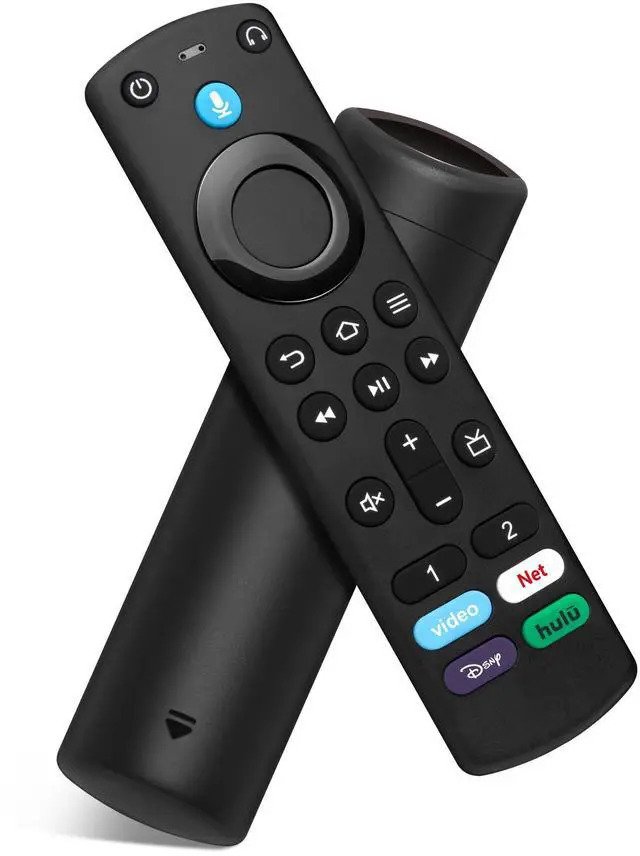


Replacement Remote Control Compatible with Firestick 4K(1st/2nd Gen), TV Stick (2nd Gen/3rd Gen/Lite/4K Max/4K Plus), Fire-Smart-TVs Stick Remote for Smart TV 3rd Gen with Voice Search & Cube
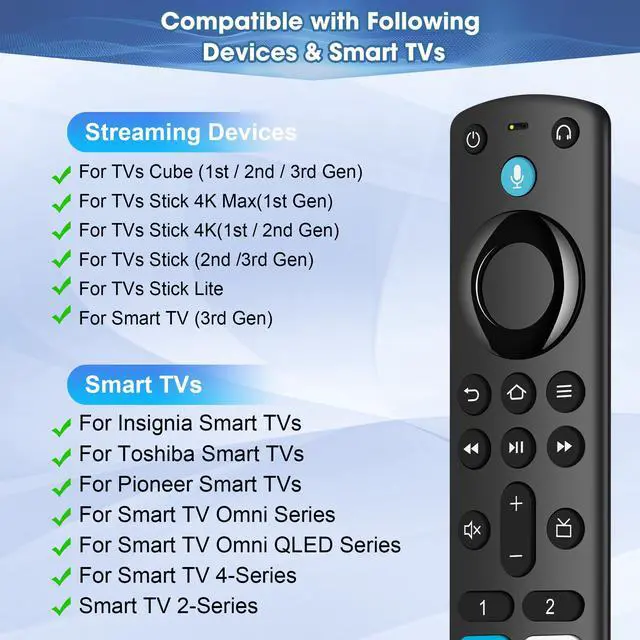
- Compatible with: Smart TVs Cube (1st / 2nd / 3rd Gen), Smart TVs Stick 4K Max (1st Gen), Smart TVs Stick 4K (1st / 2nd Gen), Smart TVs Stick (2nd / 3rd Gen), Smart TVs Stick Lite, Smart TVs (3rd Gen), tv remote control with voice search for Partial Insignia/pioneer/hisense Smart TVs
- Not Compatible: This remote control can not compatible with Smart TVs 1st Gen, Smart TVs 2nd Gen, Smart TVs Stick (1st Gen), or Smart TVs Edition smart TVs, Before placing an order, please make sure your device model is fit our remote
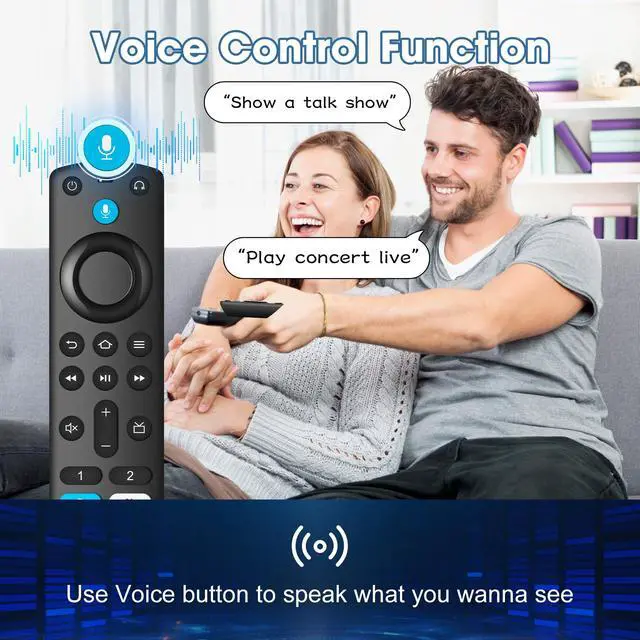
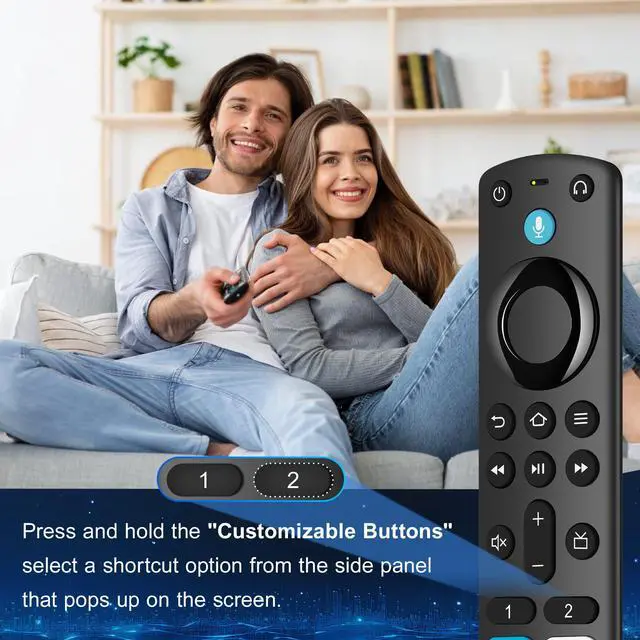
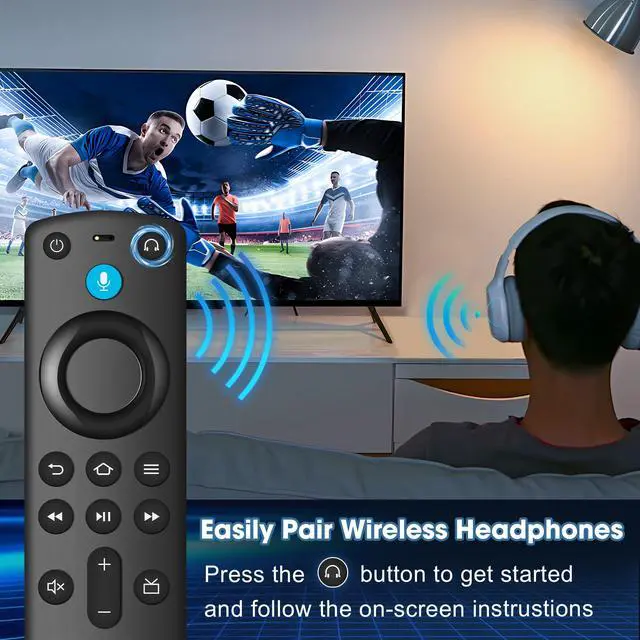
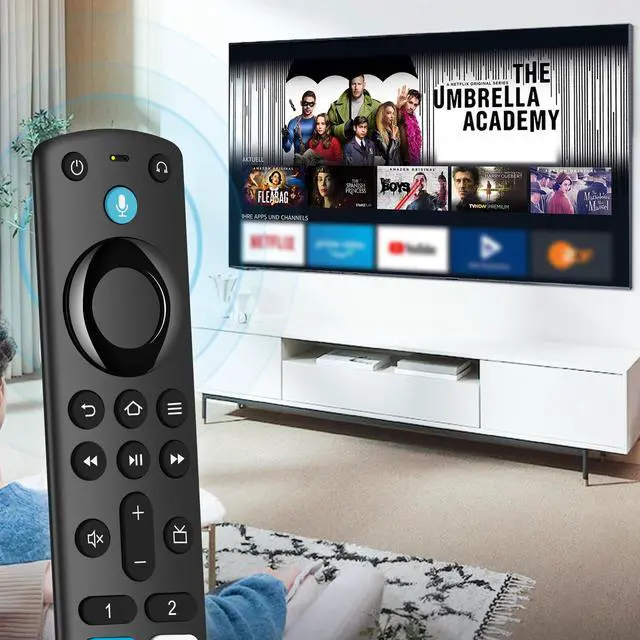
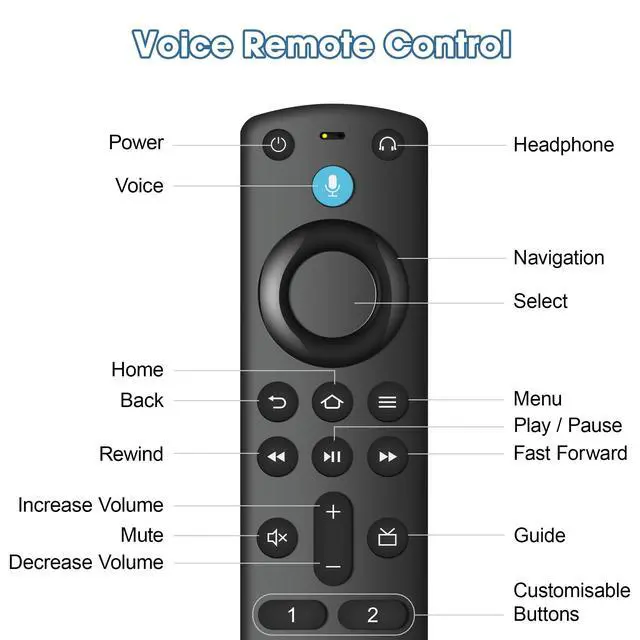
- With Voice Function: Do more with 3rd gen voice remote-play music, view sports scores, check the weather, see live camera feeds, and control compatible smart home devices. Preset 4 app button shortcuts, Quick access to your favorite content
- Easy to Pair: First you need to remove stick from TV and power from stick. Then reattach power and stick back in TV. Then Press the Home button about 10-15 seconds until the LED indicator starts to rapidly flash amber for 10 seconds, then your remote will automatically pair with your device
- Attention:1:Make sure your old remote's batteries are removed before pair,if the old remote is still pairing,the new one can not be used, 2:Please confirm your replacement remote whether connected more than 6 limits, 3:Before placing an order, please make sure your device model is fit our replacement remote
+
+
Overview
Specs
Reviews

Any questions? Our AI mode will help you find out quickly.
Try me now
Information:
Replacement Remote 3rd Gen
compatible with models:
for TCL/Roku/Samsung Smart TV
for Google/Somy/Philips Smart TV
TV Stick (2nd Gen)
TV Stick (3rd Gen)
TV Stick 4K(1st Gen)
TV Stick 4K(2nd Gen)
TV Stick 4K Max(1st Gen)
TV Stick 4K Max(2nd Gen)
TV Stick Lite
TV Cube (1st/2nd/3rd Gen)
Smart TV (3rd Gen)
package:
1 * Universal Remote Control for Samsung/Philips Smart TV
1 * User manual
Easy to pair:
Unplug the device from the power cable and restart it. Once the TV home screen appears, press the Home button for about 10-15 seconds, the LED indicator will quickly flash amber for 10 seconds, then flash faster when your remote control is ready to connect.
if it does not work:
1: Make sure the batteries of the old remote control are removed before pairing, if the old remote control is still paired, the new one cannot be used
2: Confirm the remote control if connected more than 6 limits
Warranty & Returns
Warranty, Returns, And Additional Information
Warranty
- Please contact the Seller directly for warranty information. Warranty information may also be found on the Manufacturer's website.
- CONTACT
Return Policies
- Return for refund within: 30 days
- Return for replacement within: 30 days
- This item is covered by Official Direct Supply Store Return Policy
Manufacturer Contact Info
- For a directory of all our manufacturers, please click below.
- Manufacturers Directory
LOADING...