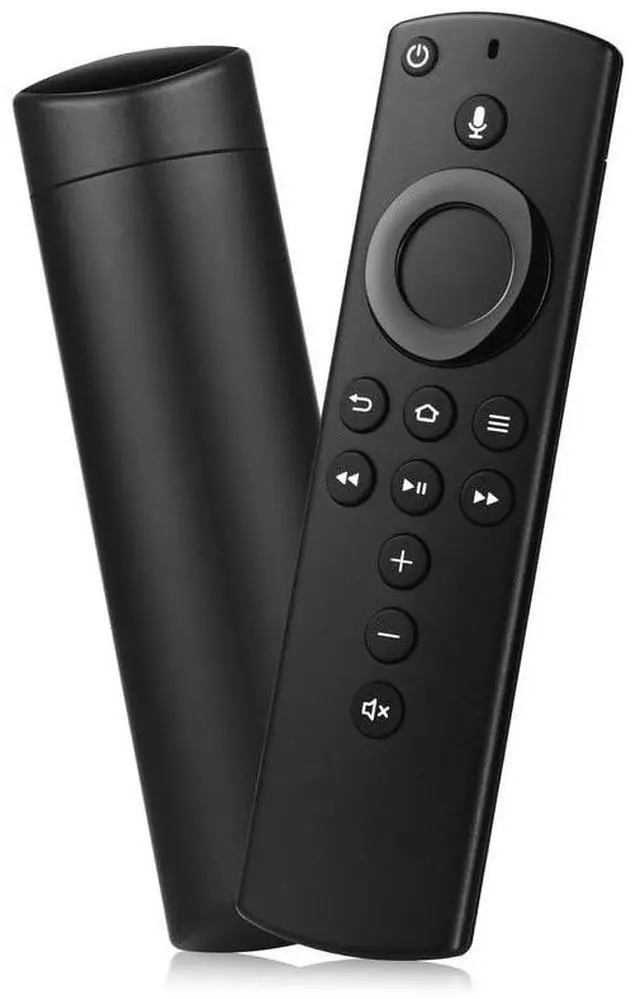
Replacement Voice Remote Control Compatible with All Fire-Series TVs Stick & Cube,TVs Stick Lite/Stick (2nd Gen)/TVs Stick 4K/TVs Cube (1st/2nd Gen),and fit for Smart TVs 3rd Gen
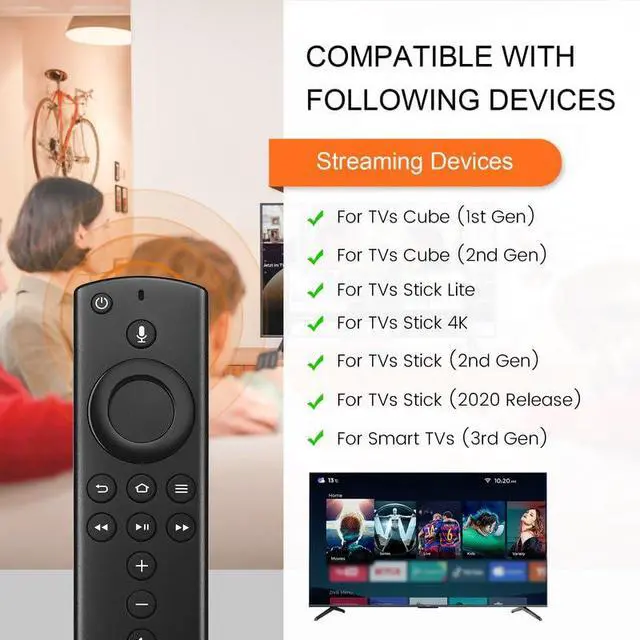
Compatible with: This replacemenet remote control for Smart TVs Cube (1st / 2nd Gen), AMZ Smart TVs (3rd Gen),Smart TVs Stick Lite & Stick 2020 Release, AMZ Smart TVs Stick (2nd Gen), AMZ Smart TVs Stick 4K
Please Note:This remote control replacement not compatible with Smart TVs AMZ (1st and 2nd Gen), AMZ Smart TVs Stick (1st Gen).or Smart TVs Edition smart TVs, Not for Insignia-Toshiba-Pioneer Smart TV. Please make sure your device model fit for our remote before place an order
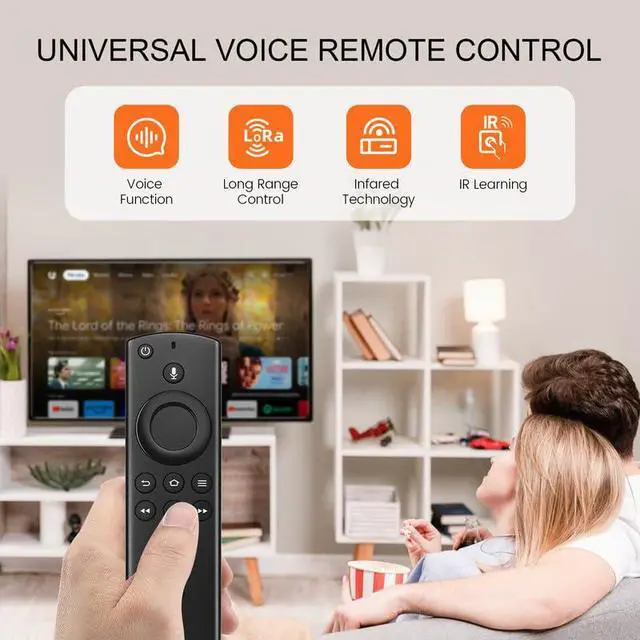
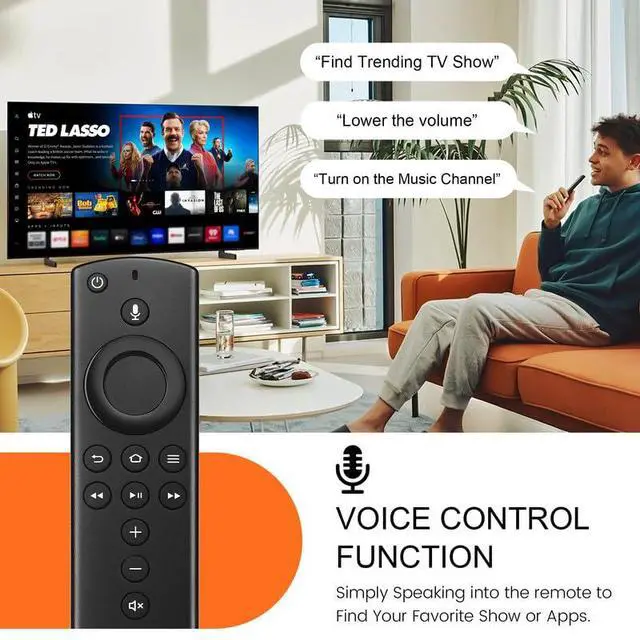
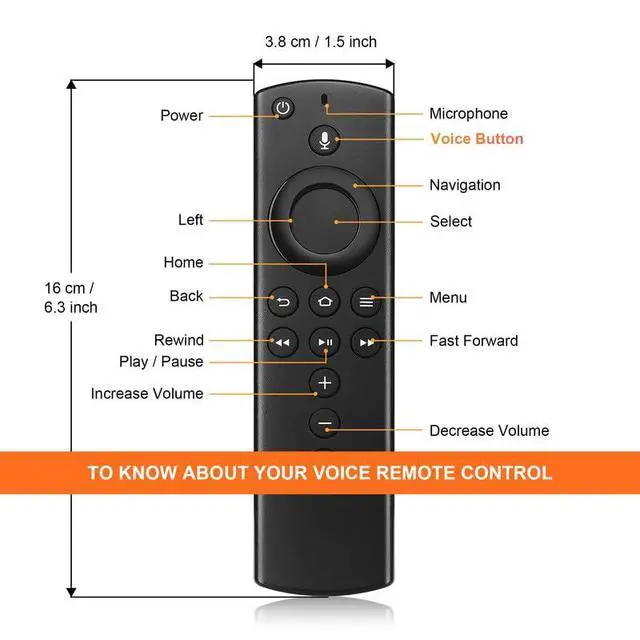
Voice Search: Our 2nd gen replacement remote control with voice function,enjoy fast convenience with built-in voice search. Ask for weather updates, play music, search for movies, and morejust use your voice
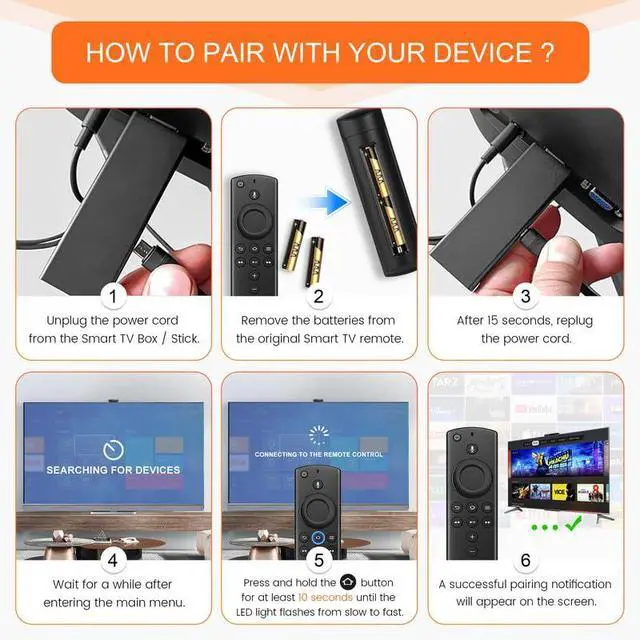
How to Pair: You need to pairing this replacement voice remote control before use. Pairing is simple! Hold the Home button for 10-15 seconds until the LED light flashes rapidly, and your remote will automatically pair with your device. And the pairing interval needs to wait at least 30 seconds
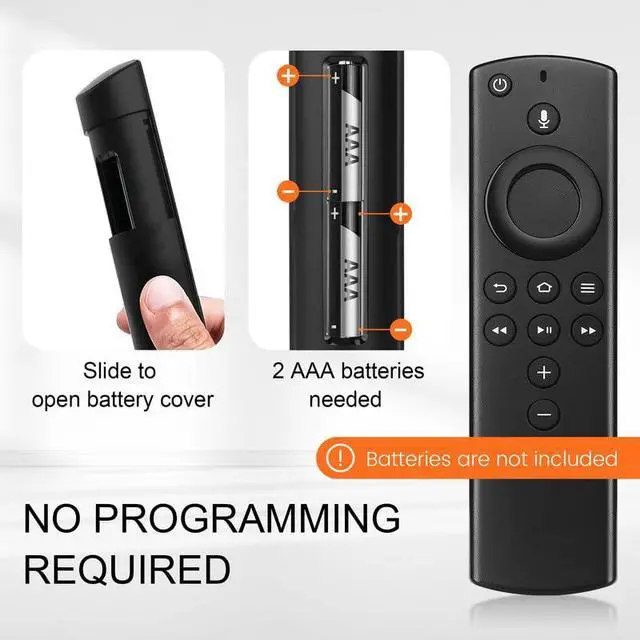
Notice1: The batteries of the old remote control must be removed before pairing. 2: Please confirm your remote whether connected more than 6 limits. 3: batteries are not included
+
+
Overview
Specs
Reviews
Any questions? Our AI mode will help you find out quickly.
Try me now
Replacement Voice Remote Control Compatible with All Fire-Series TVs Stick & Cube, TVs Stick Lite/Stick (2nd Gen) /TVs Stick 4K/TVs Cube (1st/2nd Gen), and fit for Smart TVs 3rd Gen
Learn more about the Detailed Specifications
Model
Brand
Koepluoo
Details
Type
iPhone App
Number of Devices Supported
1
Range
10 meters
Wireless Technology
Infrared
Color
Total black
Battery
Battery Type
AAA batteries
Features
Features
Voice Search
Additional Information
First Listed on Newegg
August 04, 2026
There are no reviews yet.
Do you own this product?
Warranty & Returns
Warranty, Returns, And Additional Information
Warranty
Please contact the Seller directly for warranty information. Warranty information may also be found on the Manufacturer's website.