




 here!
here!
I’m your shopping assistant for PC builds, upgrades, and everything tech.
Got questions? Ask away!
Start a conversation
here!
I’m your shopping assistant for PC builds, upgrades, and everything tech.
Got questions? Ask away!
Start a conversation



Any questions? Ask CelesteSM will help you find out quickly.
Product Description:
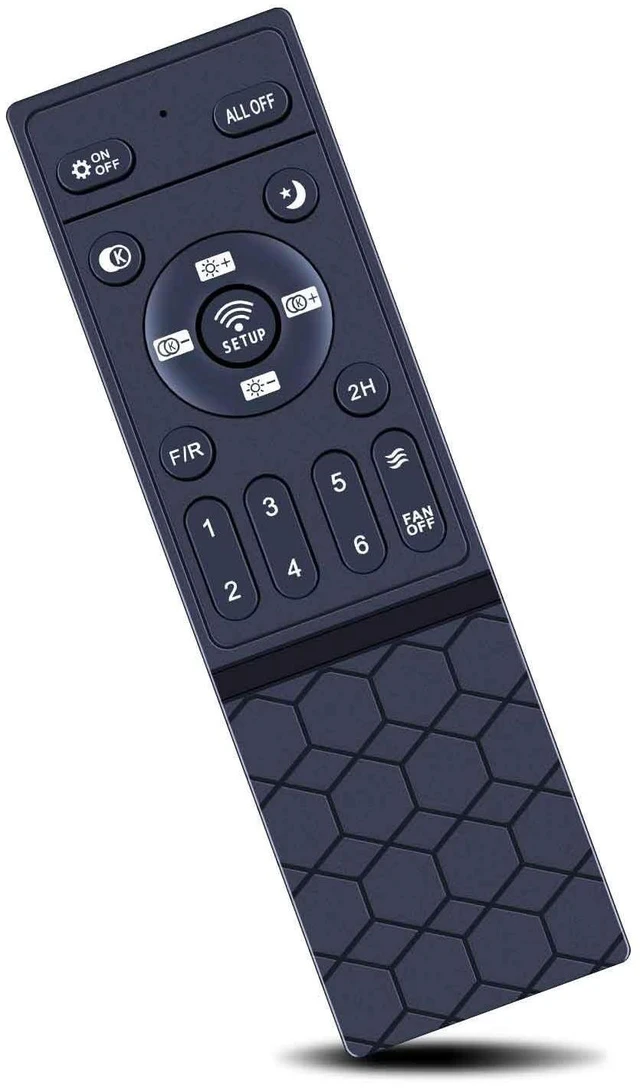
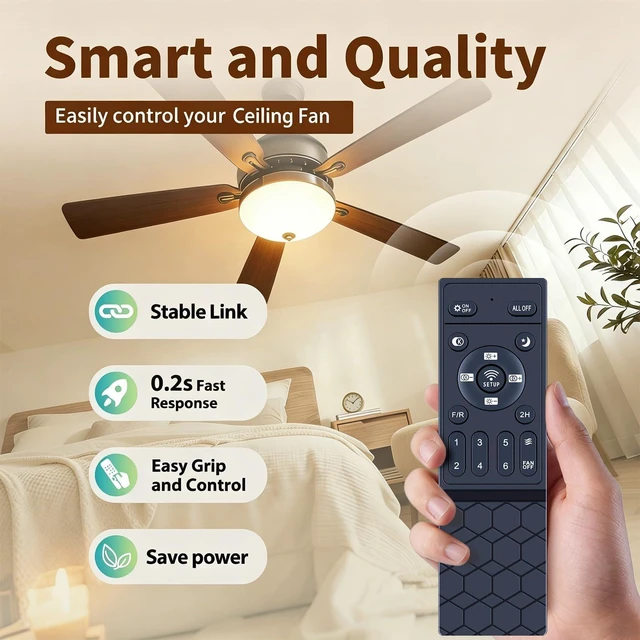
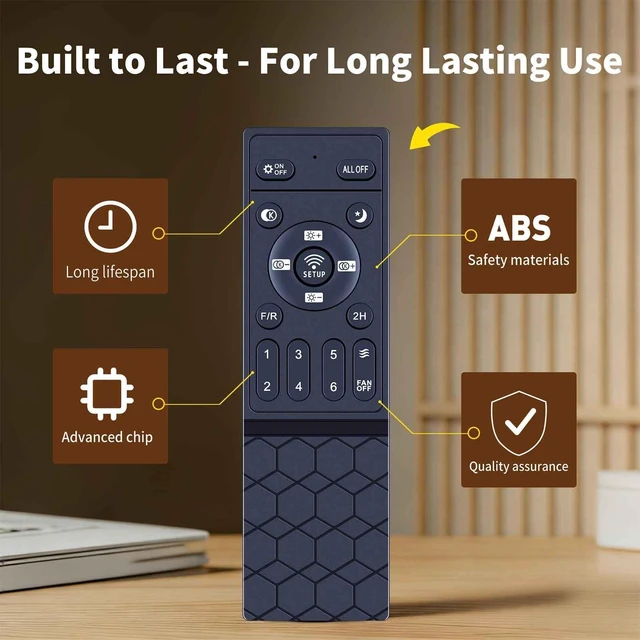
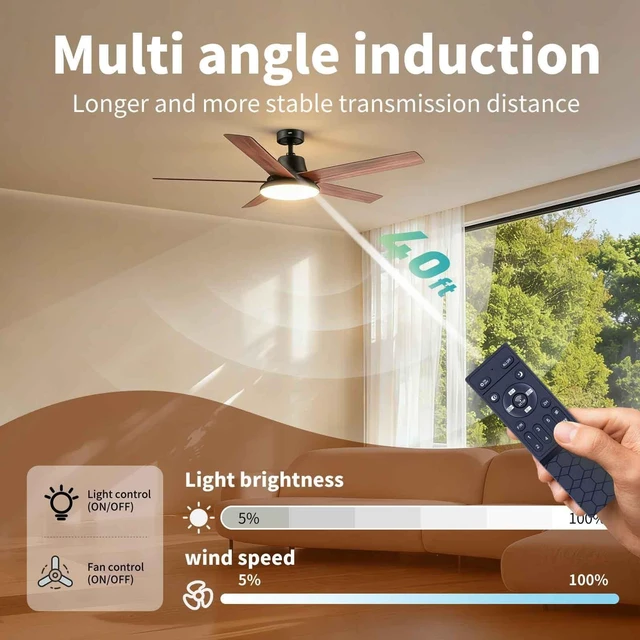
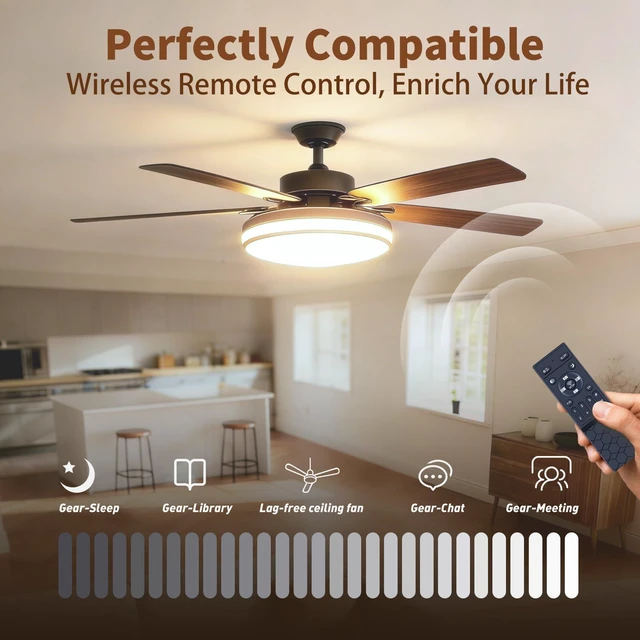
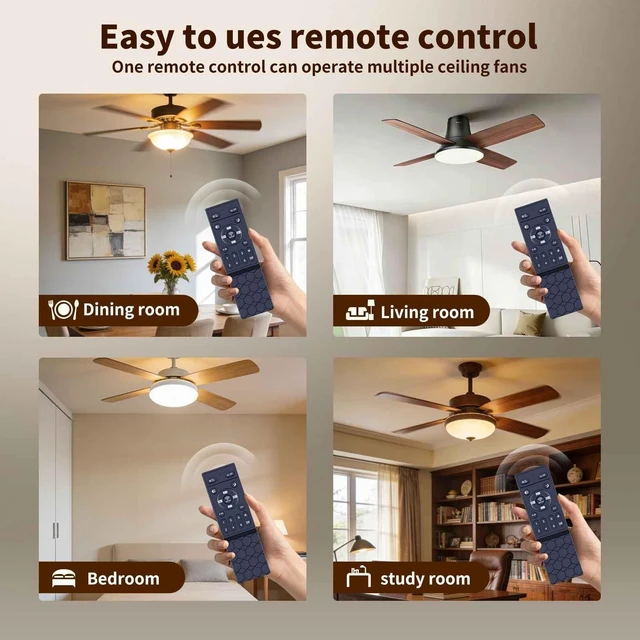
Replacement remote control for selected ceiling fan light systems. It is designed to replace an original remote and provides a pairing process for compatible ceiling fan lights.
Core Selling Points:
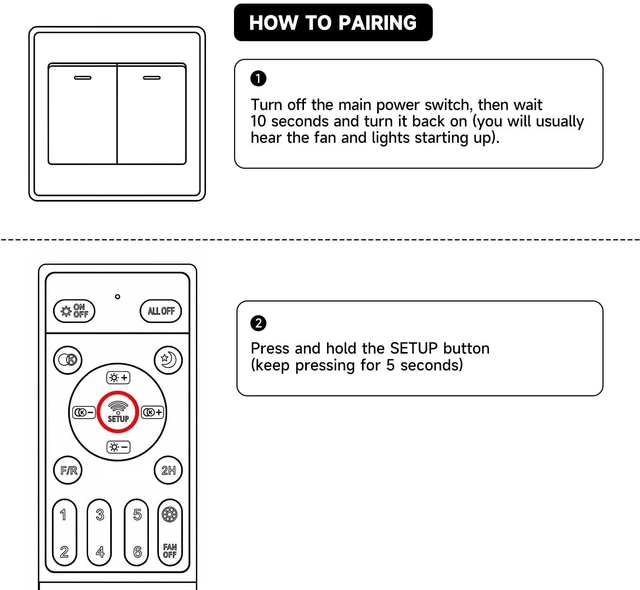
No programming or manual setup is required before use. Insert batteries and follow the pairing steps to connect the remote with the ceiling fan light system. A light flash or beep indicates successful pairing.
Technical Specifications:
Product type: Replacement ceiling fan remote control. Pairing control: SETUP button. Pairing method: Turn on the light from the wall switch, then within 5 seconds press and hold the SETUP button. Pairing confirmation: The light should flash or beep. Batteries: Required, not included.
Before Purchase:
Confirm that your original remote and ceiling fan light system use the same compatible model before purchasing. Batteries are not included. During pairing, the light must be turned on from the wall switch, and the SETUP button must be pressed and held within 5 seconds. If pairing is unsuccessful, repeat the process several times.


