




 here!
I’m your shopping assistant for PC builds, upgrades, and everything tech.
Got questions? Ask away!
Start a conversation
here!
I’m your shopping assistant for PC builds, upgrades, and everything tech.
Got questions? Ask away!
Start a conversation



Any questions? Ask CelesteSM will help you find out quickly.

G20S Pro Plus Bluetooth Backlight Voice remote is a multi-axes handheld pointing device, backlight design can help you find the right key with cool white light,it suitable for computer and other smart devices.
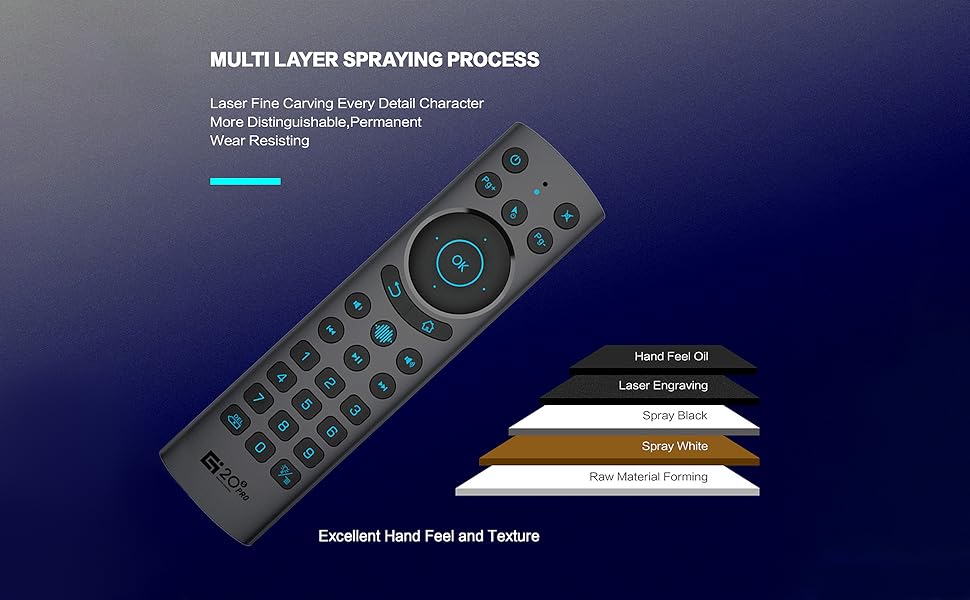
Pls note it has a usb receiver in the backside of the batteries cover, open the cover, insert AAA batteries to the remote, insert the usb receiver to the usb port of the tv, press " turn on" button on the remote, then the tv can receive the signal from the remote, and can control the tv by the remote.


Features:
Package including:

G20S Pro Plus Bluetooth Backlight Voice remote is a multi-axes handheld pointing device, backlight design can help you find the right key with cool white light,it suitable for computer and other smart devices.
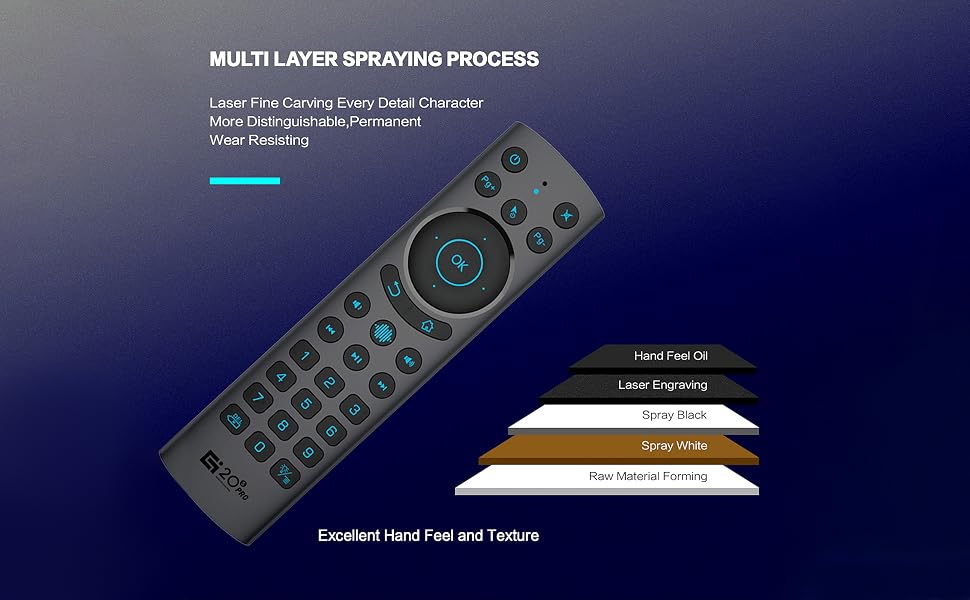
Pls note it has a usb receiver in the backside of the batteries cover, open the cover, insert AAA batteries to the remote, insert the usb receiver to the usb port of the tv, press " turn on" button on the remote, then the tv can receive the signal from the remote, and can control the tv by the remote.

Features:
Package including:
G20S Pro Plus Bluetooth Backlight Voice remote is a multi-axes handheld pointing device, backlight design can help you find the right key with cool white light,it suitable for computer and other smart devices.
Feature:
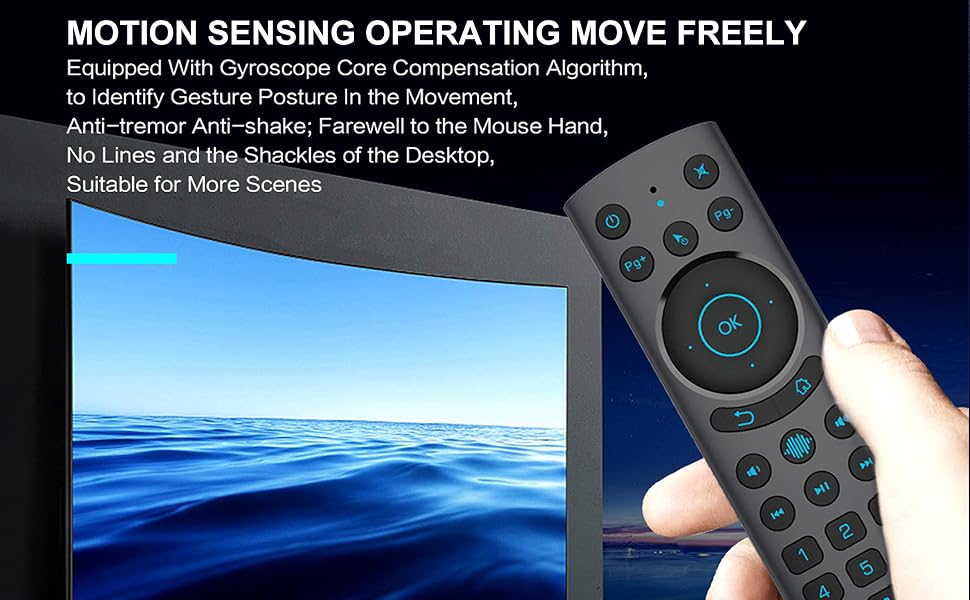
It is portable and tiny, and you can carry with travel, and use for work or school or home entertainment system as a remote control device. It works as a mouse, which converts your space movement in the air into an accurate displacement on the screen.
It is designed with some universal function keys, which work for most TV boxes, HTPC. (it is not granted to work for all though because some systems are customized by the vendor).


