

Your Browsing History
- $149.99
- Free 30-day Returns


Meet Your Seller

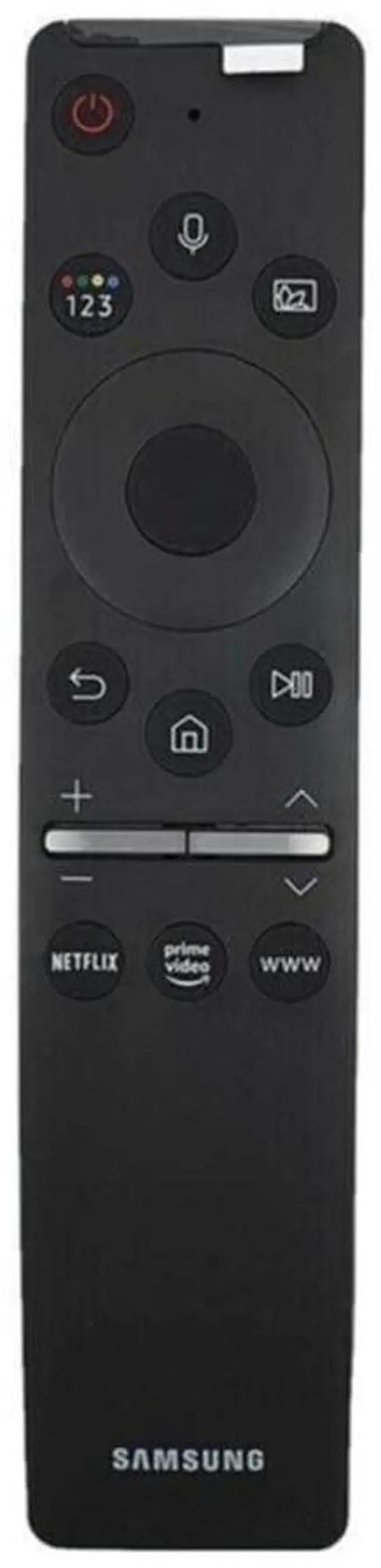
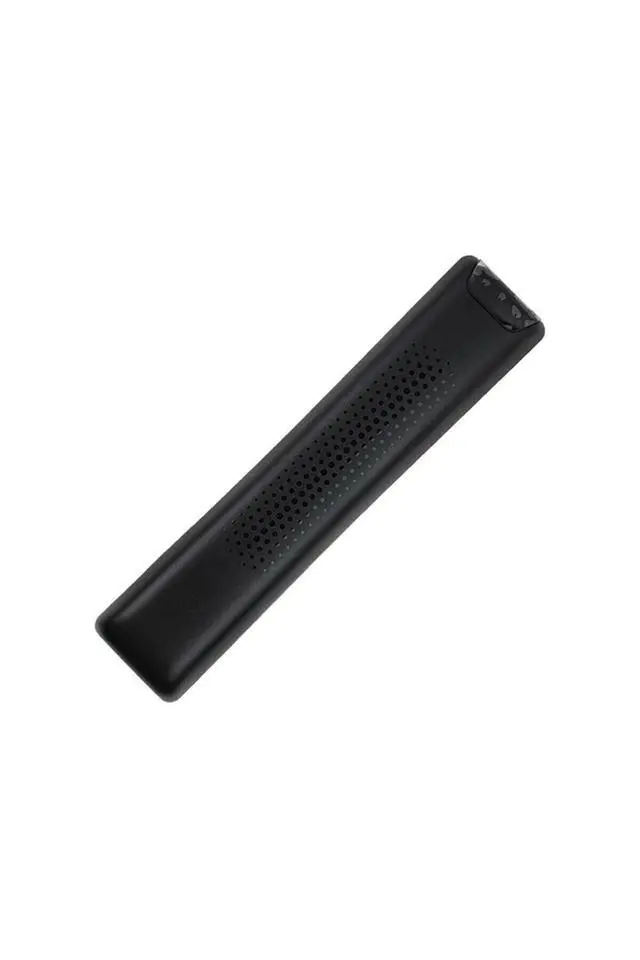
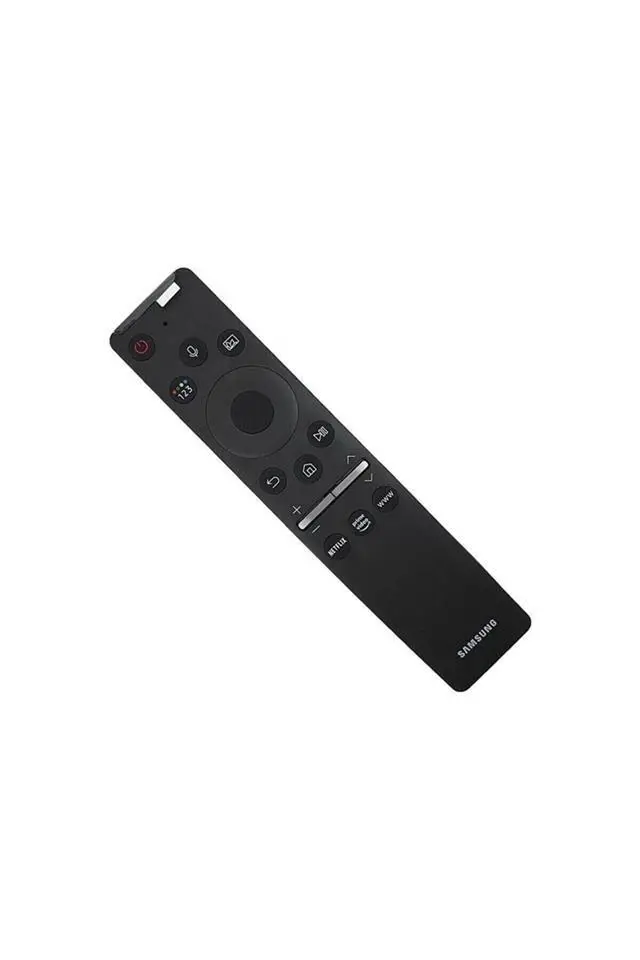


BN59-01330A - BN59-01330C TV remote control
Limited time offer, ends 07/28 By DongFangBiYueShangMao
- Original remote control for Smart TV. BN59-01330A or BN59-01330C is a Bluetooth-based Smart Remote. Voice Control requires a Bluetooth connection. Pairing Instruction: Turn on your TV. Press and hold the pairing buttons on the new remote (Back + Play/Pause) for approximately 5 seconds until a message appears on the screen confirming pairing. If you cannot pair the remote with your TV, reset the remote: Remove the batteries from the remote; Press and hold the Power button for 10-20 seconds; Reinsert the batteries. The remote will be unpaired from the TV and will need to be re-paired if used again
+
+
Overview
Specs
Reviews

Any questions? Our AI beta will help you find out quickly.
Try me now
Original remote control for Smart TV. BN59-01330A or BN59-01330C is a Bluetooth-based Smart Remote. Voice Control requires a Bluetooth connection. Pairing Instruction: Turn on your TV. Press and hold the pairing buttons on the new remote (Back + Play/Pause) for approximately 5 seconds until a message appears on the screen confirming pairing. If you cannot pair the remote with your TV, reset the remote: Remove the batteries from the remote; Press and hold the Power button for 10-20 seconds; Reinsert the batteries. The remote will be unpaired from the TV and will need to be re-paired if used again
Warranty & Returns
Warranty, Returns, And Additional Information
Warranty
- Please contact the Seller directly for warranty information. Warranty information may also be found on the Manufacturer's website.
- CONTACT
Return Policies
- Return for refund within: 30 days
- Return for replacement within: 30 days
- This item is covered by DongFangBiYueShangMao Return Policy
Manufacturer Contact Info
- For a directory of all our manufacturers, please click below.
- Manufacturers Directory
LOADING...