

Your Browsing History
- $218.99
- Free 30-day Returns

Meet Your Seller


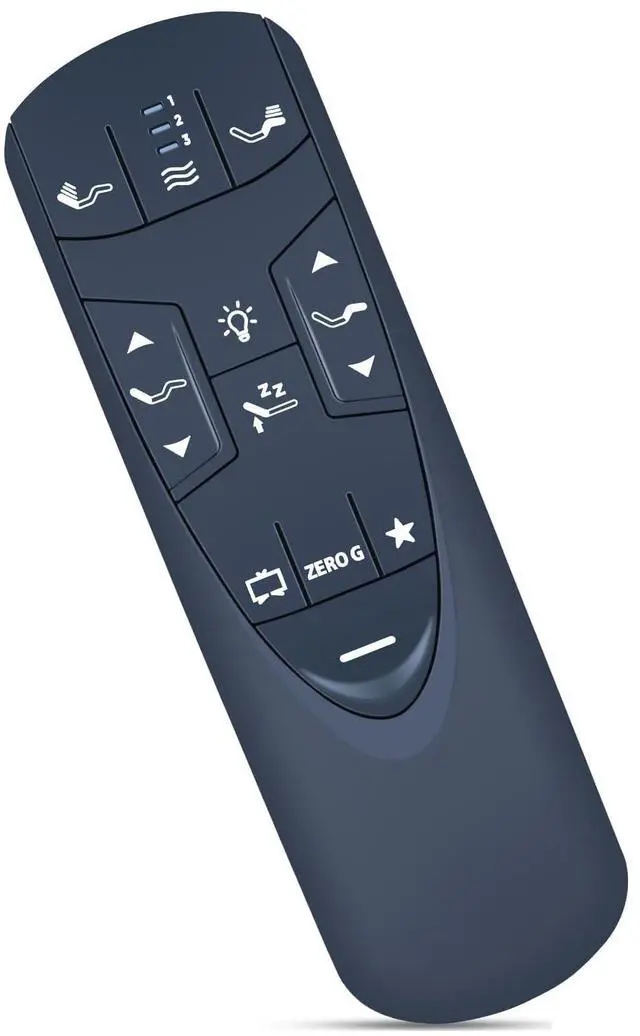

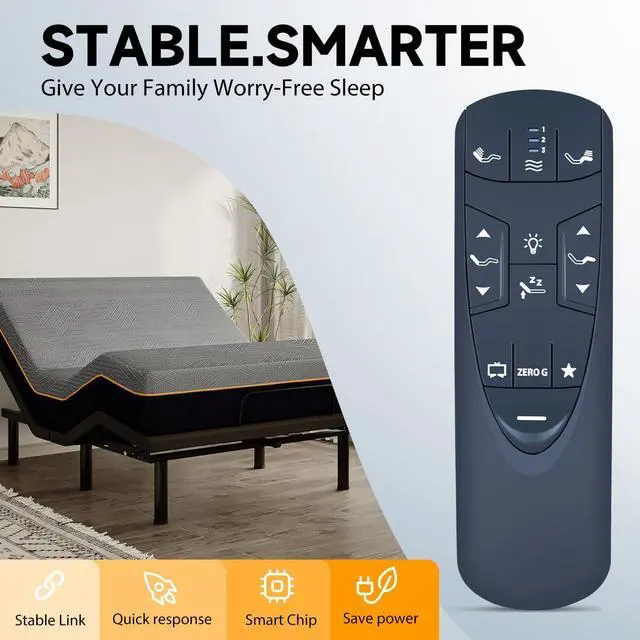
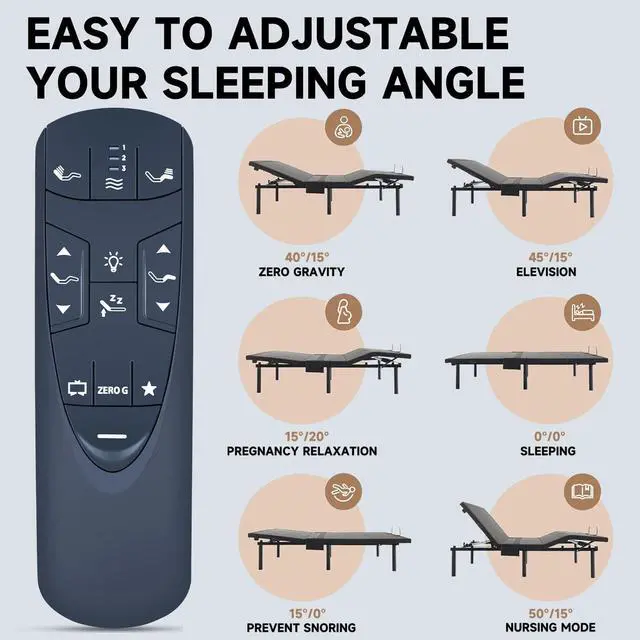
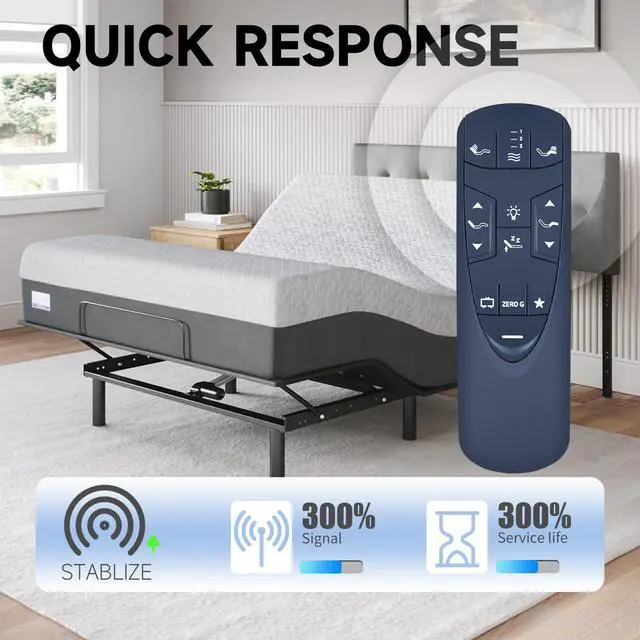
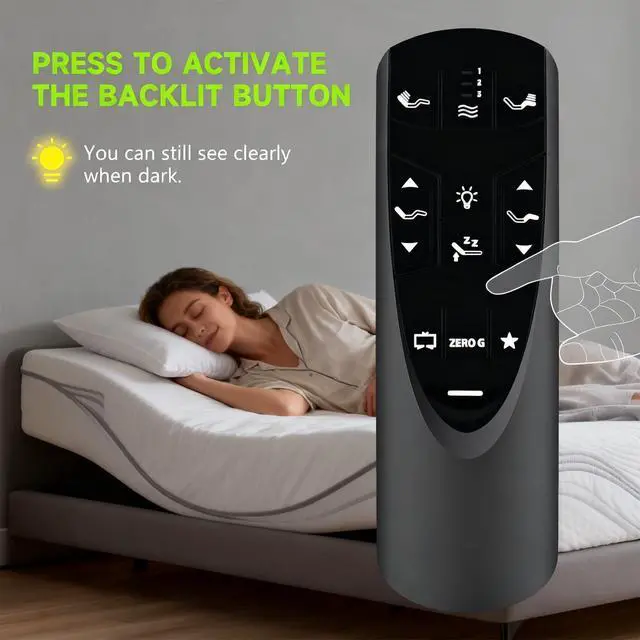


RF502A Replacement Remote Control Compatible for Tempur-Pedic Ergo or Ergo Extend Adjustable Bed Base JLDK.33.01.37 RF502A
Limited time offer, ends 09/14 By Fornierwoly
- Compatible with Tempur-Pedic Ergo or Ergo Extend Adjustable bed base JLDK.33.01.37 RF502A. Step 1: Make sure your base remote has fresh batteries. Step 2: Find the Battery Backup Box and press the POWER DOWN button twice. A light on the Battery Backup Box will light up. Step 3: On the back of the remote, press and hold the PAIR button. The PAIR button will light up blue and begin flashing. When the PAIR button stops flashing, the light on the Battery Backup Box will turn off. Step 4: Release the PAIR button and check all remote functions. Note: If pairing is unsuccessful, reset the controller box on the bed or disable child lock and then try pairing again. To disable child lock: Press and hold the FOOT UP and FOOT DOWN buttons together for about six (6) seconds. The remote backlight will flash two times. When the backlight goes off, the remote is no longer in Child Lock. This is a brand new remote control constructed from high-quality ABS, providing durability and a pleasant hand feel. Package contains: 1 x Remote Controller (battery not included)
+
+
Overview
Specs
Reviews

Any questions? Our AI mode will help you find out quickly.
Try me now
Compatible with Tempur-Pedic Ergo or Ergo Extend Adjustable bed base JLDK.33.01.37 RF502A. Step 1: Make sure your base remote has fresh batteries. Step 2: Find the Battery Backup Box and press the POWER DOWN button twice. A light on the Battery Backup Box will light up. Step 3: On the back of the remote, press and hold the PAIR button. The PAIR button will light up blue and begin flashing. When the PAIR button stops flashing, the light on the Battery Backup Box will turn off. Step 4: Release the PAIR button and check all remote functions. Note: If pairing is unsuccessful, reset the controller box on the bed or disable child lock and then try pairing again. To disable child lock: Press and hold the FOOT UP and FOOT DOWN buttons together for about six (6) seconds. The remote backlight will flash two times. When the backlight goes off, the remote is no longer in Child Lock. This is a brand new remote control constructed from high-quality ABS, providing durability and a pleasant hand feel. Package contains: 1 x Remote Controller (battery not included)
Warranty & Returns
Warranty, Returns, And Additional Information
Warranty
- Please contact the Seller directly for warranty information. Warranty information may also be found on the Manufacturer's website.
- CONTACT
Return Policies
- Return for refund within: 30 days
- Return for replacement within: 30 days
- This item is covered by Fornierwoly Return Policy
Manufacturer Contact Info
- For a directory of all our manufacturers, please click below.
- Manufacturers Directory
LOADING...