

Your Browsing History




Replacement Remote Control for Bed Tech Bedtech BT2000, for Lucid L300, for Milemont Richmat HJH13D Adjustable Bed, for AMBEE21 CastleBeds (Not BT Version)
Limited time offer, ends 10/05 By Eristy shop
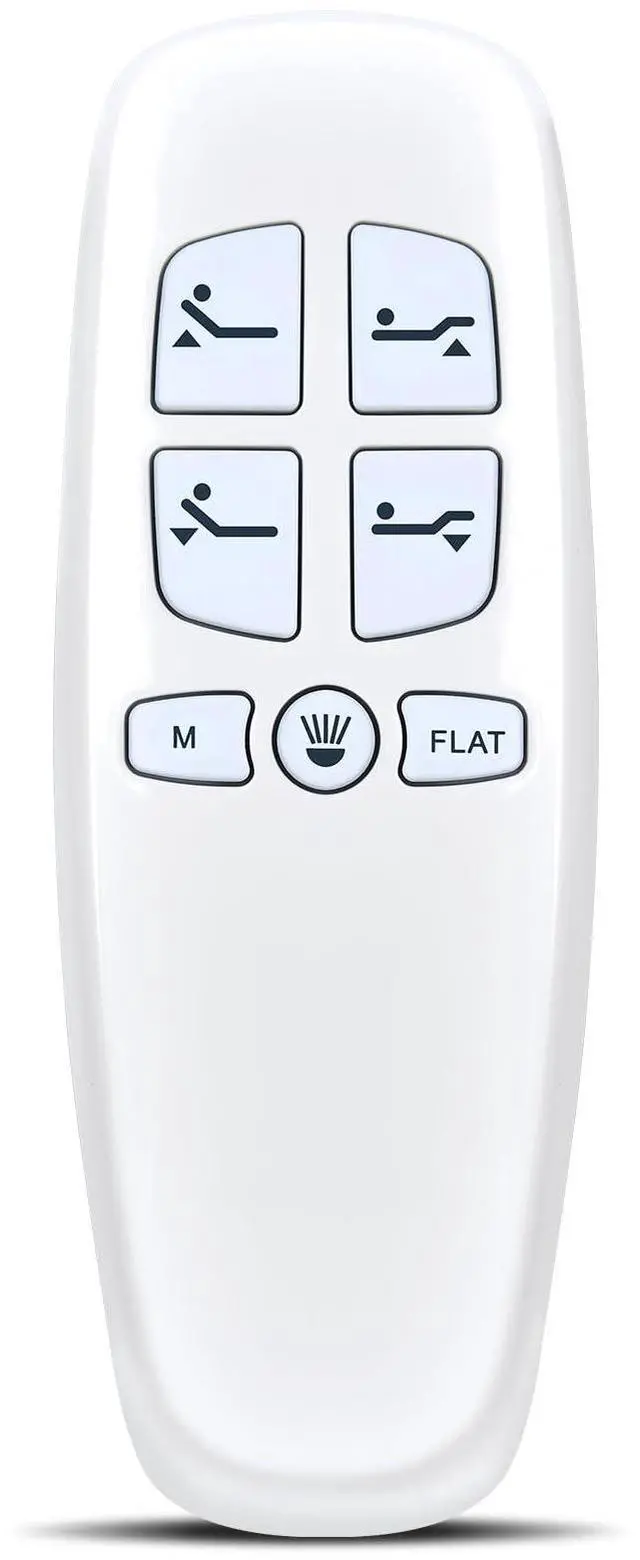
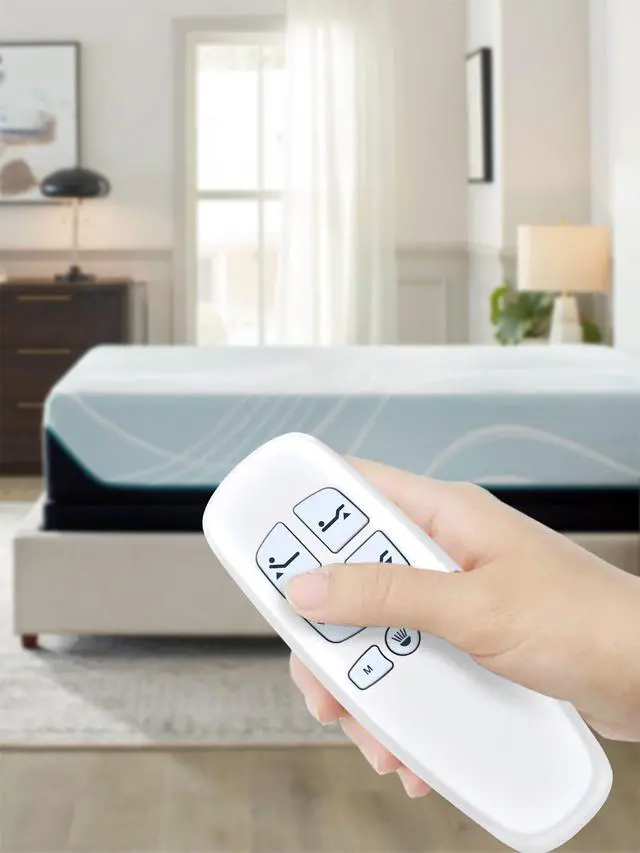
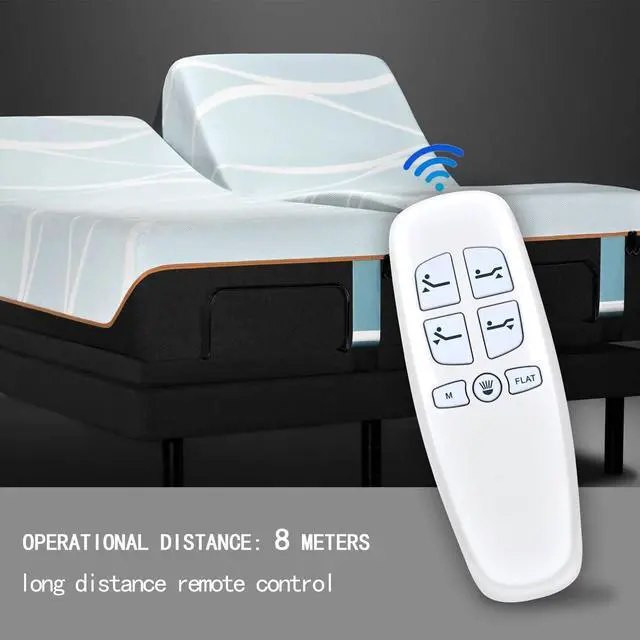
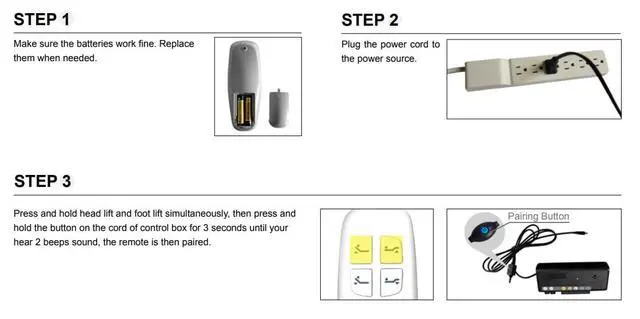
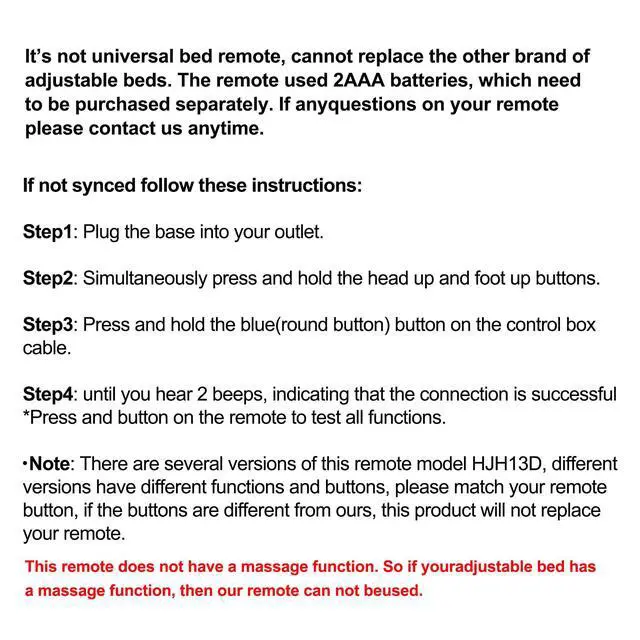
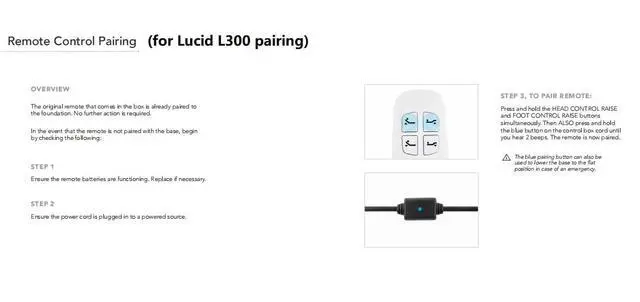
- This replacement remote control requires 2 AAA batteries (not included). If your original remote does not match the picture exactly, or if it has a Bluetooth icon in the lower right corner, it may not be compatible. This remote lacks a massage function. Consequently, it cannot operate an adjustable bed that includes a massage feature. This new remote is compatible with the Bed Tech Bedtech BT2000, LUCID L300, Richmat HJH13D adjustable bed, and AMBEE21 CastleBeds. Please pair it before initial use. How To Pair: 1. Verify the batteries are functioning correctly. Replace them if necessary. 2. Connect the power cord to a power source. Confirm the outlet is active. 3. Press and hold the [Head Up] and [Foot Up] buttons together, then press and hold the blue button on the control box cord for 3 seconds until two beeps are heard. The remote will then be paired. Package Included: 1 x IR remote control (Batteries and Instructions are not included). It can act as a backup remote when your original one fails
+
+
Overview
Specs
Reviews

Any questions? Our AI mode will help you find out quickly.
Try me now
This replacement remote control requires 2 AAA batteries (not included). If your original remote does not match the picture exactly, or if it has a Bluetooth icon in the lower right corner, it may not be compatible. This remote lacks a massage function. Consequently, it cannot operate an adjustable bed that includes a massage feature. This new remote is compatible with the Bed Tech Bedtech BT2000, LUCID L300, Richmat HJH13D adjustable bed, and AMBEE21 CastleBeds. Please pair it before initial use. How To Pair: 1. Verify the batteries are functioning correctly. Replace them if necessary. 2. Connect the power cord to a power source. Confirm the outlet is active. 3. Press and hold the [Head Up] and [Foot Up] buttons together, then press and hold the blue button on the control box cord for 3 seconds until two beeps are heard. The remote will then be paired. Package Included: 1 x IR remote control (Batteries and Instructions are not included). It can act as a backup remote when your original one fails
Warranty & Returns
Warranty, Returns, And Additional Information
Warranty
- Please contact the Seller directly for warranty information. Warranty information may also be found on the Manufacturer's website.
- CONTACT
Return Policies
- Return for refund within: 30 days
- Return for replacement within: 30 days
- This item is covered by Eristy shop Return Policy
Manufacturer Contact Info
- For a directory of all our manufacturers, please click below.
- Manufacturers Directory
LOADING...