

Your Browsing History

Meet Your Seller


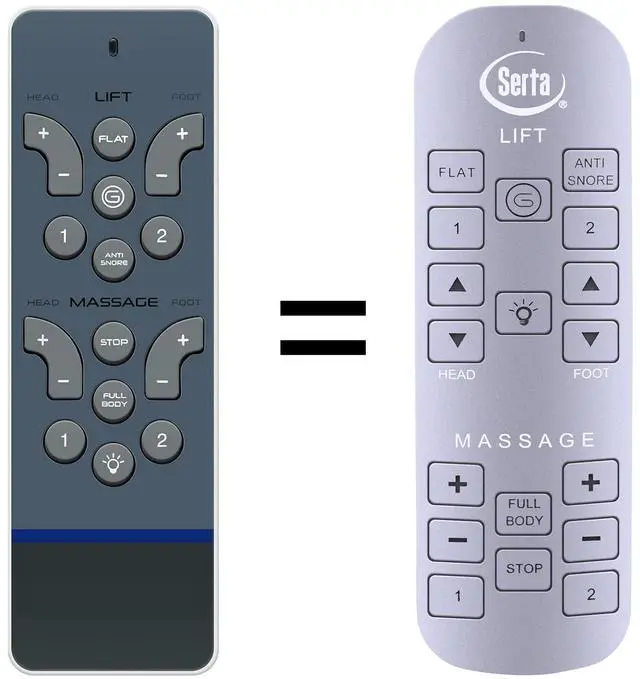
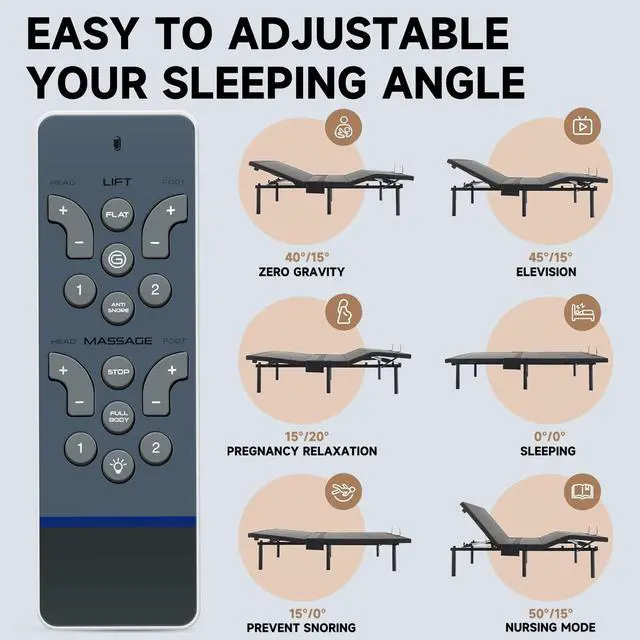


RC-WM-E02 Replacement Remote for Serta Siganture Adjustable Bed
Limited time offer, ends 08/24 By Jeronrtion
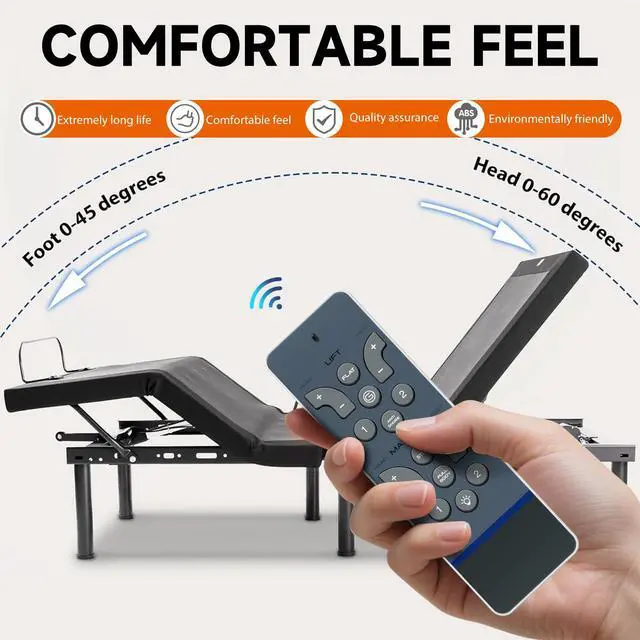
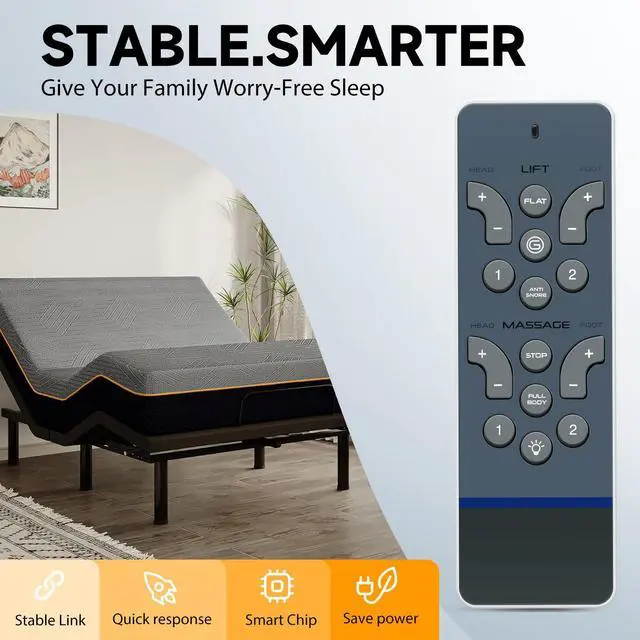
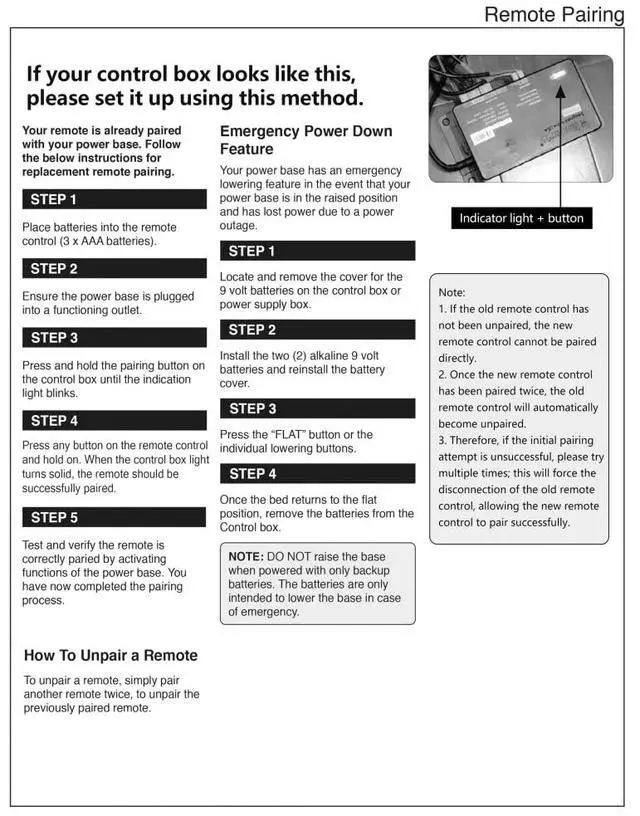
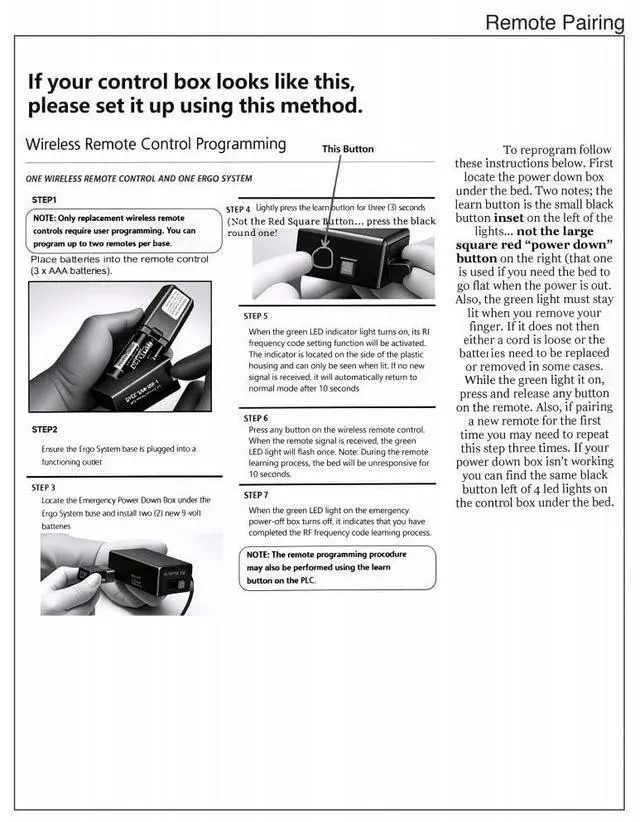
- Compatible with Serta Motion Signature, Serta Motion Select, RC-WM-108, RC-WM-107, RC-WM-E01, RC-WM-E02, ERC108W, and adjustable beds. Remote Pairing: STEP 1: Insert batteries into the remote control (requires 3 x AAA batteries). STEP 2: Confirm the power base is connected to a working outlet. STEP 3: Press and hold the pairing button on the control box (found under the bed) until the indicator light flashes. STEP 4: Press any button on the remote control. When the control box light becomes steady, the remote should be successfully paired. STEP 5: Test and confirm the remote is properly paired by operating functions of the power base. How To Unpair a Remote: To unpair a remote, simply pair another remote twice; this will unpair the previously paired remote. High Quality: Constructed from high-grade ABS material, which is drop-resistant and has no unusual odor. It is designed for long-lasting use and helps keep you and your children safe. Easy to use: Simple to pair and set up. After installing the batteries (not included), just follow the pairing steps until successful, and it will perfectly replace your original remote
+
+
Overview
Specs
Reviews

Any questions? Our AI mode will help you find out quickly.
Try me now
Compatible with Serta Motion Signature, Serta Motion Select, RC-WM-108, RC-WM-107, RC-WM-E01, RC-WM-E02, ERC108W, and adjustable beds. Remote Pairing: STEP 1: Insert batteries into the remote control (requires 3 x AAA batteries). STEP 2: Confirm the power base is connected to a working outlet. STEP 3: Press and hold the pairing button on the control box (found under the bed) until the indicator light flashes. STEP 4: Press any button on the remote control. When the control box light becomes steady, the remote should be successfully paired. STEP 5: Test and confirm the remote is properly paired by operating functions of the power base. How To Unpair a Remote: To unpair a remote, simply pair another remote twice; this will unpair the previously paired remote. High Quality: Constructed from high-grade ABS material, which is drop-resistant and has no unusual odor. It is designed for long-lasting use and helps keep you and your children safe. Easy to use: Simple to pair and set up. After installing the batteries (not included), just follow the pairing steps until successful, and it will perfectly replace your original remote
Warranty & Returns
Warranty, Returns, And Additional Information
Warranty
- Please contact the Seller directly for warranty information. Warranty information may also be found on the Manufacturer's website.
- CONTACT
Return Policies
- Return for refund within: 30 days
- Return for replacement within: 30 days
- This item is covered by Jeronrtion Return Policy
Manufacturer Contact Info
- For a directory of all our manufacturers, please click below.
- Manufacturers Directory
LOADING...