

Your Browsing History
- $39.99
- Free 30-day Returns
Most customers receive within 5-7 days.

Meet Your Seller


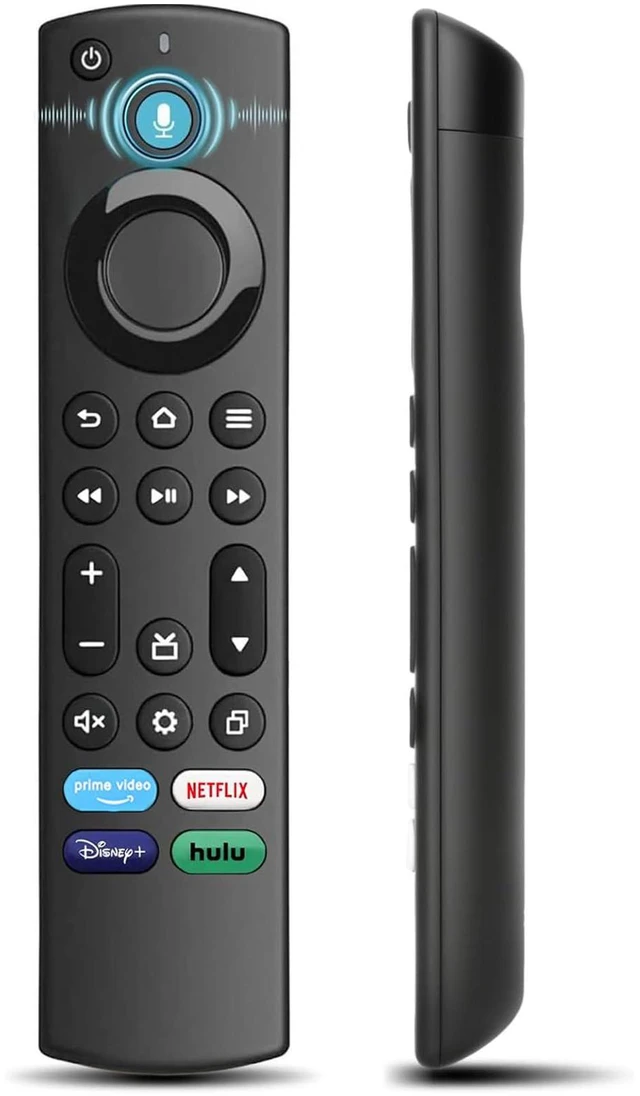
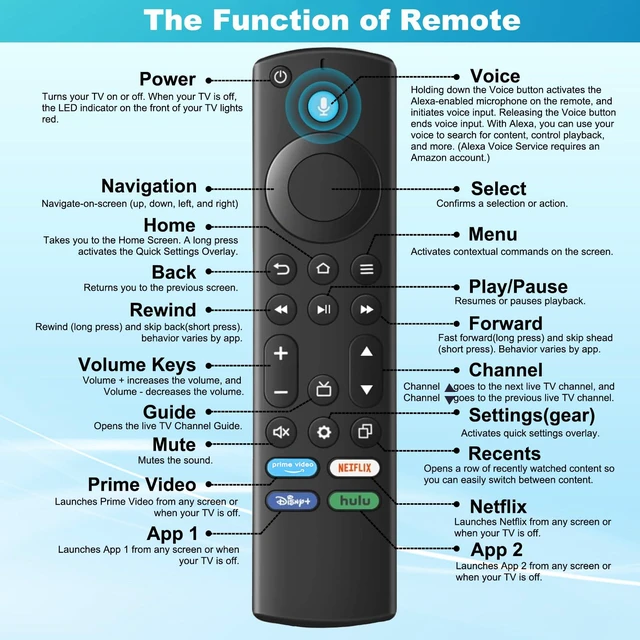
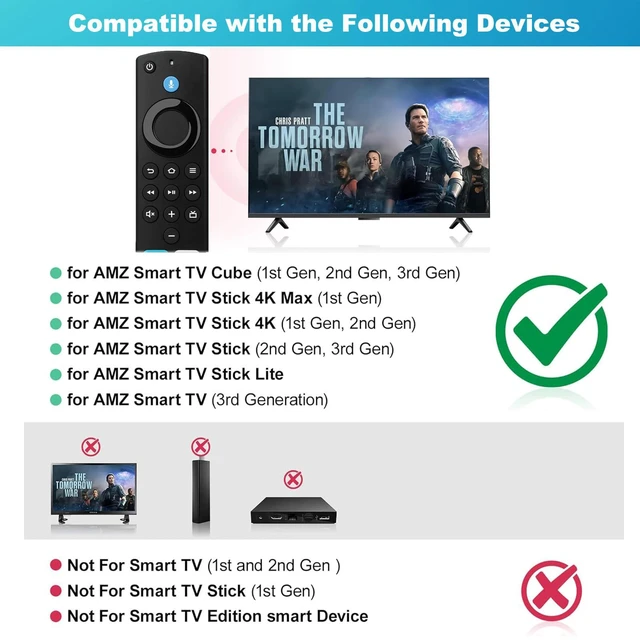


Replacement Remote for Amazon Fire TV Alexa Voice | Universal TV Remote Compatible with Insignia, Toshiba, Amazon Fire Smart TV
Limited time offer, ends 09/14 By Ceelys Store
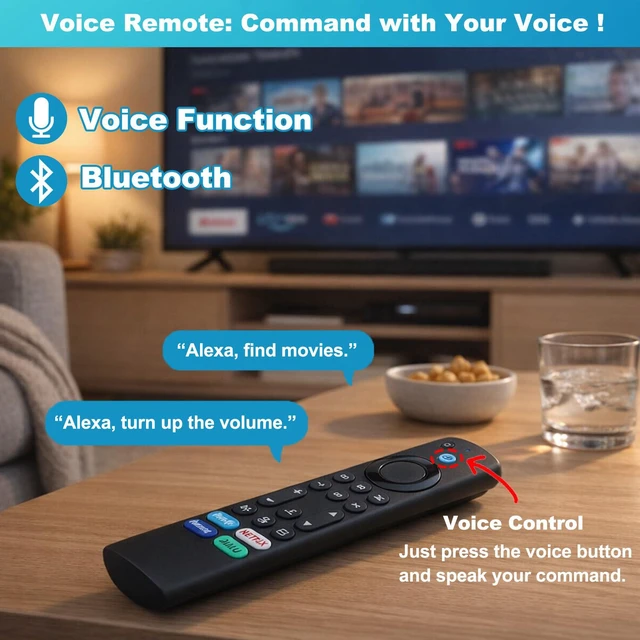
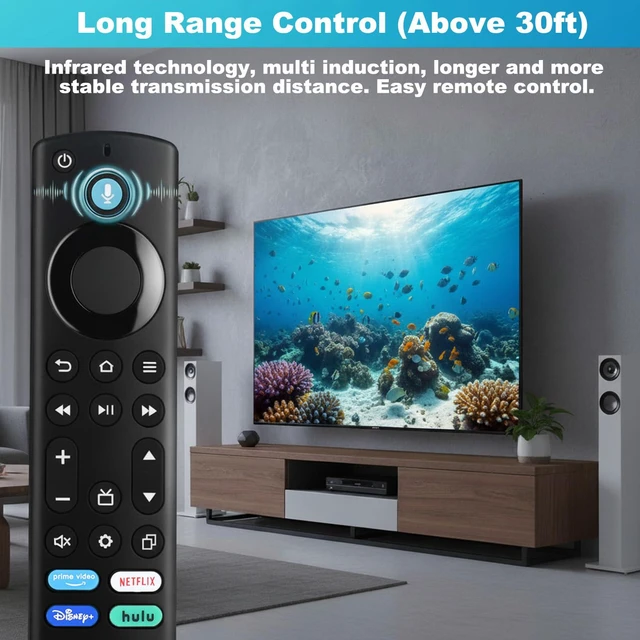
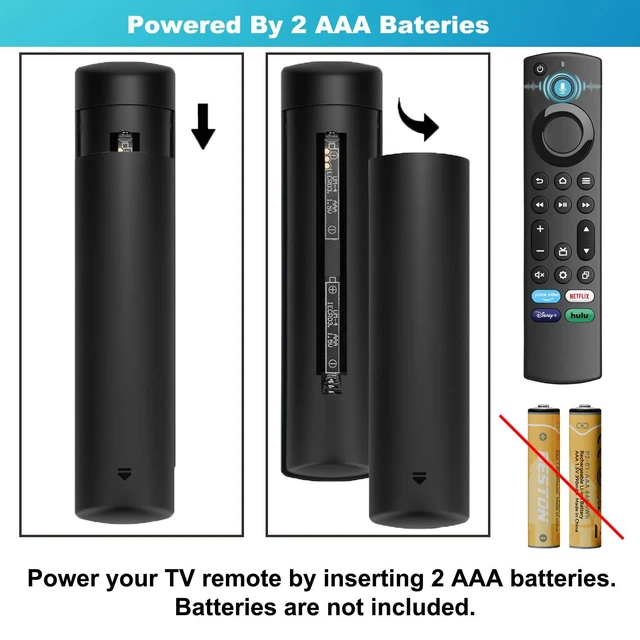
- Broad Compatibility --- Works with TV Stick (2nd / 3rd Gen), TV Stick 4K (1st / 2nd Gen), TV Stick 4K Max (1st / 2nd Gen), TV Cube (1st / 2nd / 3rd Gen), TV Stick Lite (1st / 2nd Gen), and Smart TV (3rd Gen Pendant Design). Also compatible with Insignia, Toshiba, and Pioneer Smart TVs that support voice commands. Intelligent Voice Control --- This remote offers voice search functionality. Simply press the microphone button and speak naturally to search, play, pause, and fast-forward content. Effortless Pairing --- Press and hold the Home button for about 8-30 seconds until the LED starts to flash. Then, wait for approximately 60 seconds, and the remote should pair with your device automatically. Quick-Access Shortcuts & Dedicated App Buttons --- Start Netflix, Prime Video, or Hulu instantly with dedicated one-touch keys. Features mute, home, and guide buttons for quicker, more convenient navigation. Battery Powered --- Powered by two AAA batteries (not included), providing months of operation under typical usage conditions. NOTE --- To avoid pairing issues, remove batteries from any old remote before beginning the setup process
+
+
Overview
Specs
Reviews

Any questions? Our AI mode will help you find out quickly.
Try me now
Broad Compatibility --- Works with TV Stick (2nd / 3rd Gen), TV Stick 4K (1st / 2nd Gen), TV Stick 4K Max (1st / 2nd Gen), TV Cube (1st / 2nd / 3rd Gen), TV Stick Lite (1st / 2nd Gen), and Smart TV (3rd Gen Pendant Design). Also compatible with Insignia, Toshiba, and Pioneer Smart TVs that support voice commands. Intelligent Voice Control --- This remote offers voice search functionality. Simply press the microphone button and speak naturally to search, play, pause, and fast-forward content. Effortless Pairing --- Press and hold the Home button for about 8-30 seconds until the LED starts to flash. Then, wait for approximately 60 seconds, and the remote should pair with your device automatically. Quick-Access Shortcuts & Dedicated App Buttons --- Start Netflix, Prime Video, or Hulu instantly with dedicated one-touch keys. Features mute, home, and guide buttons for quicker, more convenient navigation. Battery Powered --- Powered by two AAA batteries (not included), providing months of operation under typical usage conditions. NOTE --- To avoid pairing issues, remove batteries from any old remote before beginning the setup process
Warranty & Returns
Warranty, Returns, And Additional Information
Warranty
- Please contact the Seller directly for warranty information. Warranty information may also be found on the Manufacturer's website.
- CONTACT
Return Policies
- Return for refund within: 30 days
- Return for replacement within: 30 days
- This item is covered by Ceelys Store Return Policy
Manufacturer Contact Info
- For a directory of all our manufacturers, please click below.
- Manufacturers Directory
LOADING...