

Your Browsing History
- $39.99
- Free 30-day Returns
Most customers receive within 5-7 days.

Meet Your Seller


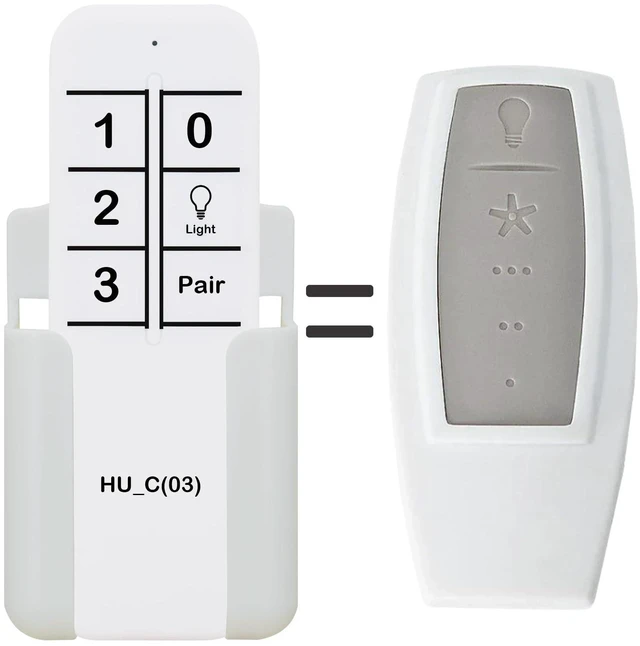
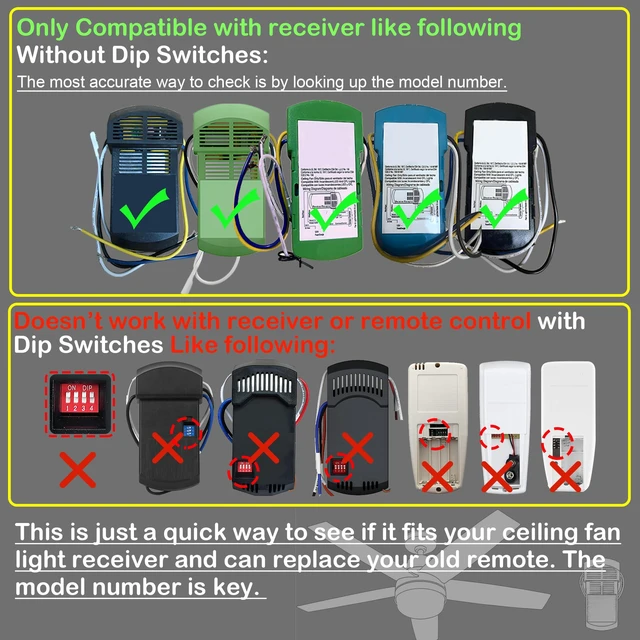


Replacement Remote Control for Hunter Ceiling Fan 99110, K1131-01, K1131-02, K021905000, IN2TX36,IN2RX13
Limited time offer, ends 09/14 By Ceelys Store
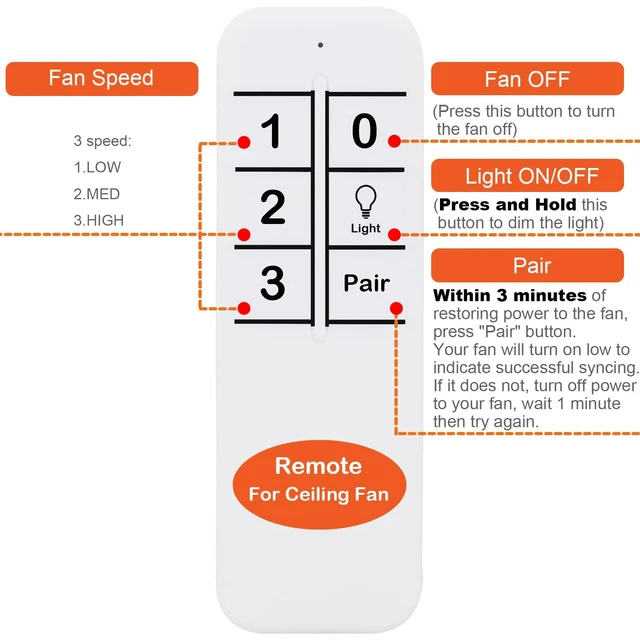
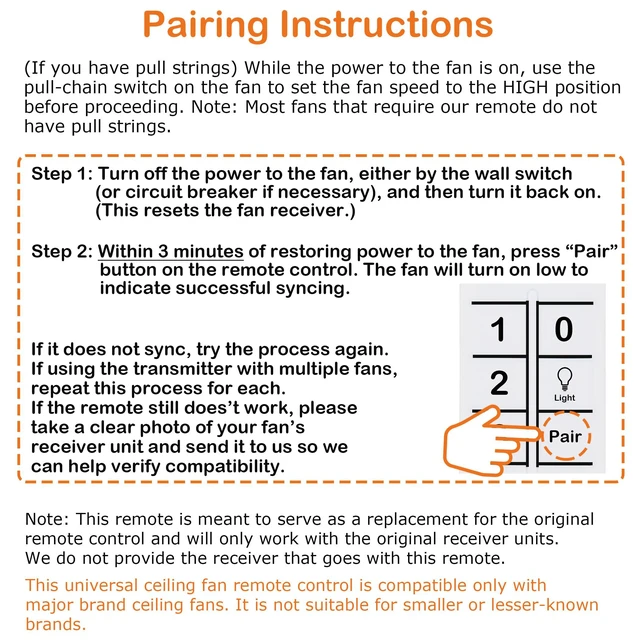
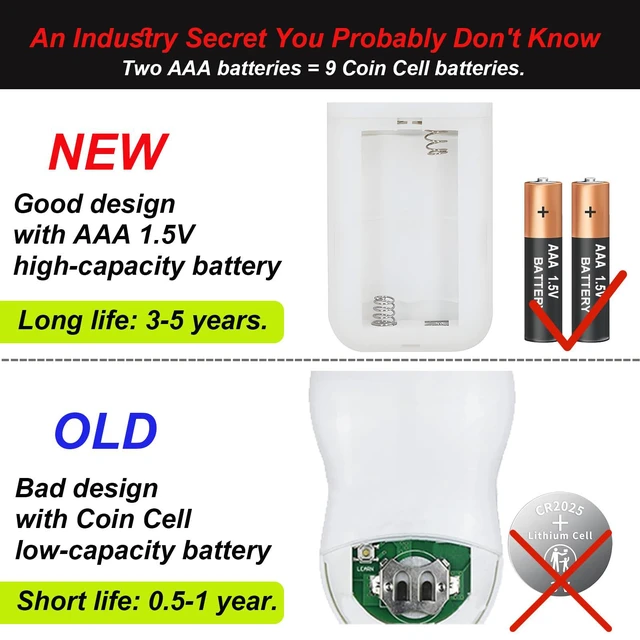
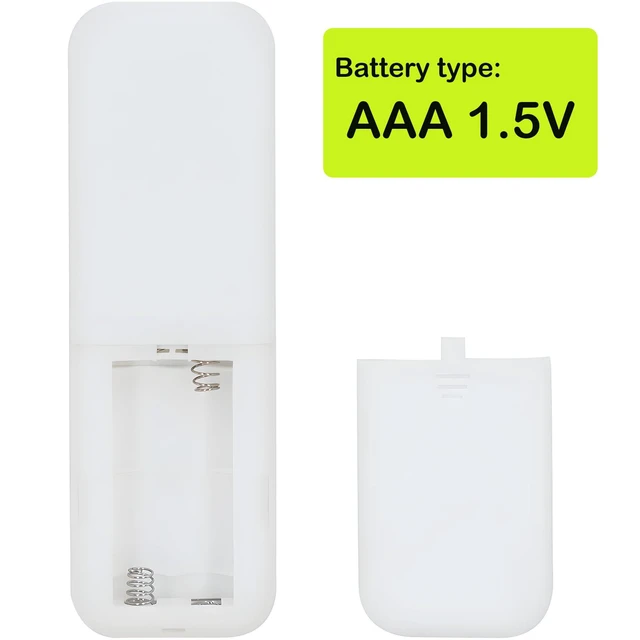
- Replacement Remote Control for Hunter Ceiling Fan 99110, K1131-01, K1131-02, K021905000, IN2TX36, IN2RX13. Pairing Instructions (If you have pull strings): While the fan is powered on, use the pull-chain switch to set the fan speed to HIGH before proceeding. Note: Many fans that require this remote do not have pull strings. Pairing Instructions: Step 1: Switch off power to the fan using the wall switch (or circuit breaker if needed), then switch it back on. (This resets the fan receiver.) Step 2: Within 3 minutes of restoring power, press the "Pair" button on the remote. The fan will activate on low speed to indicate successful pairing. Batteries are not included (requires 2 x AAA 1.5V batteries). Package contains: 1 x Remote Control + 1 x Wall Mounting Bracket
+
+
Overview
Specs
Reviews

Any questions? Our AI mode will help you find out quickly.
Try me now
Replacement Remote Control for Hunter Ceiling Fan 99110, K1131-01, K1131-02, K021905000, IN2TX36, IN2RX13. Pairing Instructions (If you have pull strings): While the fan is powered on, use the pull-chain switch to set the fan speed to HIGH before proceeding. Note: Many fans that require this remote do not have pull strings. Pairing Instructions: Step 1: Switch off power to the fan using the wall switch (or circuit breaker if needed), then switch it back on. (This resets the fan receiver.) Step 2: Within 3 minutes of restoring power, press the "Pair" button on the remote. The fan will activate on low speed to indicate successful pairing. Batteries are not included (requires 2 x AAA 1.5V batteries). Package contains: 1 x Remote Control + 1 x Wall Mounting Bracket
Warranty & Returns
Warranty, Returns, And Additional Information
Warranty
- Please contact the Seller directly for warranty information. Warranty information may also be found on the Manufacturer's website.
- CONTACT
Return Policies
- Return for refund within: 30 days
- Return for replacement within: 30 days
- This item is covered by Ceelys Store Return Policy
Manufacturer Contact Info
- For a directory of all our manufacturers, please click below.
- Manufacturers Directory
LOADING...