CORE TECH USB 2.0 Printer Cable 10 ft Nylon Braided USB-A to USB-B Male Black Compatible with Printers and Scanners Durable Flexible Connection Single Pack
  •  
  • $21.99 –
  • Save: 16%
  • $64.49
  • Free 30-day Returns
  • Sold by Myriad Mart

    Shipped by Myriad Mart

    Price alert
    Shop it at NeweggBusiness.

    Meet Your Seller

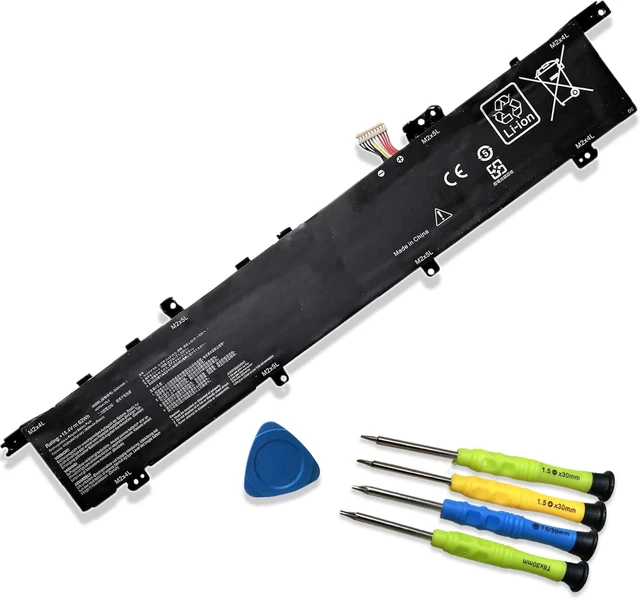
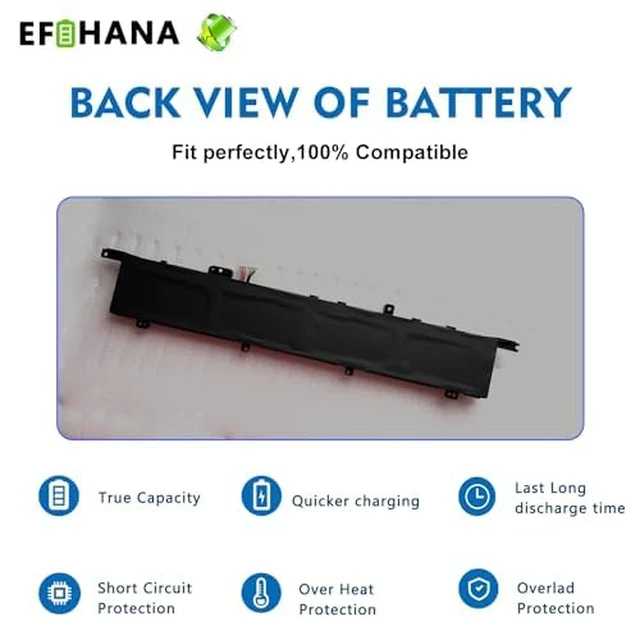
    C42N1846-1 C42N1846 Laptop Battery Replacement for Asus ZenBook Pro Duo UX581GV UX581LV UX581GV-XB74T UX581GV-H2001T UX581GV-H2001R UX581LV-H2002R Series 0B200-03490000 15.4V 62Wh 4038mAh

    Limited time offer, ends 11/03 By Myriad Mart

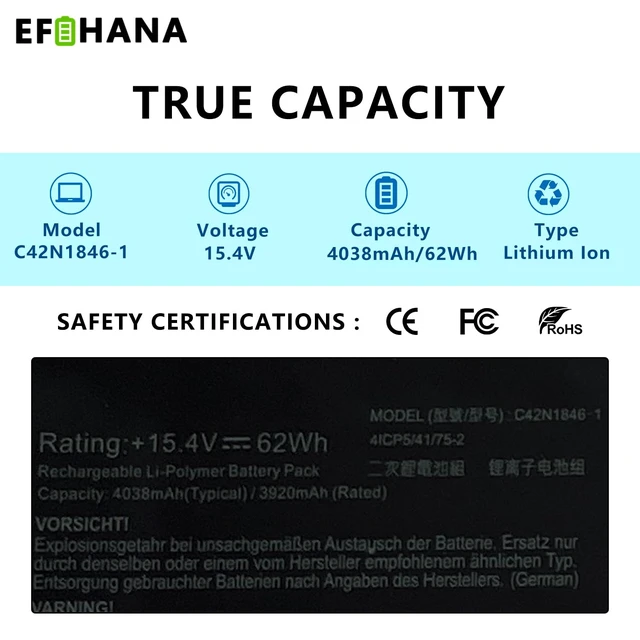
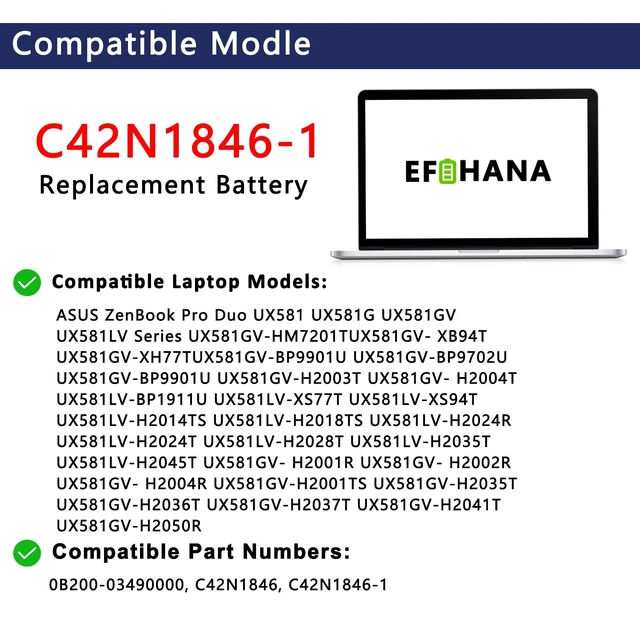
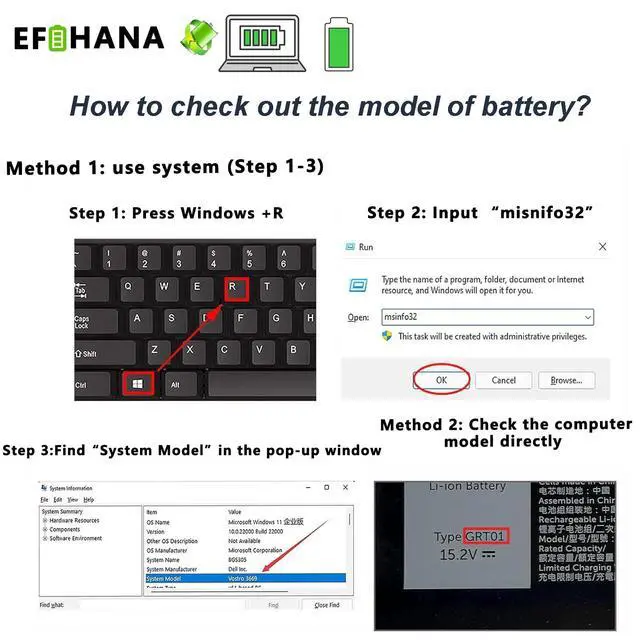
    • Specifications Model: C42N1846-1 Battery type: Li-ion Voltage: 15.4V Capacity: 62Wh, 4038mAh Top circuit boards and smart chip. Compatible part numbers: C42N1846-1, 0B200-03490000, and C42N1846. Compatible with Asus ZenBook Pro Duo UX581GV H2004T, UX581GV-BP9702U, UX581GV-BP9901U, UX581GV-H2001R, UX581GV-H2001T, UX581LV-H2018TS, UX581LV-H2024R, and UX581LV-H2024T Series. Also fits ASUS ZenBook Pro Duo UX581 Series, ASUS ZenBook Pro Duo UX581G Series, and ASUS ZenBook Pro Duo UX581GV Series. If the new battery is not recognized during initial installation, reinstall it and check that the interface is fully connected. Discharge the new battery to 10% (not 0%), then charge and cycle it 3-4 times to activate the battery. Safety Features Please refer to the instructions before installing the battery. The product is CE certified for safety and tested for safety and stability

    +
    +
    Overview
    Specs
    Reviews

    Any questions? Ask CelesteSM will help you find out quickly.

    Specifications

    Model: C42N1846-1
    Battery type: Li-ion
    Voltage: 15.4V
    Capacity: 62Wh, 4038mAh Top circuit boards and smart chip.
    Compatible part numbers: C42N1846-1, 0B200-03490000, and C42N1846. Compatible with Asus ZenBook Pro Duo UX581GV H2004T, UX581GV-BP9702U, UX581GV-BP9901U, UX581GV-H2001R, UX581GV-H2001T, UX581LV-H2018TS, UX581LV-H2024R, and UX581LV-H2024T Series. Also fits ASUS ZenBook Pro Duo UX581 Series, ASUS ZenBook Pro Duo UX581G Series, and ASUS ZenBook Pro Duo UX581GV Series. If the new battery is not recognized during initial installation, reinstall it and check that the interface is fully connected. Discharge the new battery to 10% (not 0%), then charge and cycle it 3-4 times to activate the battery. Safety Features Please refer to the instructions before installing the battery. The product is CE certified for safety and tested for safety and stability

    Warranty & Returns

    Warranty, Returns, And Additional Information

    Warranty

    • Please contact the Seller directly for warranty information. Warranty information may also be found on the Manufacturer's website.
    • CONTACT

    Return Policies

    Manufacturer Contact Info

    LOADING...