• $55.49
  • Free 30-day Returns
  • Sold by Myriad Mart

    Shipped by Myriad Mart

    Price alert
    Shop it at NeweggBusiness.

    Meet Your Seller

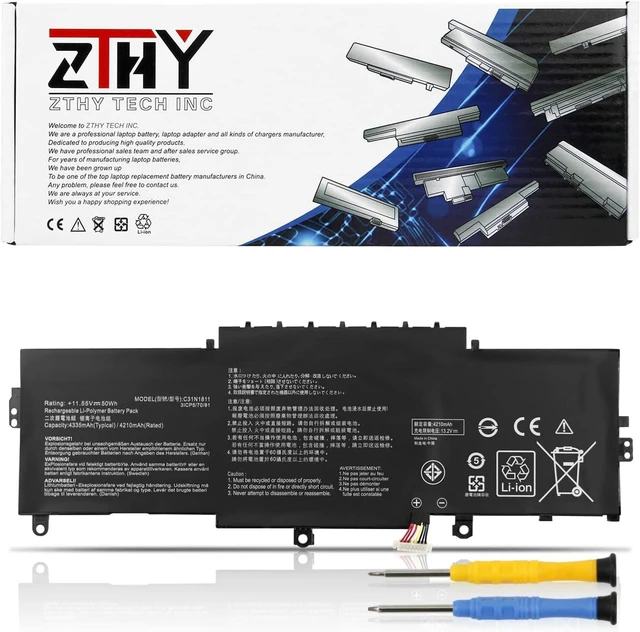
    50Wh C31N1811 Laptop Battery Replacement for Asus ZenBook 14 UX433F UX433FA UX433FN RX433F RX433FA RX433FN BX433F BX433FN U4300F U4300FA U4300FN Deluxe13 Deluxe14 UX433FN-A6145T C31POJ5 C31PNJ5 11.55V

    Limited time offer, ends 11/03 By Myriad Mart

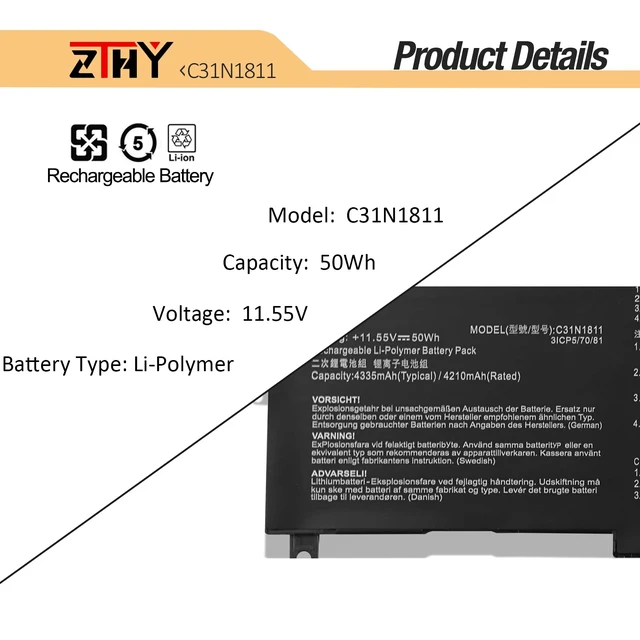
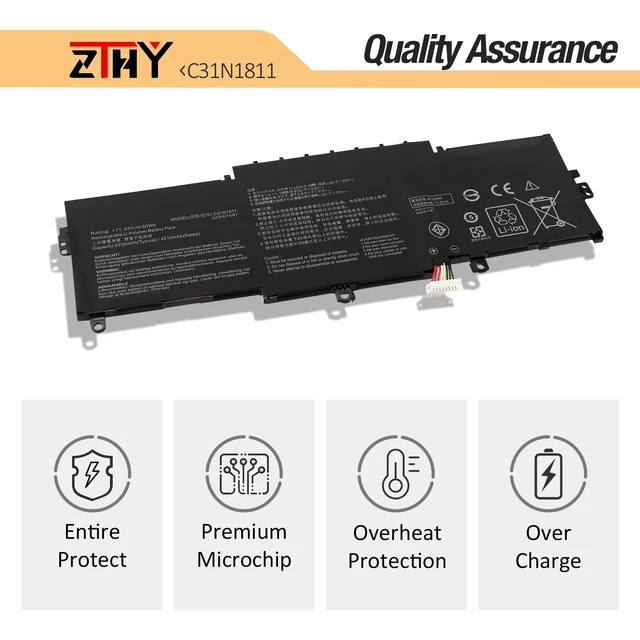
    • Specifications: Battery Type: Li-Polymer Color: Black Voltage: 11.55V Capacity: 50Wh; package includes 2 professional screwdrivers. No additional tools required. Replace your old battery in minutes. Compatible Part Numbers: C31N1811, 0B200-03080000, C31PnJ5, C31PoJ5, 3ICP5/70/81. Compatible Models: Replacement for ASUS ZenBook 14 UX433, UX433F, UX433FA, UX433FN, RX433F, RX433FA, RX433FN, BX433F, and BX433FN Series; ASUS Zenbook 14 Deluxe U4300F, U4300FA, and U4300FN Series Notebook. CE and UL certified for safety. Made in compliance with compatibility and environmental safety standards. If the new battery is not recognized during initial installation, reinstall it and make sure the interface is fully connected. Discharge the new battery to 10-20% (not 0%), then charge and cycle it 3-4 times

    +
    +
    Overview
    Specs
    Reviews

    Any questions? Ask CelesteSM will help you find out quickly.

    Specifications

    : Battery
    Type: Li-Polymer
    Color: Black
    Voltage: 11.55V
    Capacity: 50Wh; package includes 2 professional screwdrivers. No additional tools required. Replace your old battery in minutes.
    Compatible Part Numbers: C31N1811, 0B200-03080000, C31PnJ5, C31PoJ5, 3ICP5/70/81.
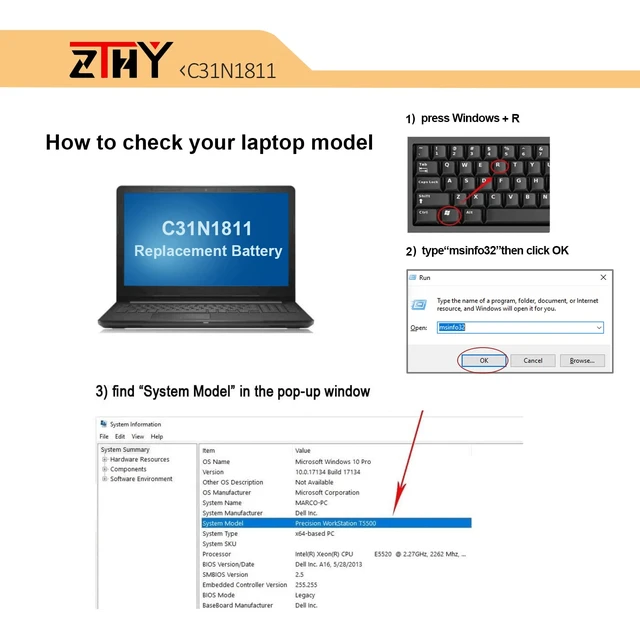
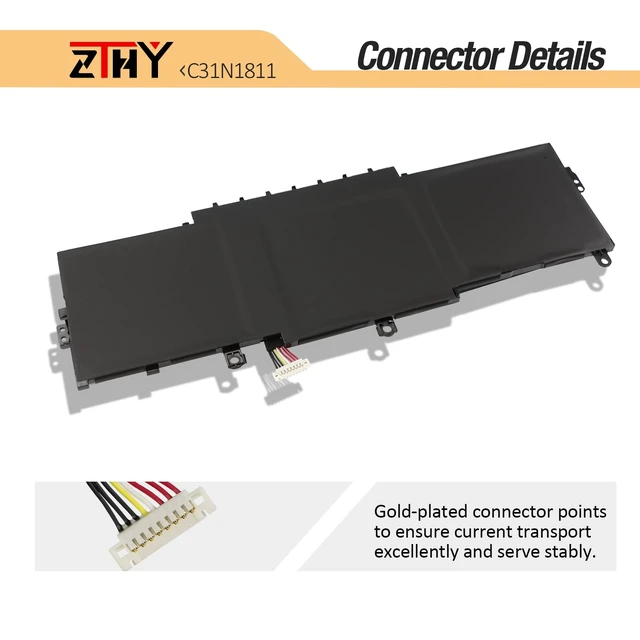
    Compatible Models: Replacement for ASUS ZenBook 14 UX433, UX433F, UX433FA, UX433FN, RX433F, RX433FA, RX433FN, BX433F, and BX433FN Series; ASUS Zenbook 14 Deluxe U4300F, U4300FA, and U4300FN Series Notebook. CE and UL certified for safety. Made in compliance with compatibility and environmental safety standards. If the new battery is not recognized during initial installation, reinstall it and make sure the interface is fully connected. Discharge the new battery to 10-20% (not 0%), then charge and cycle it 3-4 times

    Warranty & Returns

    Warranty, Returns, And Additional Information

    Warranty

    • Please contact the Seller directly for warranty information. Warranty information may also be found on the Manufacturer's website.
    • CONTACT

    Return Policies

    Manufacturer Contact Info

    LOADING...