Meet Your Seller
AJMRTC 2Pcs Projector Remote Control for Xgimi H1 H2 Z6 Z4 Z5 N10 A1 H2 Aurora, No TV Fly Mouse, Replacement Projector Controller
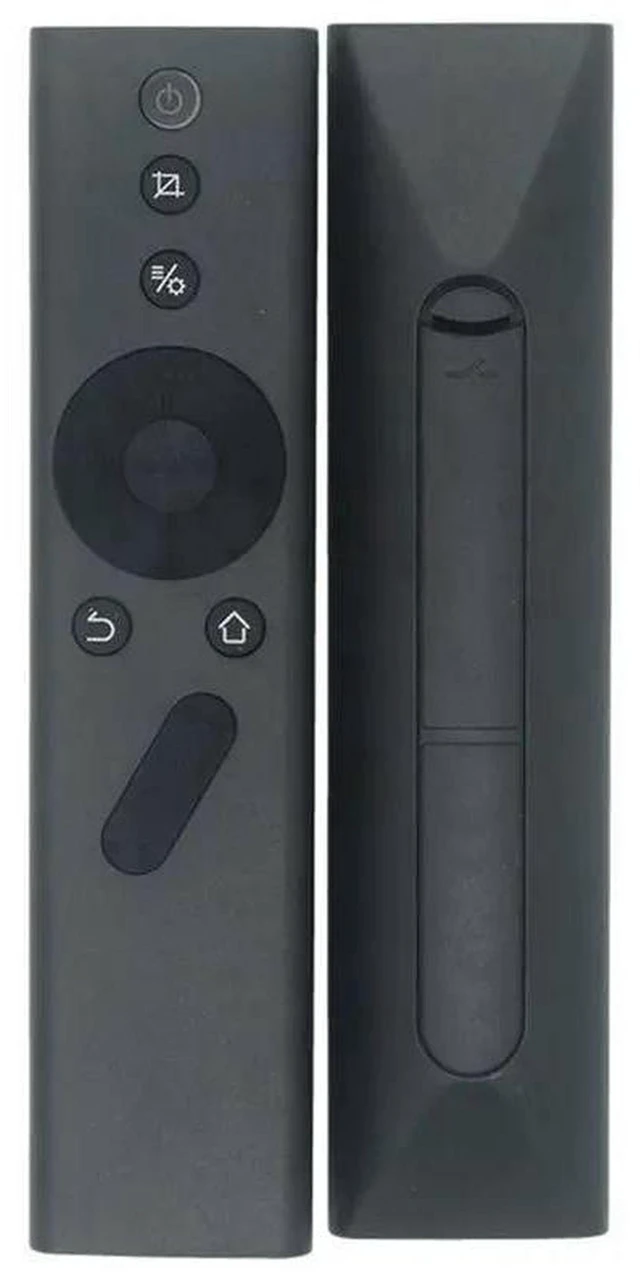
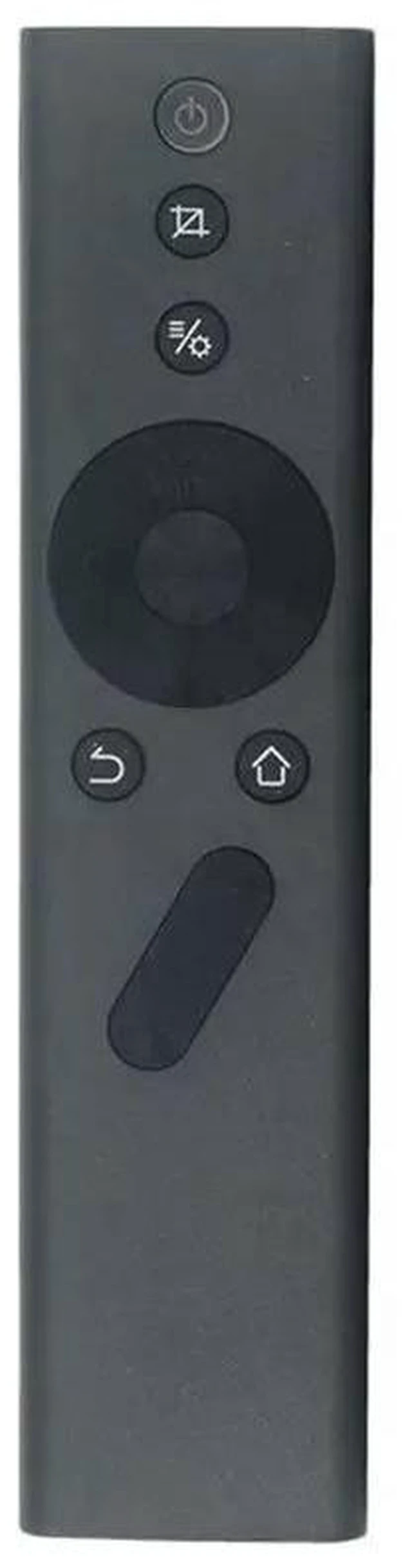
- - Package includes 2 pieces remote controls, compatible with Xgimi H1 H2 Z6 Z4 Z5 N10 A1 H2 Aurora projectors
- - No TV fly mouse function, specially designed for daily projector operation and control
- - Stable infrared signal transmission, fast response, sensitive keys for smooth operation
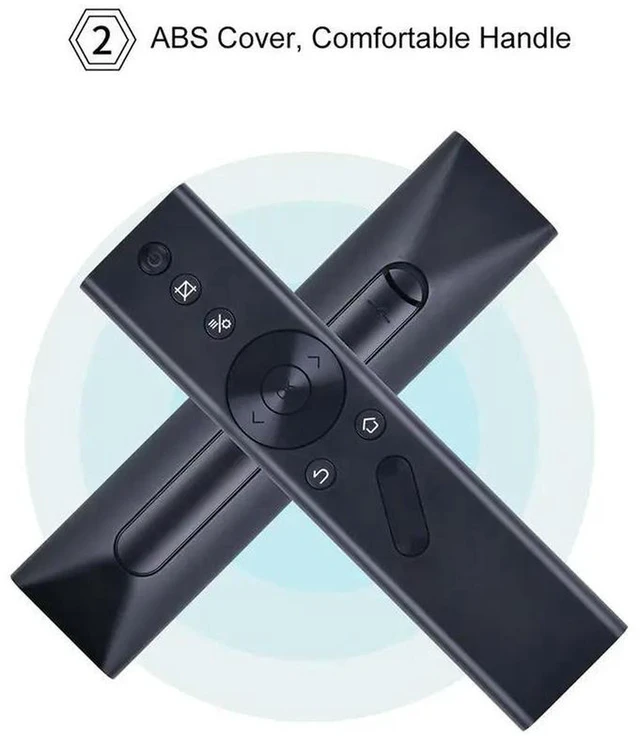
- - Ergonomic lightweight design, comfortable grip, easy to hold for long time use
- - Direct replacement for broken or lost original remote, no pairing required in most cases
+
+
Overview
Specs
Reviews
Any questions? Our AI mode will help you find out quickly.
Try me now
AJMRTC projector remote control is a practical replacement remote compatible with Xgimi H1, H2, Z6, Z4, Z5, N10, A1 and H2 Aurora projectors. This remote does not come with TV fly mouse function, which meets your basic projector control needs. It adopts reliable infrared signal technology to ensure sensitive and quick response when pressing buttons. The lightweight ergonomic body brings comfortable hand feel. No complicated setup or pairing process is needed for most scenarios. This pack contains 2 remotes, great as spare backups for home or office projector maintenance. It is an ideal substitute for worn, damaged or missing original projector remotes.
Specifications
- Brand: AJMRTC
- Product Name: Projector Remote Control
- Quantity: 2Pcs
- Compatible Models: Xgimi H1, H2, Z6, Z4, Z5, N10, A1, H2 Aurora
- Feature: Without TV Fly Mouse
- Control Type: Infrared
- Application: Xgimi Projector
Warranty & Returns
Warranty, Returns, And Additional Information
Warranty
- Please contact the Seller directly for warranty information. Warranty information may also be found on the Manufacturer's website.
- CONTACT
Return Policies
- Return for refund within: 30 days
- Return for replacement within: 30 days
- This item is covered by ThermalNest Return Policy
Manufacturer Contact Info
- For a directory of all our manufacturers, please click below.
- Manufacturers Directory
LOADING...