




 here!
I’m your shopping assistant for PC builds, upgrades, and everything tech.
Got questions? Ask away!
Start a conversation
here!
I’m your shopping assistant for PC builds, upgrades, and everything tech.
Got questions? Ask away!
Start a conversation



Any questions? Ask CelesteSM will help you find out quickly.
Product Description:
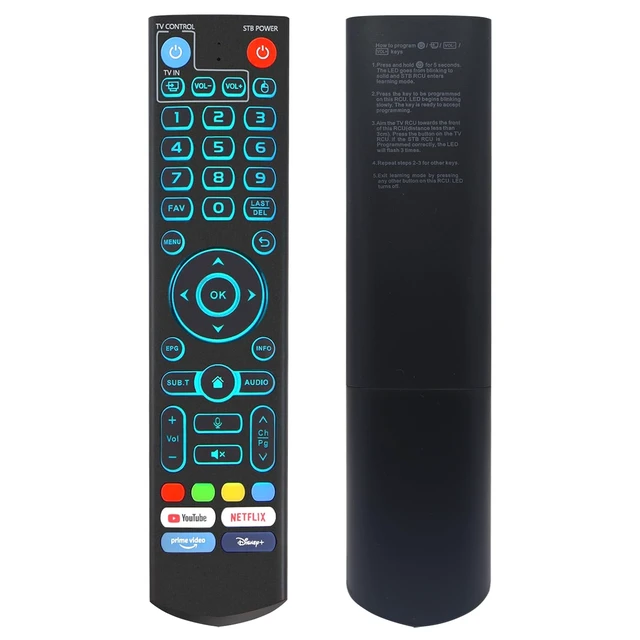
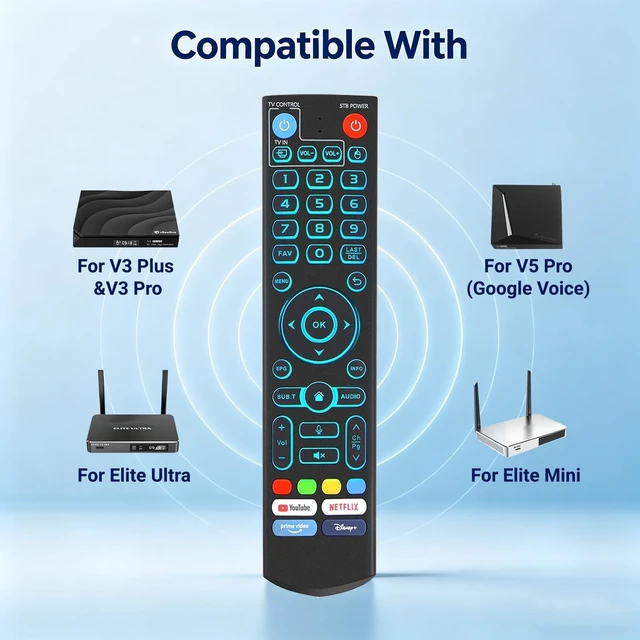
V5 Pro backlit voice remote control designed for compatible V1, V2, V3, V5 Pro, V6/V3 Plus, V6/V1 Max, Elite, and Max models. It provides button-based navigation, voice search, volume adjustment, input source switching, and music playback control.
Core Selling Points:
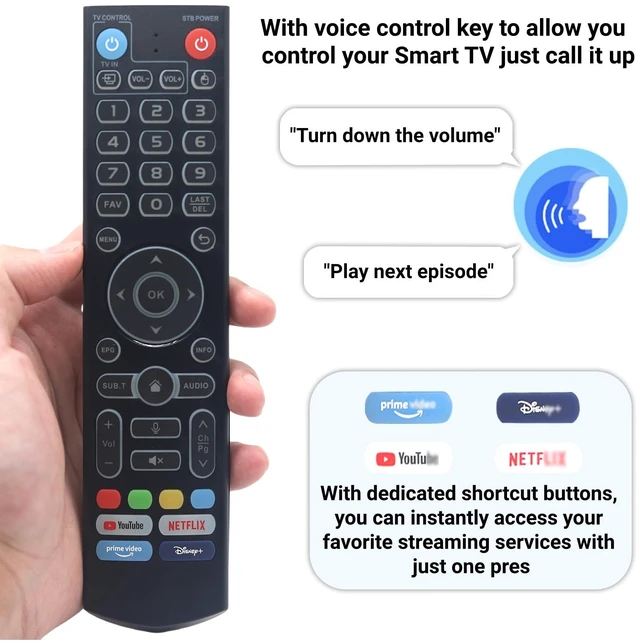
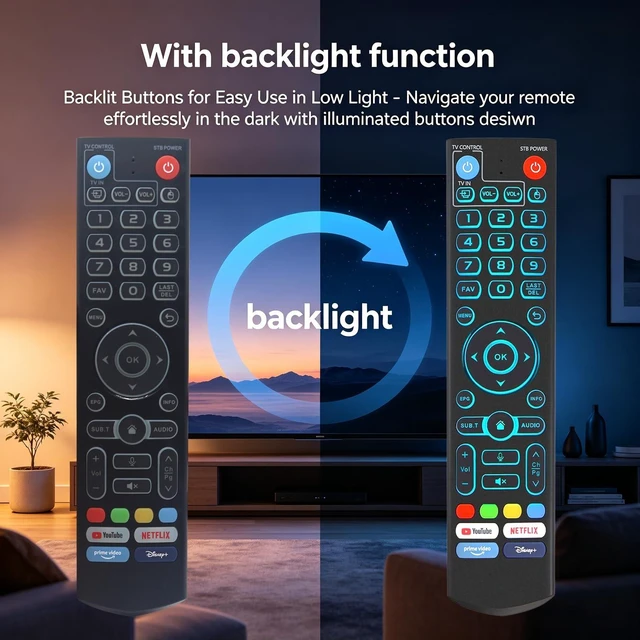
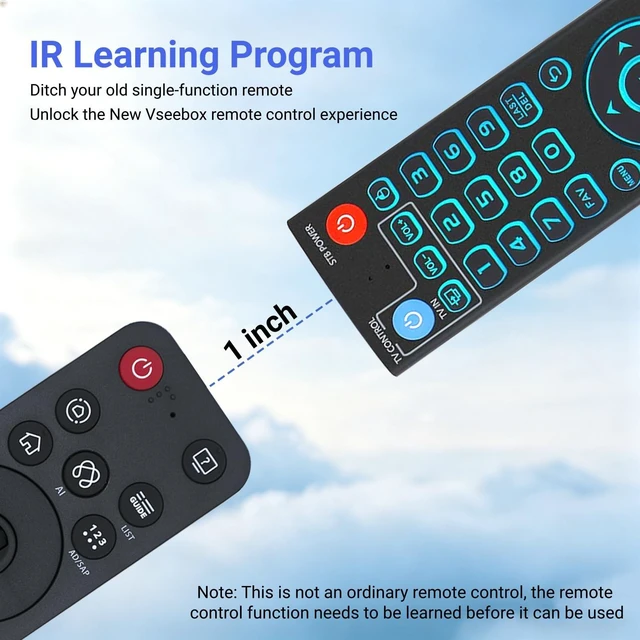
Backlit buttons illuminate softly for easier navigation in low-light conditions. The microphone button supports voice search, volume adjustment, input source switching, and music playback. The remote also supports button learning and programming from an original remote.
Technical Specifications:
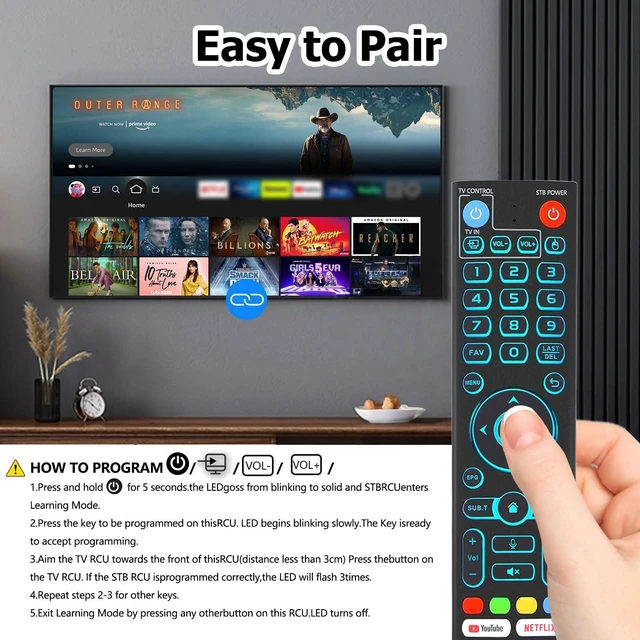
Model: V5 Pro. Features backlit buttons, a microphone button, LED status indicator, voice control functions, and programmable buttons. Programming procedure: hold the Power button for 5 seconds until the LED stays lit, press the button to program, point this remote toward the original remote, and press the corresponding button. A successful programming operation makes the LED flash 3 times. Press any button to exit learning mode. Voice command capability is not available for V1 Max, V1 Pro, and V2 Pro models.
Before Purchase:
Confirm that your device model matches the supported model list before purchase: V1, V2, V3, V5 Pro, V6/V3 Plus, V6/V1 Max, Elite, Max, V6 Plus/Max, V3 Pro, V1 Pro, or V2 Pro. Voice command capability is not available with V1 Max, V1 Pro, and V2 Pro models.


