• $42.99
  • $51.99
  • Save: $9.00 (17%)
  • Free 30-day Returns
  • Sold by Direct from manufacturerLenovo
    Hot Seller
    4.5 (1,125 seller ratings)

    Shipped by Direct from manufacturerLenovo

    Price alert

    Best Sellers

    Hot Seller
    4.1 (2,367 total ratings)
    • $50.75
    • + FREE SHIPPING
    Top Rated
    4.5 (17,994 total ratings)
    • $52.84
    • + FREE SHIPPING
    Top Rated
    4 (3,725 total ratings)
    • $55.14
    Shop it at NeweggBusiness.

    Meet Your Seller

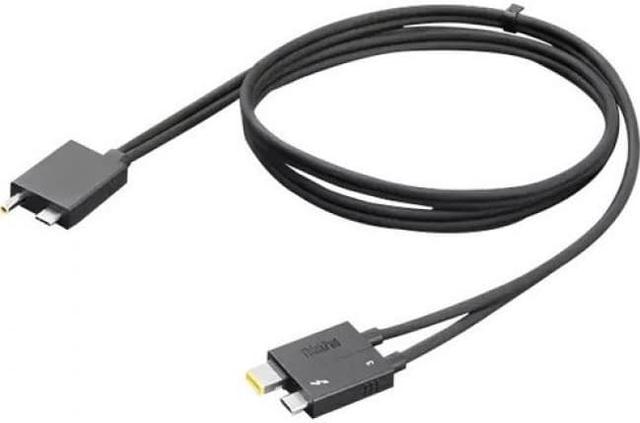
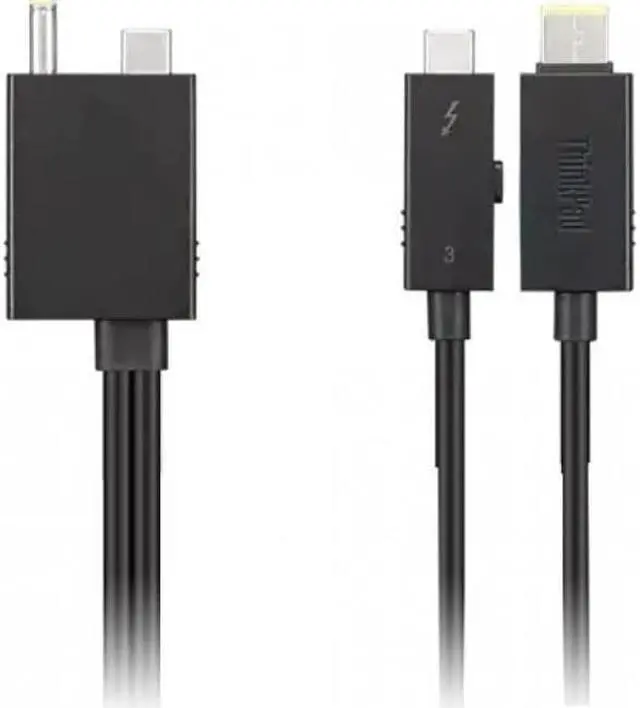
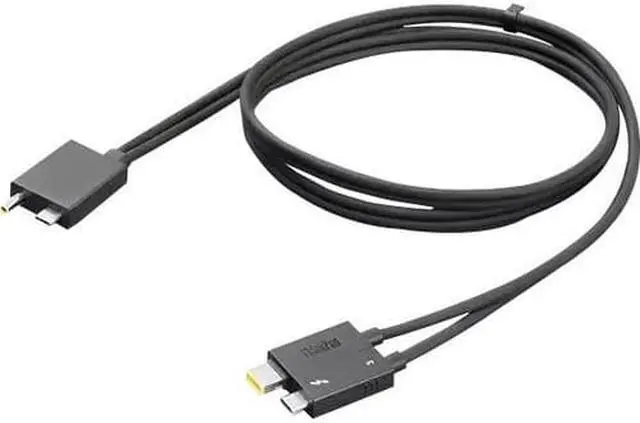
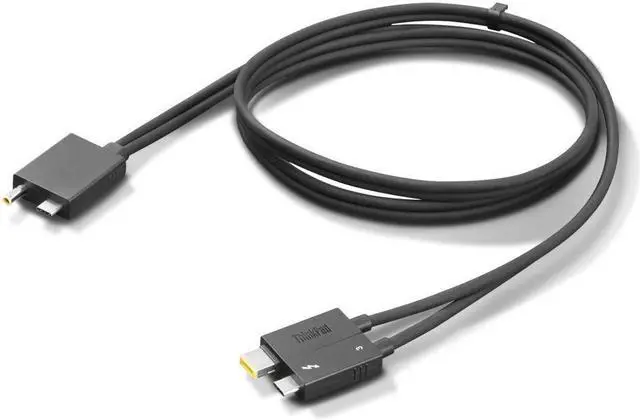
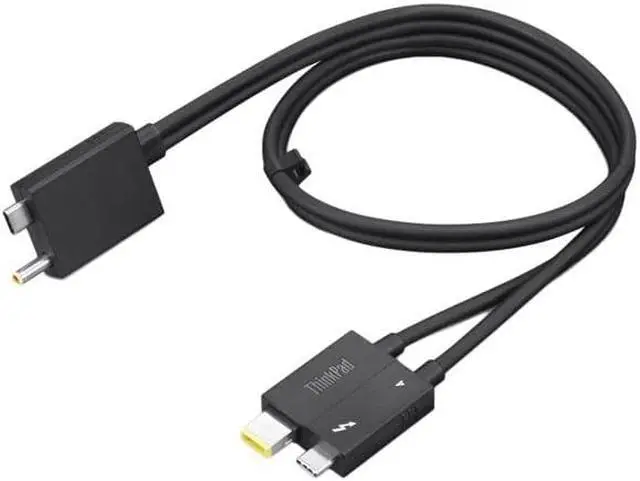
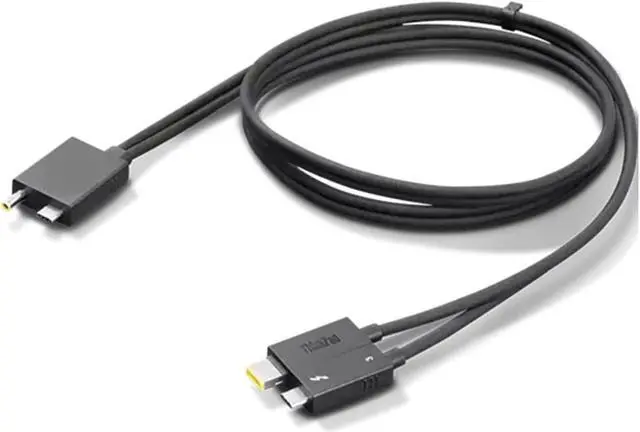
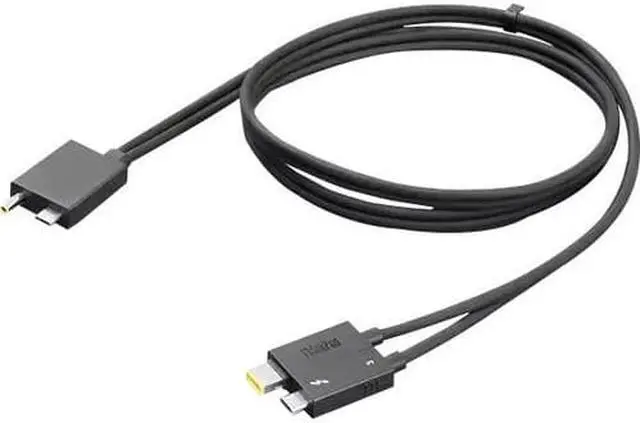
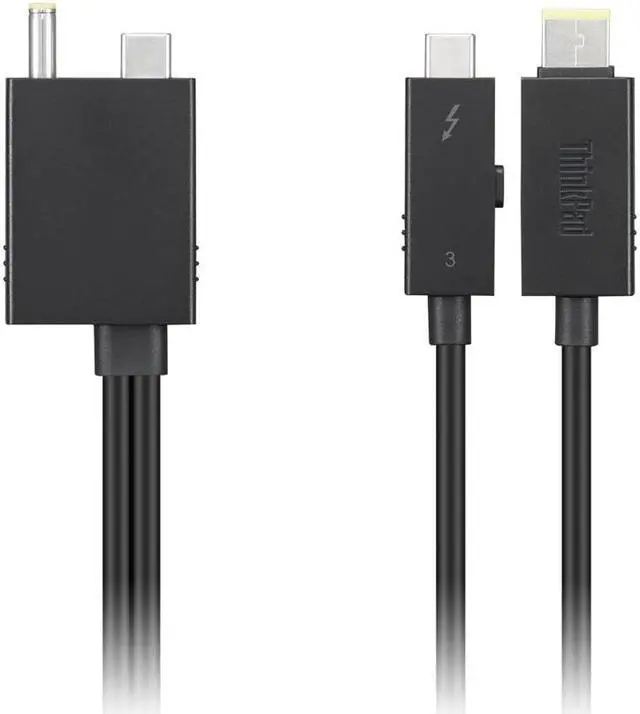
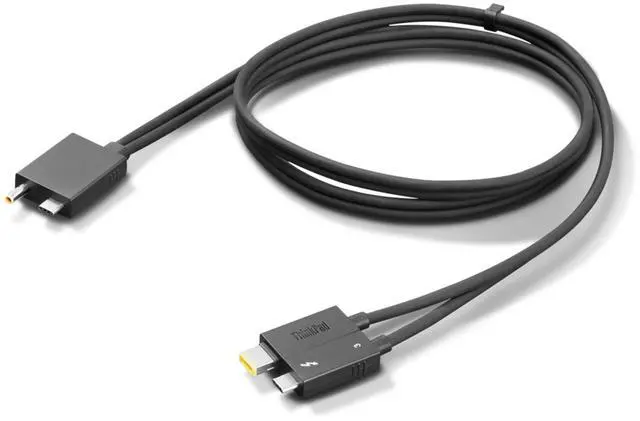
    Lenovo Thunderbolt 4 WorkStation Dock Split Cable 0.7m - 2.30 ft Thunderbolt 4 Data Transfer/Power Cable for Workstation, Dock - Second End: 1 x Thunderbolt 4 Type C - Male - 40 Gbit/s - Splitter Cabl

    • 2.30 ft Thunderbolt 4 Data Transfer/Power Cable for Workstation, Dock
    • Second End: 1 x Thunderbolt 4 Type C
    • Male
    • 40 Gbit/s
    • Splitter Cable
    • Black
    +
    +
    Overview
    Specs
    Reviews

    Any questions? Ask CelesteSM will help you find out quickly.

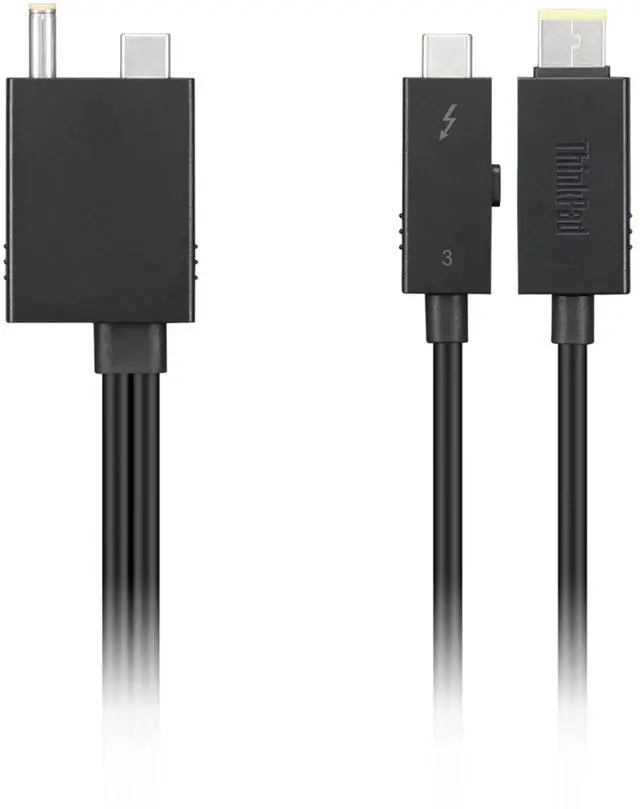
    Overview The Lenovo Thunderbolt 4 Workstation Dock Split Cable is dock split cable with 70cm (2'4") length, designed for ThinkPad Thunderbolt 4 WorkStation Dock by combining slim-tip power cable and Thunderbolt 4 cable. Key

    Details

    To better fit the Dock, this split cable is specially designed for TBT4 dock and Thinkpad. This is a backup purchase for users who get their original inbox cable lost or stolenArmed with latest tech of Thunderbolt 4 to unleash the power of your processor, matching updated docksOptimal length of 0.7 m solves the pain point of clutter deskLightning speed data with 40 gbps transmission rate to transfer shows, movies, and music in secondsFast charging supports up to 100w through USB-C or 170w/230w through DC plug

    Warranty & Returns

    Warranty, Returns, And Additional Information

    Warranty

    • Please contact the Seller directly for warranty information. Warranty information may also be found on the Manufacturer's website.
    • Read full details
    • CONTACT

    Return Policies

    • Return for refund within: 30 days
    • Return for replacement within: 30 days
    • This item is covered by Lenovo Return Policy

    Manufacturer Contact Info

    LOADING...
    LOADING...

    The Lenovo Thunderbolt 4 WorkStation Dock Split Cable is a 0.7 m cable combining a Thunderbolt 4 data connection with a power connection for the ThinkPad Thunderbolt 4 WorkStation Dock. It suits users setting up or replacing the dock’s cable, with data transfer up to 40 Gbit/s.

    Recommended For

    • ThinkPad Thunderbolt 4 Workstation Dock owners replacing a missing or damaged original cable and restoring the dock’s intended split Thunderbolt-and-power connection.
    • Users with a compatible Lenovo workstation and the ThinkPad Thunderbolt 4 Workstation Dock who need the dock’s combined Thunderbolt data connection and separate Slim Tip power connection at a desk.
    • IT or repair staff maintaining ThinkPad Thunderbolt 4 Workstation Dock setups who need the specified 0.7 m split cable as a replacement part.

    Real-World Use Scenarios

    • At a desk with a ThinkPad Thunderbolt 4 WorkStation Dock, use this cable to connect the laptop to the dock’s displays, network, and USB accessories while also connecting the dock’s Slim Tip power lead; the workstation can be set up for docked work with fewer separate laptop connections. Confirm the laptop supports this power connection.
    • If the original split cable is lost or damaged, replace it to restore the intended connection between the ThinkPad Thunderbolt 4 WorkStation Dock and a compatible laptop; a standard Thunderbolt cable does not replace the cable’s separate Slim Tip power connection.
    • For a compatible ThinkPad workstation that needs more power than a basic USB-C dock connection provides, use the split cable with the WorkStation Dock’s matching power adapter; the dock is specified to provide up to 230 W of charging, though actual charging depends on laptop compatibility and configuration.
    • In a shared office or home-office setup, keep the dock beside the laptop: the 0.7 m cable provides a short connection for plugging in at the desk, but may not reach comfortably if the dock is placed farther away.