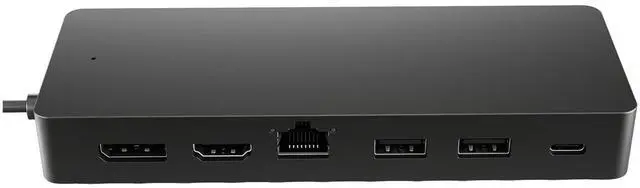
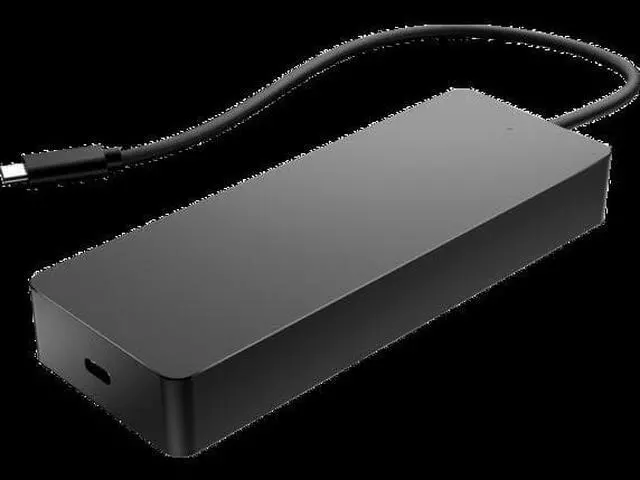
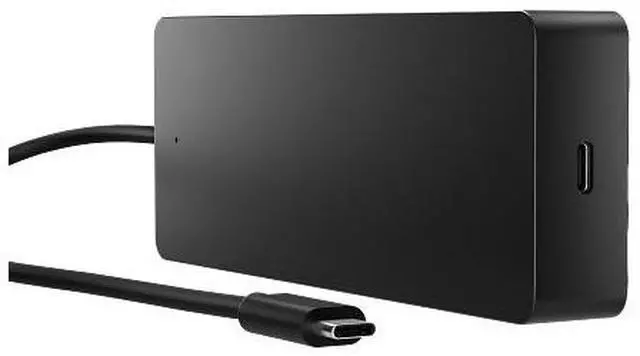
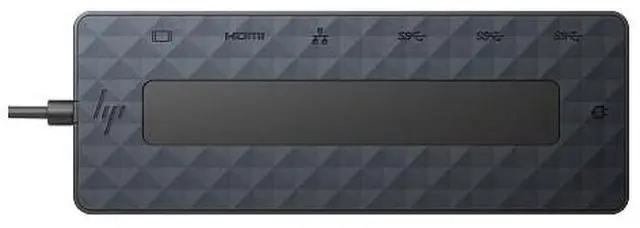
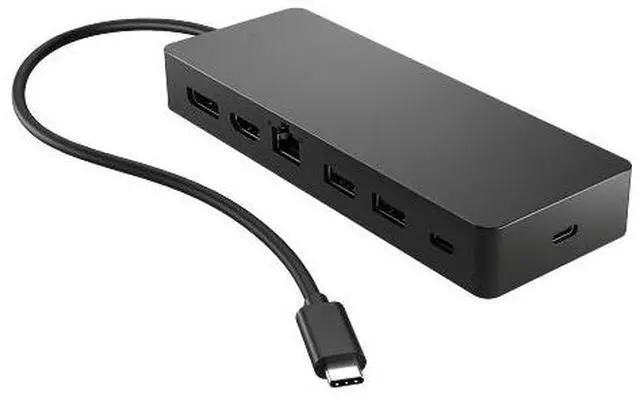
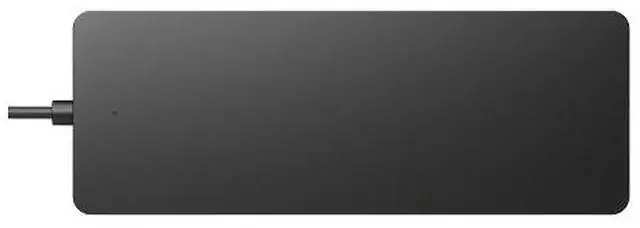
The HP Universal USB-C Multiport Hub is a seven-port hub for compatible USB-C computers, suited to people who want to connect displays, USB accessories, Ethernet, and USB-C power passthrough through one hub. The host computer’s USB-C port must support DisplayPort Alt Mode for full functionality.
Recommended For
- Laptop users setting up a compact home or hot-desk workstation who need one USB-C connection for a monitor, USB accessories, wired Ethernet, and pass-through charging. The laptop’s USB-C port must support DisplayPort Alt Mode and USB Power Delivery.
- Workers who move between desks and want a lightweight hub for common peripherals: it weighs 0.25 lb and has USB-A, USB-C data, HDMI, DisplayPort, and Gigabit Ethernet.
- People who connect one external 4K monitor to a compatible laptop and want to keep the laptop charging through the hub; HP lists up to 4K at 60 Hz for a single display.
- Laptop users who need a wired network connection for office work or more consistent desktop connectivity can use the hub’s Gigabit Ethernet port alongside display and USB connections.
Real-World Use Scenarios
- At a home or office desk, connect a compatible USB-C laptop to a monitor, keyboard, mouse, USB accessories, and wired network through one hub connection; the setup reduces repeated plugging and unplugging when you move the laptop.
- For spreadsheet work, research, or other tasks that benefit from more screen space, connect two external monitors; dual-display resolution and operation depend on the laptop, and HP lists up to 4K at 30 Hz for this setup.
- In an office with unreliable Wi-Fi or a need for a wired connection, plug an Ethernet cable into the hub; the laptop can use the hub’s gigabit network port, provided the laptop supports the required USB-C display and power features.
- When a laptop has few or no USB-A ports, use the hub to connect existing accessories such as a mouse, keyboard, or flash drive; those devices stay connected through the hub while the laptop uses its USB-C connection.
- For a mobile work setup, pack the compact hub and reconnect a compatible laptop to a monitor, network, and accessories at a temporary desk; connect a separate USB-C charger to the hub’s power-pass-through port to charge the laptop while working.




 here!