




 here!
I’m your shopping assistant for PC builds, upgrades, and everything tech.
Got questions? Ask away!
Start a conversation
here!
I’m your shopping assistant for PC builds, upgrades, and everything tech.
Got questions? Ask away!
Start a conversation Top Rated





Any questions? Ask CelesteSM will help you find out quickly.
Universal docking for today's notebooks.
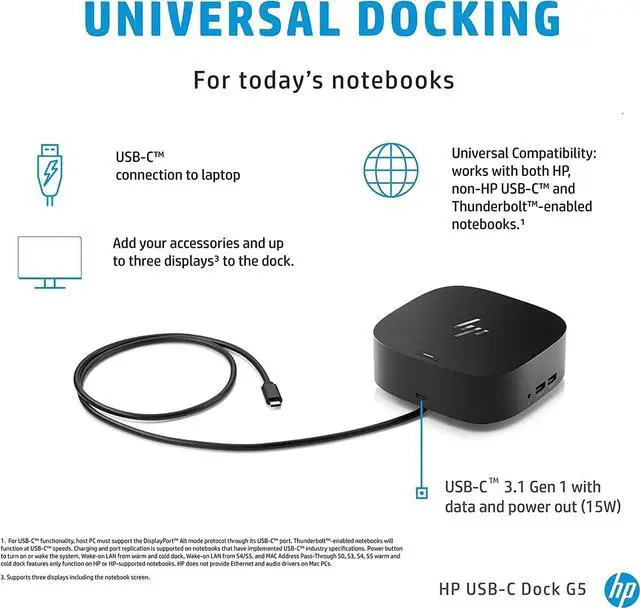
Get to work with a single cable from your USB-C-enabled notebook1 to your displays, devices, and wired network with the versatile, elegant, and space-saving HP USB-C Dock G5. The dock is compatible with notebooks from brands like HP, Apple, Dell, Lenovo, and more.
Compatible with your mixed PC environment
Designed with universal compatibility in mind, this dock works with both HP and non-HP USB-C- and Thunderbolt-enabled notebooks.
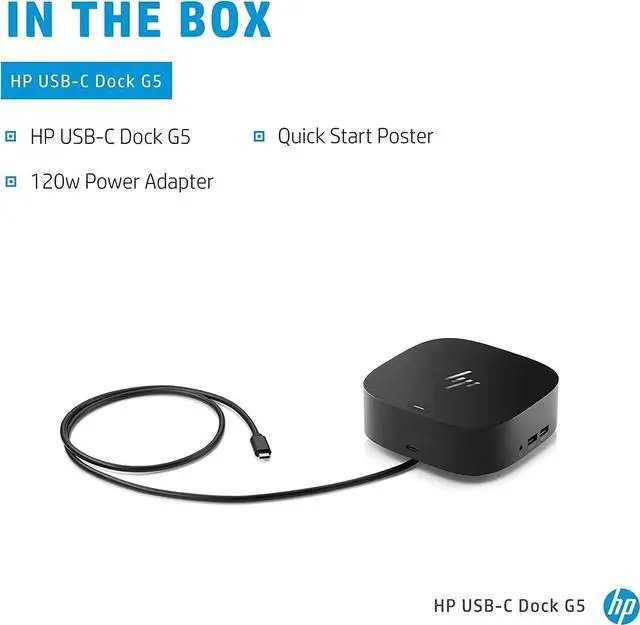
Single-cable solution
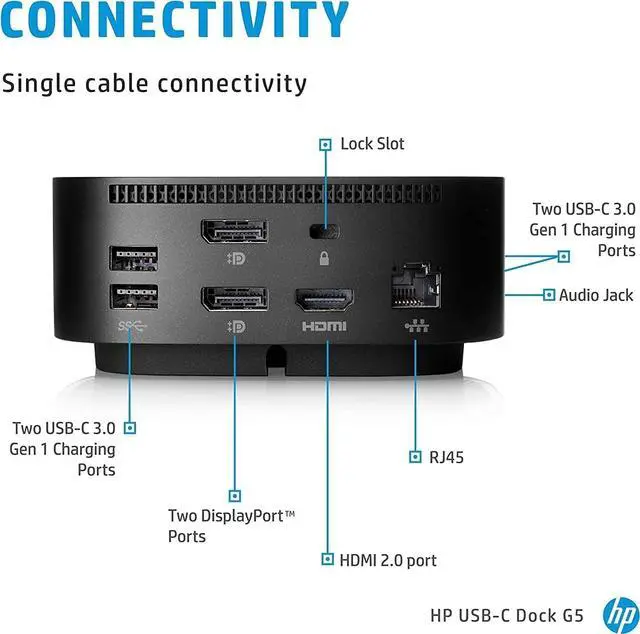
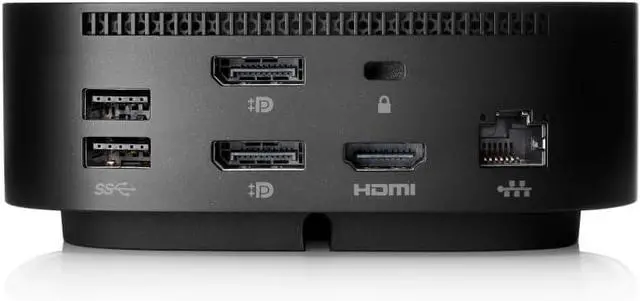
Add your accessories and up to three displays3 to the dock. Then simply connect it to your notebook through a single USB-C cable to access your devices and charge your PC.
Easily manage your commercial HP fleet
Help IT secure and remotely manage your deployed commercial HP notebooks1 and the dock with advanced network manageability features that include PXE Boot, LAN/WLAN switching, and WoL and MAC Address Pass-Through in all power states.
Small footprint
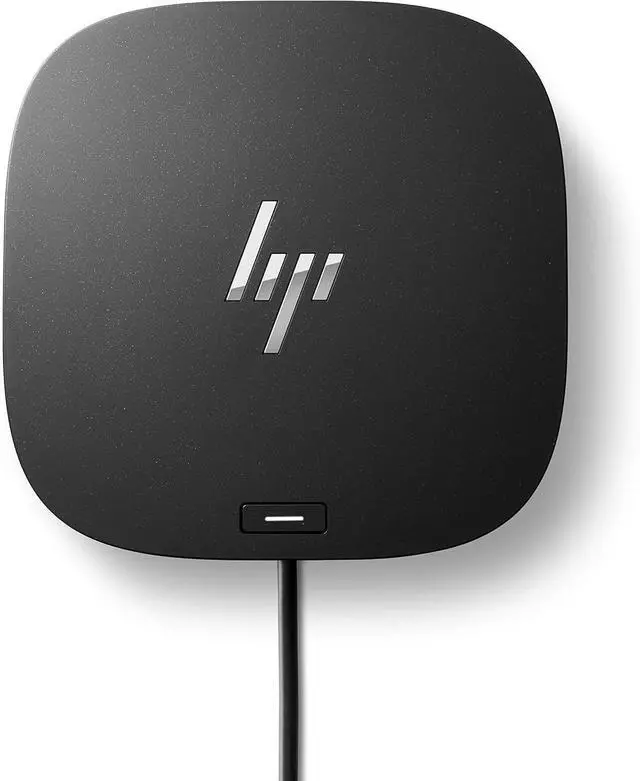
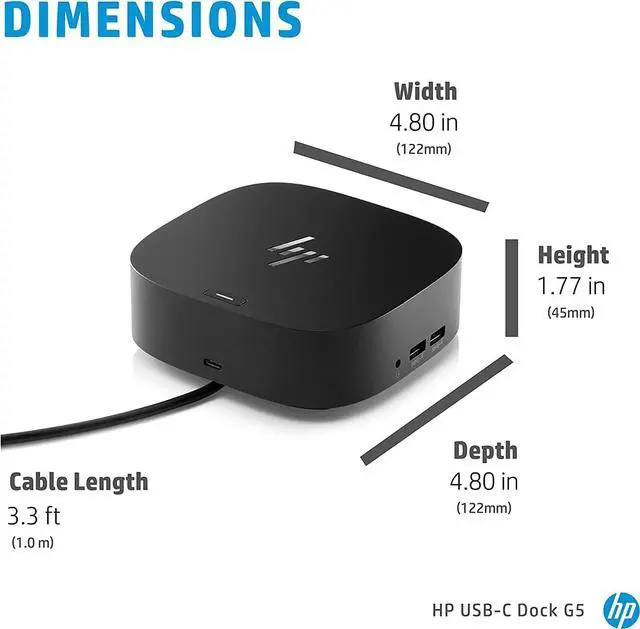
Reclaim your desk with a compact dock that takes up only 5 x 5 inches of space.
Electronic asset management for your docks.
Empower your IT to manage and track your docks by product name, serial number, and MAC Address from anywhere with the time-saving, easy-to-use Electronic Tag asset management tool.
Efficient firmware updates
Updating your dock fleet has never been easier. IT can save time by pushing dock firmware updates to managed notebooks for later installation on the dock, even when they're disconnected from each other.
We test so you can rest.
Rigorous testing helps assure dock compatibility across HP notebooks and Apple, Dell, and Lenovo notebooks with USB-C charging ports.
The HP USB-C Essential Dock G5 is a compact docking station for people using USB-C or Thunderbolt-enabled laptops who want to connect accessories, wired Ethernet, and up to three displays through a single cable.
| Attribute | Value |
|---|---|
| Best For | USB-C and Thunderbolt-enabled laptops, notebooks, and PCs needing a single-cable dock for charging, networking, data transfer, and connecting peripherals or displays |


