




 here!
I’m your shopping assistant for PC builds, upgrades, and everything tech.
Got questions? Ask away!
Start a conversation
here!
I’m your shopping assistant for PC builds, upgrades, and everything tech.
Got questions? Ask away!
Start a conversation




Any questions? Ask CelesteSM will help you find out quickly.
Specifications Table
Power supply: 230 W external power adapter
Power to system: Up to 180 W via Thunderbolt 4 (both HP and non-HP host devices)
Current (max): 6.15 A
Operating voltage: 19.5 V
Resolution (maximum): 360 Hz
Refresh rate (maximum): Up to 8K
Cable length: 38.4 in
Connection Type: Thunderbolt
Operating temperature range: 32 to 95°F
Non-operating temperature: -4 to 140°F
Operating altitude: -49.2 to 10,000 ft
Non-operating altitude: -49.2 to 40,000 ft
Operating humidity range: 10 to 90% non-condensing
Non-operating humidity range: 5 to 95% non-condensing
Dimensions (W x D x H): 4.76 x 4.76 x 1.95 in
Weight: 1.7 lb
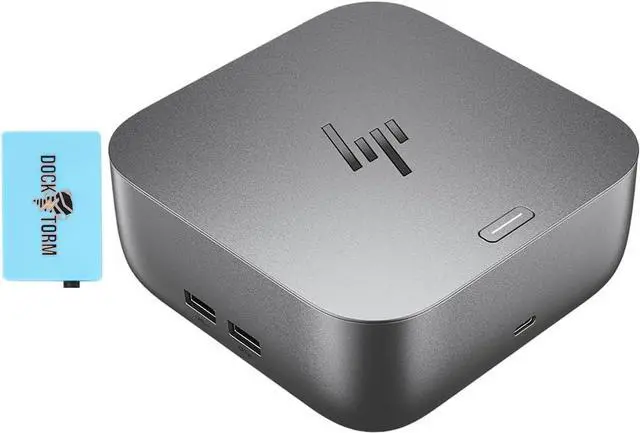
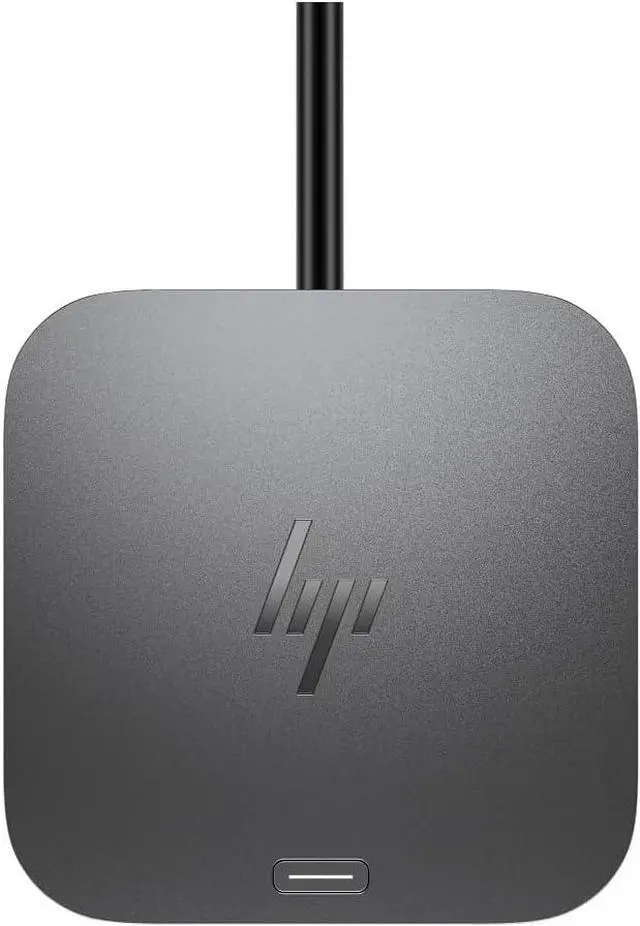
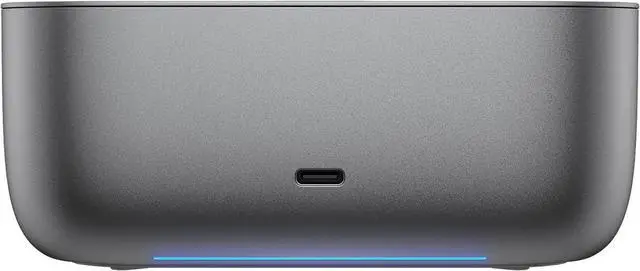
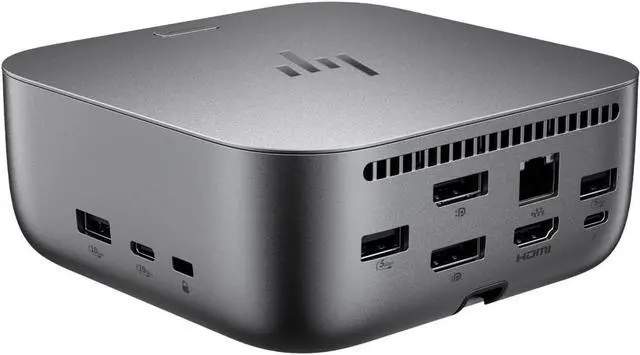
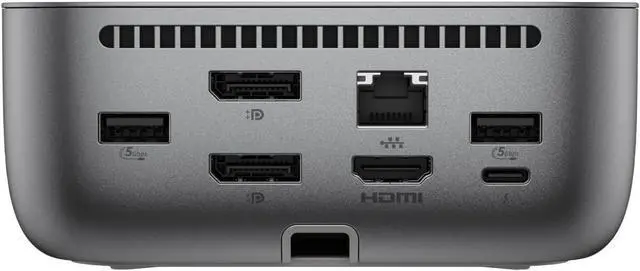
The HP 180W G6 Thunderbolt 4 Ultra Dock is a laptop docking station for people who want to connect a compatible Thunderbolt or USB-C laptop to a desk setup with one cable, with up to 40 Gbps data transfer and up to 180W power delivery.
| Attribute | Value |
|---|---|
| Best For | Connecting a laptop to a Thunderbolt 4 or USB-C docking setup with a bundled data hub |
Q: HP Thunderbolt 4 Ultra 180W G6 vs. 100W G6: which should I choose?
A: Choose the HP Thunderbolt 4 Ultra 180W G6 if your laptop supports more than 100W charging over Thunderbolt 4 or you want the 180W model’s additional charging ports. Choose the 100W G6 for a setup suited to up to 100W power delivery; HP lists support for up to four displays on both models.
Q: HP Thunderbolt 4 Ultra 180W G6 vs. 280W G6: is the 280W model worth choosing?
A: Choose the 180W G6 for up to 180W power to a compatible laptop through one Thunderbolt 4 cable. Choose the 280W G6 if your HP laptop supports its combo-cable connection and can use up to 280W through the power barrel, or if you want the 280W model’s larger complement of USB-C ports. HP specifies that the 280W model provides up to 180W through Thunderbolt 4 to supported systems.
Q: HP Thunderbolt 4 Ultra 180W G6 vs. HP USB-C Travel Hub G3: which is better for a desk setup?
A: The HP Thunderbolt 4 Ultra 180W G6 is the desk-focused choice for up to 180W laptop power, Thunderbolt 4 data speeds up to 40Gbps, and support for up to four external displays. The USB-C Travel Hub G3 is a lighter, 0.14-pound option with five ports and one external HDMI display, suited to carrying essential connections between locations.
Q: Will this dock work with any brand of laptop?
A: It is designed to work with Thunderbolt or compatible USB-C laptops, but “universal” does not guarantee that every laptop supports all dock features. Check that your laptop’s port supports the video output and charging you need; capabilities can vary by laptop.
Q: Can it charge my laptop while I use connected monitors and accessories?
A: Yes. The dock supports up to 180W power delivery and is designed to connect and charge a laptop through one cable. The laptop must support charging through its Thunderbolt or USB-C port, and its power needs affect charging performance.
Q: Can I connect multiple monitors for an office workstation?
A: Yes. The dock is intended for multi-display setups; the product specifications describe support for up to four 4K displays. The number and resolution you can use depend on the laptop’s graphics and operating system, so verify your laptop’s display limits before buying.
Q: Can I use it to switch one set of monitors and accessories between two laptops?
A: The dock is designed to connect one laptop to a workstation, not to switch between two active computers. You can move the host cable between laptops; for one-button switching, you would need a separate KVM switch.
Q: Will the HP G6 dock work well with a non-HP or gaming laptop?
A: Not necessarily. Reddit users report that compatibility and charging behavior can vary by laptop, even with the G6 Ultra dock. Check that your laptop supports Thunderbolt 4 or compatible USB-C docking, and verify its charging requirements; the product’s “180W” description does not guarantee that every laptop receives 180W.
Q: Can it charge a gaming laptop at full speed?
A: Do not assume so. Reddit discussion of the 180W G6 dock reports slow-charging warnings with an HP Omen, and notes that the laptop may need its own power adapter for full power. Check the laptop’s USB-C charging limit and keep its original charger available if it requires more power.
Q: Is it a dependable choice for multiple external monitors?
A: It may suit a multi-monitor desk, but the Reddit reports include display detection and connection problems with some G6 setups. Confirm that your laptop, monitor count, resolutions, cables, and dock firmware are compatible before relying on it; the supplied product details do not specify supported display configurations.


