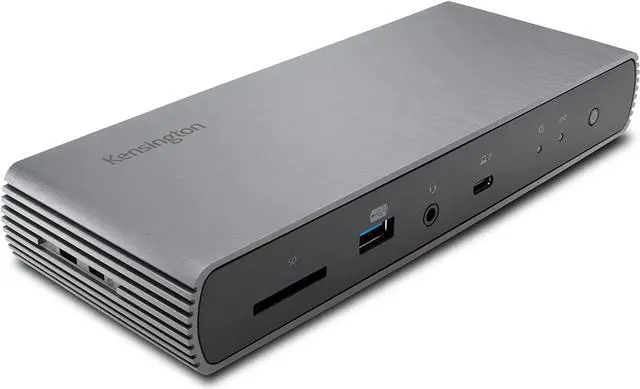
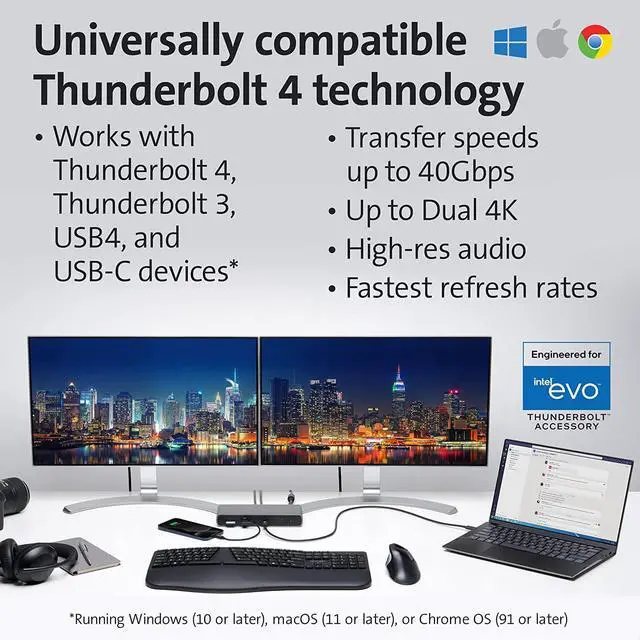
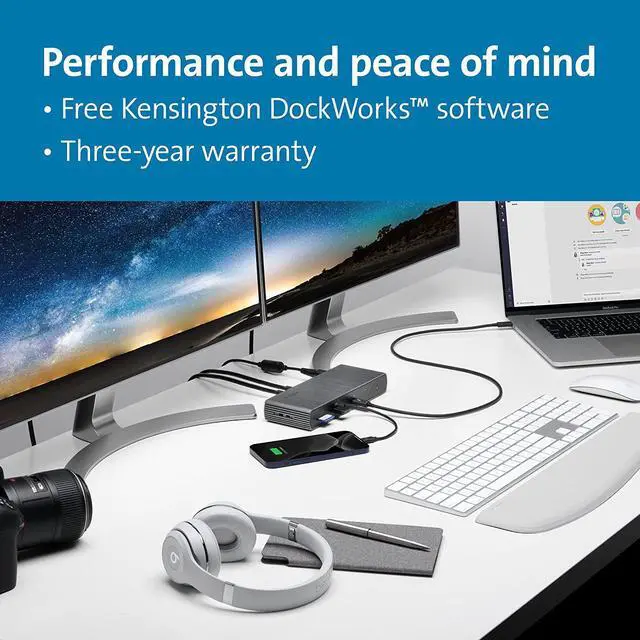
Thunderbolt 4 docking station for Thunderbolt 4 Windows laptops and Thunderbolt 3 and Thunderbolt 4 MacBooks (macOS 11 or later); if you have a Thunderbolt 3 Windows laptop, this is not the dock for you, see part # K34009US)
Supports dual monitor 4k Ultra HD (4k 60Hz) or single monitor 8k 30Hz for
Thunderbolt laptops (note: any Macs with the original M1 or new M2 CPU will only display to a single monitor due to Apples chipset limitations, but Macs with M1/M2 Pro and M1/M2 Max CPUs will work with dual displays)
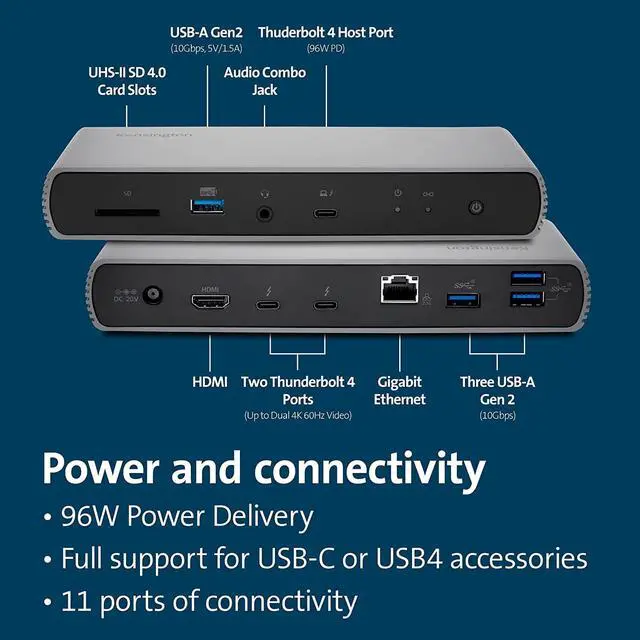
Connect your laptop to the Thunderbolt 4 port (. 8 meter Intel Certified TB4 cable included); connect your displays using the HDMI port and one of the Thunderbolt 4 ports, or using two of the Thunderbolt 4 ports (usb-c to hdmi or usb-c to DisplayPort adapter or cable not included); unused Thunderbolt ports can connect directly to Thunderbolt devices (up to six in total via daisy chain) while providing transfer speeds up to 40Gbps
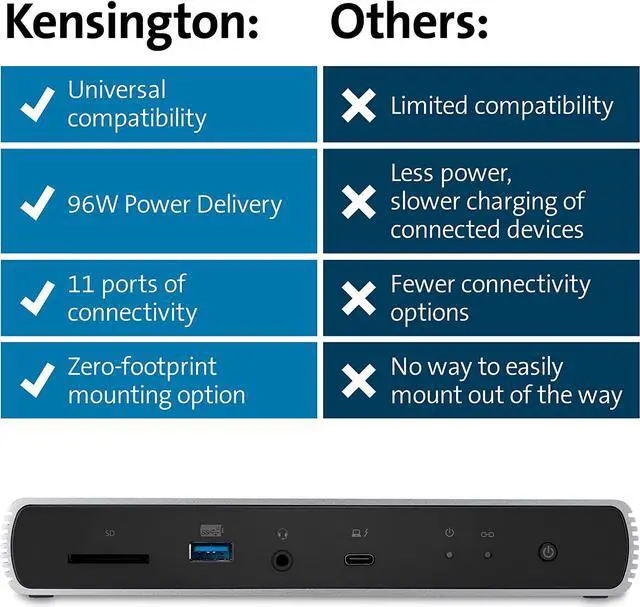
180 Watt Power Supply delivers 96W power to charge your laptop; delivers additional power to run peripherals like hard drives, and for charging phones and tablets including Thunderbolt 4, Thunderbolt 3, USB 4.0, USB 3 and USB 2 peripherals
Static charging technology provides 15W to each of the downstream Thunderbolt 4 ports without taking power from the laptop laptop still receives full 96W of power even when all other ports are utilized; other Thunderbolt 4 docks will divert power away from the laptop
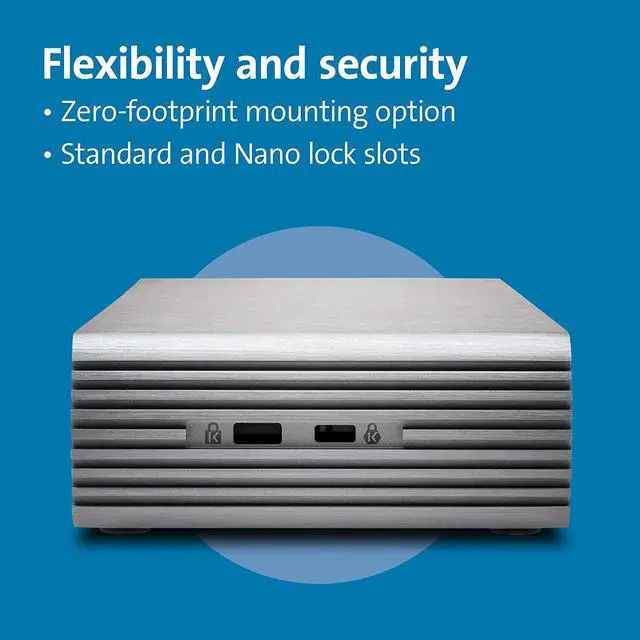
Two Thunderbolt 4 downstream ports (all capable of data, video and audio and 15w power each); SD card reader (UHS-II SD 4.0 ); four USB-A ports (one 5V/ 1.5A charging port and three Gen2@10Gbps ports); one Gigabit Ethernet port; one audio combo jack; on/off switch Vesa mounting holes (see Kensington mounting bracket, part # K34050WW); Kensington lock slot (for a lock see part #K65035AM or K60600WW)
DockWorks WiFi Auto-Switch guarantees the fastest, most reliable internet connection; while MAC Address ID Pass-Through and Reset, and Device Connection Monitoring give IT managers maximum network monitoring and visibility; Intel VT-d DMA protection blocks peripheral devices from unauthorized access to system memory.
Three-year warranty and lifetime Kensington technical support
Frequently Asked Questions:
Q1: Do all Thunderbolt 4 desktop docking stations support USB-C laptops as well?
A1: Yes, however, solutions from Kensington are designed and tested with a wide array of devices to ensure the best possible compatibility with your laptop; regardless, if it supports Thunderbolt 4.
Q2: Is this dock compatible with laptops that can only connect via a USB-A port?
A2: No.
Q3: Does this dock require driver installation?
A3: With macOS and Windows 10 and 8.1, the operating system will download and install the necessary drivers automatically. Please be sure your Intel Thunderbolt software is installed.
Q4: Does this dock support USB Power Delivery (PD)?
A: Supports USB-C PD 3.0 (96W of laptop charging).
Q5: What if my device has a USB-C port but it doesnt support Power Delivery (PD)?
A5: Unfortunately, charging will not be supported then. However, data and video functionality will still be supported.
Q6: How many monitors does the dock support and what are the max resolution supported?
A6: Two
monitors: Single 8K (@60Hz)* or Single 4K (@120Hz) / Dual 4K (@60Hz) or Dual 1080p (@240Hz) *(Host with DSC 1.2 HBR3).
Q7: Does the dock support fast-charging for my phone?
A7: Yes, the front one USB-A 3.2 Gen2 10Gbps (5V/ 1.5A ) charging port.
Q8: Can I use other USB-C or Thunderbolt 3 cables (not from the original box) on this dock?
A8: USB cables can vary greatly between different manufacturers. We recommend users to use Kensington cables shipping with the dock or please contact Kensington for replacement if needed.
Q9: My Mac system included an 87W power adapter, will this dock still charge my system?
A9: Yes, this dock supports up to 96W of charging, making it a great solution for the latest MacBooks.
Q10: Is there a way to mount the dock behind my monitor?
A10: Yes, mounting bracket sold separately (K34050WW).
Q11: Will this dock work with Kensingtons DockWorks software?
A11: Yes





 here!
here!