











Display and Power Delivery Notes
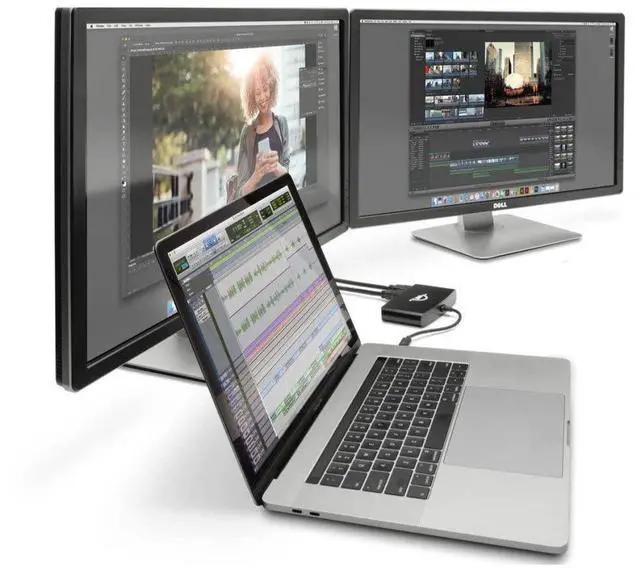
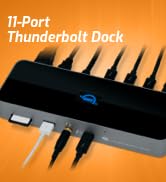
1. Actual display support depends upon host. Please review the display specifications for your specific host system to determine the maximum supported resolution, refresh rate, color depth, and number of external displays over Thunderbolt.
2. USB 3 port supports bus-powered drives that require up to 0.9A (900mA) of power and self-powered drives.
3. USB 3 port provides 0.9A (900mA) of power. This will charge devices requiring 1.0A at slower rate than factory power adapter. Larger devices like tablets requiring 2.1A will not charge. There is no power supplied to USB 3 (or USB 2) port while host computer is turned off or in “sleep” mode.


Display and Power Delivery Notes
1. Actual display support depends upon host. Please review the display specifications for your specific host system to determine the maximum supported resolution, refresh rate, color depth, and number of external displays over Thunderbolt.
2. USB 3 port supports bus-powered drives that require up to 0.9A (900mA) of power and self-powered drives.
3. USB 3 port provides 0.9A (900mA) of power. This will charge devices requiring 1.0A at slower rate than factory power adapter. Larger devices like tablets requiring 2.1A will not charge. There is no power supplied to USB 3 (or USB 2) port while host computer is turned off or in “sleep” mode.
-
Capture
-
Create
-
Collaborate
-
-
