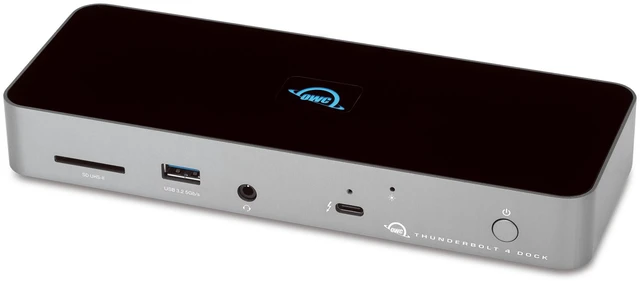
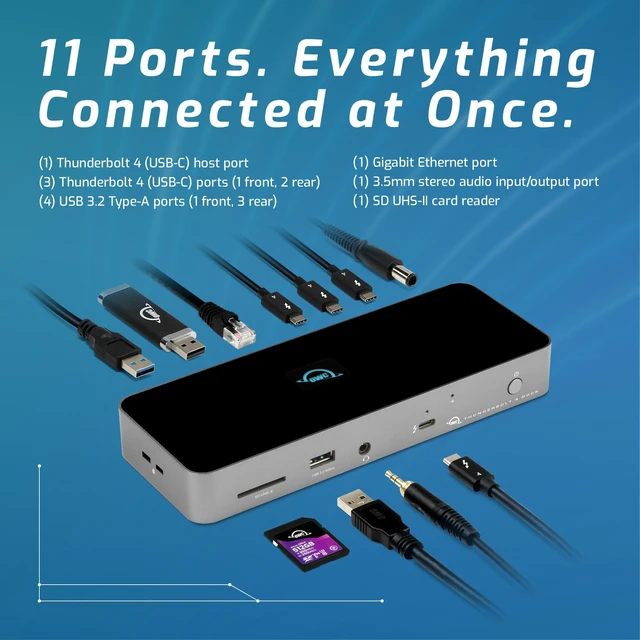
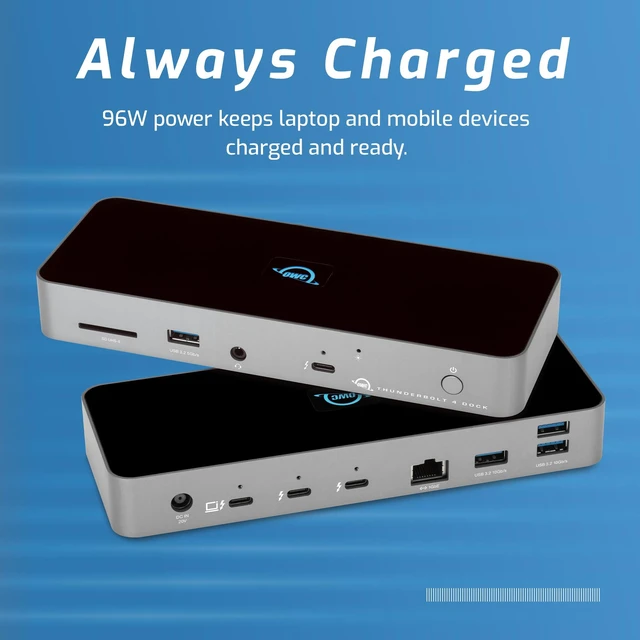
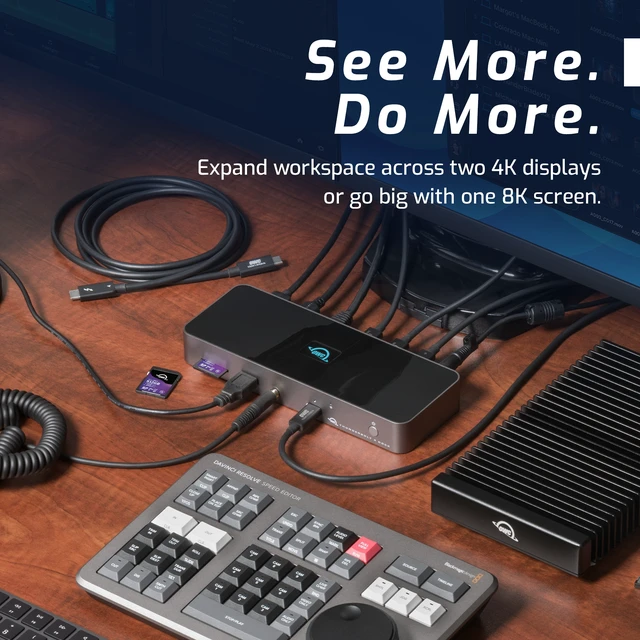
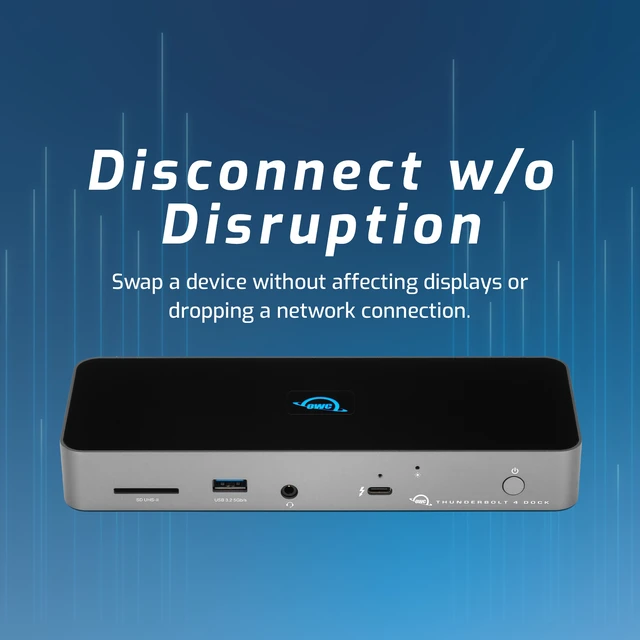
The OWC 11-Port Thunderbolt Dock is a connectivity hub for Thunderbolt 3 Macs and Thunderbolt 4 PCs, adding three downstream Thunderbolt ports, four USB ports, Gigabit Ethernet, audio, and an SD card reader. It suits users building a multi-device workstation, with up to 96W laptop charging.
Recommended For
- Desk-based Mac or Thunderbolt 4 PC users who want one cable to connect multiple displays, storage, USB accessories, wired Ethernet, and laptop charging. Check the computer’s own display limits before planning a multi-monitor setup.
- Photographers and video creators who regularly import SD-card footage or photos at a desk and want the card reader, external project drives, and other peripherals connected to the same dock.
- Laptop users with several Thunderbolt or USB-C drives and accessories who want to leave them connected at a workstation and expand one computer port into multiple downstream connections.
- Hybrid workers who use a compatible Thunderbolt laptop at a fixed desk and want up to 96W of charging through the dock, alongside wired networking and shared desk peripherals.
Real-World Use Scenarios
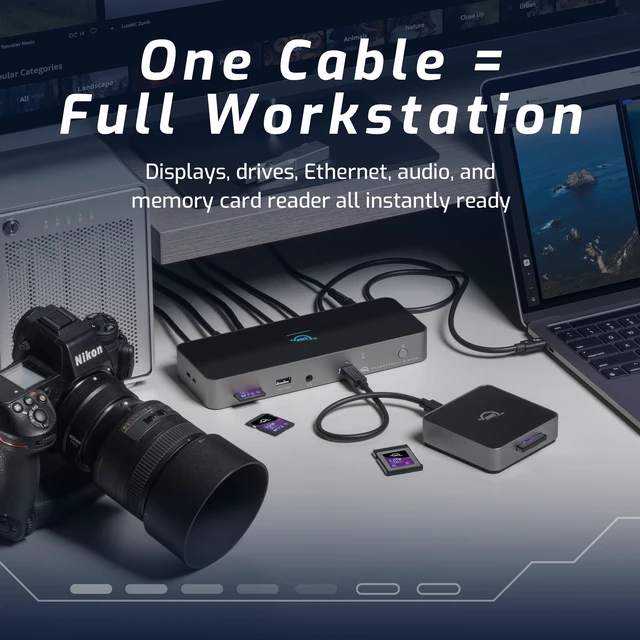
- At a fixed desk, a laptop user connects the dock once to bring their monitors, keyboard, storage, wired network, and other peripherals online while charging the laptop; fewer devices need to be unplugged when they leave.
- For a home-office or creative workstation, a user connects two external displays through the dock and keeps work windows, reference material, or communication apps visible across screens; the computer’s display support and the right video adapters still matter.
- A photographer or videographer imports files from an SD card, then works from or backs up to external storage connected to the dock, keeping the card reader and drives available at the desk.
- Someone working with large files or attending frequent video calls uses the dock’s wired Ethernet connection instead of relying on Wi-Fi; this provides a wired network path, subject to the speed and reliability of their internet service and local network.
- A user with several external drives and accessories keeps them connected at once, using the dock’s Thunderbolt and USB ports to reduce repeated cable swaps during everyday work or file backups.




 here!