Wavlink USB C Docking Station 4K Triple Display USB C Hub With DP& HDMI& VGA, 85W PC Charging, SD TF Card Reader, Gigabit Ethernet, 4 USB Ports, Audio for Dell XPS 13/15,Lenovo Yoga, MacBook Pro
  •  
  • $34.99 
  • Save: 41%
  • $54.99
  • Free 30-day Returns
  • Ships from China.
    Price alert
    Shop it at NeweggBusiness.

    Meet Your Seller

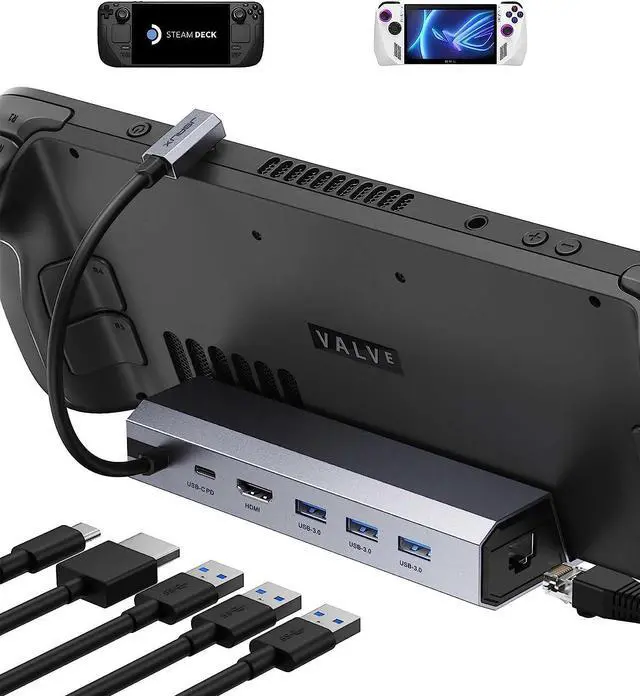
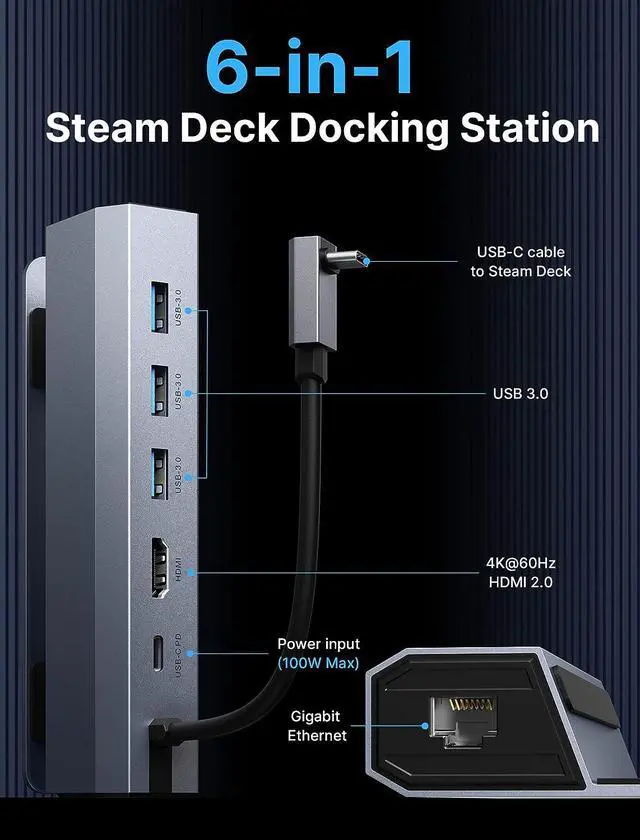
    Docking Station Compatible with Steam Deck, 6-in-1 Steam Deck Dock with HDMI 2.0 4K@60Hz, Gigabit Ethernet, 3 USB-A 3.0 and 100W USB-C Charging Port Compatible with ROG Ally/Steam Deck

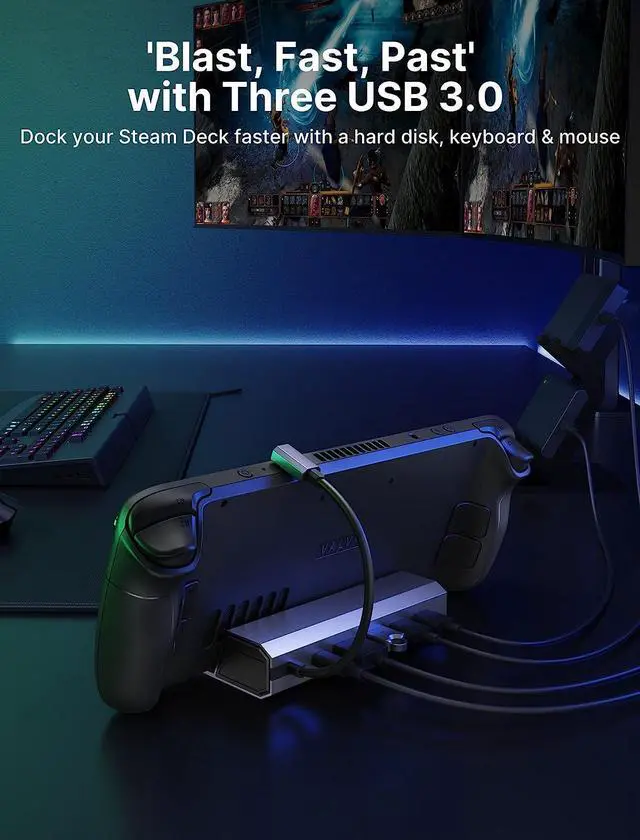
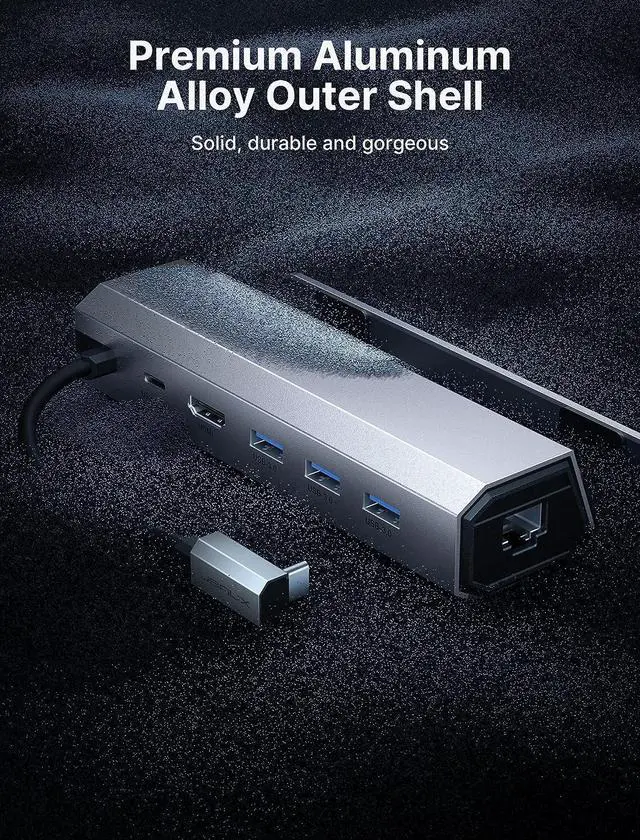
    • Equipped with an HDMI 4K@60Hz output, a Gigabit Ethernet input, three USB-A 3.0 ports and a USB-C port for charging, letting you explore a new way to play with Steam Deck and ROG Ally. NOT compatible with Protective Case with Kickstand, Please ensure that the thickness of your protective case is less than 2mm.
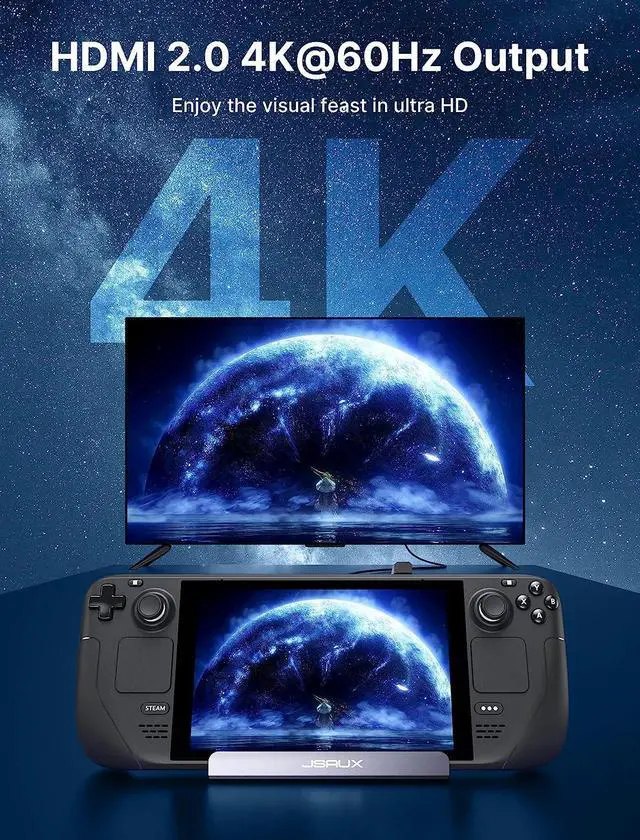
    • The Steam Deck Dock comes with a 4K@60Hz HDMI 2.0 output. When you connect an external 4K monitor, it can provide you sharper and smoother visual experience, so you can enjoy the visual feast on your games.
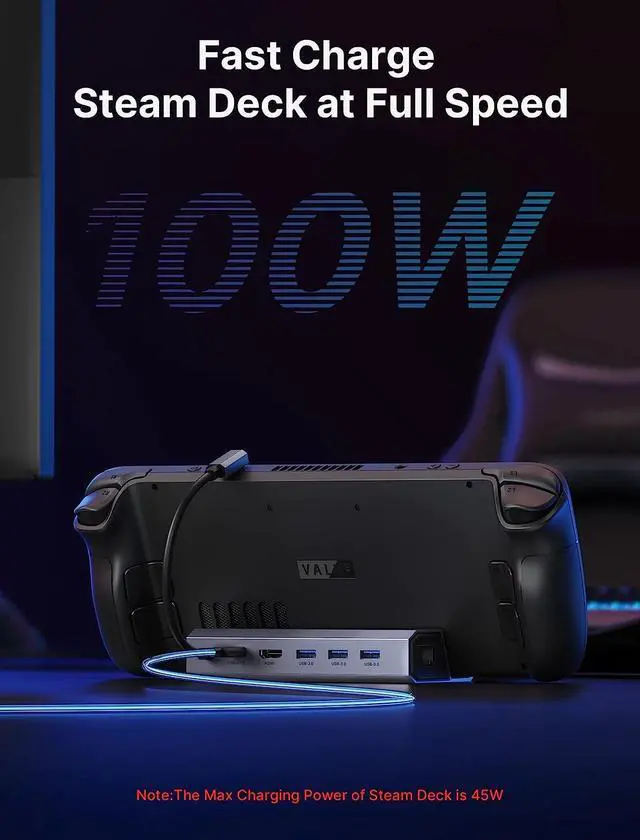
    • JSAUX Steam Deck docking station supports 100W Max power delivery, which is sufficient to charge your Steam Deck and ROG Ally at full speed when paired with the original charger. [Note: the MAX charging speed of Steam Deck is 45W] Note: Cannot guarantee 30W Turbo Mode for Rog Ally. It may require a charger over 65W, based on current information. Ultimately, enabling 30W Turbo Mode depends on the specific charger used.
    +
    +
    Overview
    Specs
    Reviews
    avatar

    Any questions? Our AI beta will help you find out quickly.

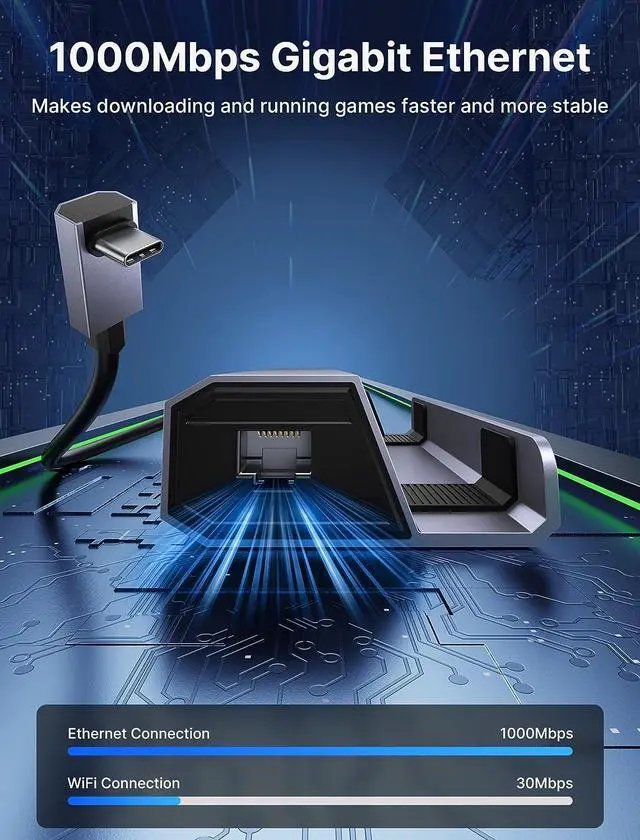
    Elevate your gaming to the next level with blazing-fast gigabit Ethernet, delivering unparalleled download and upload speeds for seamless online multiplayer, rapid game updates, and quick file transfers. Experience lightning-quick downloads and uploads, eliminating frustrating lag and latency issues, while enjoying uninterrupted gaming sessions.
    The Docking Station is designed for the Steam Deck, but it also compatible with ROG Ally, iPads and Android phones with USB-C ports. NOTENOT compatible with AYA NEO console.

    NOTE
    NOT compatible with Protective Case with Kickstand, Please ensure that the thickness of your protective case is less than 2mm.
    NOTE: Not compatible with AYANEO Game Console
    Cannot assure 30W Turbo Mode for Rog Ally. It may require a charger over 65W, based on current information. Ultimately, enabling 30W Turbo Mode depends on the specific charger used.
    Please make sure that all of the following conditions are met for achieving 4K@60Hz output: [A] Used HDMI to HDMI 2.0 / 2.1 Cable shorter than 15 feet in length. [B] Manually debuged into desktop mode and set 4K@60Hz output. [C] Set 4K@60Hz Output it in-game.
    DO NOT use HDMI to DisplayPort cables or adapters please.
    If you need to use HDMI Switch (the 8K one is better), make sure that the HDMI cable at both ends of it does not exceed 6.6 Feet.
    We recommend that you connect your Power Adapter (45W and above) while docking your Steam Deck to ensure stable operation of the output video and external devices.
    When running big games, too high image can put a large burden on the Steam Deck, which may be not capable of handling such high power consumption. You can reduce the picture quality of the game appropriately to reduce the latency of the external device during the game.

    Warranty & Returns

    Warranty, Returns, And Additional Information

    Warranty

    • Please contact the Seller directly for warranty information. Warranty information may also be found on the Manufacturer's website.
    • CONTACT

    Return Policies

    Manufacturer Contact Info

    LOADING...